

YAM Launcher
Overview
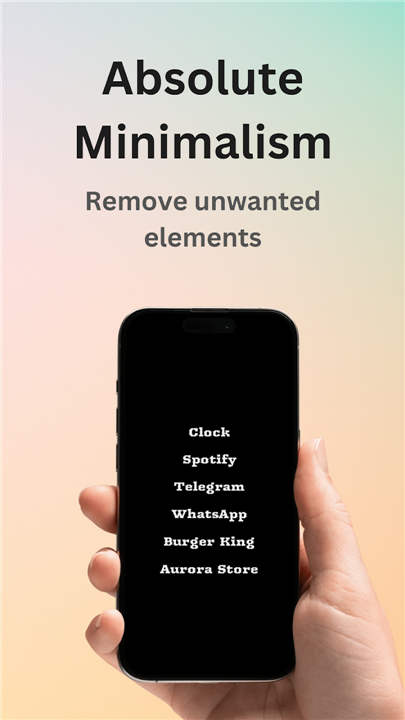
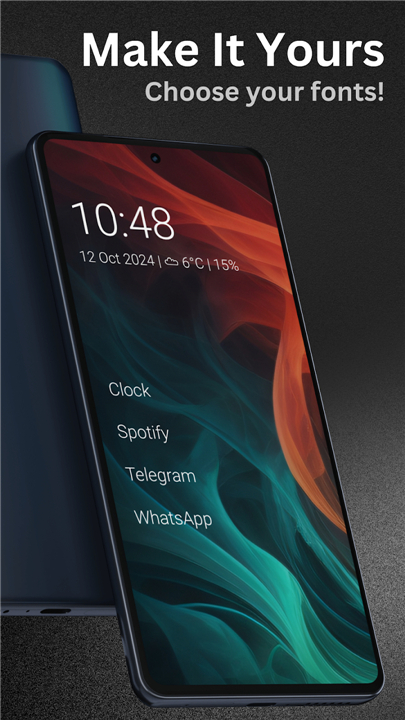
• YAM (Yet Another Minimalist) Launcher is a lightweight, text-based home screen replacement for Android devices.
• Designed specifically to foster digital minimalism, it eliminates unnecessary visual clutter to help users reduce screen time and maintain focus.
Design and Interface
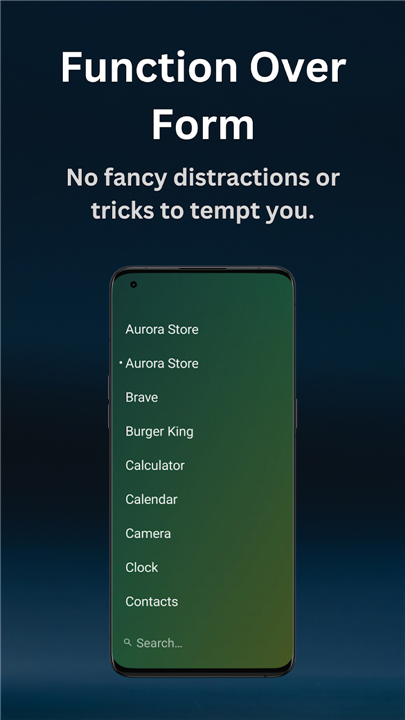
• Pure text-based layout that removes distracting app icons, badges, and visual effects.
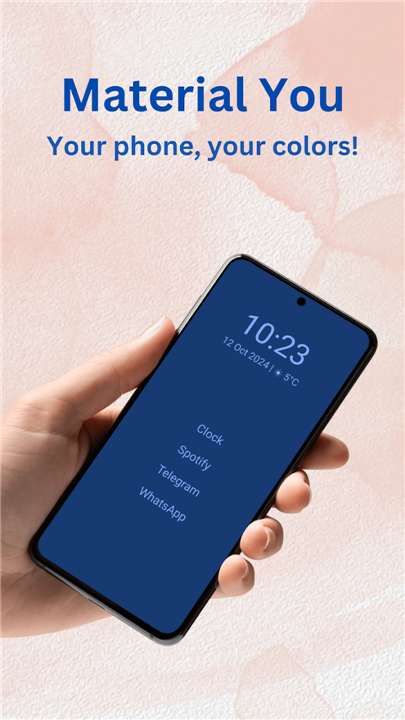
• Native Material You integration that adapts seamlessly to your system dynamic color palette.
• Bottom-positioned search bar optimized for comfortable, single-handed navigation.
• Customizable typography, including font selection and style adjustments, defaulting to your Android system font.
Core Functionality
• Customizable shortcuts for instant access to your most essential applications.
• Full work profile support to separate personal and professional applications effortlessly.
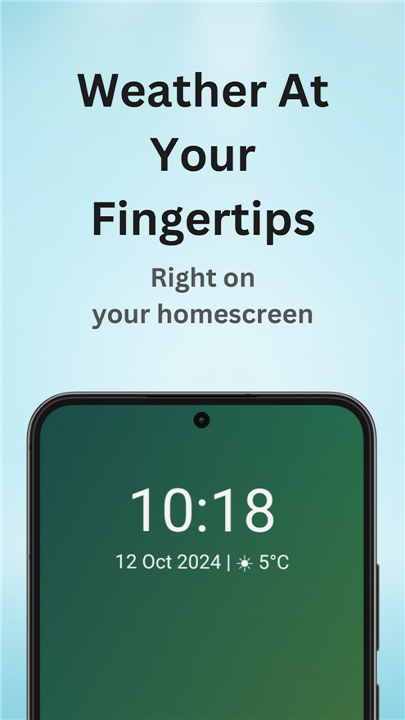
• Optional real-time weather forecasts powered by the privacy-friendly Open-Meteo API.
• Optional built-in contacts integration for direct dialing and messaging right from the launcher interface.
Customization and Accessibility
• Delivers an intuitive experience out of the box while offering deep configuration settings under the hood.
• Built-in Accessibility Actions support for enhanced navigation options.
• Convenient double-tap to lock screen feature, which utilizes Android Accessibility Services strictly to lock the display when enabled.
Licensing and Development
• Completely open-source software published under the permissive MIT License, ensuring transparency and community-driven development.
FAQ
Q: Does YAM Launcher integrate well with Android's system design?
A: Yes, it features native Material You integration. This means YAM Launcher automatically adapts to your system's dynamic color palette, providing a cohesive look that matches your chosen wallpaper and system theme.
Q: How does YAM Launcher optimize for single-handed device usage?
A: To make single-handed navigation comfortable, YAM Launcher features a bottom-positioned search bar. Placing the search interface near the bottom of the screen brings your search tools within easy reach of your thumb.
Q: Can I customize the typography in YAM Launcher?
A: You sure can! YAM Launcher offers customizable typography options, allowing you to select different fonts and make style adjustments. By default, it seamlessly adopts your device's standard Android system font.
Version History
v2.3——18 Aug 2026
YAM Launcher is a minimalist text-based launcher for Android with weather! Download the latest version of YAM Launcher to enjoy new features and updates immediately!
*2.3
Minor bug fixes and improvements. Install or update to the newest version to check it out!
*2.2
Minor bug fixes and improvements. Install or update to the newest version to check it out!
*2.1
Minor bug fixes and improvements. Install or update to the newest version to check it out!
- AppSize2.80M
- System Requirements5.0 and up
- Is there a feeFree(In game purchase items)
- AppLanguage English
- Package Nameeu.ottop.yamlauncher
- MD5
- PublisherThomas Boom
- Content RatingTeenDiverse Content Discretion Advised
- Privilege19
-
YAM Launcher 2.3Install
2.80M2026-10-28Updated










8.0
1386 Human Evaluation
- 5 Star
- 4 Star
- 3 Star
- 2 Star
- 1 Star




