

Webview Kiosk
A New Standard for Secure Web Browsing
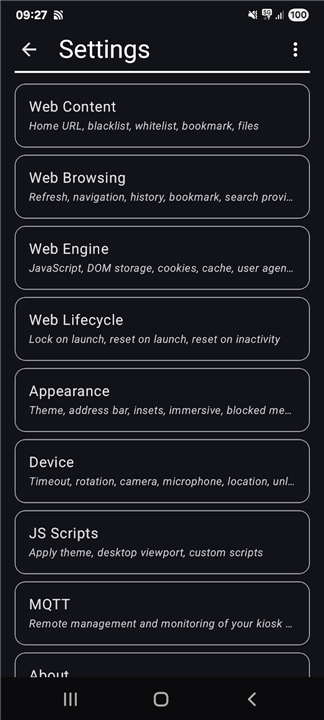
• Webview Kiosk is a powerful, free, and open-source Android application designed to transform any device into a dedicated, secure digital portal.
• It empowers small businesses, developers, and everyday users to build immersive, distraction-free web experiences with absolute ease.
• Whether you want to lock down a tablet for public use or create a streamlined interface for your home, this solution gives you the freedom and tools to control your digital environment.
Endless Visual Possibilities
• With this application, your devices can become whatever you imagine.
• Webview Kiosk easily converts standard hardware into interactive digital signage, safe browsers for children, clean reading screens, or responsive sign-up stations.
• It also serves as the perfect engine for smart home dashboards and elegant wall clocks, adapting effortlessly to your unique vision and lifestyle.
Uncompromising Security and Customization
• Complete control lies at the heart of the experience.
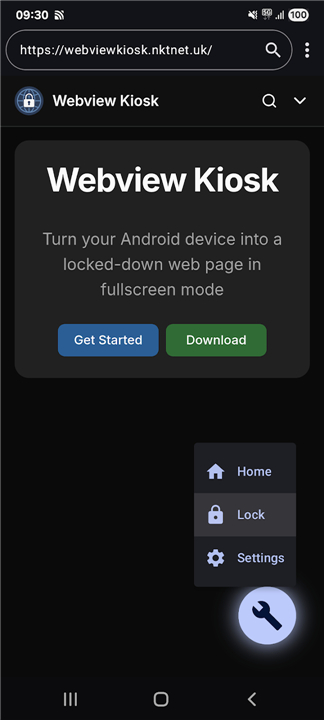
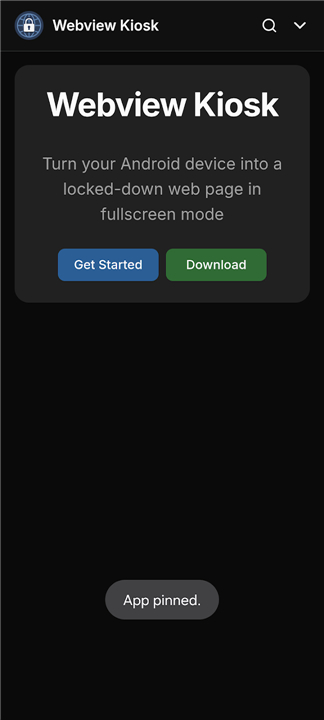
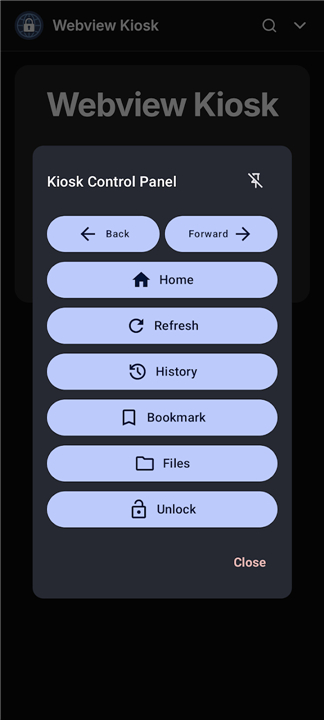
• By restricting access to the home screen and system settings, you ensure that users remain focused only on what you choose to display.
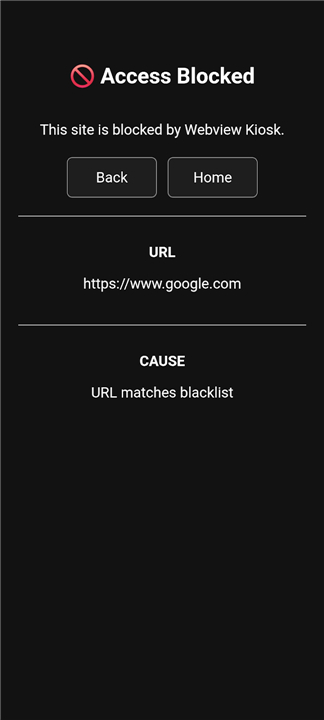
• Custom passwords and biometric locks keep your configurations safe, while advanced URL filtering lets you curate web access with precision.
• You can also display offline media files directly, customize scripts, and set the app as your default launcher for a seamless, secure boot every time.
Smart Remote Management
• Scaling your deployment is simple with sophisticated remote tools designed for modern networks.
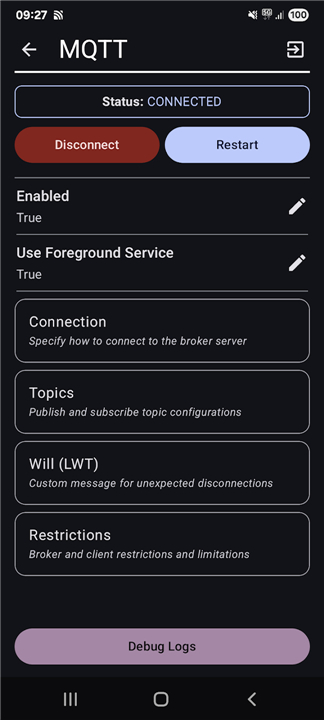
• You can monitor, update, and automate your devices instantly using MQTT integration, or send commands via decentralized UnifiedPush notifications.
• For larger businesses, settings can be managed remotely through Enterprise Mobility Management providers, ensuring your entire fleet of devices remains synchronized and updated without manual hassle.
Transparent Permissions and Global Support
• Built with user trust in mind, the application only requests essential hardware permissions—such as network, camera, and location access—to deliver a fully-featured, rich browsing experience.
• To join the growing community, share feedback, report issues, or explore the platform further, visit the official Webview Kiosk website or find the project on GitHub to start building your dedicated digital kiosk today.
FAQ
Q: Is Webview Kiosk really free, and can I customize its source code?
A: Yes, the application is completely free and open-source. Because the project is hosted openly, developers and tech enthusiasts can dive into the source code on GitHub to customize it, audit its security, or contribute new features to the platform to suit their specific requirements.
Q: What are some of the creative ways I can use this application in my daily life or business?
A: The creative possibilities are virtually endless. You can easily transform standard tablets or phones into interactive digital signage, safe reading screens for children, responsive customer sign-up stations, elegant wall clocks, or even dedicated smart home dashboards that fit seamlessly into your lifestyle.
Q: Can I use Webview Kiosk to set up an interactive display for the general public?
A: Absolutely. Webview Kiosk is specifically designed for public-facing deployments. By restricting access to the operating system and locking down physical navigation, you can confidently set up a tablet in a lobby, retail store, or exhibition hall as an interactive information terminal without worrying about users tampering with the device.
Version History
v0.26.18——27 Jul 2026
Turn your Android device into a locked-down web page in fullscreen mode. Download the latest version of Webview Kiosk to enjoy new features and updates immediately!
*0.26.18
## Changes
- feat(mqtt): allow common ports to be selected via chips
- fix: custom password - removal confirmation and blank description
- fix: website bookmarks validation for empty URLs
- fix: improve proguard rules
- fix: app icon bitmap handling
Full changelog:
- https://github.com/nktnet1/webview-kiosk/releases
*0.26.17
## Changes
- feat: support titles in bookmarks
- feat: add confirmation for custom password save + show password checkbox
- fix: allow https protocol with localhost scheme in URLs
- fix: shortcut icon bitmap with fixed width and height
Full changelog:
- https://github.com/nktnet1/webview-kiosk/releases
*0.26.16
## Changes
- feat(web-lifecycle): refresh on network available setting
- feat: open camera or voice recorder for HTML - photo/video/audio uploads
- fix: only apply ime padding for Android 11+ or 8 and below
- fix(nfc): remove setScanActive(False) on screen off
Full changelog:
- https://github.com/nktnet1/webview-kiosk/releases
- AppSize3.52M
- System Requirements5.0 and up
- Is there a feeFree(In game purchase items)
- AppLanguage English
- Package Namecom.nktnet.webview_kiosk
- MD5
- Publishernktnet
- Content RatingTeenDiverse Content Discretion Advised
- Privilege19
-
Webview Kiosk 0.26.18Install
3.52M2026-10-29Updated










8.6
8865 Human Evaluation
- 5 Star
- 4 Star
- 3 Star
- 2 Star
- 1 Star




