
Volume Booster-Sound Booster
Amplify Your Audio Experience
• Unlock the true potential of your device with MAX Volume Booster 2023.
• Whether you are gaming, listening to audiobooks, or playing your favorite tracks, this all-in-one sound enhancer pushes your device beyond its standard system limitations, delivering clarity and power to every speaker, headphone, or Bluetooth connection.
Core Features
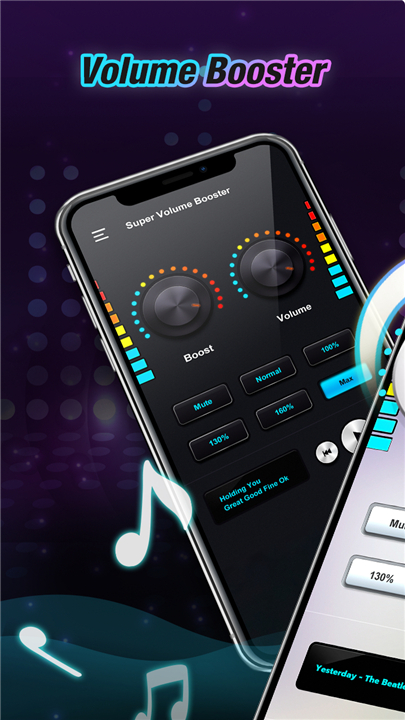
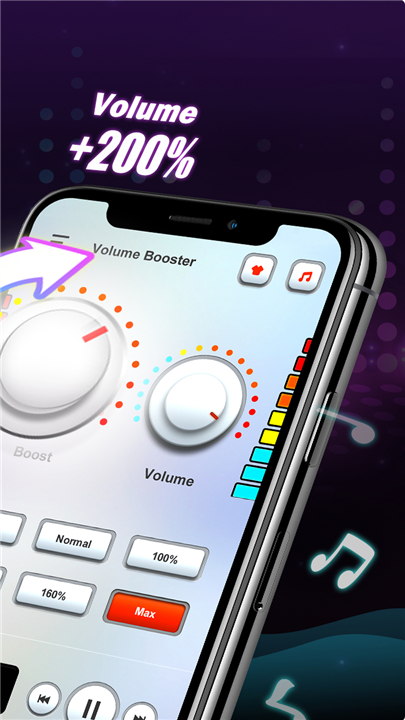
• Universal Audio Enhancement: Boost everything from system notifications and alarms to movies and music with ease.
• Precision Sound Control: Utilize a professional-grade equalizer and bass booster to transform your listening experience into a high-fidelity studio session.
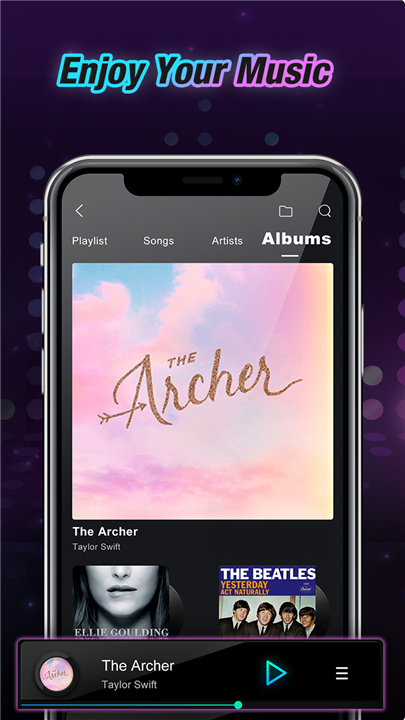
• Integrated Music Player: Control your media directly within the app, complete with artist details and playback navigation.
• Seamless Integration: Simply launch the app, customize your sound profile, and let it run in the background while you enjoy your media.
Getting Started
• Launch the app and open your music player directly from the interface.
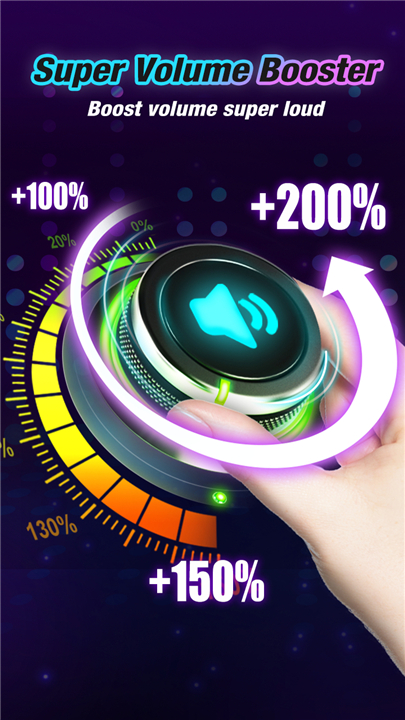
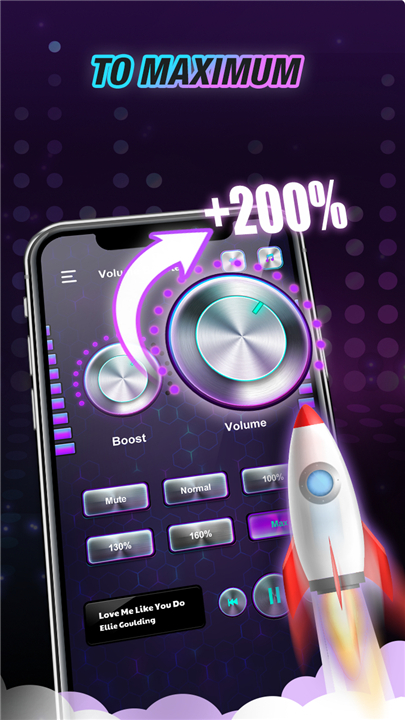
• Carefully slide the volume levels to your preferred intensity.
• Enjoy an immersive, upgraded audio soundscape.
Important Safety Notice
• Please exercise caution.
• Playing audio at excessive volumes can pose risks to your hearing and your device’s hardware.
• We recommend increasing volume levels gradually.
• By using this application, you acknowledge that you are responsible for your own hardware and health, accepting all risks associated with high-decibel playback.
FAQ
Q: Can I use this app to boost the volume of my Bluetooth headphones?
A: Absolutely, the app is compatible with Bluetooth connections, speakers, and wired headphones alike. Once you connect your device, the booster will work across all your external audio outputs to provide a more powerful listening experience
Q: Does the app require me to keep it open in the foreground while I listen to music?
A: Not at all. Once you have customized your sound profile to your liking, you can simply let the application run in the background. This allows you to navigate other apps or lock your screen while your enhanced audio continues to play seamlessly.
Q: Can this app increase the volume of my alarm clock and system notifications?
A: Yes, the universal audio enhancement feature covers system notifications and alarms in addition to your media. This ensures that you never miss an important alert even in noisy environments.
Version History
v5.4.3——18 Jun 2026
Speaker booster & sound app surve as a woofer & megaphone & max volume booster Download the latest version of Volume Booster-Sound Booster to enjoy new features and updates immediately!
*5.4.3
Volume Booster - Sound Booster
• Boost the volume of all your music and media
• Works with most popular music players
• Stable, high-quality audio output
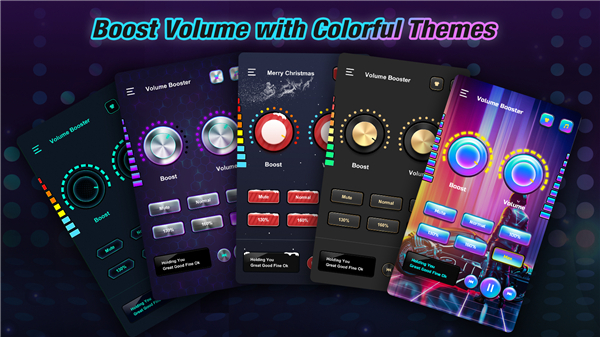
• Pick from a range of colorful themes
• Amplify volume for music, videos, and calls
*5.4.2
• Increase all music media volume
• Support most music players
• Stable and high sound quality
• Support Android 14
• Optimization of music player
• Bug fix
• Optimization of themes
*5.4.1
• Increase all music media volume
• Support most music players
• Stable and high sound quality
• Support Android 14
• Optimization of music player
• Bug fix
• Optimization of themes
- AppSize37.76M
- System Requirements5.0 and up
- Is there a feeFree(In game purchase items)
- AppLanguage English
- Package Namecom.cool.volume.sound.booster
- MD5
- PublisherVAVA Music Player - MP3 Player, Volume Booster
- Content RatingTeenDiverse Content Discretion Advised
- Privilege19

-
Volume Booster-Sound Booster 5.4.3Install
37.76M2026-09-08Updated










9.6
6732 Human Evaluation
- 5 Star
- 4 Star
- 3 Star
- 2 Star
- 1 Star