

Vault - Hide Pics, App Lock
Take Control of Your Digital Privacy
• Your personal life should remain exactly that—personal.
• Vault is the trusted guardian for over 100 million users, providing a comprehensive, free toolkit to keep your sensitive data invisible and secure.
• From private media to app-level protection, Vault empowers you to own your digital footprint.
Core Security Suite
1. Media Encryption:
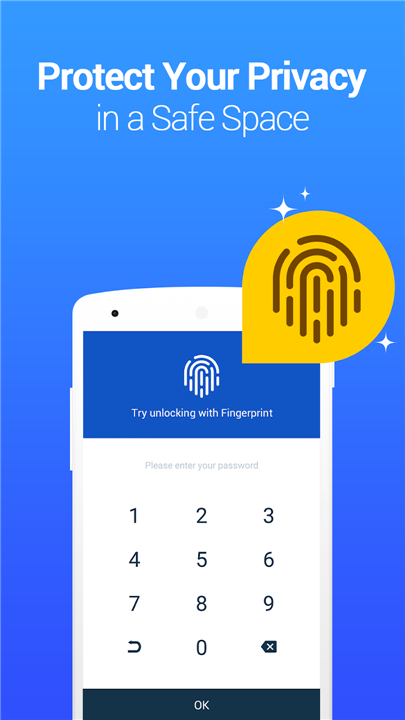
• Lock your private photos and videos behind a secure password, with the option to back them up to the cloud for safekeeping.
2. App Shield:
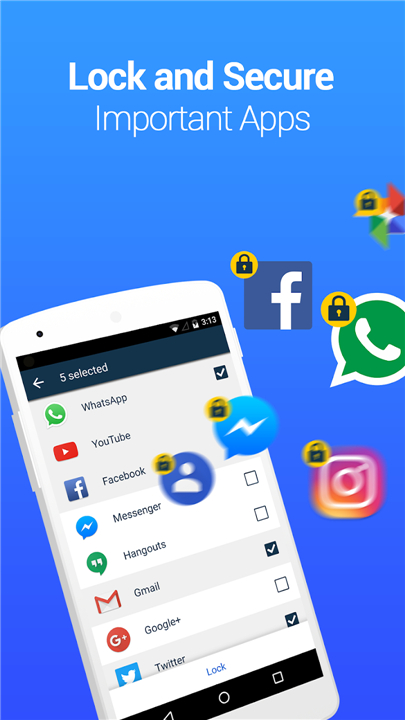
• Prevent unauthorized access to your social media, call logs, and contacts with robust app-level security.
3. Incognito Browsing:
• Explore the internet without leaving a single trace behind, supplemented by private bookmarking.
4. Cloud Synchronization:
• Effortlessly transfer your vault across devices and ensure your data is never lost, even if your phone is.
5. Password Recovery:
• Rest easy knowing you can regain access to your vault via a secure recovery email.
Advanced Stealth Features
1. Multi-Vault & Fake Vault:
• Create secondary, decoy vaults to add an extra layer of privacy.
2. Stealth Mode:
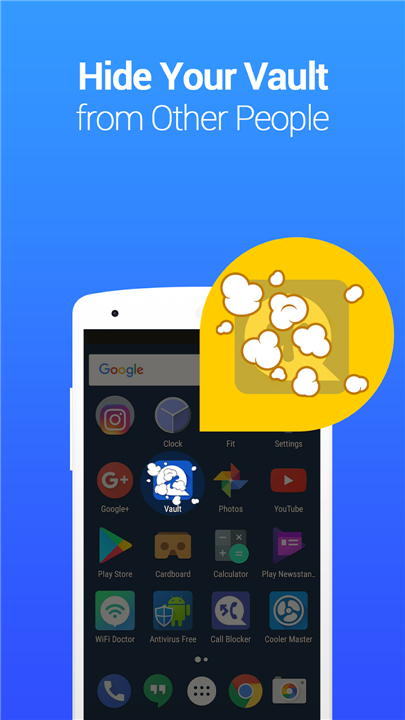
• Vanish the app icon from your home screen entirely, making your vault invisible to prying eyes.
3. Break-in Alerts:
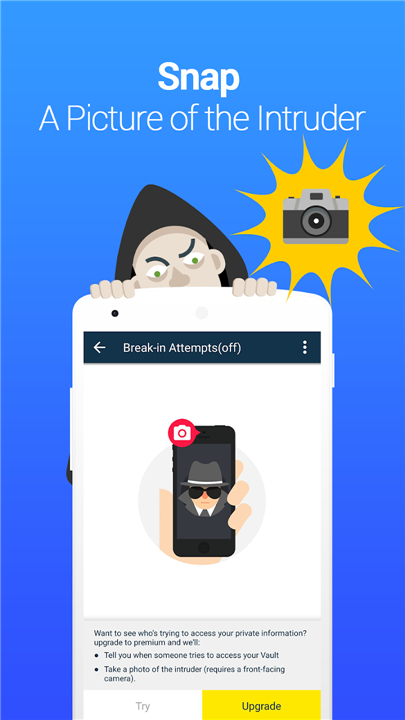
• Identify intruders by capturing a secret photo, time stamp, and the attempted PIN whenever someone tries to bypass your security.
Frequent Questions
1. Forgotten Passwords:
• If you have a recovery email configured, use the "Forgot Password" link on the login screen.
• Alternatively, if you have cloud backups enabled, you can reinstall the app to recover your data.
2. Accessing Stealth Mode:
• You can reveal the app by adding the Vault widget to your home screen or by using the NQ calculator app as a gateway.
3. Data Safety:
• To prevent accidental deletion, ensure your cleaning apps do not clear Vault’s system folders.
• For maximum security, always utilize our integrated Cloud Backup feature.
Note:
• This application utilizes Device Administrator permissions to ensure optimal security.
FAQ
Q: Is it possible to back up my files so I do not lose them if my phone breaks?
A: Yes, we highly recommend utilizing our integrated Cloud Backup feature. This ensures that your encrypted data is synchronized securely, allowing you to recover your files effortlessly even if your device is lost or damaged.
Q: What happens if I forget the password to my vault?
A: You can regain access by using the "Forgot Password" link on the login screen, provided you have a recovery email address configured. Alternatively, if you have enabled cloud backups, you can simply reinstall the application to restore your access.
Q: Can I really hide the Vault app icon from my home screen?
A: Yes, our Stealth Mode feature allows you to make the app icon completely invisible on your device, ensuring that no one even knows you have a security app installed.
Version History
v6.9.13.13.22——27 May 2026
Vault is a privacy app that hides photos and videos behind a password. Download the latest version of Vault - Hide Pics, App Lock to enjoy new features and updates immediately!
*6.9.13.13.22
Added support for Turkish
General fixes and stability improvements.
*6.9.13.09.22
Added support for hiding audio
General fixes and stability improvements.
*6.9.11.94.22
Adapt to Android 14
General fixes and stability improvements.
- AppSize29.73M
- System Requirements5.0 and up
- Is there a feeFree(In game purchase items)
- AppLanguage English
- Package Namecom.netqin.ps
- MD5
- PublisherWafer Co.
- Content RatingTeenDiverse Content Discretion Advised
- Privilege19

-
Vault - Hide Pics, App Lock 6.9.13.13.22Install
29.73M2026-10-29Updated










7.5
2256 Human Evaluation
- 5 Star
- 4 Star
- 3 Star
- 2 Star
- 1 Star




