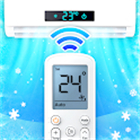
Universal AC Remote Control
Smart Control for Your Home Climate
• Tired of hunting for misplaced remotes?
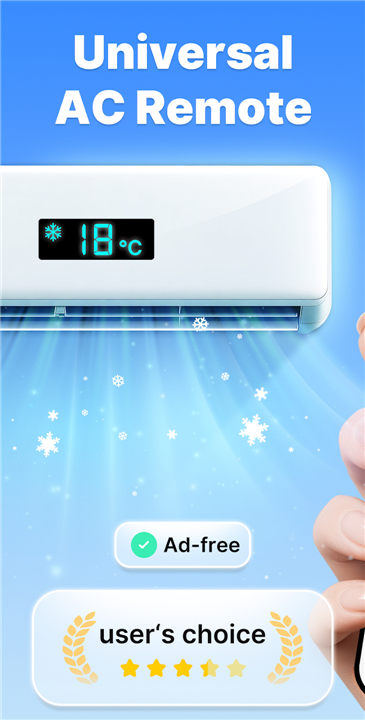
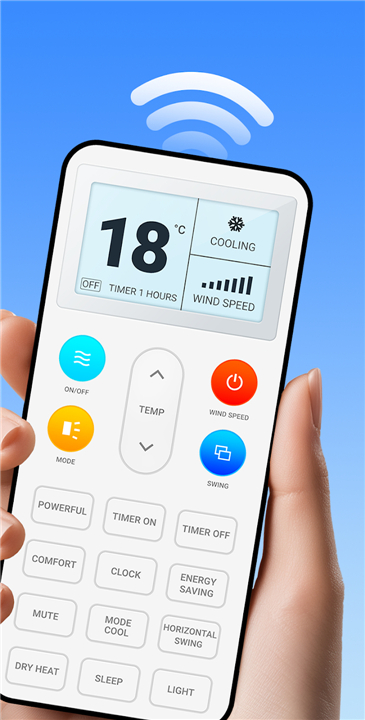
• Transform your smartphone into a universal command center for your air conditioner.
• Our application simplifies your environment, allowing you to adjust temperatures, toggle modes, and set timers with complete ease.
• Designed with intuitive navigation, it is accessible for every member of your family—from tech-savvy users to the elderly.
Core Capabilities
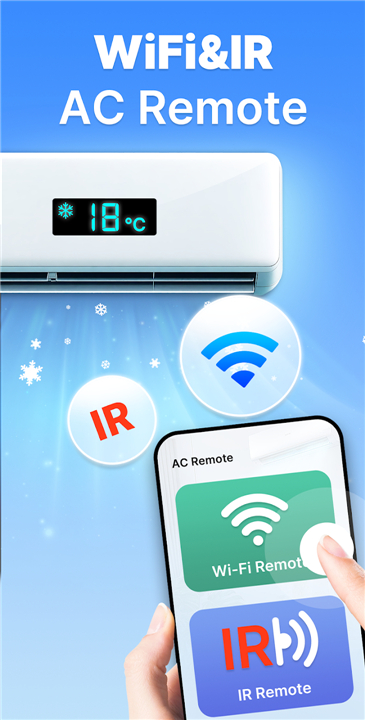
• Seamlessly control your AC from anywhere using your phone’s built-in IR blaster.
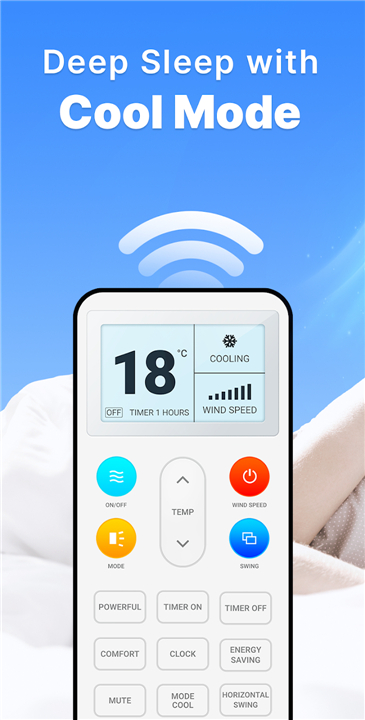
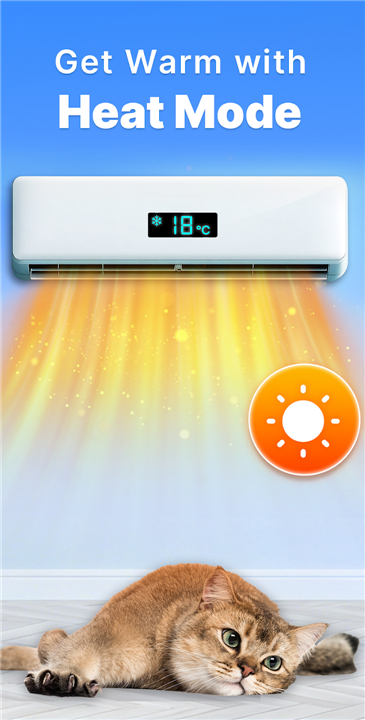
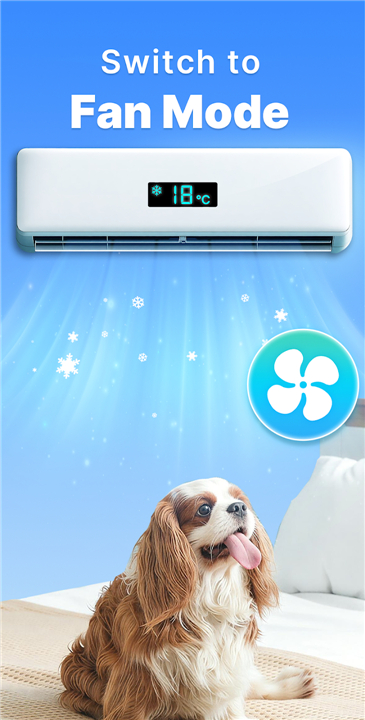
• Master your climate with quick adjustments for modes, power, and scheduling.
• User-friendly interface designed for effortless operation.
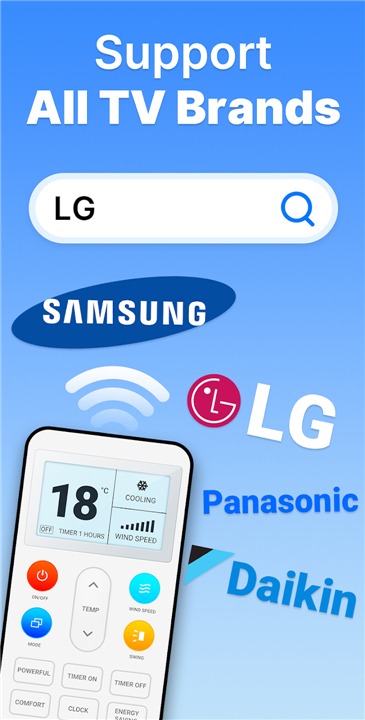
• Extensive Compatibility We support a massive library of global brands, including Samsung, LG, Daikin, Haier, Voltas, Hitachi, Panasonic, Whirlpool, Toshiba, Mi, Orient, IFB, Sharp, Kelvinator, and many more.
Getting Started
• Add: Select your specific AC brand or model within the app.
• Test: Tap the on-screen buttons to pair your device.
• Configure: Save your settings for quick access.
• Control: Enjoy total command over your home’s air conditioning.
Important Requirements
• Hardware: Your smartphone must be equipped with an infrared (IR) emitter.
• Connectivity: Ensure you are connected to the internet when downloading initial device resource packs.
Disclaimer
• This application is an independent utility tool and is not officially affiliated with or endorsed by any of the AC brands mentioned.
• Performance relies on the presence of an integrated IR blaster on your mobile device.
FAQ
Q: Is my smartphone compatible with this application?
A: To use this app, your smartphone must be equipped with a hardware-based infrared (IR) emitter. You can verify this by checking your device specifications or looking for a small, dark plastic sensor on the top edge of your phone.
Q: Do I need an internet connection to use the remote features?
A: You only require an active internet connection when you first download and set up your specific AC brand’s resource pack. Once the initial configuration is complete, you can control your AC offline using the IR blaster.
Q: What should I do if my AC brand is not listed in the app?
A: Our library covers a massive range of global brands, but if yours isn't listed, please try selecting a generic model or reach out to our support team so we can look into adding your specific manufacturer in a future update.
Version History
v3.4.1——15 Jun 2026
Thanks to Universal AC Remote Control APP, now you can control AC with ease! Download the latest version of Universal AC Remote Control to enjoy new features and updates immediately!
*3.4.1
• Fast set-up and stably responsive
• Support over 20000 AC brands models
• Smart air-conditioner remote controller in phone
*3.4
• Fast set-up and stably responsive
• Support over 20000 AC brands models
• Smart air-conditioner remote controller in phone
*3.3.7
• Fast set-up and stably responsive
• Support over 20000 AC brands models
• Smart air-conditioner remote controller in phone
- AppSize36.99M
- System Requirements5.0 and up
- Is there a feeFree(In game purchase items)
- AppLanguage English
- Package Namecom.universal.ac.remote.control.air.conditioner
- MD5
- PublisherTV Master - Smart TV Remote Control
- Content RatingTeenDiverse Content Discretion Advised
- Privilege19
-
Universal AC Remote Control 3.4.1Install
36.99M2026-09-18Updated










9.3
3827 Human Evaluation
- 5 Star
- 4 Star
- 3 Star
- 2 Star
- 1 Star