ThemeCraft - DIY Photo Collage
Transform Your Home Screen
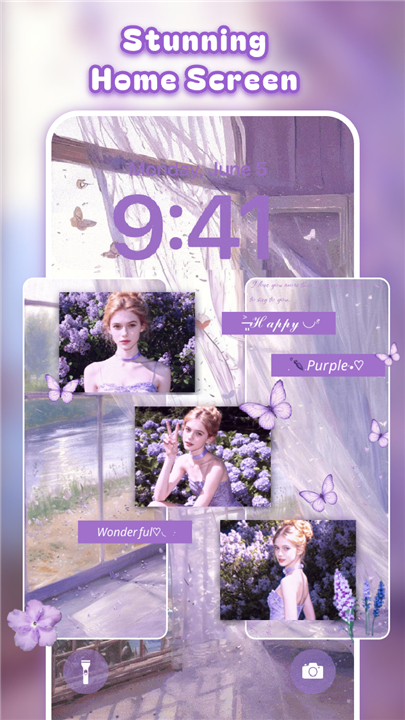
• ThemeCraft is the ultimate creative toolkit for Android users who want to turn their home screen into a personal gallery.
• Whether you want a high-definition aesthetic, a dynamic 4D experience, or a curated photo wall, our platform provides the professional tools you need to make your device truly yours.
Personalized Photo Walls
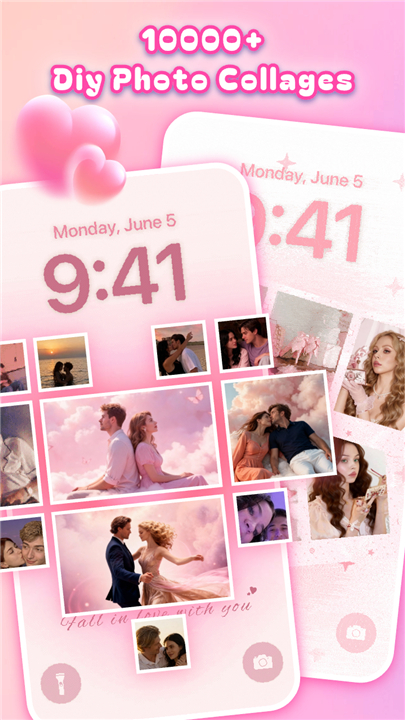
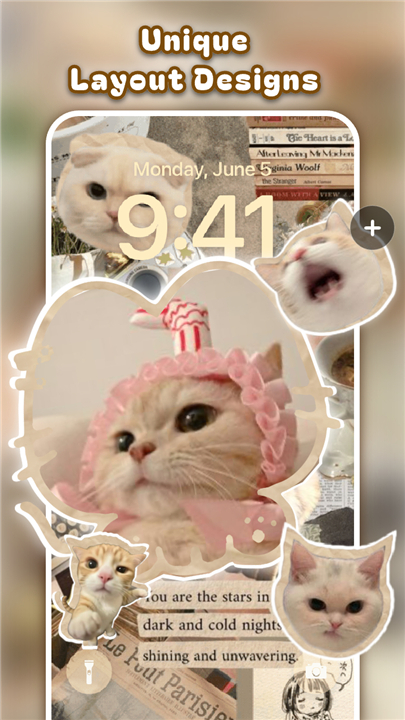
• Create bespoke photo collages using intuitive, user-friendly templates.
• Combine static or dynamic frames with custom backgrounds to showcase your favorite memories.
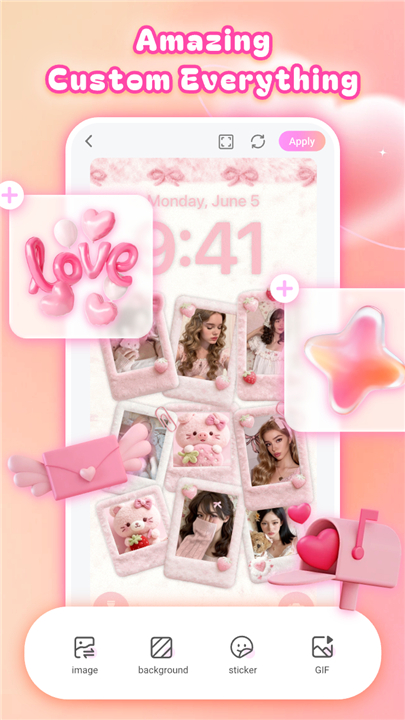
• Enhance your layout with a vast library of artistic stickers and decorative elements.
Unlimited Aesthetic Variety
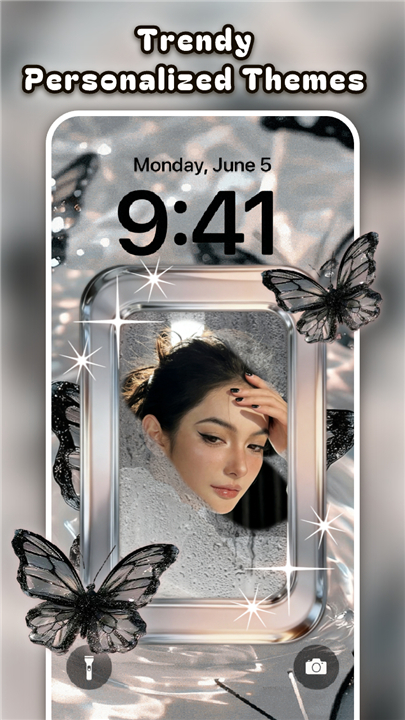
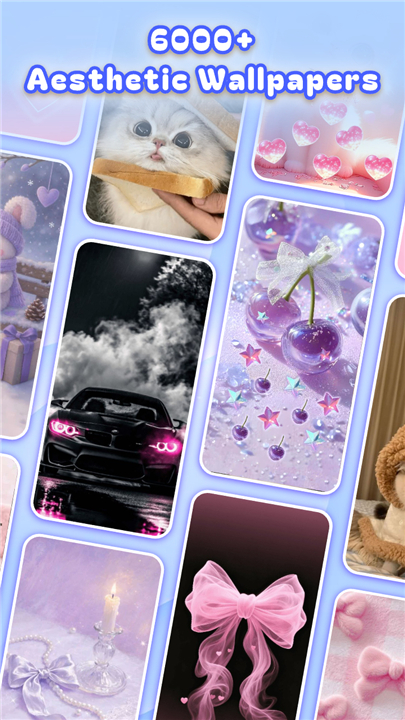
• Access a curated collection of over 10,000 trendy themes, including neon, minimalist, gravity, and live wallpapers.
• Transform your interface with high-quality designs that reflect your personal style.
• Enjoy frequent updates that ensure your phone always stays ahead of the latest design trends.
Effortless Customization
• One-Click Application: Apply complex themes and custom wallpapers instantly.
• Professional Quality: Benefit from premium designs crafted by expert artists.
• Total Control: Import your own photos and adjust every detail to ensure a perfect fit for your display.
How to Start
• Download and launch the ThemeCraft app.
• Browse our extensive library of themes and collage templates.
• Select your preferred design and tap to apply it to your home screen.
Customer Support
• We are committed to providing a seamless experience.
• If you encounter any technical issues or have suggestions for improvements, please reach out to our support team at kikathemepack@gmail.com.
• We are here to help you build the perfect home screen.
FAQ
Q: Can I use my own personal photos to create a collage?
A: Absolutely, you can import your own photos directly into the app. ThemeCraft provides intuitive templates that allow you to blend your personal pictures with custom backgrounds to create a truly bespoke photo wall that reflects your individual style.
Q: Are the collages static or can I make them dynamic?
A: You have the flexibility to choose between static and dynamic frames. Whether you want a classic photo wall or a more engaging, interactive experience, our platform supports both options to help you showcase your favorite memories exactly how you want them.
Q: How many themes are available within the app?
A: Currently, we offer a curated collection of over 10,000 trendy themes. We frequently update our library to include new designs, ensuring that you always have access to the latest aesthetic trends, such as neon, minimalist, or gravity-inspired styles.
Version History
v1.0.0.193——22 Jun 2026
10000+ DIY photo collage themes, customize your screen easily! Download the latest version of ThemeCraft - DIY Photo Collage to enjoy new features and updates immediately!
*1.0.0.193
Minor bug fixes and improvements. Install or update to the newest version to check it out!
*1.0.0.178
Minor bug fixes and improvements. Install or update to the newest version to check it out!
*1.0.0.161
Minor bug fixes and improvements. Install or update to the newest version to check it out!
- AppSize44.89M
- System Requirements5.0 and up
- Is there a feeFree(In game purchase items)
- AppLanguage English
- Package Namecom.theme.craft.diy.photo.collage.maker.homescreen
- MD5
- PublisherYoloTech
- Content RatingTeenDiverse Content Discretion Advised
- Privilege19
-
ThemeCraft - DIY Photo Collage 1.0.0.193Install
44.89M2026-09-08Updated










7.6
5600 Human Evaluation
- 5 Star
- 4 Star
- 3 Star
- 2 Star
- 1 Star