Tentacle Setup
Streamlined Production Workflow
• Experience the ultimate professional workflow with the Tentacle Setup app.
• Designed to simplify your production, this single application allows you to manage the Tentacle SYNC E timecode generator, the TRACK E timecode audio recorder, and your first-generation Tentacle units with ease.
Seamless Connectivity
• The Tentacle SYNC E and TRACK E operate entirely cable-free.
• By enabling Bluetooth on your mobile device and following the in-app instructions, you gain total wireless control over your gear.
Comprehensive Monitoring and Control
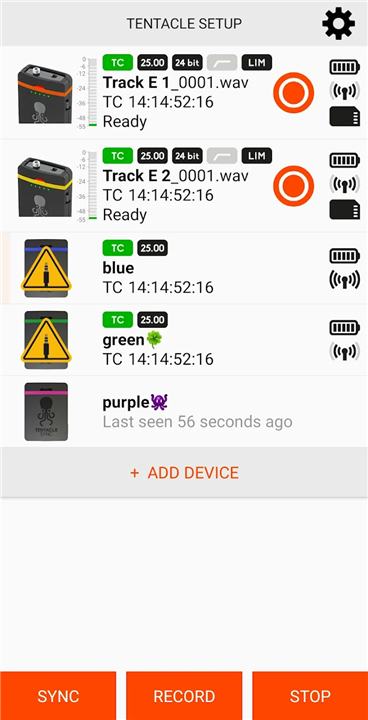
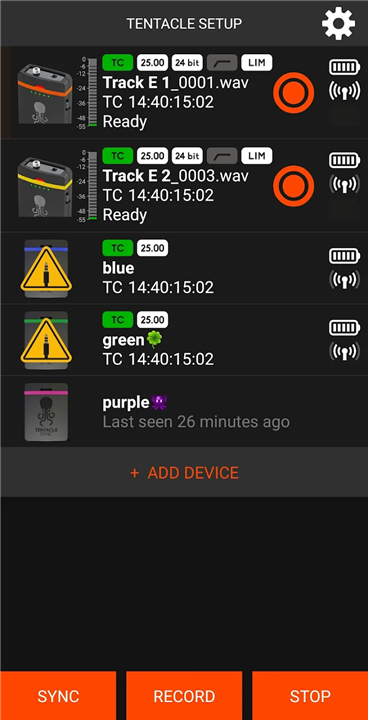
Manage all devices within your vicinity through a unified interface, tracking vital data points in real time:
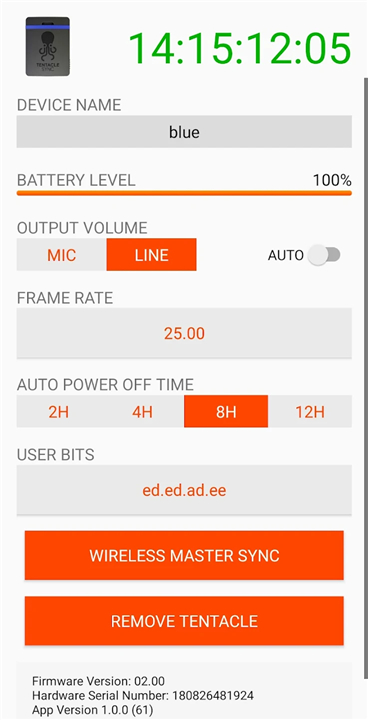
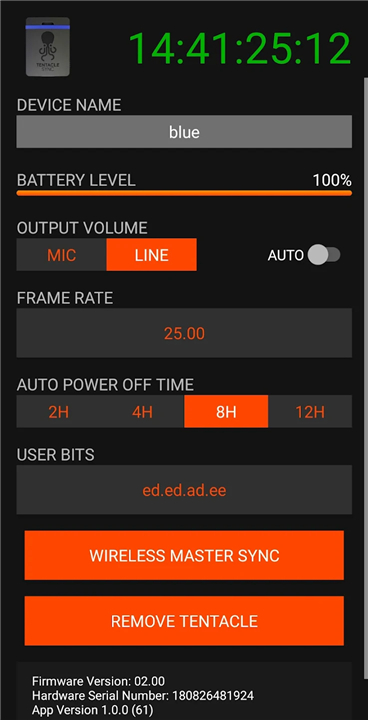
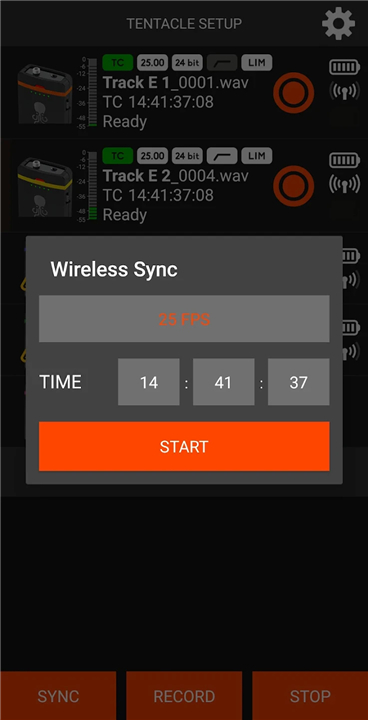
• System Status: Monitor timecode, sync status, device names, frame rates, and battery levels.
• SYNC E Specifics: Adjust timecode output levels effortlessly.
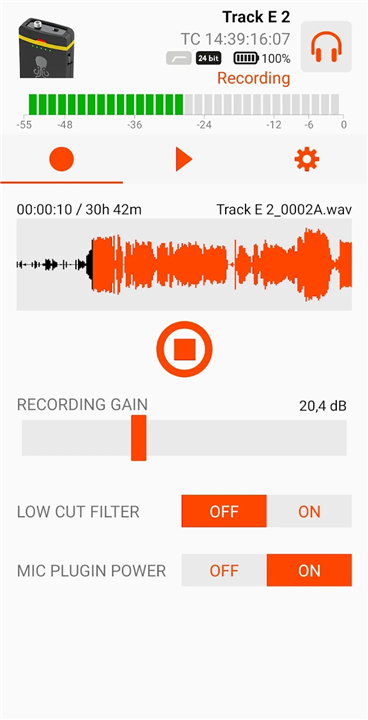
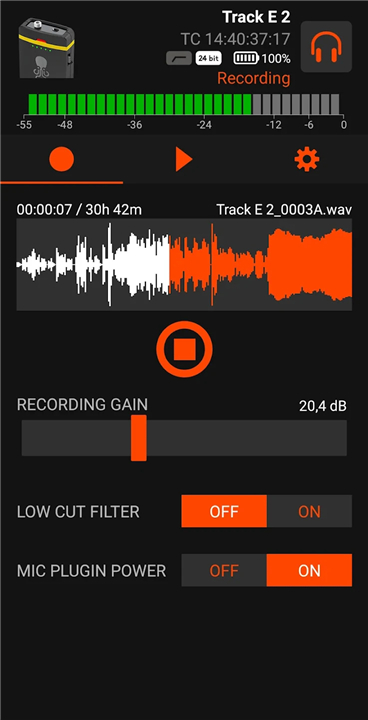
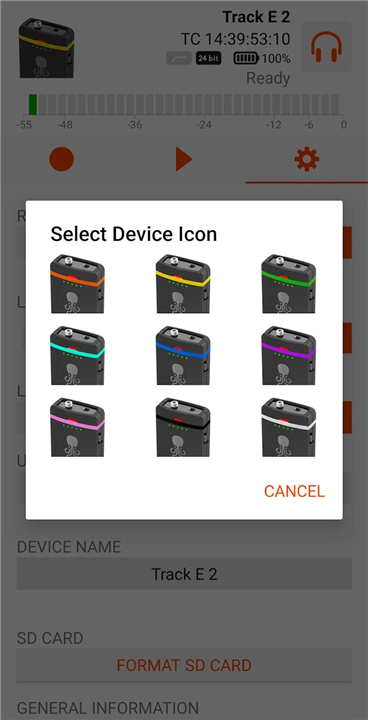
• TRACK E Advanced Controls: Manage recording status, audio levels, recording formats, remaining time, Low Cut filter settings, headphone volume, microphone plugin power, SD card formatting, and file playback information.
Legacy Support
• For first-generation Tentacle devices, ensure your Android device supports USB Host Mode (USB On-The-Go).
• A physical connection using a USB OTG cable combined with a Micro USB adapter is required to establish communication.
Your Success is Our Priority
• We are dedicated to ensuring your production runs smoothly.
• If you have questions, feedback, or suggestions for improving our ecosystem, please reach out to our team at support@tentaclesync.com.
• For more technical documentation, tutorial videos, and product updates, please visit our official website at www.tentaclesync.com.
Set, sync, and record with confidence
• Enjoy the professional precision that Tentacle brings to your creative projects.
FAQ
Q: Do I need cables to connect my SYNC E or TRACK E to the app?
A: No, you do not need any cables. Both the SYNC E and TRACK E operate entirely cable-free by utilizing Bluetooth technology for a seamless wireless connection.
Q: How do I initiate a connection between my mobile device and my wireless Tentacle units?
A: To establish a connection, simply enable Bluetooth on your mobile device and follow the clear in-app instructions to pair your equipment.
Q: Is the app capable of monitoring multiple devices at the same time?
A: Yes, the app features a unified interface that allows you to manage and monitor all Tentacle devices within your immediate vicinity simultaneously.
Version History
v7.6.1——24 Jun 2026
Streamline your production with the Tentacle Setup app. Easily manage your SYNC E and TRACK E timecode gear with wireless control. Download the latest version of Tentacle Setup to enjoy new features and updates immediately!
*7.6.1
Minor bug fixes and improvements. Install or update to the newest version to check it out!
*7.5.1
Minor bug fixes and improvements. Install or update to the newest version to check it out!
*7.5.0
Minor bug fixes and improvements. Install or update to the newest version to check it out!
- AppSize3.49M
- System Requirements5.0 and up
- Is there a feeFree(In game purchase items)
- AppLanguage English
- Package Namecom.tentacle.sync.setup
- MD5
- PublisherTentacle Sync GmbH
- Content RatingTeenDiverse Content Discretion Advised
- Privilege19
-
Tentacle Setup 7.6.1Install
3.49M2026-09-08Updated










7.1
4259 Human Evaluation
- 5 Star
- 4 Star
- 3 Star
- 2 Star
- 1 Star