
Seafile
Overview and Core Functionality
• Seafile is an enterprise-grade, open-source file hosting and synchronization platform designed to optimize teamwork.
• It provides high-performance, Dropbox-like file syncing that allows teams to access files reliably from any device.
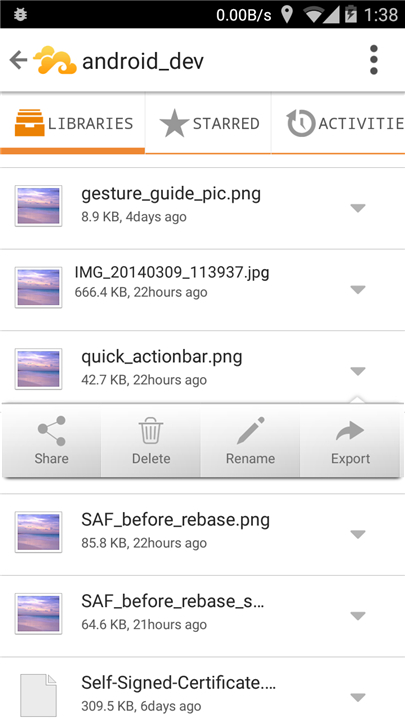
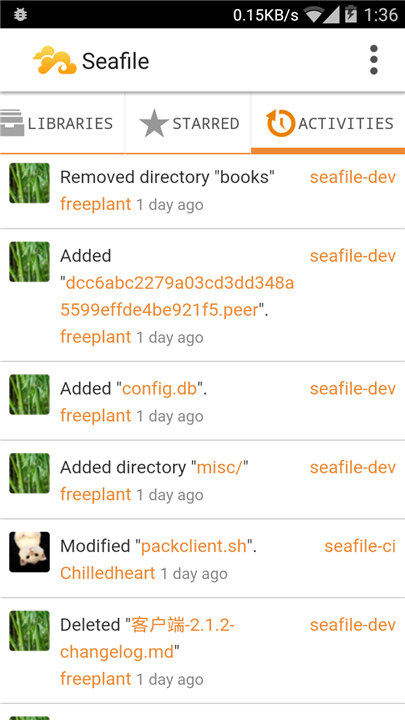
• The platform features advanced version control, enabling users to track document histories, compare changes, and restore deleted files easily.
Collaboration and Productivity Tools
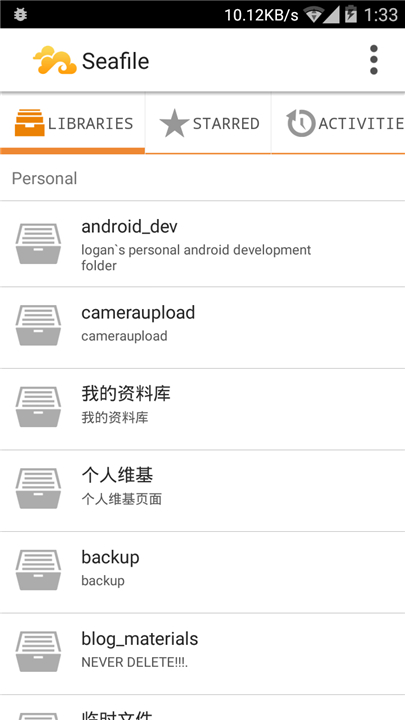
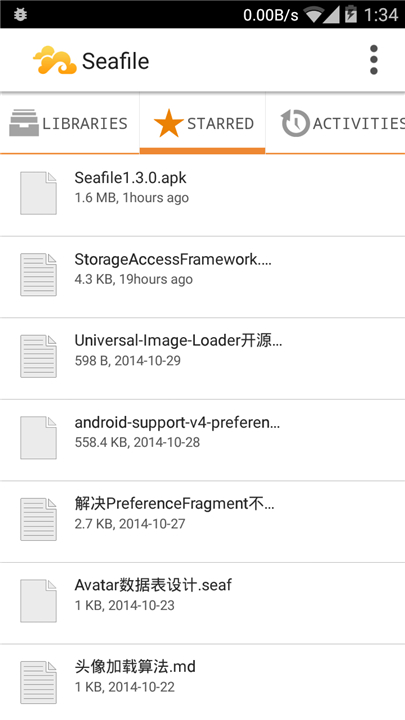
• Users can organize files into distinct libraries with customized access permissions for different team members.
• It includes built-in Markdown editing and wiki creation tools, allowing teams to build a centralized knowledge base.
• The system supports file locking to prevent editing conflicts when multiple team members work on the same project.
Security and Self-Hosting Control
• By deploying Seafile on your own private servers, your organization retains complete ownership and control over its data.
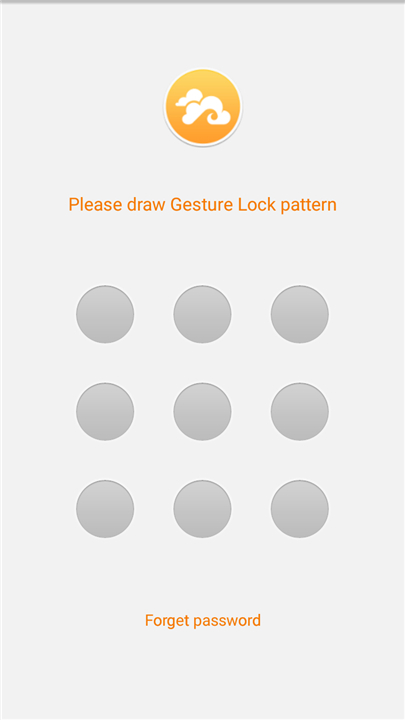
• It offers robust security options, including client-side end-to-end encryption to protect sensitive information before it leaves the device.
• The platform integrates seamlessly with existing IT infrastructure through AD/LDAP integration and Single Sign-On (SSO).
Mobile Integration and Open Source Support
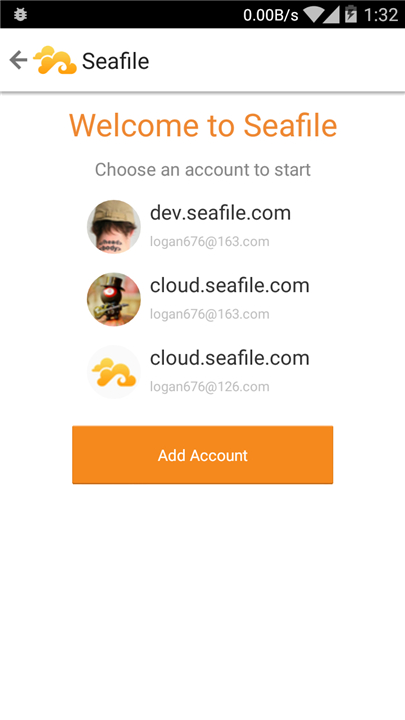
• A dedicated Android client, Seadroid, is available to ensure seamless productivity and file access on mobile devices.
• The Android client is actively maintained and regularly updated to improve performance, security, and user experience.
• Users and developers can contribute to the project, report bugs, or submit feature requests directly through the GitHub repository at https://github.com/haiwen/seadroid.
FAQ
Q: How does the synchronization process compare to other cloud services?
A: The platform is built for high-performance syncing, ensuring that your team can access files reliably from any device without the lag often found in other systems. Its architecture is optimized to handle large numbers of files efficiently, making it a dependable choice for fast-paced work environments where data needs to be updated instantly.
Q: Can I recover older versions of a file if someone makes a mistake?
A: Yes, Seafile features advanced version control that allows you to track the entire history of every document. You can easily compare changes between different versions and restore previous states or recover deleted files, which provides a significant safety net for your team's collaborative efforts.
Q: How does Seafile organize files for large teams or complex projects?
A: Files are organized into distinct units called libraries, which can be shared with specific team members rather than sharing every single folder at once. You have the flexibility to set customized access permissions for each library, ensuring that everyone has the exact level of access they need for their specific role while keeping other data private.
Version History
v4.0.11——11 Aug 2026
File syncing and collaboration platform for teams. Download the latest version of Seafile to enjoy new features and updates immediately!
*4.0.11
Minor bug fixes and improvements. Install or update to the newest version to check it out!
*4.0.10
Minor bug fixes and improvements. Install or update to the newest version to check it out!
*4.0.9
Minor bug fixes and improvements. Install or update to the newest version to check it out!
- AppSize29.20M
- System Requirements5.0 and up
- Is there a feeFree(In game purchase items)
- AppLanguage English
- Package Namecom.seafile.seadroid2
- MD5
- PublisherSeafile Ltd.
- Content RatingTeenDiverse Content Discretion Advised
- Privilege19
-
Seafile 4.0.11Install
29.20M2026-09-30Updated










8.5
6985 Human Evaluation
- 5 Star
- 4 Star
- 3 Star
- 2 Star
- 1 Star




