
Santa Cruz Sentinel
Welcome to the New Santa Cruz Sentinel Experience
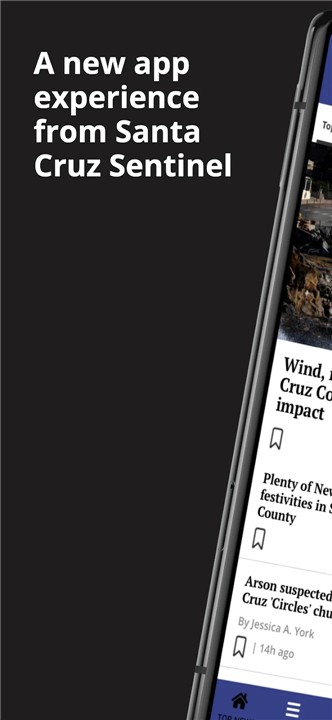
• We have overhauled our Android app to be faster, sleeker, and entirely centered around you.
• To get started with these improvements, please log back into your account.
• If you are an active subscriber, simply navigate to Settings > Subscriptions > Restore Subscriptions to ensure your access remains uninterrupted.
Discover a more intuitive way to stay informed:
1. Tailored Content
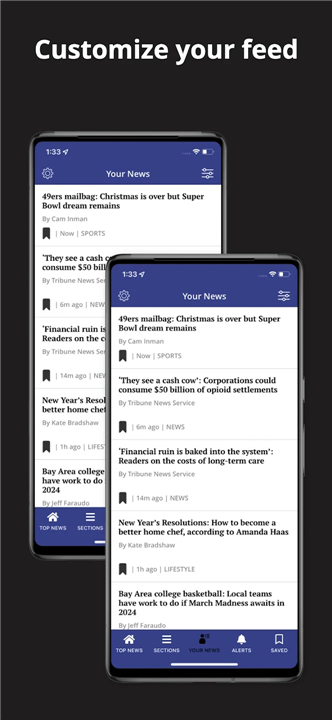
• Your News: Cut through the noise. Customize your feed by selecting the topics you care about most, ensuring your homepage only features what matters to you.
• Follow Topics: Deepen your interest in specific subjects. Select "Follow" on any article, and we will prioritize similar stories in your feed.
2. Smart Reading
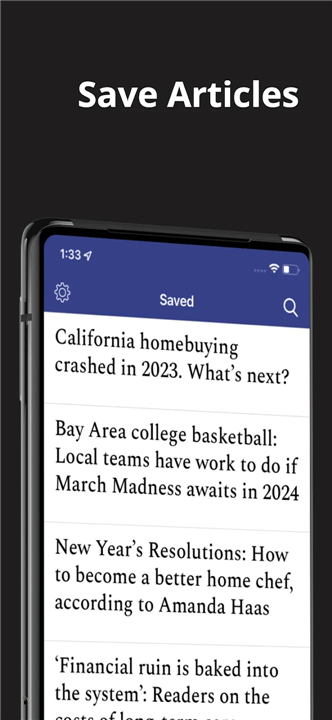
• Saved Articles: Found something worth holding onto? Save articles for later and receive gentle nudges via push notifications to ensure you never miss a read.
• Offline Reading: Take the news with you. Enable offline mode in Settings to enjoy your articles anywhere, even without a connection.
• Seamless Navigation: Move effortlessly through stories with our new top navigation bar or simply swipe left to transition continuously between articles.
3. Integrated Features
• In-App E-News: Prefer the traditional layout? Access the daily digital replica of the newspaper directly within the app via the Settings menu.
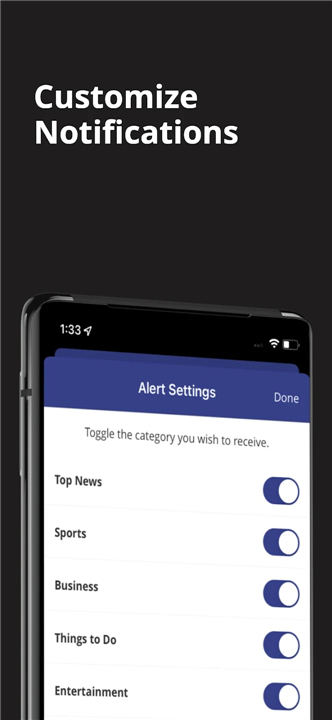
• Customized Alerts: You are in control of your notifications. Select specific topics for updates so you only hear about what interests you.
• Daily Games: Relax and recharge with our integrated puzzle suite, featuring Sudoku, Solitaire, Jumble, Crosswords, and more.
For more information, please review our Terms of Use.
FAQ
Q: How do I make sure my active subscription remains active in the new app?
A: If you are an active subscriber, you can easily verify your status by navigating to the Settings menu, selecting Subscriptions, and tapping on Restore Subscriptions. This process reconnects your account to your active plan to ensure your access remains completely uninterrupted.
Q: Can I personalize the news that appears on my home screen?
A: Absolutely. We have designed the new experience to be centered around your interests. You can customize your feed by selecting specific topics that matter most to you, which ensures that your homepage is tailored to your preferences rather than just a generic news stream.
Q: What does it mean to "Follow" a topic?
A: Following a topic is the best way to deep-dive into your favorite subjects. By clicking the Follow button on any article, you are telling our system to prioritize similar stories in your feed, making it much easier to stay informed on the issues you care about most.
Version History
v1.3.0——22 Jun 2026
The Santa Cruz Sentinel is the leading source of news in your area. Download the latest version of Santa Cruz Sentinel to enjoy new features and updates immediately!
*10.0.58
Minor bug fixes and improvements. Install or update to the newest version to check it out!
*10.0.57
Minor bug fixes and improvements. Install or update to the newest version to check it out!
*10.0.56
Minor bug fixes and improvements. Install or update to the newest version to check it out!
- AppSize146.76M
- System Requirements5.0 and up
- Is there a feeFree(In game purchase items)
- AppLanguage English
- Package Namecom.spreedinc.providers.californianewspaperpartnership.santacruzsentinel
- MD5
- PublisherMediaNews Group, Inc.
- Content RatingTeenDiverse Content Discretion Advised
- Privilege19


-
Santa Cruz Sentinel 10.0.58Install
146.76M2026-09-07Updated










7.4
4224 Human Evaluation
- 5 Star
- 4 Star
- 3 Star
- 2 Star
- 1 Star