Samsung Print Service Plugin
Overview
• Stop emailing documents to yourself just to print them like it is 1999.
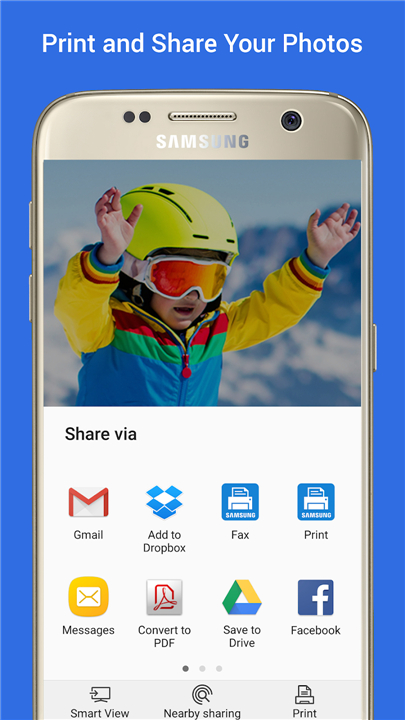
• The Samsung Print Service Plugin turns your phone into a printing powerhouse, letting you send photos, recipes, and work files directly to a printer without installing a mountain of extra apps.
Why You Need It
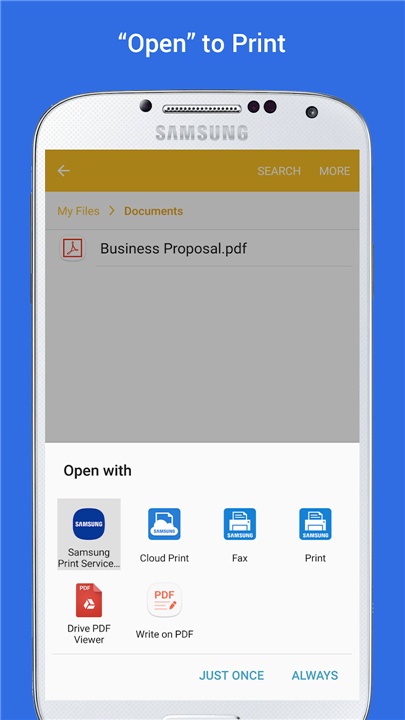
• Print directly from your favorite apps without downloading sketchy third-party printing tools.
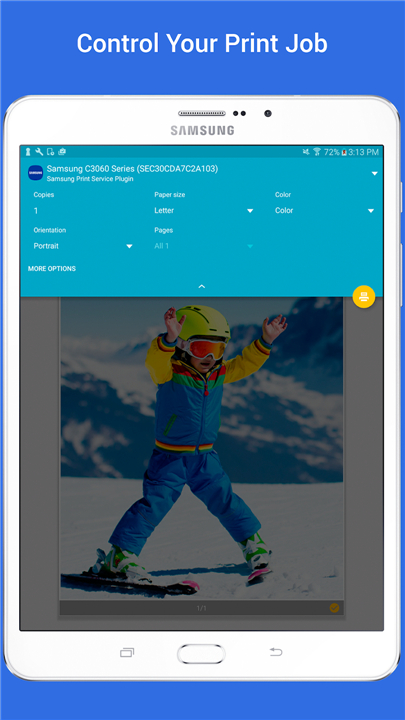
• Take full command of your output by customizing color, copy counts, page orientation, and double-sided printing.
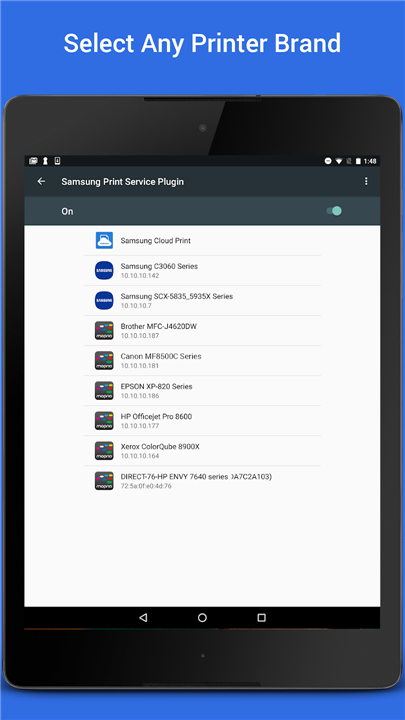
• Powered by Mopria technology, allowing your device to talk to almost any modern printer on the market.
Device Compatibility
• Samsung Galaxy owners get a head start because this tool comes pre-installed on most Galaxy phones and tablets.
• Any Android device running KitKat (4.4) or higher can download this plugin to instantly unlock system-wide printing.
• Automated background updates mean you never have to play tech support with your own phone.
Apps That Are Ready to Print
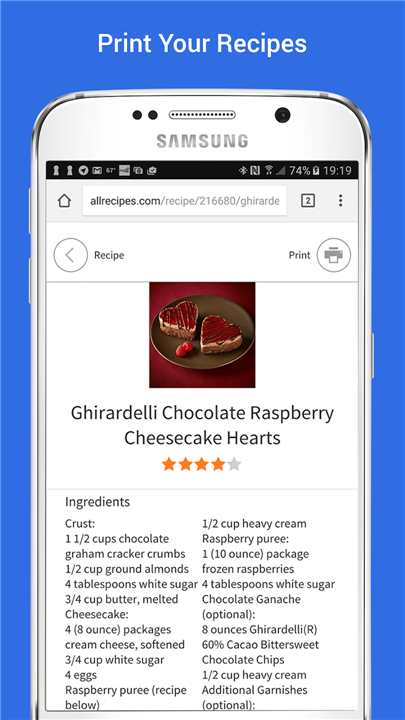
• Everyday built-in apps like Gallery, Google Photos, Chrome, and Gmail work right out of the box.
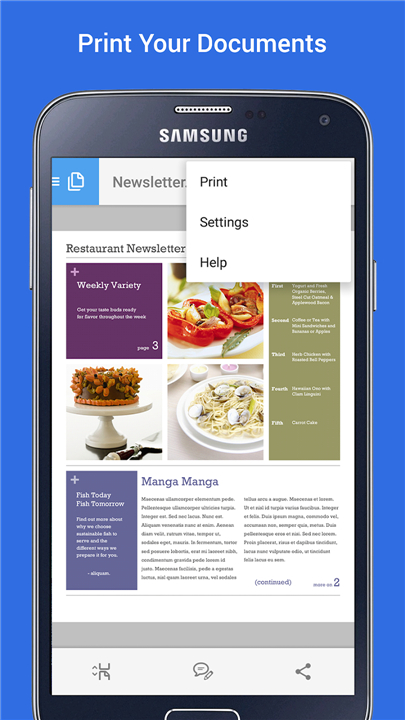
• Heavy-duty work apps like Microsoft Office, Adobe Reader, Dropbox, and Google Drive are fully supported.
• If an app has a Share button, a three-dot menu, or a print icon, you can send it to paper.
How to Turn It On
• Open your phone or tablet's Settings menu.
• Type "Printing" into the search bar and tap Samsung Print Service.
• Flip the toggle switch from Off to On, and watch your phone find nearby printers like magic.
Supported Printers
• Works with virtually all Mopria-certified printers from Brother, Canon, Dell, Epson, HP, Lexmark, Ricoh, Xerox, and more.
• Natively supports massive lineups of Samsung laser and inkjet printers (including CLP, CLX, ML, SCX, and SL series).
• You can check if your specific non-Samsung model is certified by visiting mopria.org/certified-products.
FAQ
Q: Do I need a Samsung Galaxy phone or tablet to use this plugin?
A: Not at all. While Samsung Galaxy owners get a head start because the plugin comes pre-installed on most Galaxy devices, anyone owning an Android device running Android 4.4 KitKat or higher can download it. It brings system-wide printing capabilities to almost any modern Android device.
Q: How do I turn on the Samsung Print Service Plugin on my device?
A: Enabling it takes less than a minute. Open your device's Settings menu, type "Printing" into the search bar, and select Samsung Print Service from the results. Once there, flip the toggle switch from Off to On, and your device will automatically begin searching for nearby printers connected to your network.
Q: Does this plugin only work with Samsung brand printers?
A: That is a common misconception, but no, it is not restricted to Samsung hardware. While it offers native support for huge lineups of Samsung laser and inkjet printers, it works with virtually any modern printer on the market thanks to integrated Mopria technology.
Version History
v3.12.260420——22 Jul 2026
Wireless printing to any printer brand Download the latest version of Samsung Print Service Plugin to enjoy new features and updates immediately!
*3.12.260420
Minor bug fixes and improvements. Install or update to the newest version to check it out!
*3.11.250805
• Support Android 14
• Security and reliability improvements
• Defect fixes
*3.10.240620
• Support Android 13
• Security and reliability improvements
• Defect fixes
- AppSize56.25M
- System Requirements5.0 and up
- Is there a feeFree(In game purchase items)
- AppLanguage English
- Package Namecom.sec.app.samsungprintservice
- MD51f7e4f2a4c4fe9510daf6dc6c65a6f74
- PublisherHP Inc.
- Content RatingTeenDiverse Content Discretion Advised
- Privilege19
-
Samsung Print Service Plugin 3.12.260420Install
56.25M2026-10-28Updated










9.6
1016 Human Evaluation
- 5 Star
- 4 Star
- 3 Star
- 2 Star
- 1 Star