
RadioUpnp - Radio & UPnP/DLNA
Overview
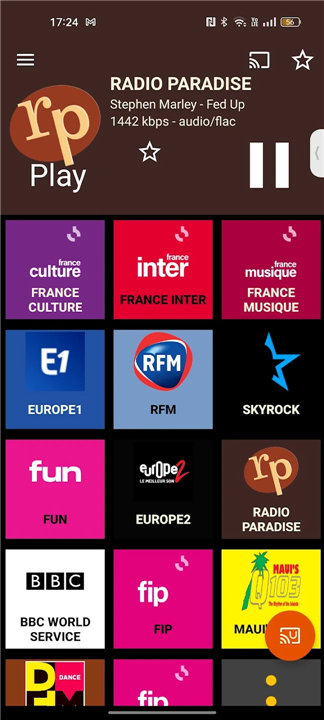
• RadioUpnp offers a seamless listening experience for web radio enthusiasts, providing uninterrupted playback and extensive connectivity options for your audio setup.
Connectivity and Streaming
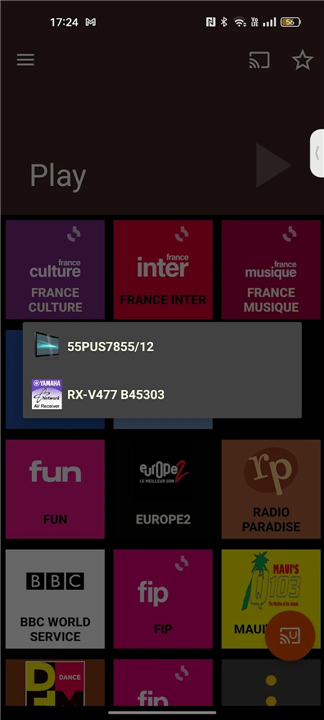
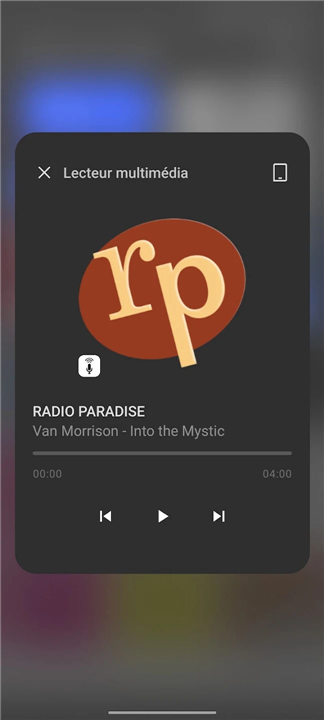
• Google Cast support: Stream your favorite stations directly to Cast-enabled devices.
• UPnP/DLNA integration: Perfect for smart home environments and high-end audiophile audio systems.
• Dual Streaming Modes: Select Passthrough to relay the original stream directly, or PCM to transcode audio for maximum compatibility with older hardware.
Customization and Library Management
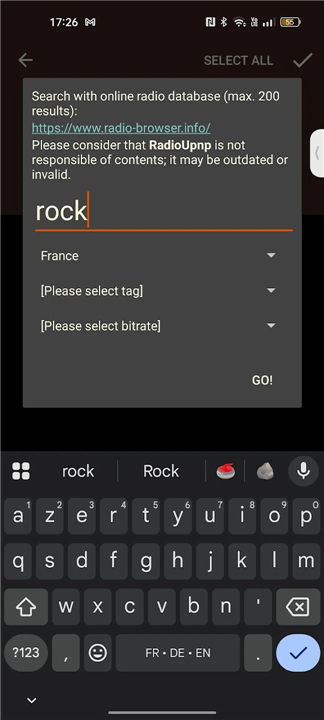
• Integrated Search: Easily find and add radio stations through the in-app search engine.
• RadioGarden Integration: Share stations directly from RadioGarden into your RadioUpnp library.
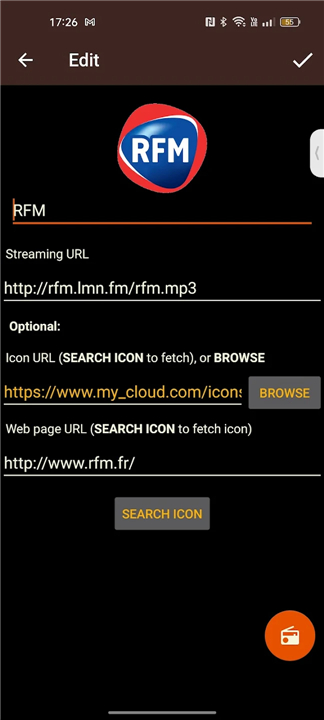
• Manual Entry: Add custom stream URLs for any station not found in the directory.
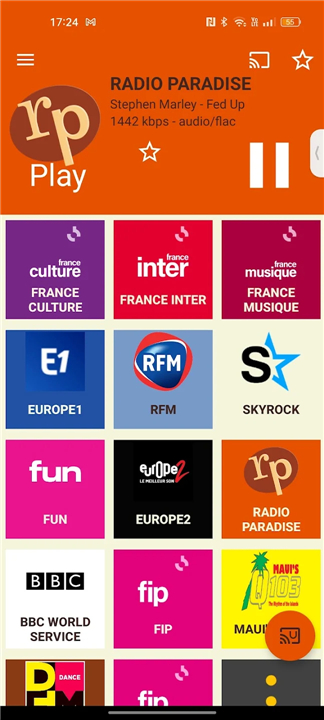
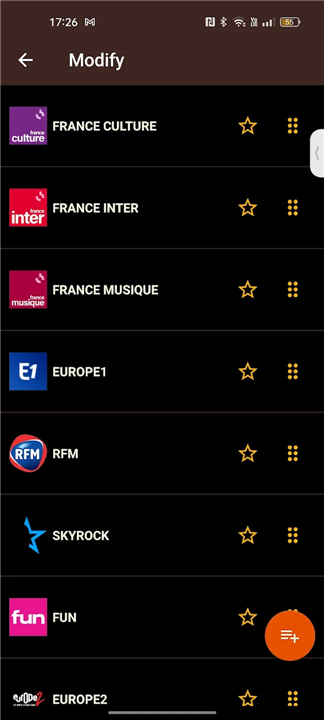
• Minimalist Design: A clean, intuitive interface that puts your content first.
Commitment to Users
• The application is completely free and contains no advertisements.
• Development is sustained through voluntary user contributions via the in-app Donate menu.
Troubleshooting and Support
1. Battery Optimization:
• Some devices, particularly Samsung and OnePlus, may force-close background apps.
• Ensure battery optimization is disabled for RadioUpnp to maintain consistent playback.
2. Device Compatibility:
• Streaming success and audio quality are dependent on the specific CODECs supported by your individual UPnP/DLNA hardware.
3. Network Configuration:
• If you utilize firewalls or ad-blocking software, ensure they are not restricting the local network traffic required for UPnP communication.
4. Direct Assistance:
• If technical issues persist, please use the built-in Report function to send logs directly to the developer for professional support.
FAQ
Q: Is there a cost associated with using the app or any annoying advertisements?
A: You will be happy to know that RadioUpnp is completely free to use and contains no advertisements, allowing for an uninterrupted listening experience. The development of the app is sustained entirely through the generosity of users who choose to contribute via the voluntary in-app donate menu.
Q: How can I stream radio to my high-end audio equipment?
A: The app features full UPnP/DLNA integration, which is ideal for audiophile-grade hardware. By selecting your target device from the app’s connection menu, you can send the audio stream directly to your network-connected speakers or media players for a high-quality listening experience.
Q: What is the difference between Passthrough and PCM streaming modes?
A: Passthrough mode relays the original stream directly to your hardware, which is excellent for maintaining the highest audio fidelity. Alternatively, PCM mode transcodes the audio, which is a great fallback option if you are using older hardware that might not support the original stream's format, ensuring maximum compatibility.
Version History
v3.02.010——13 Jul 2026
Minimalist internet radio with UPnP/DLNA & Google Cast support Download the latest version of RadioUpnp - Radio & UPnP/DLNA to enjoy new features and updates immediately!
*3.02.010
media3 compliance.
Code simplification.
Fix mesc. crashes.
*3.01.003
Bug fixes since 3.00.008: bluetooth display, pause, auto-start of last radio.
*3.00.008
Deep rework of the streaming architecture, including optimizations and bug fixes.
- AppSize5.83M
- System Requirements5.0 and up
- Is there a feeFree(In game purchase items)
- AppLanguage English
- Package Namecom.watea.radio_upnp
- MD5
- PublisherWatea
- Content RatingTeenDiverse Content Discretion Advised
- Privilege19
-
RadioUpnp - Radio & UPnP/DLNA 3.02.010Install
5.83M2026-10-28Updated










9.4
1773 Human Evaluation
- 5 Star
- 4 Star
- 3 Star
- 2 Star
- 1 Star




