Qute: Terminal emulator
Unlock the Hidden Potential of Your Smartphone
• Qute transforms your Android device from a simple handheld into a powerful workstation.
• By bridging the gap between mobile convenience and the depth of a Unix terminal, Qute empowers you to take command of your device like never before.
• Whether you are an aspiring developer or a seasoned system administrator, Qute provides the freedom to explore and manage your technology with professional-grade precision.
Master Your System
• Execute sophisticated system commands that go beyond standard settings.
• Utilize full root support to perform advanced tasks as a superuser.
• Navigate your device using a command-line file manager for ultimate control.
• Configure network settings and install applications through a direct console interface.
Advanced Linux Environment
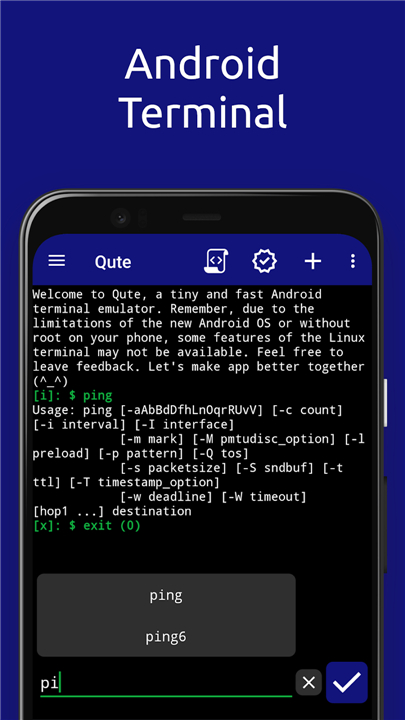
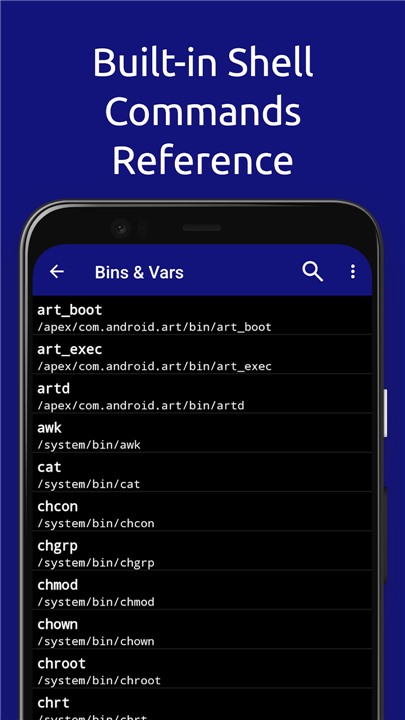
• Access a rich library of standard commands including ls, grep, awk, and ping.
• Use powerful terminal editors like nano, vim, and emacs to manage scripts on the fly.
• Establish secure connections to remote servers via integrated SSH support.
• Run binary files and manage a diverse range of Linux-based tools directly on your phone.
Efficiency and Automation
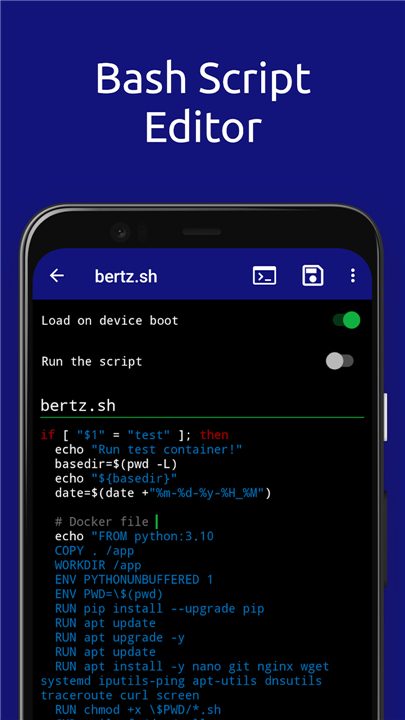
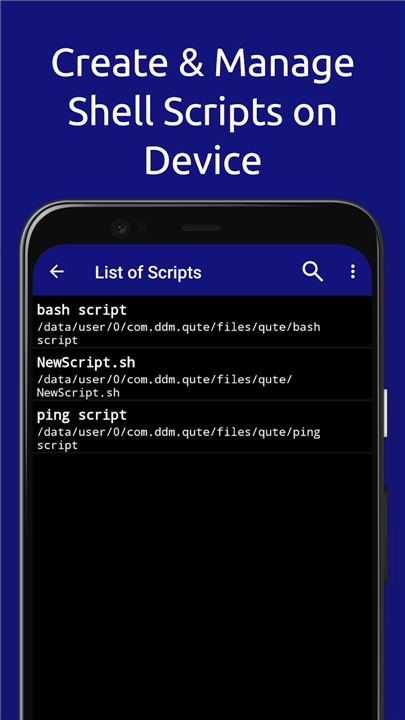
• Create, edit, and launch bash scripts to automate repetitive tasks and boost productivity.
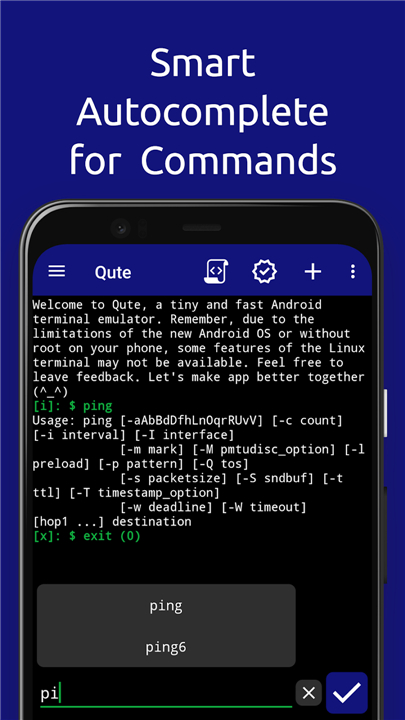
• Save time with smart features like command autocompletion and automatic prompts.
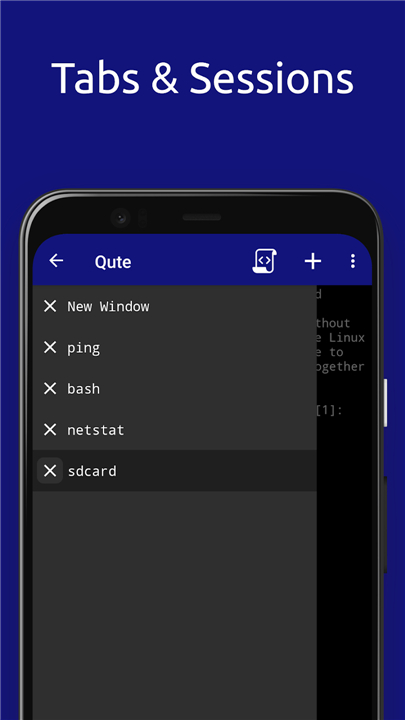
• Organize your workflow by creating custom shortcuts and personal lists of frequently used commands.
• Set scripts to autorun, ensuring your environment is always ready when you are.
Intuitive Design for Everyone
• Experience a clean, modern interface that makes complex tools accessible to all users.
• Enjoy a fast, responsive terminal environment optimized for Android 5.0 and higher.
• Harness the power of a desktop computer from the palm of your hand through a simplified, user-focused design.
Qute is more than just an application
• It is your gateway to total digital freedom.
• Step into a world of technical mastery and redefine what your smartphone can do.
FAQ
Q: Which version of Android do I need to have to run Qute effectively?
A: To ensure a fast and responsive user experience, Qute is optimized for devices running Android 5.0 and higher. This requirements allows the application to maintain a modern interface while providing the stability needed for advanced system operations and terminal tasks.
Q: Does Qute offer support for users who have rooted their devices?
A: Yes, Qute provides full root support for those who wish to operate as a superuser on their handheld devices. This capability is essential for performing advanced administrative tasks and executing system-level commands that are typically restricted in a standard user environment.
Q: Can I manage my files and folders using a command-line interface in this app?
A: Qute includes a comprehensive command-line file manager that gives you ultimate control over your device's directory structure. You can navigate through your folders, manipulate files, and organize your storage using the same logic and efficiency found in traditional Linux environments.
Version History
v5.1.1——13 Apr 2026
Get access to built-in Android terminal emulator commands with cmd console Download the latest version of Qute: Terminal emulator to enjoy new features and updates immediately!
*5.1.1
● Overall stability and performance improvements
*5.1
● Overall stability and performance improvements
*5.0.3
● Overall stability and performance improvements
- AppSize14.98M
- System Requirements5.0 and up
- Is there a feeFree(In game purchase items)
- AppLanguage English
- Package Namecom.ddm.qute
- MD5
- PublisherBlindZone
- Content RatingTeenDiverse Content Discretion Advised
- Privilege19
-
Qute: Terminal emulator 5.1.1Install
14.98M2026-09-18Updated










7.2
9952 Human Evaluation
- 5 Star
- 4 Star
- 3 Star
- 2 Star
- 1 Star