
Pocket Paint: draw and edit!
Create & Edit on the Go
• Pocket Paint is a powerful drawing app for your smartphone.
• It lets you edit graphics, photos, and images with pixel‑perfect precision, make parts transparent, and combine your work with Catrobat’s Pocket Code to build animations, apps, and games directly on the device.
What You Can Do
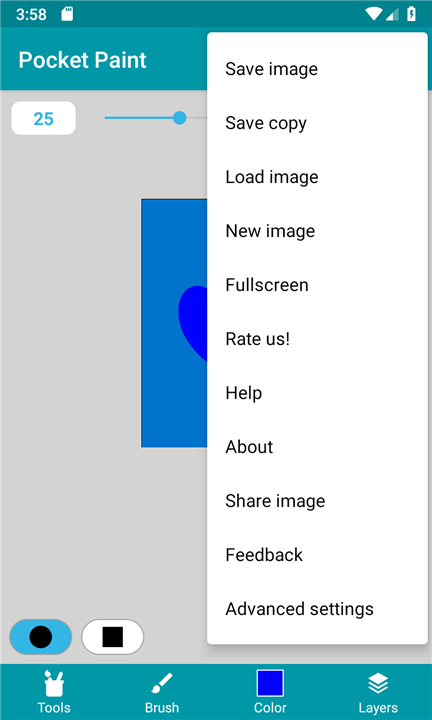
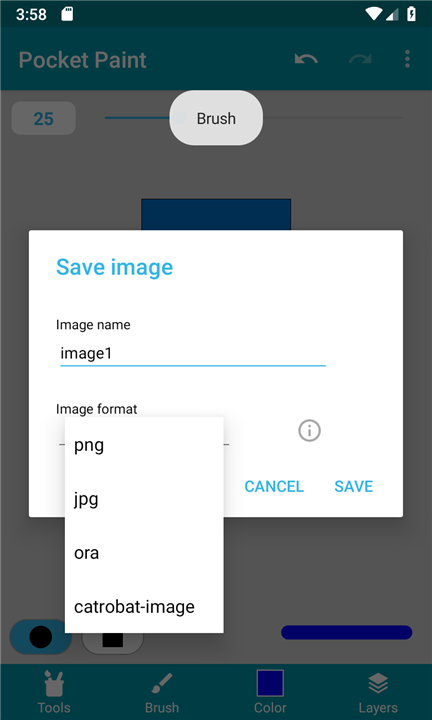
• Save formats – Export artwork as .jpg (compressed), .png (loss‑less with transparency), or .ora (layers preserved).
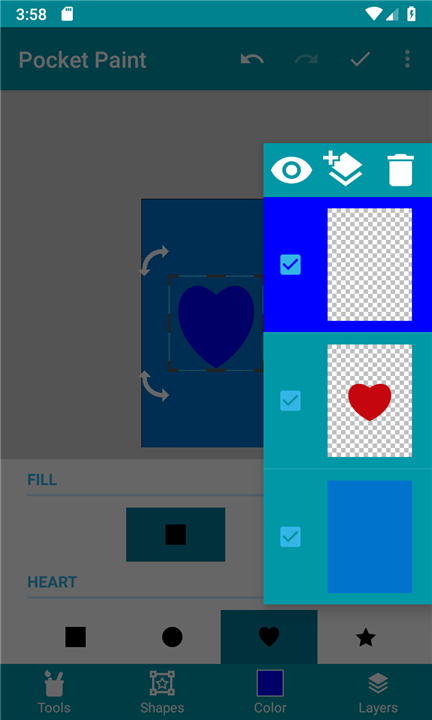
• Layer control – Add, reorder, merge, and move layers freely.
• Stickers – Insert Catrobat‑family stickers and other online assets (requires internet).
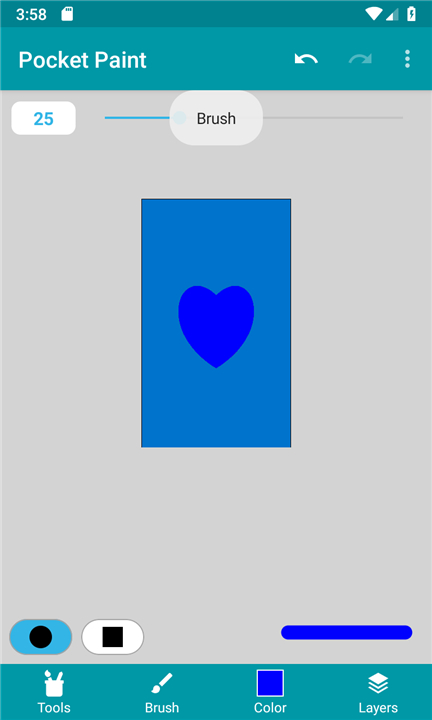
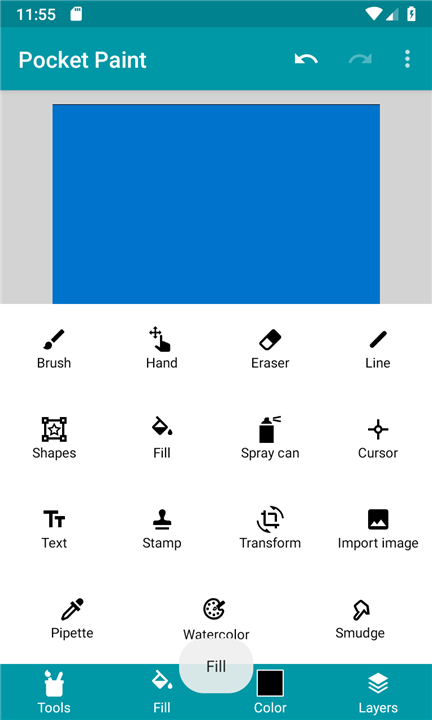
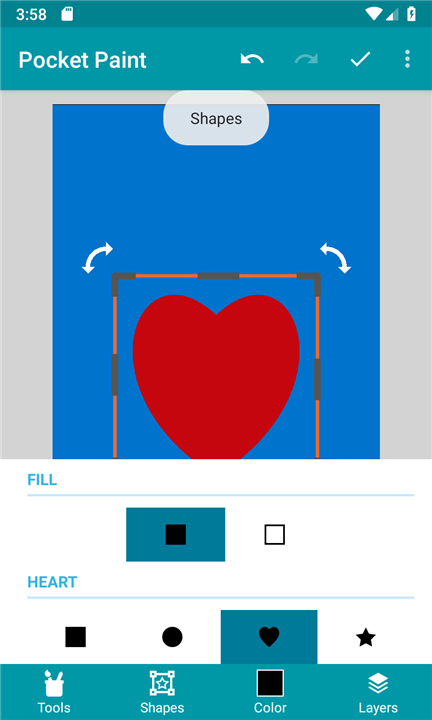
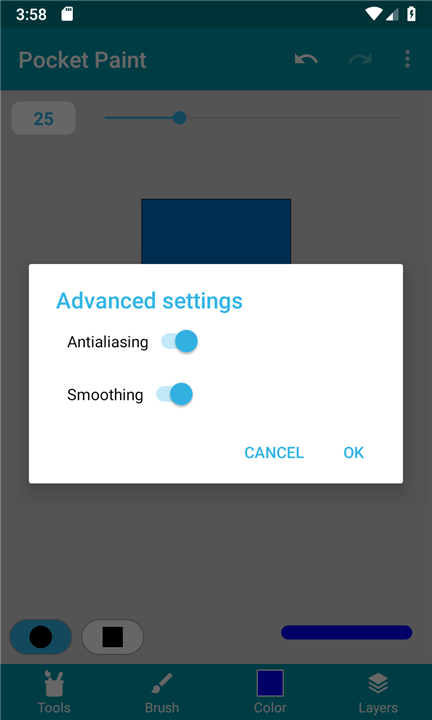
• Toolset – Brush, pipette, stamp, shapes (circle, ellipse, rectangle), line, fill, crop, flip, rotate, erase, move, zoom to the single‑pixel level, and more.
• Import & export – Drag images into the canvas or load them from your device.
• Full‑screen canvas – Work with an unobstructed view.
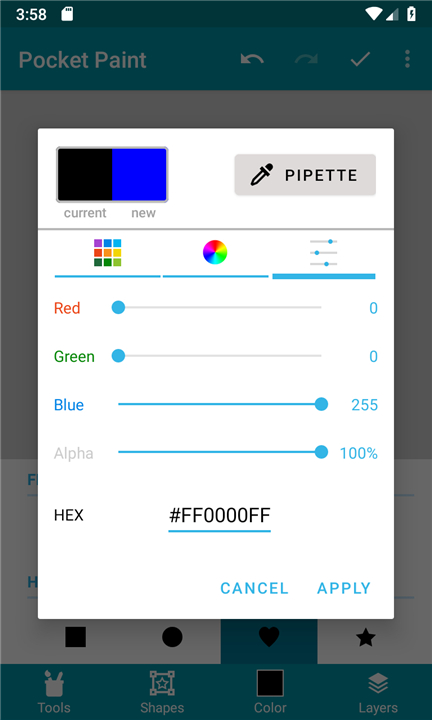
• Color selection – Choose from palettes or enter exact RGBA values.
All finished images are stored in the device’s Photos and Gallery apps.
Send Us Feedback
• Found a bug or have an idea to improve Pocket Paint?
• Email us or join our Discord server at https://catrob.at/dpc and post in the app channel.
Join the Community
• Connect with other creators, share tips, and stay updated on Discord: https://catrob.at/dpc.
Get Help
• Visit the Pocket Paint wiki for tutorials and FAQs: https://wiki.catrobat.org/.
Contribute
• Translate – Want to localise Pocket Paint? Email translate@catrobat.org with the language you can support.
• Other help – Any additional skills are welcome; see https://catrob.at/contributing for details.
All contributors are volunteers working in their free time on this non‑profit, open‑source project aimed at boosting computational thinking among teenagers worldwide.
About Catrobat
• Catrobat is an independent non‑profit that develops free, open‑source software under AGPL and CC‑BY‑SA licences.
• Our global team of volunteers builds tools that let anyone create games, control robots, compose music, and more—without cost or barrier.
• The future holds even more creative possibilities.
FAQ
Q: Which file formats can I use when saving my projects?
A: You can export your completed artwork in three distinct formats depending on your needs. Choose .jpg for a compressed image format, .png if you need lossless quality with transparent backgrounds, or .ora (OpenRaster) if you want to preserve all your separate layers for future editing.
Q: How does layer management work inside Pocket Paint?
A: Layer control in Pocket Paint is flexible and gives you full creative freedom over complex artwork. You can easily add new layers, reorder them to change what appears on top, merge multiple layers together, or move individual layers around the canvas whenever you need to.
Q: Is it possible to edit images down to individual pixels?
A: Yes, Pocket Paint offers a zoom functionality that lets you zoom in all the way to the single-pixel level. Combined with precision tools like the brush, erase, and pipette tools, you can easily make fine adjustments and create detailed pixel art directly on your phone.
Version History
v2.14.1——25 Aug 2026
Allows to use transparency on pictures, images and photos, & zoom up to pixels Download the latest version of Pocket Paint: draw and edit! to enjoy new features and updates immediately!
*2.14.1
Minor bug fixes and improvements. Install or update to the newest version to check it out!
*2.13.0
Minor bug fixes and improvements. Install or update to the newest version to check it out!
*2.12.0
Minor bug fixes and improvements. Install or update to the newest version to check it out!
- AppSize3.44M
- System Requirements5.0 and up
- Is there a feeFree(In game purchase items)
- AppLanguage English
- Package Nameorg.catrobat.paintroid
- MD53200b8011f162e88cf3b6c97fcf4252d
- PublisherCatrobat
- Content RatingTeenDiverse Content Discretion Advised
- Privilege19
-
Pocket Paint: draw and edit! 2.14.1Install
3.44M2026-10-28Updated










7.5
1857 Human Evaluation
- 5 Star
- 4 Star
- 3 Star
- 2 Star
- 1 Star




