
Pixoo Collage Maker & Editor
Overview
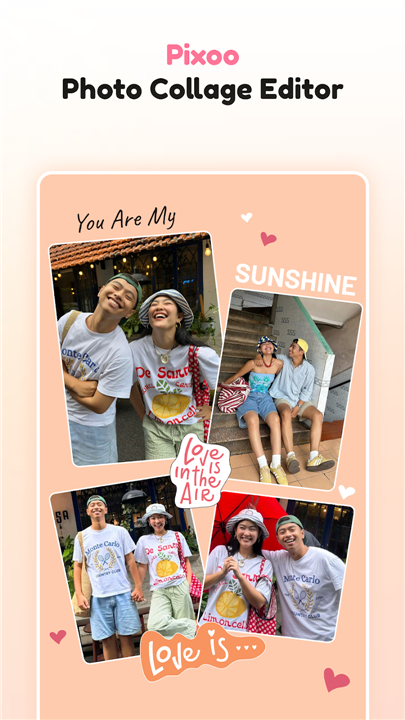
• Elevate your visual narrative with Pixoo Collage Maker & Editor, a comprehensive studio designed to turn ordinary snapshots into extraordinary art.
• Whether you are preserving cherished memories or crafting the next viral post, Pixoo provides the tools to express your unique perspective effortlessly.
Integrated Design Features
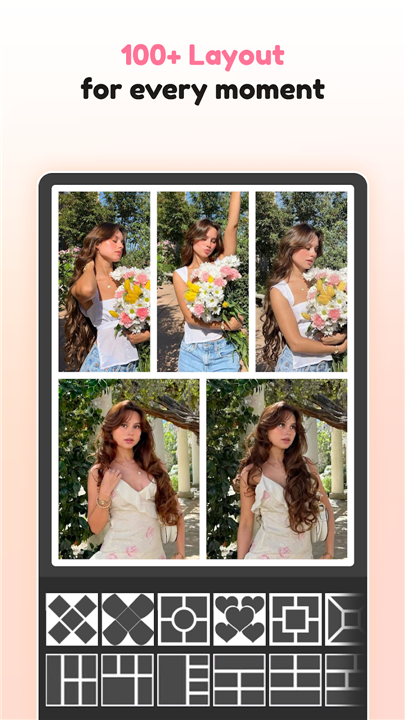
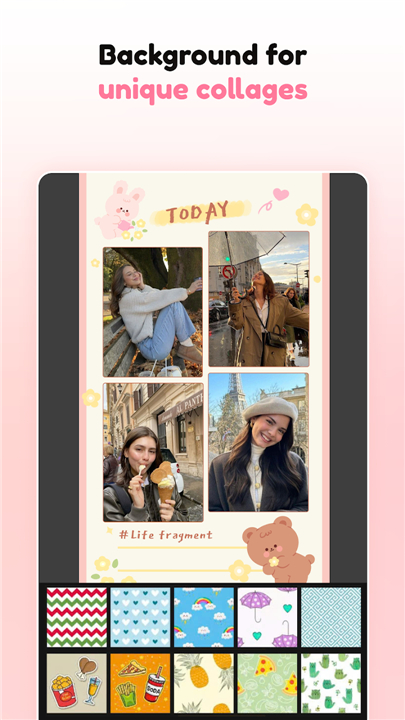
• Select from over 1,000 diverse layouts to find the perfect frame for your story.
• Combine several photos into a single, polished composition.
• Customize spacing, borders, and backgrounds to match your aesthetic.
• Easily adjust aspect ratios for seamless sharing across all platforms.
Advanced Image Enhancement
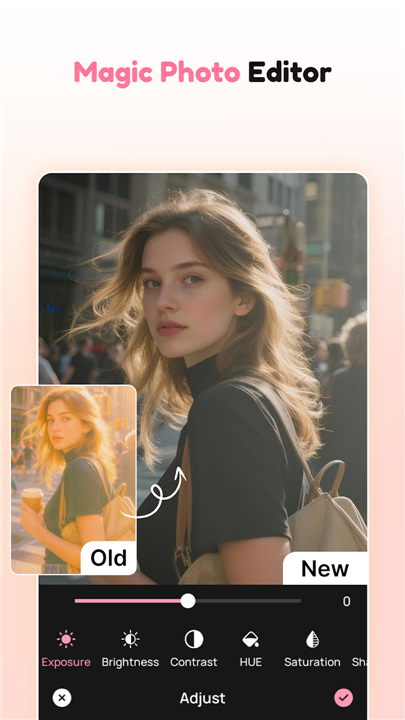
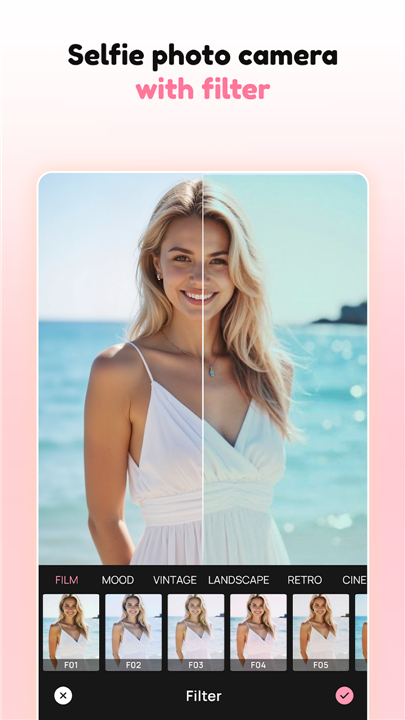
• Refine your photos with professional-grade brightness, contrast, and saturation controls.
• Apply stunning filters and artistic effects to instantly elevate the mood of your photography.
• Utilize precision tools like cropping and rotation to achieve the perfect composition.
• Transform simple images into high-quality artwork with a few intuitive taps.
Artistic Personalization
• Embrace total creative freedom by designing layouts in the freestyle scrapbook mode.
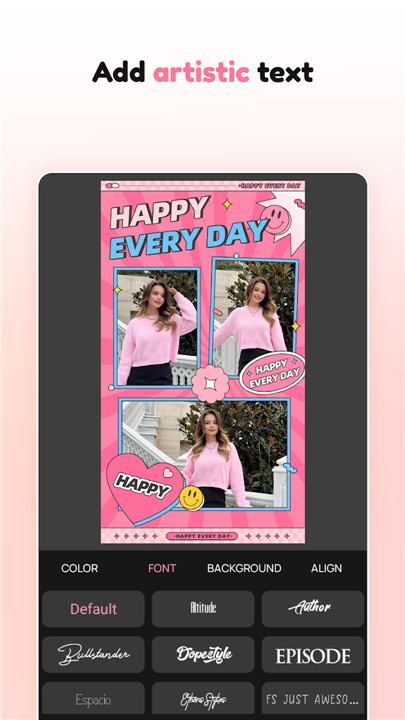
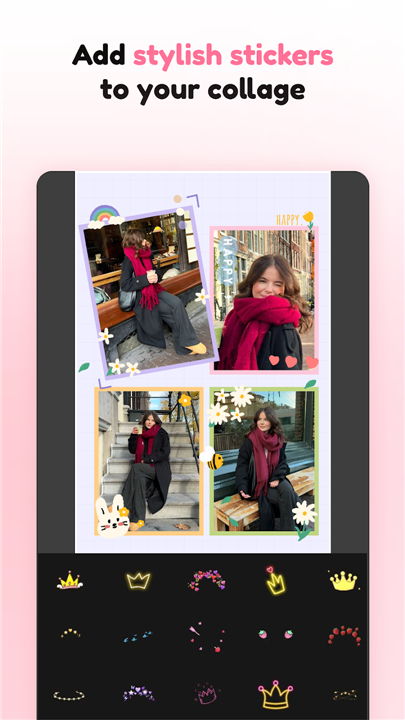
• Add character to your edits with an extensive collection of trendy stickers.
• Overlay meaningful captions using a wide variety of fonts, colors, and shadows.
• Incorporate decorative elements that bring a sense of personality to every project.
Social Media Mastery
• Access more than 500 stylish templates tailored for modern digital creators.
• Craft professional Instagram stories and magazine-style posts in seconds.
• Benefit from pre-set ratios including 1:1, 4:5, and 9:16 for instant formatting.
• Export high-resolution designs that are ready to inspire your followers.
Download Pixoo Collage Maker & Editor today
• Begin your journey of creative discovery.
• Transform your digital gallery into a world of inspiration.
FAQ
Q: How many layout options are available for creating collages?
A: You have an incredible amount of choice at your fingertips because the app features over 1,000 diverse layouts. This extensive library ensures that you can always find the perfect frame to suit the specific mood or number of photos you want to include in your project.
Q: Can I customize the look of my collage borders and backgrounds?
A: The app gives you full control over the aesthetic details of your composition by allowing you to adjust spacing, border thickness, and background styles. This flexibility ensures that your final design perfectly matches your personal branding or specific artistic vision.
Q: What tools are available for refining the quality of my individual photos?
A: For those who want to go beyond simple photo arrangements, Pixoo offers professional-grade controls for adjusting brightness, contrast, and saturation levels. These tools allow you to fine-tune the technical aspects of every image to ensure they look their best before you finalize your project.
Version History
v1.2.3——20 Apr 2026
Transform photos with Pixoo Collage Maker & Editor! Access 1,000+ layouts, pro filters, and social media templates for stunning visual art. Download the latest version of Pixoo Collage Maker & Editor to enjoy new features and updates immediately!
*1.2.3
Minor bug fixes and improvements. Install or update to the newest version to check it out!
- AppSize56.18M
- System Requirements5.0 and up
- Is there a feeFree(In game purchase items)
- AppLanguage English
- Package Namecom.pixoo.photoeditor.collagemaker
- MD5
- PublisherFlexim
- Content RatingTeenDiverse Content Discretion Advised
- Privilege19
-
Pixoo Collage Maker & Editor 1.2.3Install
56.18M2026-10-20Updated










8.6
8393 Human Evaluation
- 5 Star
- 4 Star
- 3 Star
- 2 Star
- 1 Star