PDF text editor - Edit PDF
Master Your Documents Anywhere
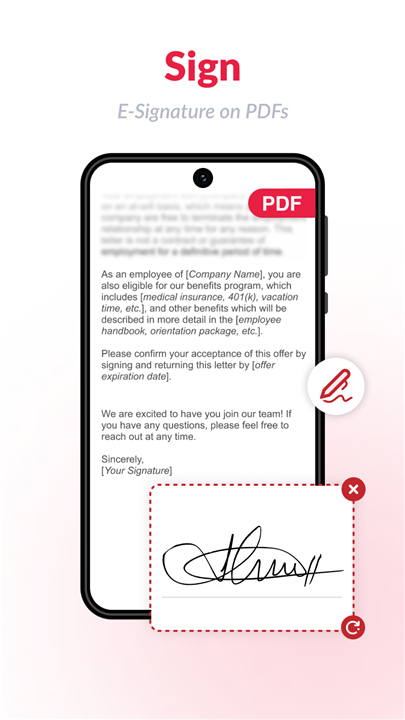
• Transform your smartphone into a powerful document command center.
• Whether you need to sign contracts on the go, digitize physical paperwork, or polish professional reports, our all-in-one PDF suite makes managing your files effortless and secure.
Precision Editing Tools
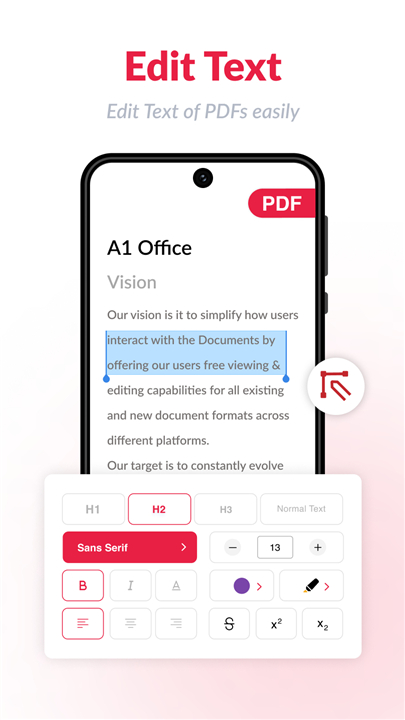
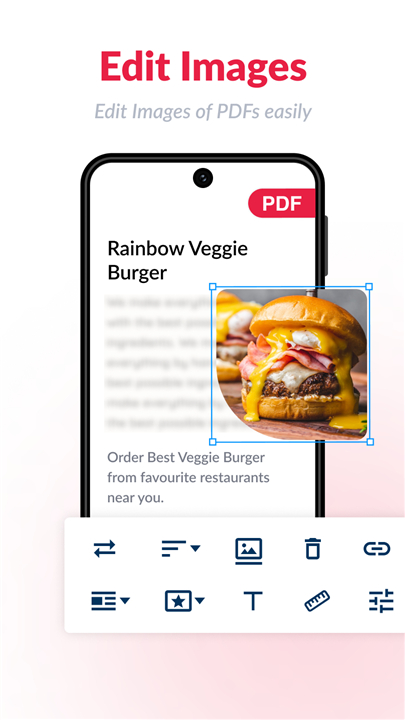
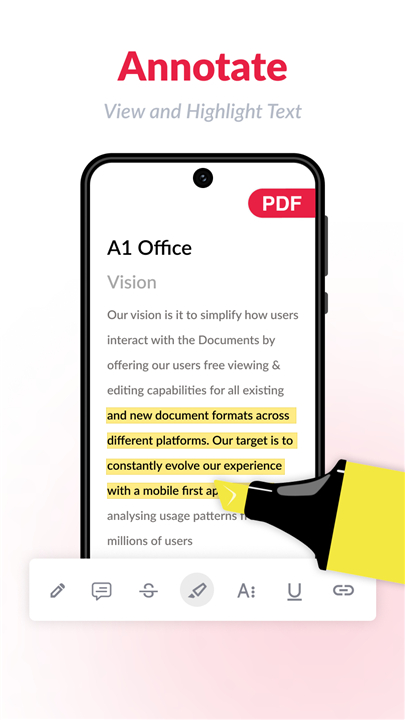
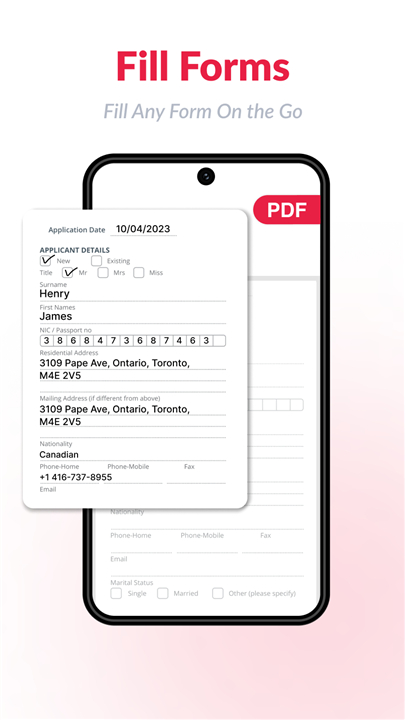
• Text & Image Modification: Seamlessly update text and swap images within existing PDFs. Simply upload, edit, and save in seconds.
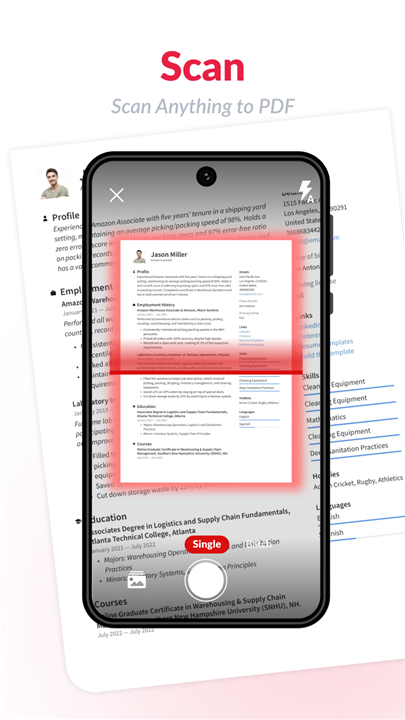
• Smart Scanning: Use your camera to capture crisp, high-resolution scans of documents and ID cards, including passports and licenses.
• Advanced Enhancement: Refine your scans with automated edge detection, custom cropping, color adjustments, and brightness controls.
Professional Document Management
• Versatile Formatting: Choose from various standard sizes like A4, Legal, or Ledger, and protect your intellectual property with custom watermarks.
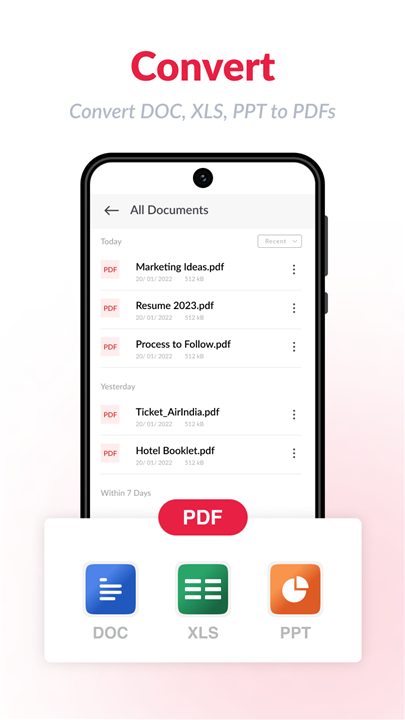
• File Organization: Merge multiple images or documents into a single PDF, remove duplicates, and convert files between formats including Excel and Text.
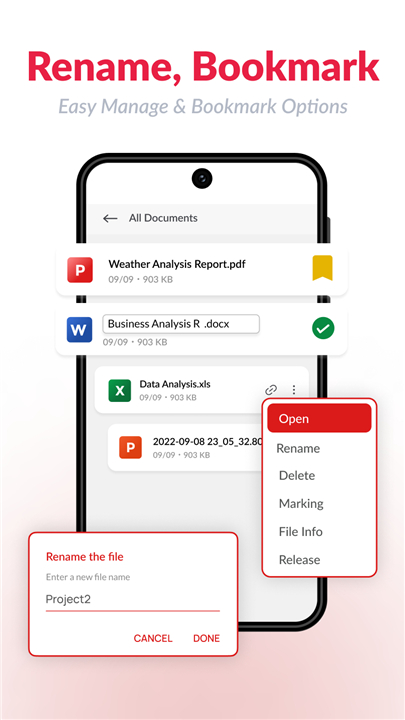
• View & Organize: Use the built-in reader to manage your library and organize files exactly how you like them.
Privacy and Performance
• Total Security: Your data remains yours. All files are processed locally on your device, never on external servers. Secure your sensitive documents further with built-in password protection.
• Offline Efficiency: Work anywhere, anytime without needing a data connection.
• Zero Costs: Enjoy premium functionality without the burden of subscriptions or hidden fees.
Why Choose Us?
• Our application is designed for speed and reliability, saving you time and money.
• Whether you are a business professional or a student, our tools are built to help you achieve more with less effort.
Get Involved
• We are committed to continuous improvement.
• If you have suggestions or love using the app, please rate us on the Play Store or share it with your professional network.
• For heavy-duty tasks, explore our advanced web-based tools at a1office.co/pdf-editor/.
A product of Apps by A1, a division of Rhophi Analytics LLP.
FAQ
Q: Is it possible to replace images inside my PDF documents?
A: Absolutely, the app is designed to let you swap out images within your documents effortlessly, ensuring your PDFs always contain the most current visuals.
Q: Does the app require an active internet connection to function?
A: One of the key benefits of our PDF editor is its offline efficiency, meaning you can edit, scan, and organize your documents anywhere and at any time without needing a data connection.
Q: How does the app ensure the security of my sensitive files?
A: Your privacy is our top priority, so all file processing is handled locally on your device rather than on external servers, and you can also add password protection to your documents for extra security.
Version History
vpdfviewer-6.20.1——27 May 2026
PDF Editor & Reader: Edit pdf easily, split, convert, merge, Sign pdf at no cost Download the latest version of PDF Editor: Edit PDF, Sign PDF to enjoy new features and updates immediately!
*pdfviewer-6.20.1
What's New
AI Assistant for PDFs (Beta)
Meet your new reading companion! Get instant summaries, ask questions, extract key points, and even generate quizzes — all from inside your PDF. Try it free with 3 credits.
PDF to Long Image
Export any PDF as a single scrollable image — perfect for sharing on social media or messaging apps.
Widgets
Add quick-access widgets to your home screen and jump straight into your PDFs without opening the app.
*pdfviewer-6.19.1
What's New
AI Assistant for PDFs (Beta)
Meet your new reading companion! Get instant summaries, ask questions, extract key points, and even generate quizzes — all from inside your PDF. Try it free with 3 credits.
PDF to Long Image
Export any PDF as a single scrollable image — perfect for sharing on social media or messaging apps.
Widgets
Add quick-access widgets to your home screen and jump straight into your PDFs without opening the app.
*pdfviewer-6.17.1
What's New
AI Assistant for PDFs (Beta)
Meet your new reading companion! Get instant summaries, ask questions, extract key points, and even generate quizzes — all from inside your PDF. Try it free with 3 credits.
PDF to Long Image
Export any PDF as a single scrollable image — perfect for sharing on social media or messaging apps.
Widgets
Add quick-access widgets to your home screen and jump straight into your PDFs without opening the app.
- AppSize73.38M
- System Requirements5.0 and up
- Is there a feeFree(In game purchase items)
- AppLanguage English
- Package Namecom.xsdev.pdfreader.pdfeditor.pdf.document
- MD5
- PublisherA1 Office Apps
- Content RatingTeenDiverse Content Discretion Advised
- Privilege19
-
PDF text editor - Edit PDF pdfviewer-6.20.1Install
73.38M2026-10-28Updated










8.1
2043 Human Evaluation
- 5 Star
- 4 Star
- 3 Star
- 2 Star
- 1 Star