PDF Scanner - Reader
Your Office in Your Pocket
• Stop being tethered to your desk.
• Whether you are reviewing a contract on the go or managing spreadsheets during your commute, PDF Scanner turns your Android device into a powerhouse of productivity.
• This lightweight, all-in-one suite organizes, views, and edits all your essential documents with effortless speed.
Intelligent Document Management
1. Centralized Organization:
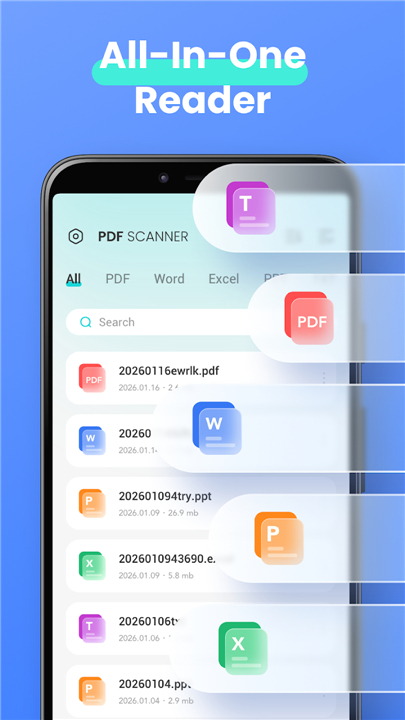
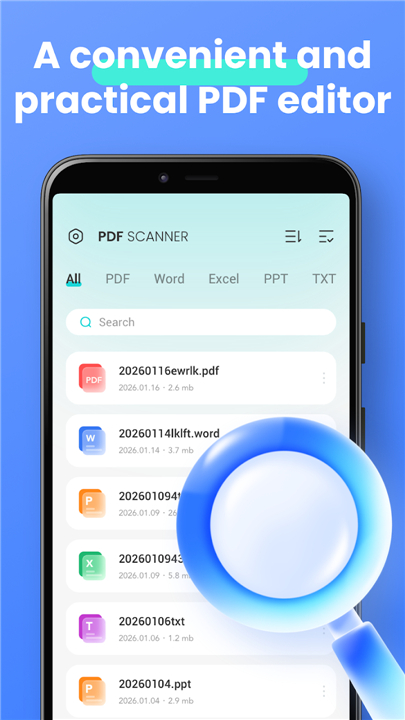
• Automatically scans and categorizes your files—PDF, DOC, XLS, PPT, and TXT—into intuitive, easy-to-navigate folders.
2. Smart Search & Favorites:
• Instantly locate any document or pin your most critical files for immediate access.
3. Seamless Cleanup:
• Rename, delete, and organize your files by size, date, or name with a simple interface.
Pro-Level PDF Toolkit
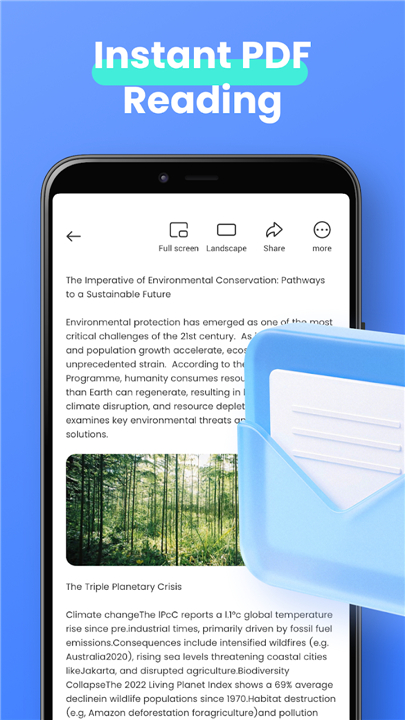
1. Comprehensive Reading:
• Enjoy a smooth, high-resolution reading experience with flexible zoom controls.
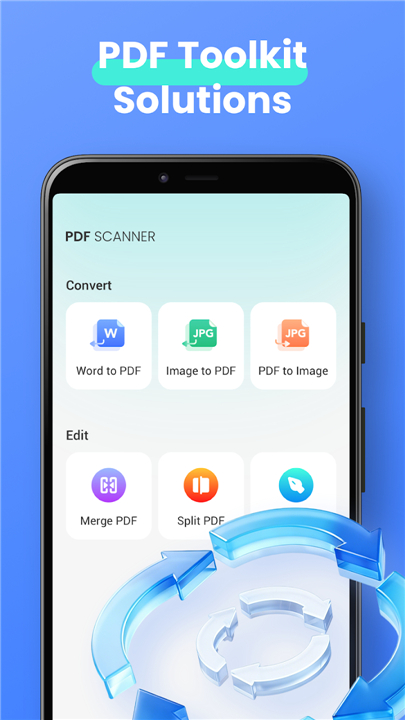
2. Professional Editing:
• Add custom text, electronic signatures, and annotations directly onto your documents.
3. Advanced Management:
• Merge, split, compress, and reorganize pages to keep your PDFs exactly how you need them.
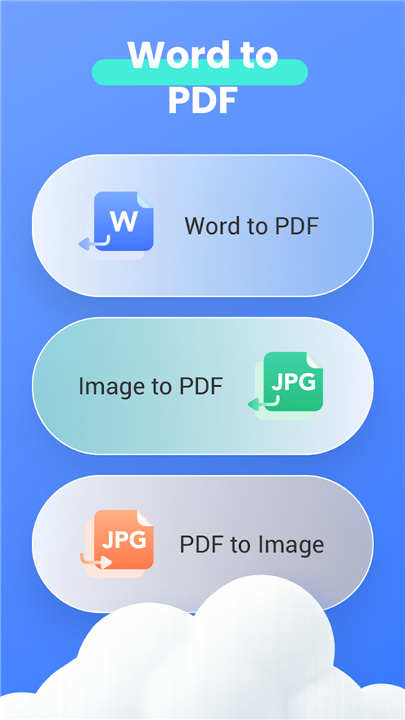
4. Versatile Conversion:
• Transform images, Word documents, or spreadsheets into professional PDFs, or convert PDFs back into high-quality images.
Universal Format Support
1. Word & Excel:
• Open and review DOC, DOCX, XLS, and XLSX files with a clean, distraction-free interface.
2. Presentation Ready:
• View PPT and PPTX files with fast, stable performance that preserves high-quality visuals.
3. Text Editor:
• Read and manage TXT files from anywhere at any time.
Why Choose PDF Scanner?
1. Lightweight Efficiency:
• A fast-loading, compact application that won't compromise your device's performance.
2. Total Mobility:
• Free yourself from the computer and take full control of your workflow from your smartphone.
3. Privacy First:
• For devices running Android 11 or higher, the Manage External Storage permission is used exclusively to facilitate your document management needs.
Take command of your digital workspace
• Download today and experience the freedom of a truly mobile office.
FAQ
Q: Can I use this app to convert images into PDF documents?
A: Yes, the application features a versatile conversion tool that allows you to transform images, Word documents, or spreadsheets into professional-grade PDFs with ease.
Q: Is it possible to edit a PDF after I have opened it?
A: Absolutely, you can use our professional editing toolkit to add custom text, insert electronic signatures, and leave annotations directly on your documents whenever you need to make changes.
Q: How does the app help me keep my files organized?
A: The app automatically scans and categorizes your files into intuitive folders, and you can further manage them by renaming, deleting, or sorting them by size, date, or name to suit your workflow.
Version History
v1.0.2——18 May 2026
PDF Scanner & Reader for Android. Scan, edit, manage, & convert PDFs, Word, Excel, & PPT. Your mobile office on the go. Download the latest version of PDF Scanner - Reader to enjoy new features and updates immediately!
*1.0.2
Fixed known issues and optimized the user experience
- AppSize31.35M
- System Requirements5.0 and up
- Is there a feeFree(In game purchase items)
- AppLanguage English
- Package Namecom.pdftool.fayrouz.scanner.view
- MD52d84ae5cd2125bb367bb0339d8e9a18e
- PublisherAl Fayrouz
- Content RatingTeenDiverse Content Discretion Advised
- Privilege19
-
PDF Scanner - Reader 1.0.2Install
31.35M2026-09-18Updated
-
PDF Scanner & PDF Reader App 1.1.6Install
18.00M2026-09-18Updated
-
PDF Scanner - Document Scanner 1.1.6Install
18.00M2026-09-18Updated










8.6
8080 Human Evaluation
- 5 Star
- 4 Star
- 3 Star
- 2 Star
- 1 Star