PDF Scanner, Image to text
Turn Your Phone into a Smart Document Hub
• Searching for a fast, dependable way to capture and work with paper?
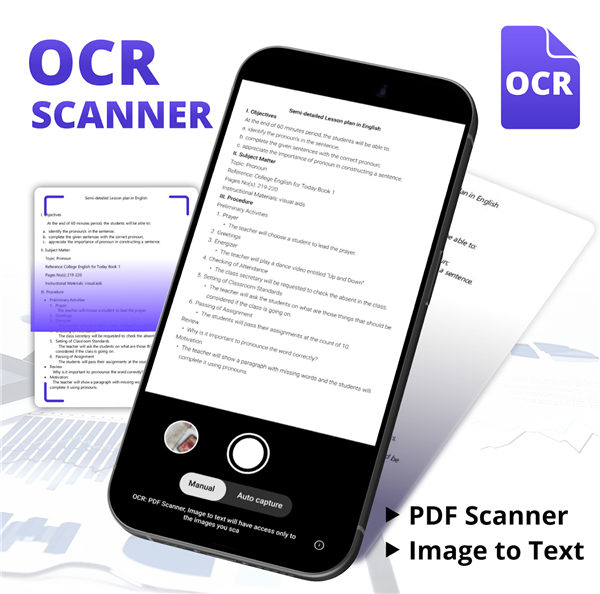
• OCR : PDF Scanner – Image to Text puts a full‑featured scanner in your pocket, letting you digit‑ize, edit, and translate documents in seconds.
Why It Stands Out
• All‑in‑one power – Scan, recognise text, and translate without leaving the app.
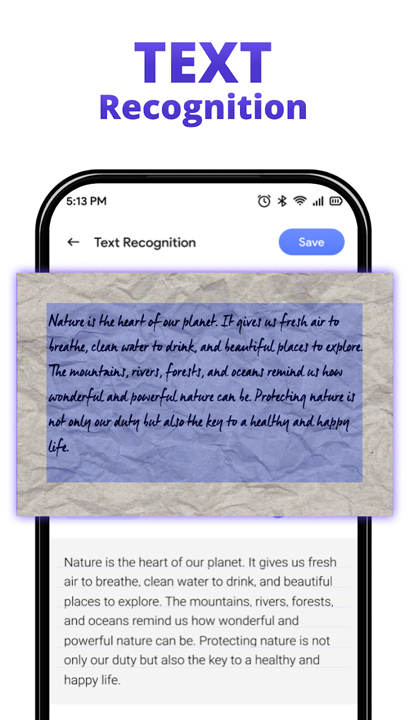
• AI‑driven OCR – Converts images into selectable, editable words instantly.
• Time‑saving workflow – One‑tap scans, multi‑page PDFs, and seamless sharing keep you productive.
Core Features
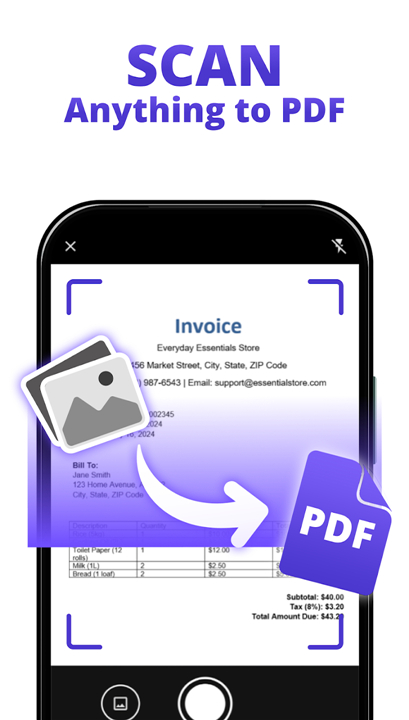
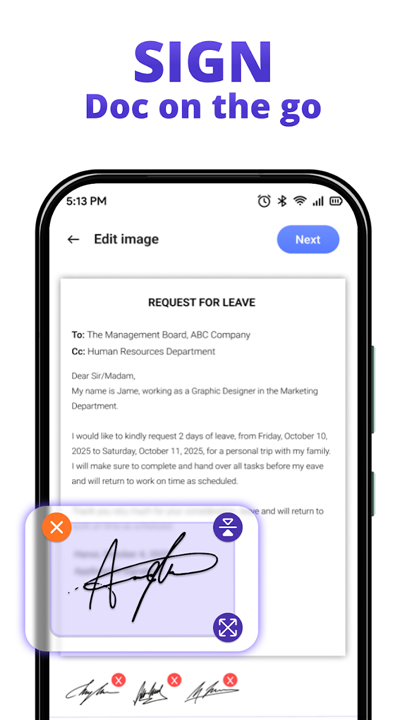
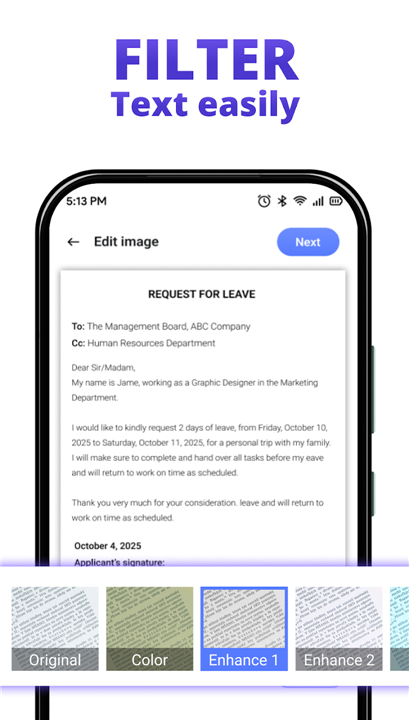
• Effortless scanning – Capture any document size; built‑in image processing delivers crisp, readable pages.
• Editable text output – Export recognised text to email, notes, or word processors with a simple copy‑paste.
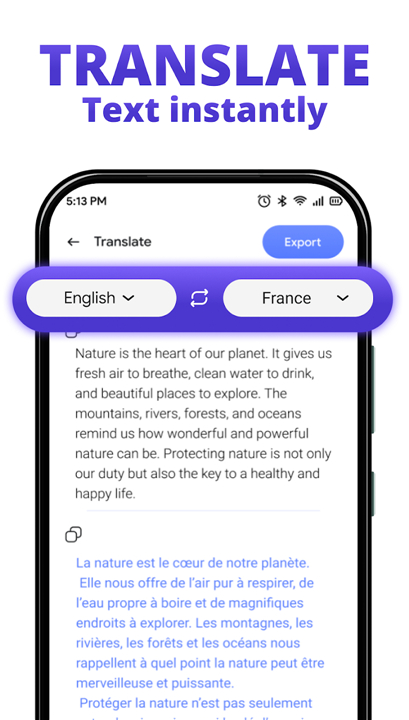
• Instant translation – Choose a language after scanning and the app returns the translated text ready to view, copy, or share.
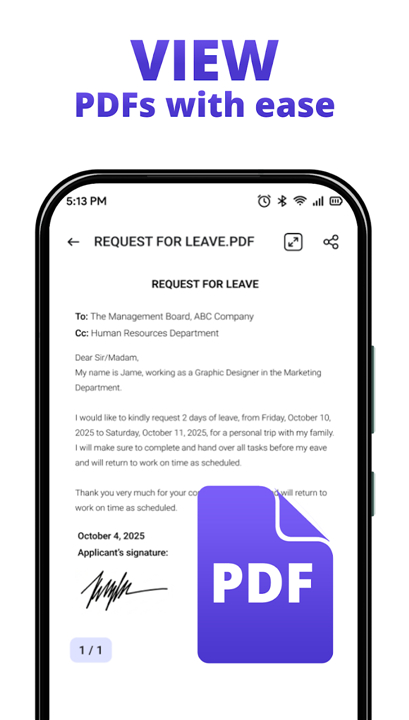
• Single‑file PDFs – Merge multiple pages into one PDF for easy storage and distribution.
Get Started
• Open the app and point the camera at your document.
• Tap “Scan” – the app sharpens the image and creates a PDF.
• Press “OCR” to extract editable text, or choose “Translate” for a quick language conversion.
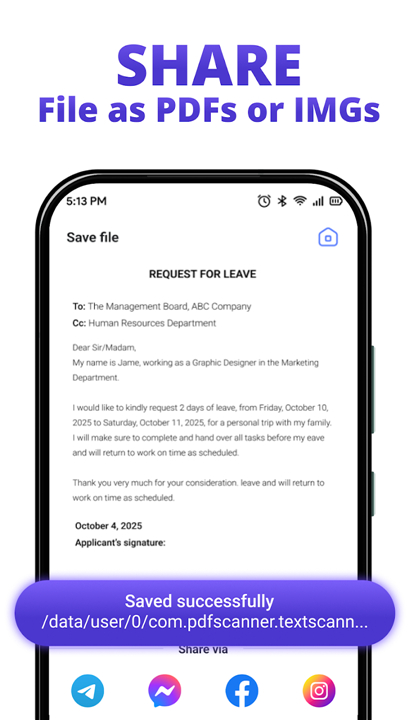
• Share or save the result wherever you need it.
Download OCR : PDF Scanner today
• Boost your productivity!
• Experience unlimited photo‑to‑text conversion and let every page work for you.
FAQ
Q: How does this app help me save time and boost my productivity?
A: The app is built with a time-saving workflow in mind. It offers one-tap scanning, the ability to combine multiple pages into a single PDF, and seamless sharing options, all of which are designed to streamline your document management and keep you exceptionally productive.
Q: Can I scan any type or size of document with this app?
A: Yes, absolutely! The app is engineered for effortless scanning of any document size. It also includes built-in image processing to ensure that every page you capture is crisp, clear, and perfectly readable.
Q: What does "AI-driven OCR" mean, and how does it benefit me?
A: "AI-driven OCR" means the app uses advanced Artificial Intelligence to recognize text within images. This powerful technology instantly converts those images into selectable and editable words, making your scanned documents much more functional than just a static picture.
Version History
v1.0.2.8_13102025——14 May 2026
Scan all documents, convert image to text easily with scanner app Download the latest version of PDF Scanner, Image to text to enjoy new features and updates immediately!
*1.0.2.8_13102025
Minor bug fixes and improvements. Install or update to the newest version to check it out!
*1.0.2.7_13102025
Minor bug fixes and improvements. Install or update to the newest version to check it out!
*1.0.2.2_31072025
Minor bug fixes and improvements. Install or update to the newest version to check it out!
- AppSize34.49M
- System Requirements5.0 and up
- Is there a feeFree(In game purchase items)
- AppLanguage English
- Package Namecom.pdfscanner.textscanner.ocr
- MD5
- PublisherAmobear VN Application
- Content RatingTeenDiverse Content Discretion Advised
- Privilege19
-
PDF Scanner, Image to text 1.0.2.8_13102025Install
34.49M2026-09-13Updated










9.0
8141 Human Evaluation
- 5 Star
- 4 Star
- 3 Star
- 2 Star
- 1 Star