
OpenWrt Manager
Overview
• OpenWrt Manager is a dedicated mobile application designed to provide comprehensive monitoring and control over your OpenWrt-powered routers.
• By leveraging LuCI commands, the app offers a streamlined interface to manage your networking hardware directly from your smartphone.
• Please note that the LuCI web interface must be installed and active on your OpenWrt device for the app to function correctly.
Key Features and Functionality
1. Multi-Device Management:
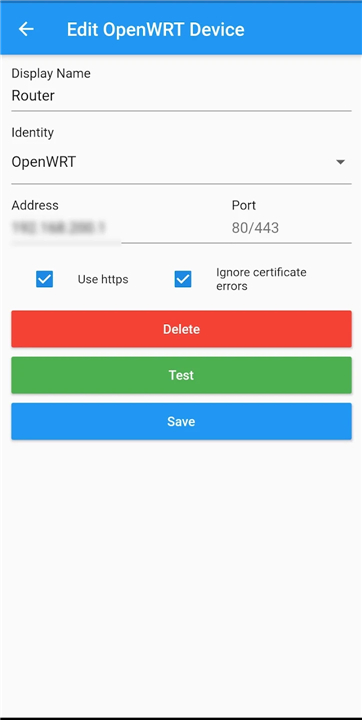
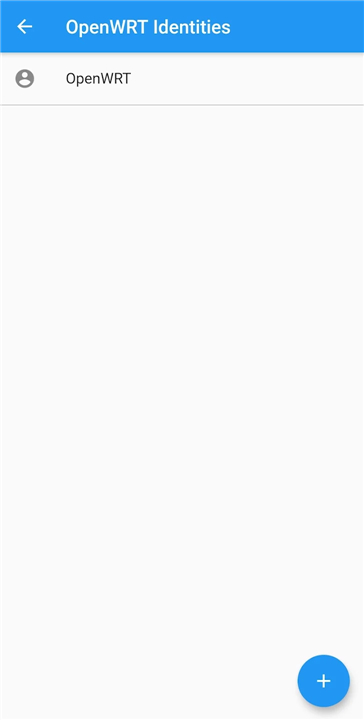
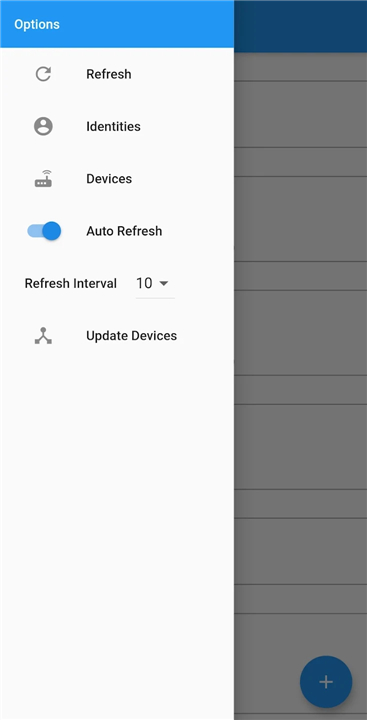
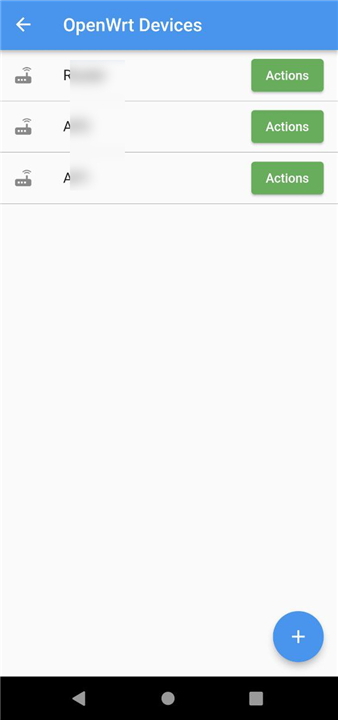
• Easily add and switch between multiple OpenWrt devices within a single application.
• You have full control over which specific metrics and data points are displayed for each device.
2. Status Monitoring:
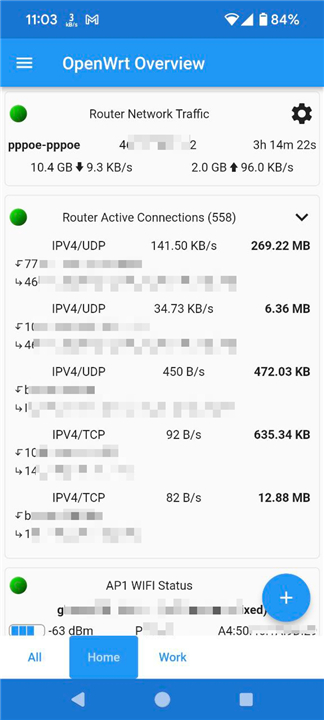
• The current version focuses primarily on real-time data visualization, allowing you to track system health, connected clients, and interface statistics effortlessly.
3. Remote Actions:
• Enhance your device management with built-in remote commands:
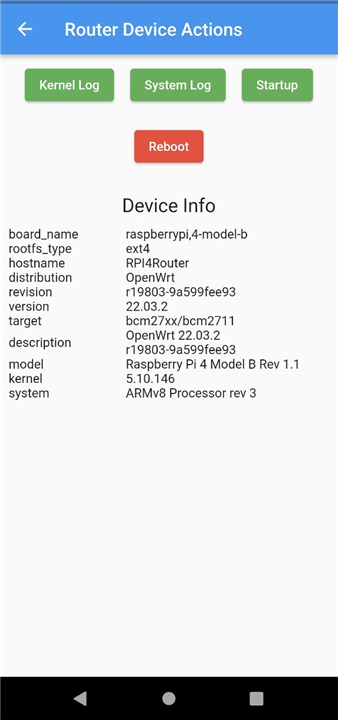
+ Reboot your router directly from the Devices page.
+ Restart specific network interfaces when troubleshooting connectivity.
+ Manage wireless clients by long-pressing an entry in the list to disconnect unauthorized or unresponsive devices.
Security and Accessibility
1. Secure Connectivity:
• To ensure data integrity and privacy, it is highly recommended to enable HTTPS for the LuCI interface on your OpenWrt router before connecting.
2. Open Source:
• This application is provided completely free of charge.
• The full source code is publicly available for audit and contribution at: https://github.com/hagaygo/OpenWRTManager.
Supported OpenWrt Versions
The application is rigorously tested to ensure compatibility across a wide range of firmware releases:
• 24.10
• 23.05
• 22.03
• 21.12
• 21.02
• 19.07
Simplify Network Management Process
• By providing a clean, efficient bridge to your router's LuCI interface, OpenWrt Manager simplifies the maintenance and monitoring of your home or professional network infrastructure.
FAQ
Q: What are the basic requirements I need to meet before using the app?
A: To use OpenWrt Manager effectively, your router must be running the OpenWrt firmware and have the LuCI web interface installed and active. Because the app communicates using LuCI commands, it will not be able to fetch data or send instructions if the LuCI web interface is disabled or missing from your device.
Q: Can I manage more than one router using this application?
A:Yes, the application supports multi-device management, which means you can easily add several different OpenWrt routers within the same app. This feature allows you to switch between different locations or network segments quickly, giving you a centralized hub for all your hardware.
Q: How does the app display information about my router’s current status?
A: The current version of the app focuses primarily on real-time data visualization to help you understand your network's performance. It provides a clear and intuitive interface to track your system health, see a list of all currently connected clients, and monitor detailed interface statistics for both wired and wireless connections.
Version History
v1.41——27 Jul 2026
Manage your OpenWrt device from your phone Download the latest version of OpenWrt Manager to enjoy new features and updates immediately!
*1.41
Info on https://github.com/hagaygo/OpenWrtManager/releases/tag/1.41
*1.40
Fix issues with OpenWrt 25.12
Internal updates.
*1.39.2
Change status bar icon color to white.
- AppSize15.60M
- System Requirements5.0 and up
- Is there a feeFree(In game purchase items)
- AppLanguage English
- Package Namecom.hg.openwrtmanager
- MD5
- PublisherHagay Goshen
- Content RatingTeenDiverse Content Discretion Advised
- Privilege19
-
OpenWrt Manager 1.41Install
15.60M2026-10-29Updated










8.3
127 Human Evaluation
- 5 Star
- 4 Star
- 3 Star
- 2 Star
- 1 Star




