
OpenDocument Reader - view ODT
Overview
• Empower your productivity and take your work anywhere.
• Whether you are reviewing study notes on your morning commute or polishing a crucial document minutes before a meeting, this app gives you the freedom to stay connected to your ideas.
• Seamlessly access, read, and refine your files on the go, transforming your mobile device into a powerful portable workstation.
Effortless Viewing and Editing
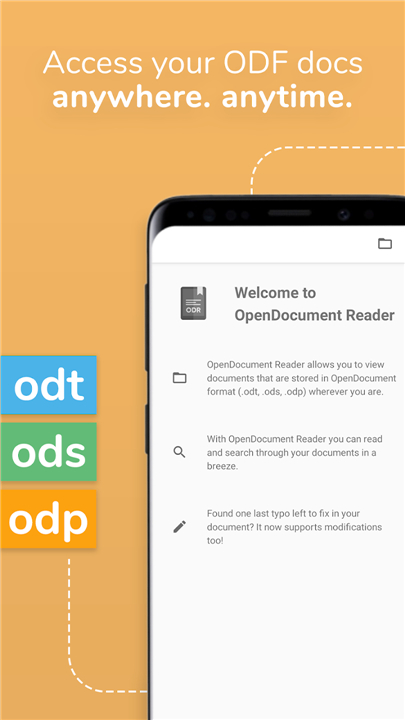
• Open and view ODT, ODS, ODP, and ODG files instantly, without formatting hassle.
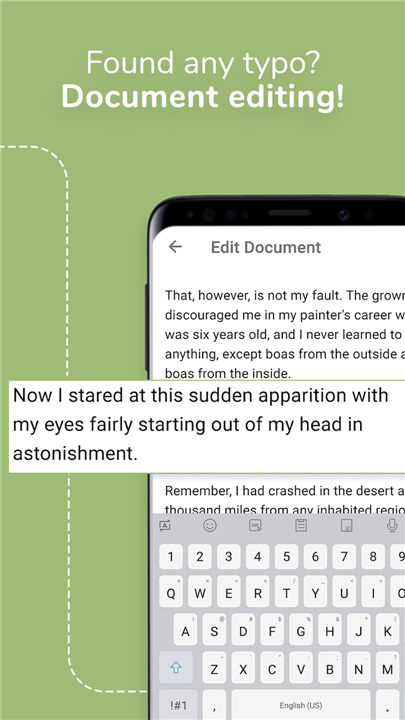
• Make quick updates on the fly with intuitive editing tools to correct typos and add text.
• Keep your sensitive information safe by securely opening password-protected documents.
• Search your documents efficiently with keyword search and text highlighting.
• Enjoy a focused, distraction-free reading experience using the immersive fullscreen mode.
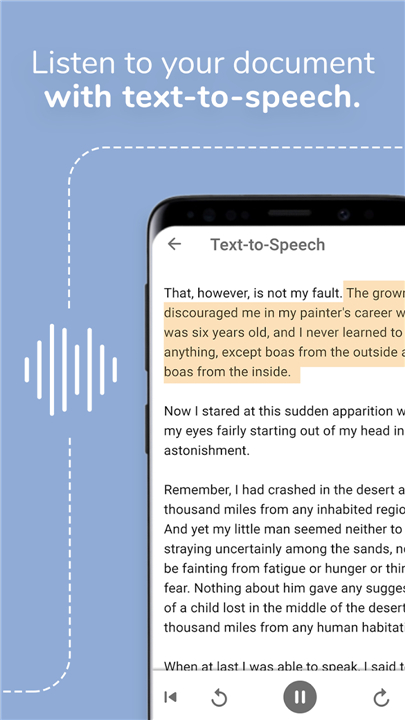
• Listen to your files read aloud with integrated Text-to-Speech technology.
Seamless Integration and Offline Freedom
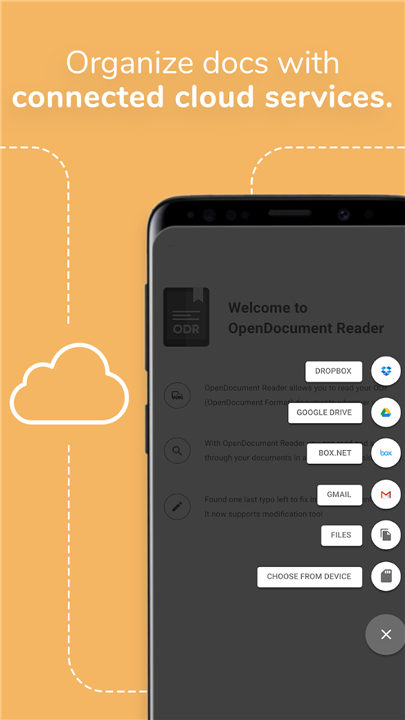
• Retrieve your files directly from preferred cloud services, including Google Drive, OneDrive, iCloud, Dropbox, and Nextcloud.
• Navigate your device storage easily using the built-in local file manager.
• Work without boundaries thanks to complete offline functionality that requires no internet connection.
• Copy essential text or print documents directly from your mobile device.
Universal Format Support
• OpenDocument Formats: ODT, ODS, ODP, and ODG created with LibreOffice, OpenOffice, Collabora, and more.
• Microsoft Office: Word (DOC, DOCX), Excel (XLS, XLSX), and PowerPoint (PPT, PPTX).
• Apple iWork: Pages, Numbers, and Keynote.
• Standard Formats: PDFs, Rich Text (RTF), CSV, and plain text files.
• Media and Archives: ZIP archives, high-resolution images (including SVG and WebP), audio files, and videos.
• Specialty Files: AutoCAD (DXF), Photoshop (PSD), and PostScript (EPS).
Open Source and Community-Driven
• Built as an independent, open-source project designed to give you total control over your digital documents.
• Developed with pride in Austria, prioritizing user feedback and continuous improvement.
• Free to use and supported by ads, which can be easily disabled through the in-app menu.
FAQ
Q: Which OpenDocument formats are supported by the app?
A: You can instantly open and view ODT text documents, ODS spreadsheets, ODP presentations, and ODG graphics files without worrying about formatting hassles. These files can be created using popular office suites like LibreOffice, OpenOffice, or Collabora.
Q: Can I edit my documents using this app, or is it strictly a viewer?
A: You can definitely make quick updates on the fly! The app offers intuitive editing tools designed to help you correct typos, add text, and polish your documents whenever you need to make changes.
Q: Does OpenDocument Reader require an active internet connection to work?
A: Not at all. You can enjoy complete offline freedom with no internet connection required, meaning you can access, read, and edit all your stored files wherever your day takes you.
Version History
v4.13.0——5 Aug 2026
Read and edit ODF (ODT, ODS, ODP), DOCX, DOC, CSV, PDF documents and other files Download the latest version of OpenDocument Reader - view ODT to enjoy new features and updates immediately!
*4.13.0
Minor bug fixes and improvements. Install or update to the newest version to check it out!
*4.12.0
Minor bug fixes and improvements. Install or update to the newest version to check it out!
*4.11.0
Minor bug fixes and improvements. Install or update to the newest version to check it out!
- AppSize28.50M
- System Requirements5.0 and up
- Is there a feeFree(In game purchase items)
- AppLanguage English
- Package Nameat.tomtasche.reader
- MD5
- PublisherStefl und Taschauer OG
- Content RatingTeenDiverse Content Discretion Advised
- Privilege19
-
OpenDocument Reader - view ODT 4.13.0Install
28.50M2026-09-30Updated










7.9
2731 Human Evaluation
- 5 Star
- 4 Star
- 3 Star
- 2 Star
- 1 Star




