Notepad - Notes and Notebook
Overview
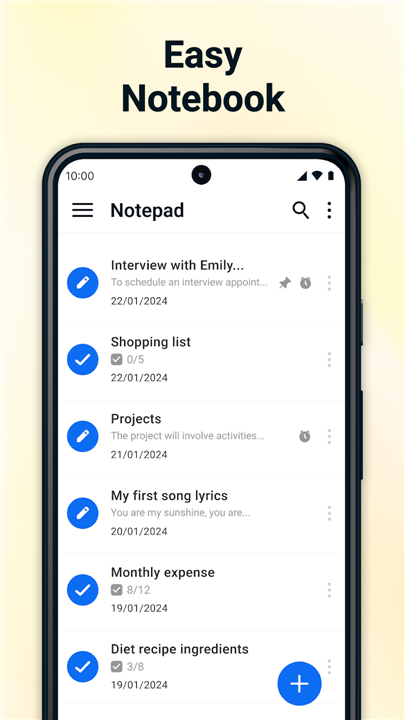
• Notepad - Notes and Notebook is an intuitive, lightweight, and high-performance digital text editor designed to streamline personal journaling, academic study, and professional task management.
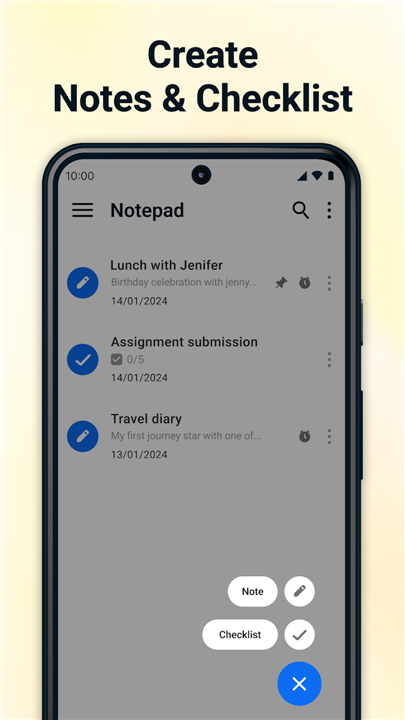
• It offers a seamless platform for capturing quick ideas, building checklists, and organizing daily routines.
Smart Call Integration
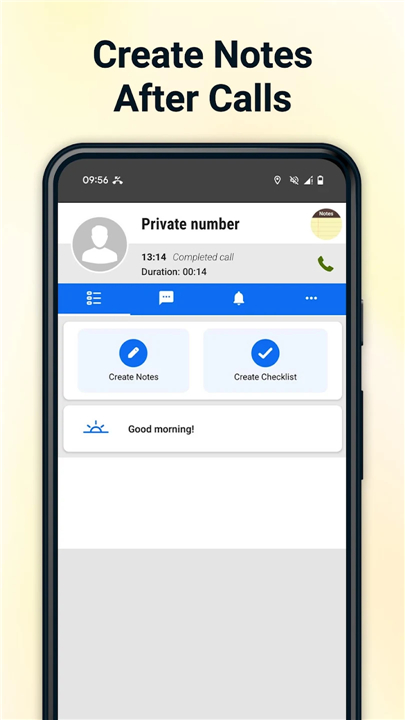
1. After-Call Screen:
• Capture critical details, key takeaways, or follow-up items immediately after concluding a phone conversation.
2. Direct Action:
• Access blank notes or interactive checklist templates directly from the post-call menu without opening the app manually.
Core Note & Task Management
1. Auto-Save Technology:
• All entries, edits, and updates save automatically as you type, preventing data loss.
2. Unlimited Writing:
• Create an unrestricted number of notes with no character or length limitations.
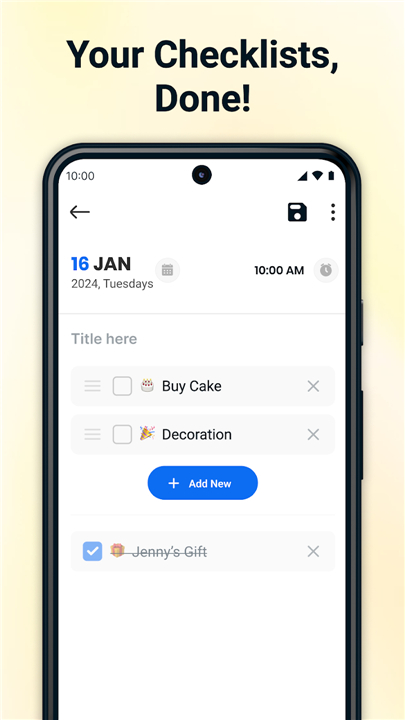
3. Interactive Checklists:
• Build customizable to-do, grocery, or project lists with togglable checkboxes.
4. Priority Pinning:
• Keep essential notes and urgent tasks fixed at the top of your workspace for instant access.
5. Trash Recovery:
• Manage deleted files easily, with options to permanently purge or restore accidentally removed notes.
Scheduling & Export Tools
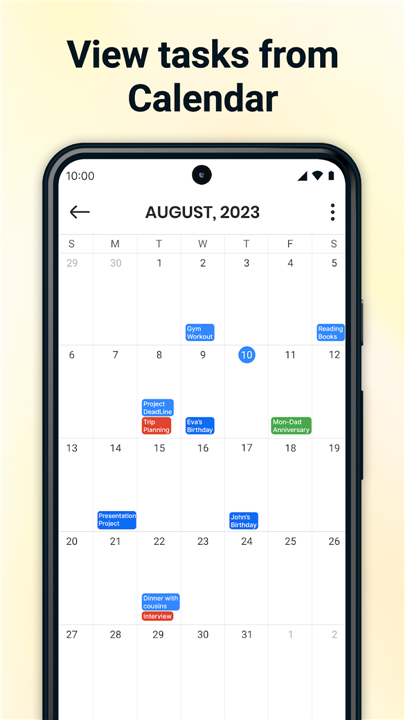
1. Calendar Integration:
• Sync tasks directly to a calendar view for visual timeline management.
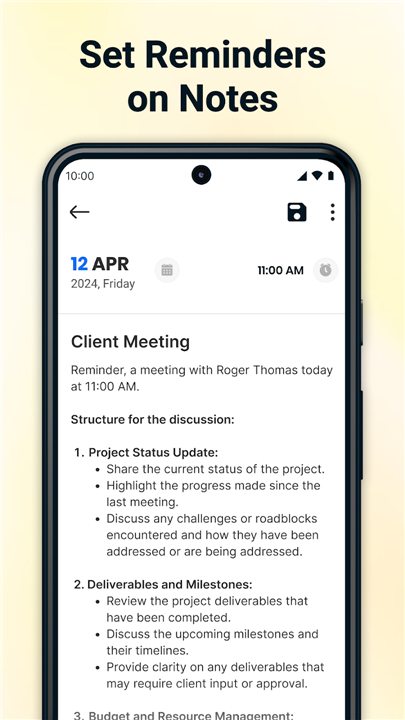
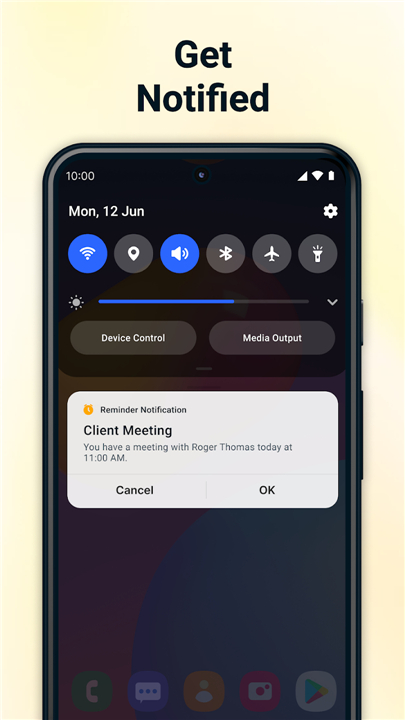
2. Timed Reminders:
• Configure custom alerts for time-sensitive notes and project deadlines.
3. PDF Export:
• Convert written notes into formatted PDF documents for fast sharing, printing, or external backup.
Design & Data Security
1. Distraction-Free Layout:
• Features a clean, simple user interface optimized for fast text entry.
2. Local Data Protection:
• Your notes, lists, and personal information remain stored securely on your local device.
FAQ
Q: How does the Smart Call Integration feature work?
A: Immediately after you conclude a phone call, an After-Call screen appears automatically. This lets you quickly jot down key takeaways, follow-up actions, or critical details while the conversation is still fresh in your mind.
Q: Can I create a new note or checklist right after a phone call without opening the app manually?
A: Yes! The post-call menu provides direct actions that allow you to open a blank note or an interactive checklist template instantly, saving you from having to locate and open the main app.
Q: Do I need to manually save my notes while typing?
A: Not at all. The app features auto-save technology, which means every entry, edit, and update saves automatically in real time as you type. You never have to worry about losing your work.
Version History
v1.55——3 Aug 2026
Notepad: Write Notes, To-Do Lists & Grocery List with After-Call Note-Taking Download the latest version of Notepad - Notes and Notebook to enjoy new features and updates immediately!
*1.55
Minor bug fixes and improvements. Install or update to the newest version to check it out!
*1.54
Minor bug fixes and improvements. Install or update to the newest version to check it out!
*1.53
Minor bug fixes and improvements. Install or update to the newest version to check it out!
- AppSize60.28M
- System Requirements5.0 and up
- Is there a feeFree(In game purchase items)
- AppLanguage English
- Package Nameer.notepad.notes.notebook.checklist.calendar
- MD5
- PublisherNotes
- Content RatingTeenDiverse Content Discretion Advised
- Privilege19
-
Notepad - Notes and Notebook 1.55Install
60.28M2026-09-22Updated
-
Notepad: Notes Organizer To Do 9.1.2Install
33.37M2026-09-22Updated










7.4
5218 Human Evaluation
- 5 Star
- 4 Star
- 3 Star
- 2 Star
- 1 Star