

NextGIS Mobile
Overview
• NextGIS Mobile is a professional-grade mobile geographic information system (GIS) designed to facilitate efficient field data collection, mapping, and spatial analysis directly from your mobile device.
• It serves as a powerful tool for field researchers, surveyors, and GIS specialists working in various environments.
Map Visualization and Navigation
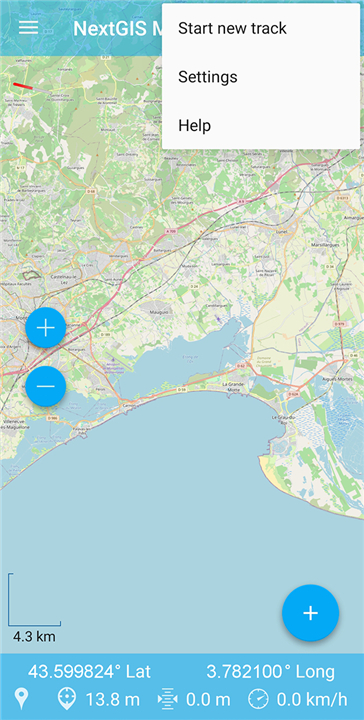
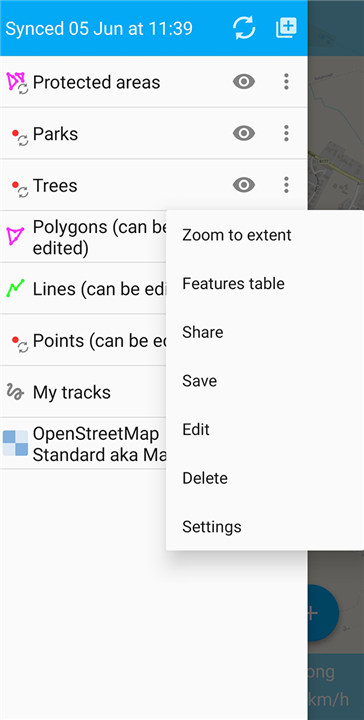
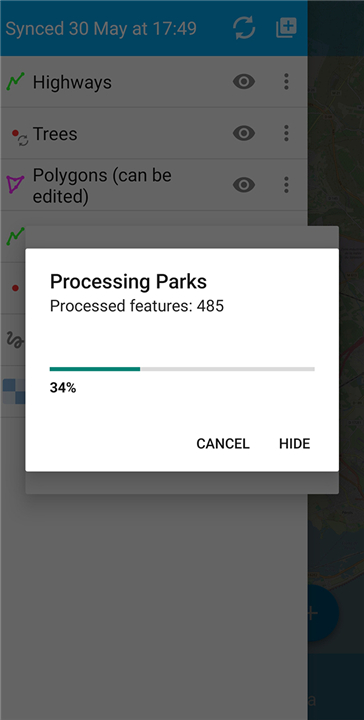
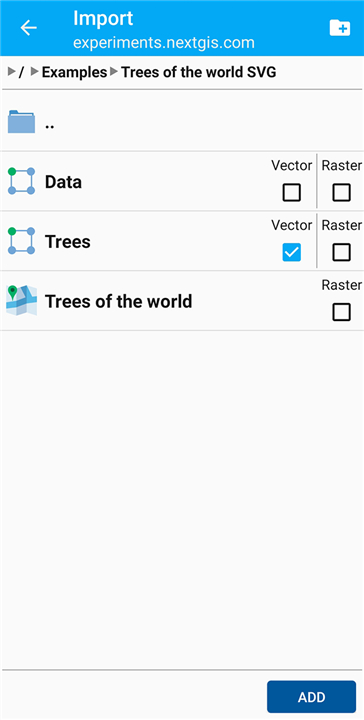
• Multi-Layer Display: View complex maps by overlaying multiple vector and raster layers, utilizing data from both online map services and offline local storage.
• Layer Management: Customize your workspace by easily toggling the visibility of individual layers and adjusting their rendering order.
• Fluid Navigation: Explore geographic data using intuitive touch gestures to pan across the map, zoom in for close-up details, or zoom out for a broader perspective.
Data Editing and Collection
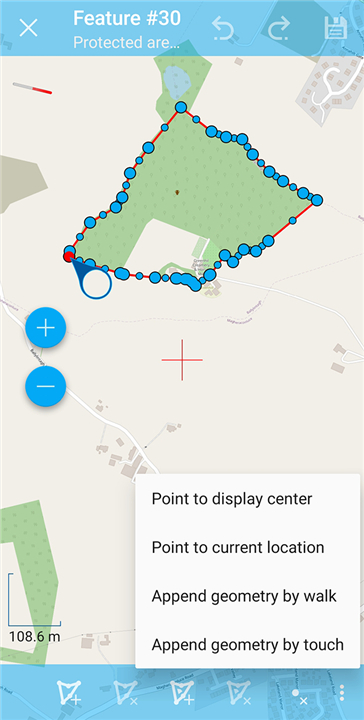
• Vector Editing: Create and modify geographic features, including points, lines, and polygons, directly on the map interface.
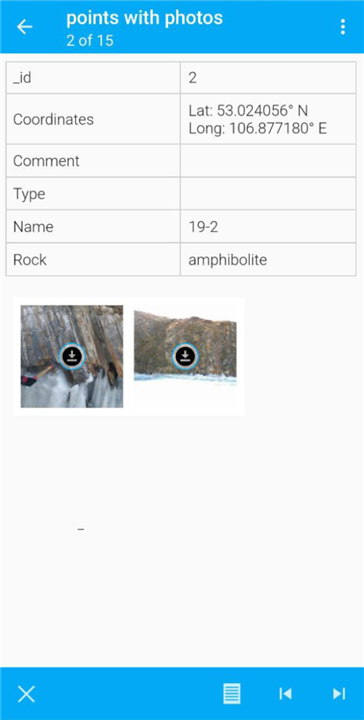
• Attribute Management: Enter and update tabular attribute data and metadata associated with spatial features using customized mobile forms.
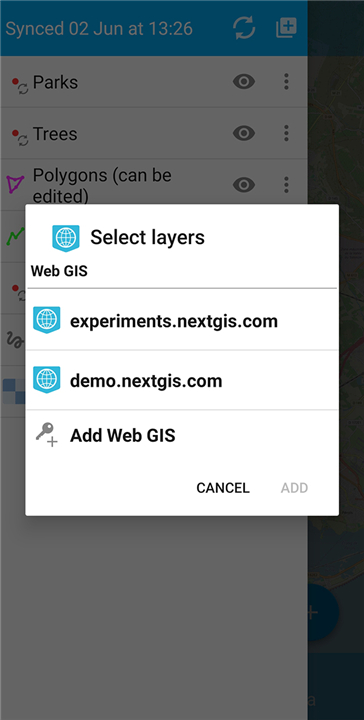
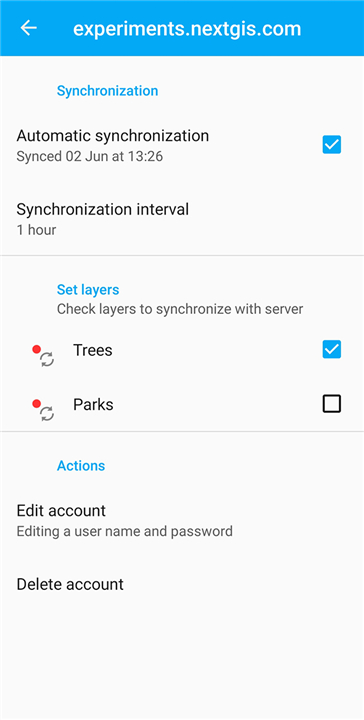
• Offline Capabilities: Capture and edit spatial data without an active internet connection; all changes are saved locally and can be synchronized with central GIS servers once connectivity is restored.
Tracking and Telemetry
• Track Recording: Utilize your device's GPS to record continuous movement tracks in the background, which is ideal for surveying routes and mapping boundaries.
• Real-Time Telemetry: Access live navigation dashboard data, displaying crucial information such as current coordinates, speed, direction, and elevation.
FAQ
Q: Can I use NextGIS Mobile when I do not have an active internet connection?
A: Yes, you absolutely can. NextGIS Mobile is built with robust offline capabilities, allowing you to capture and edit spatial data without any internet access. All the changes you make are safely stored on your local device, and you can easily synchronize them with your central GIS servers once you return to an area with connectivity.
Q: What types of map layers can I display in the application?
A: The application features a versatile multi-layer display that supports both vector and raster data. You can seamlessly combine online map services with local offline storage, giving you a comprehensive view of your project area by overlaying different datasets on top of each other.
Q: How do I manage different map layers within the workspace?
A: Managing your layers is very straightforward and helps you keep your workspace organized. You can easily toggle the visibility of individual layers on and off to focus on the data you need, and you can also adjust their rendering order to make sure important features are not hidden beneath others.
Version History
v3.2.1——10 Aug 2026
Mobile GIS for field data collection and editing. Download the latest version of NextGIS Mobile to enjoy new features and updates immediately!
*3.2.1
Bug fixes:
* Prevent deletion of a newly created or modified object without confirmation
* Removed unnecessary prompt to save changes
* Removed unnecessary dialog when opening NGRC
*3.2.0
New features:
* Support for MBTiles rasters
* Ability to setup label color for polygons and lines
* Go to coordinates tool
* Contact Web GIS administrator tool
Bug fixes:
* Various sync errors with date fields
* Colors and visibility for track sections
* Auto-sync turns on by itself in rare cases
Lots of other bug fixes and improvements.
*3.1.2
In the Web GIS settings, the indication of automatic synchronization and the selected synchronization period has been corrected.
- AppSize68.00M
- System Requirements5.0 and up
- Is there a feeFree(In game purchase items)
- AppLanguage English
- Package Namecom.nextgis.mobile
- MD5
- PublisherNextGIS
- Content RatingTeenDiverse Content Discretion Advised
- Privilege19
-
NextGIS Mobile 3.2.1Install
68.00M2026-09-26Updated










9.7
6818 Human Evaluation
- 5 Star
- 4 Star
- 3 Star
- 2 Star
- 1 Star




