

Murine Launcher
Overview and Design Philosophy
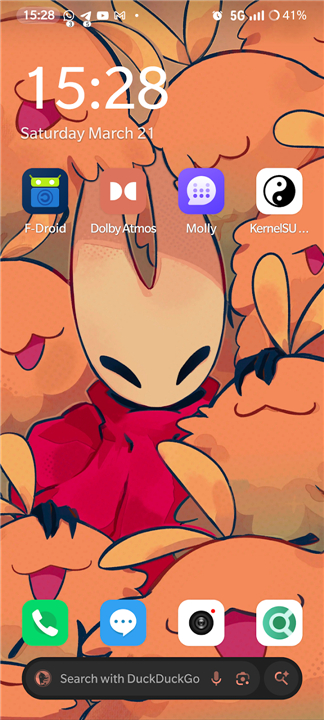
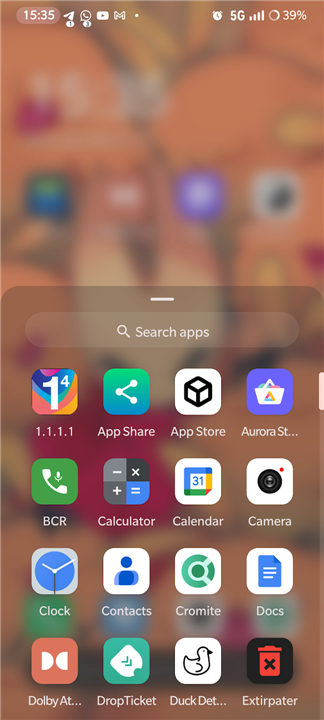
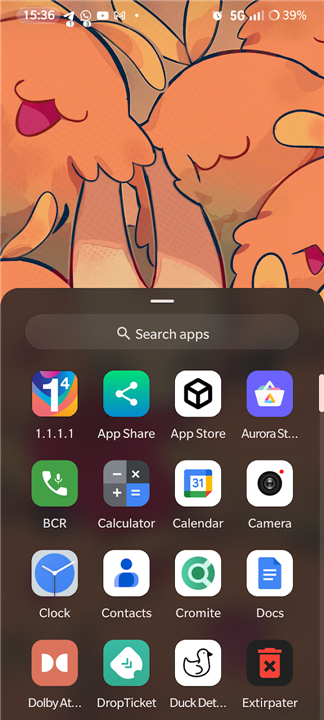
• Murine Launcher is a modern, lightweight, completely free, and open-source home screen replacement designed for modern Android devices.
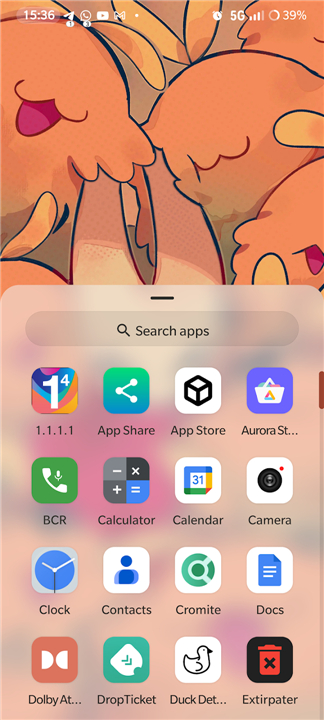
• It delivers an elevated stock Android (AOSP) experience straight out of the box, combining a familiar clean layout with refined visual touches.
• Built for efficiency, it provides a fast and highly responsive user interface without sacrificing visual appeal.
Key Features and Customization
• Zero Bloatware: Free from unnecessary background services, trackers, or complex fluff, ensuring maximum device performance and minimal resource usage.
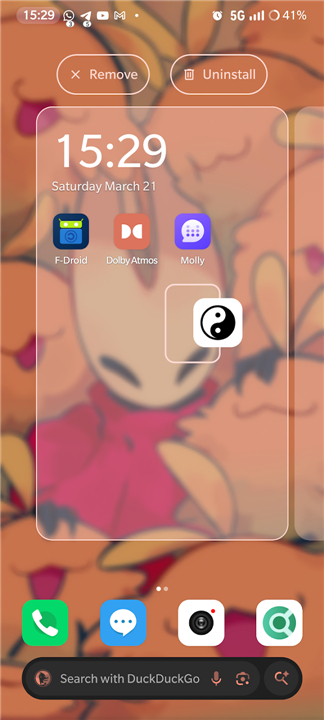
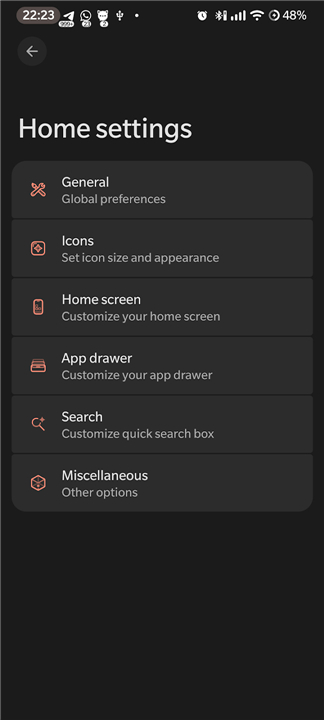
• Tailored Customization: Focuses on essential customization options that allow users to personalize their home screen layout without overwhelming menus.
• Smooth Gestures: Enhances daily screen navigation with functional gesture support, including a double-tap-to-sleep shortcut.
Privacy and Accessibility Services API
• Fully Offline: Operates strictly offline, providing maximum privacy and ensuring your personal data stays on your device.
• Purpose-Driven Accessibility: Uses Android's AccessibilityService API solely to enable specific convenience gestures, such as putting the screen to sleep.
• Complete Data Security: The Accessibility API does not monitor, collect, store, or transmit any user behavior patterns, personal information, or screen content.
Source Code and Credits
• Source Code Repository: Fully open-source and available for review, auditing, or contribution on GitHub at https://github.com/alesimula/Murine-launcher
• Visual Credits: Features preview artwork created by Miikrowelle, available at https://miikrowelle.straw.page
FAQ
Q: Is Murine Launcher free to use, and is it open-source?
A: Yes, Murine Launcher is completely free with no hidden fees or paywalls, and it is 100% open-source. You can freely explore the code, audit its security, or contribute to its development on GitHub.
Q: Will using Murine Launcher slow down my phone or drain my battery?
A: Not at all. Murine Launcher is built with a strict zero-bloatware design philosophy, meaning it operates without unnecessary background services, trackers, or resource-heavy extras. This lightweight approach ensures maximum performance and minimal impact on your device's memory and battery life.
Q: What kind of visual aesthetic can I expect from Murine Launcher?
A: You can expect a refined version of the classic stock Android (AOSP) interface. The launcher keeps the familiar, clean layout that Android users love while introducing tasteful visual improvements to make your overall user experience feel sleek, fluid, and modern.
Version History
v1.1.2——18 Aug 2026
A modern, lightweight Launcher3 fork for an enhanced stock++ Android experience. Download the latest version of Murine Launcher to enjoy new features and updates immediately!
*1.1.2
Changelog:
- Add option to backup / restore configuration
- Add option to show / hide / force icon labels on workspace
- Add option to show hidden icons in search
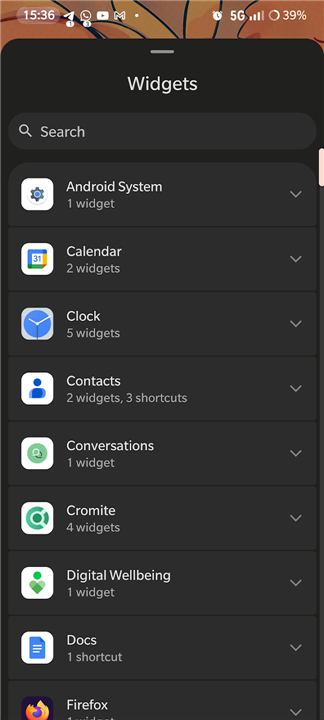
- Add separate clock widget (can now be added anywhere)
- Press enter to open first search result
*1.1.1
Changelog:
- Prepare for Android 17's native app lock (should it ever come out)
- Fix regression causing crashes when the wrong app is detected as calendar
*1.1.0
Changelog:
- Add icon picker support from any installed icon pack
- Add support for dynamic clock icon and dynamic calendar icon
- Properly check for night mode / light mode for supported icon packs
- Fix date display for clock widget (matches locale's best format)
- Fix hidden private space search query matching for unhiding
- Fix preview for clock widget
- Fix various crashes
- AppSize7.02M
- System Requirements5.0 and up
- Is there a feeFree(In game purchase items)
- AppLanguage English
- Package Nameapp.murinelauncher
- MD5
- Publisheralesimula
- Content RatingTeenDiverse Content Discretion Advised
- Privilege19
-
Murine Launcher 1.1.2Install
7.02M2026-10-28Updated










8.9
3892 Human Evaluation
- 5 Star
- 4 Star
- 3 Star
- 2 Star
- 1 Star




