

Multi Launcher ‧ Home Screen
Streamline Your Screen, Reclaim Your Focus
• Your phone should serve you, not distract you.
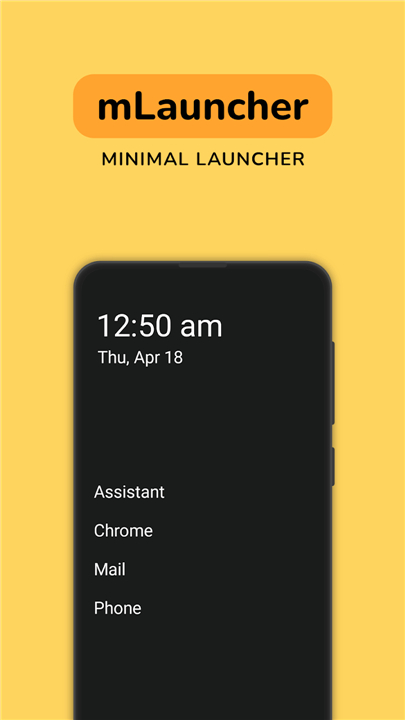
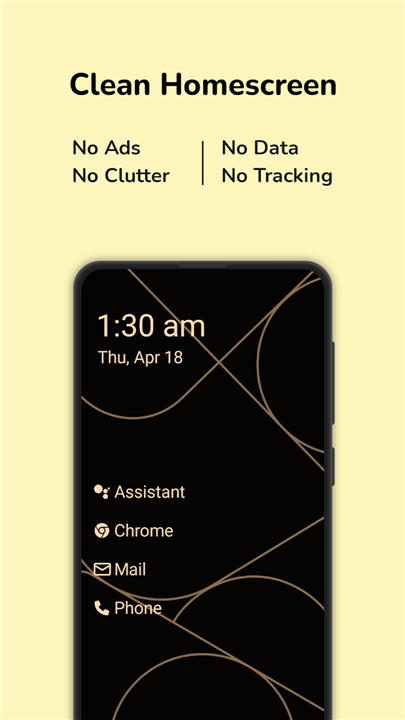
• Multi Launcher replaces chaotic grids of colorful icons with clean, readable text.
• Designed for those who value clarity and minimalism, this lightweight home screen helps you navigate your digital world with ease and intention.
Why Choose a Text-Based Screen
• Instant Clarity: Replace confusing icons with straightforward text labels.
• Enhanced Readability: Ideal for seniors, minimalists, and anyone desiring visual ease.
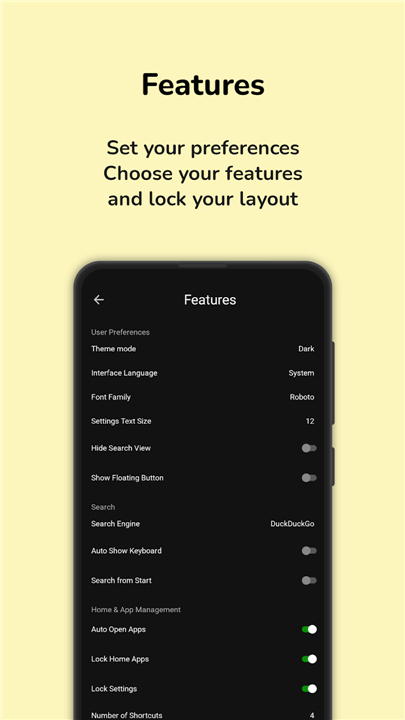
• Peace of Mind: Secure your launcher settings and protect your privacy with biometric locking.
Tailored to Your Lifestyle
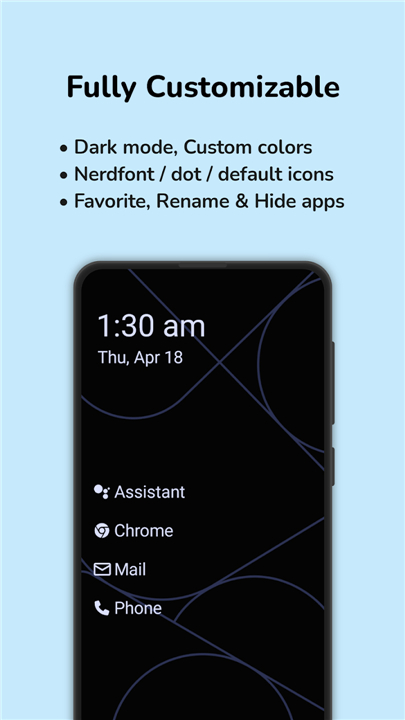
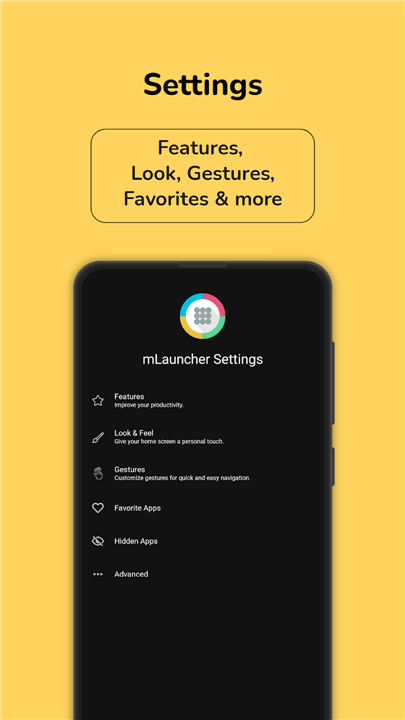
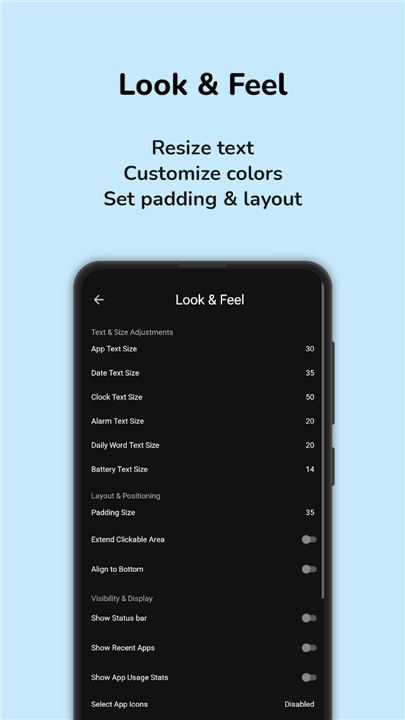
• Custom Layouts: Adjust text size, modify layouts, and position the clock exactly where you want it.
• Personalized Names: Rename your applications to match how you naturally think of them.
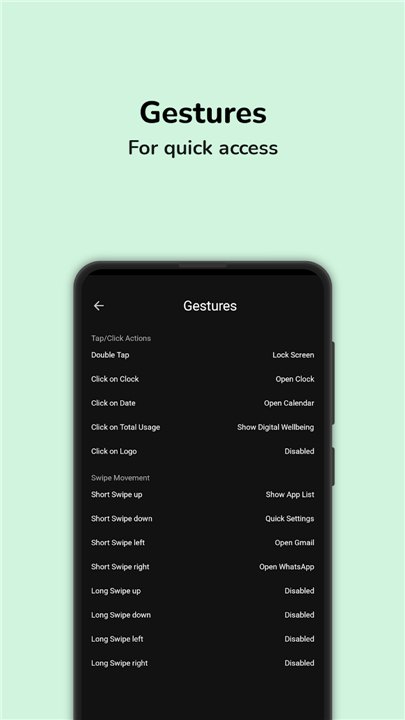
• Effortless Gestures: Assign custom taps and swipes to open apps, lock your screen, or access notifications.
• Usage Insights: Stay mindful of your screen time with integrated app-monitoring tools.
Seamless Accessibility and Privacy
• Smart Shortcuts: This launcher utilizes the AccessibilityService API solely to perform quick actions like locking the screen, opening the power menu, or accessing notifications with a gesture.
• Data Security: Your privacy is paramount. Multi Launcher does not collect, store, or share any personal data.
Step away from the endless noise of flashy displays
• Embrace a calmer, more empowering mobile experience with Multi Launcher.
FAQ
Q: How does switching to a text-based screen actually improve my focus?
A: App icons are often designed by developers to be eye-catching and psychologically stimulating, which can lead to mindless scrolling and impulsive clicking. When you use a text-based interface, you eliminate those visual triggers, allowing you to find what you need quickly and put your phone down sooner.
Q: Can I customize the names of my applications to something more personal?
A: One of the best features of Multi Launcher is the ability to rename any app to match how you naturally think of it. For example, you could rename your banking app to "Finances" or your camera to "Photos," making your home screen feel truly tailored to your personal lifestyle and logic.
Q: Is this launcher a good choice for people with vision difficulties or seniors?
A: The text-based design provides much higher contrast and clarity than small, cluttered icons, making it an excellent choice for those with visual impairments. Because you can easily increase the text size and modify the layout, it is a perfect tool for anyone who finds traditional phone interfaces difficult to read or navigate.
Version History
v1.12.0.0——11 Aug 2026
Multi Launcher ‧ Home Screen, Weather & Minimal UI Launcher Download the latest version of Multi Launcher ‧ Home Screen to enjoy new features and updates immediately!
*1.12.0.0
Minor bug fixes and improvements. Install or update to the newest version to check it out!
*1.11.4.3
Minor bug fixes and improvements. Install or update to the newest version to check it out!
*1.11.4.2
Minor bug fixes and improvements. Install or update to the newest version to check it out!
- AppSize6.75M
- System Requirements5.0 and up
- Is there a feeFree(In game purchase items)
- AppLanguage English
- Package Nameapp.mlauncher
- MD5
- PublisherCodeWorks Creative Hub
- Content RatingTeenDiverse Content Discretion Advised
- Privilege19
-
Multi Launcher ‧ Home Screen 1.12.0.0Install
6.75M2026-09-30Updated










8.9
5519 Human Evaluation
- 5 Star
- 4 Star
- 3 Star
- 2 Star
- 1 Star




