
MorbidMeter Widget
A Tool for Mindful Living
• Use MorbidMeter to gain a fresh perspective on the passage of time by viewing your life through various creative lenses.
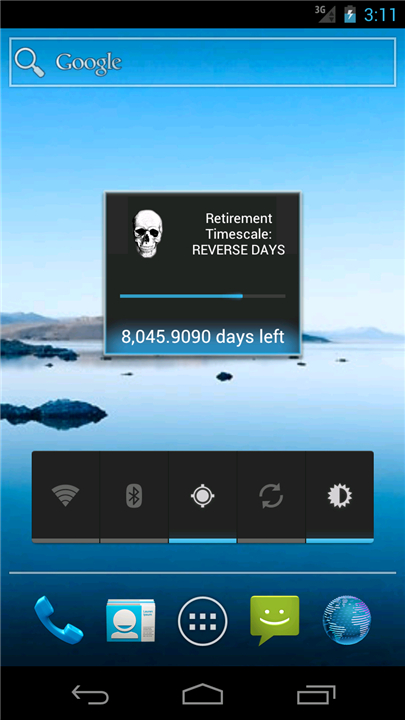
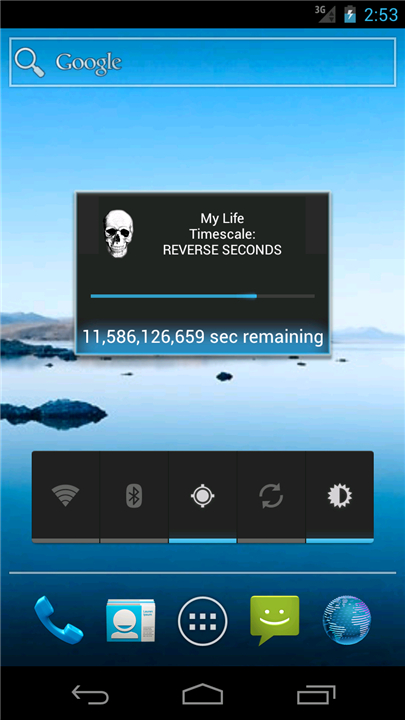
• Instead of viewing a lifetime as an abstract number of years, this widget translates your lifespan into more relatable units, such as a single year, day, or hour.
• By visualizing where you stand in your personal journey, you can cultivate a deeper appreciation for the present and a renewed sense of purpose.
Key Features
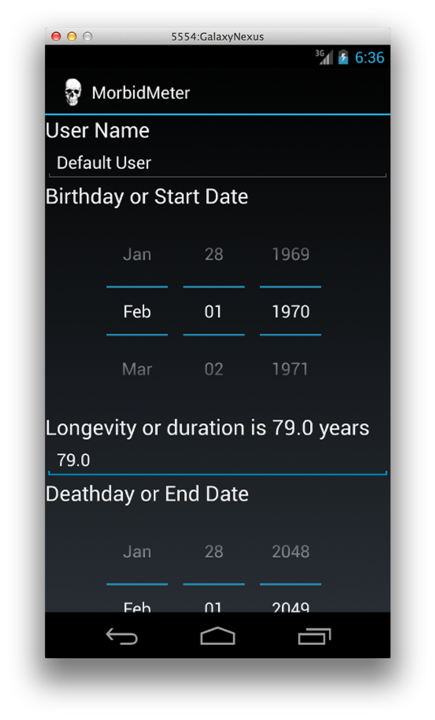
• Personalized Timeline: Input your birth date and estimated longevity to see a real-time reflection of your progress through life.
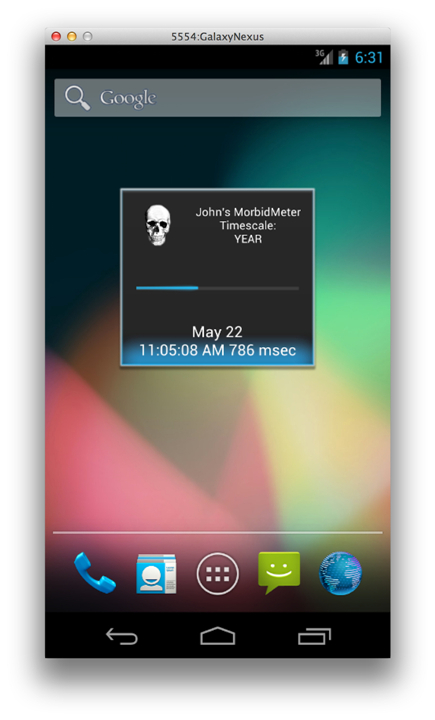
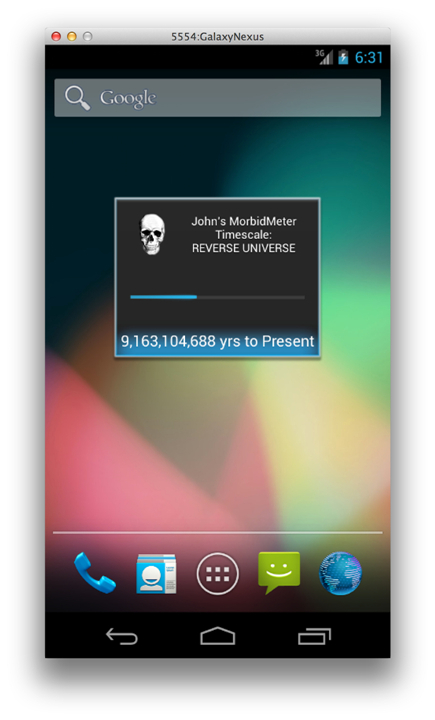
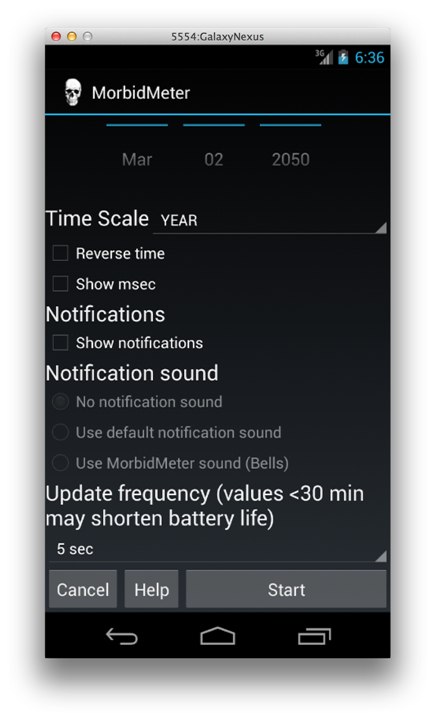
• Versatile Timescales: Choose how you want to visualize time, whether it is seeing your entire life condensed into one calendar year or watching the seconds tick away.
• Customizable Experience: Modify labels, adjust update frequencies, and choose between counting up your achievements or counting down your remaining time.
• Significant Milestones: Enable notifications to receive alerts when you reach major thresholds in your chosen timescale, serving as a prompt for reflection.
Setup and Use
• To install, navigate to your Widgets menu, long-press the MorbidMeter icon, and drag it to a clear space on your home screen.
• Access the configuration menu by selecting the skull icon to tailor the dates, timescales, and display preferences.
• Use multiple widgets simultaneously to track your journey across different timescales at a single glance.
• If you need to refresh the application, simply reconfigure through the setup menu or replace the widget on your home screen.
Philosophy and Community
• MorbidMeter serves as a gentle reminder of our shared impermanence, encouraging you to prioritize what truly matters.
• The Lite version offers a foundational experience, while the full version unlocks advanced timescales and milestone alerts.
• This project is open source under the GNU GPL v3 license, inviting users to explore or contribute to the source code online.
FAQ
Q: What kind of timescales can I use to visualize my lifetime?
A: MorbidMeter offers a variety of versatile timescales to suit how you prefer to process time. You can choose to see your entire lifespan condensed into a single calendar year, mapped onto a standard 24-hour day, or squeezed into one hour, among other options. This flexibility lets you view your existence from broad macro levels down to intimate micro perspectives.
Q: How do I install the MorbidMeter Widget on my phone's home screen?
A: Adding MorbidMeter to your screen is simple and follows standard widget setup steps. Just navigate to your device's Widgets menu, scroll until you find the MorbidMeter icon, long-press it, and drag it to an open space on your home screen. Once placed, you can easily tap it to begin configuring your settings.
Q: How do I access the configuration menu to change my settings?
A: You can access the configuration menu at any time by tapping the distinctive skull icon associated with the widget. Inside this menu, you will be able to tailor your birth date, life expectancy, preferred timescales, display preferences, and notification triggers to perfectly match your preferences.
Version History
v3.2.0——17 Aug 2026
A home screen widget that puts your lifetime in perspective. Download the latest version of MorbidMeter Widget to enjoy new features and updates immediately!
*3.2.0
Minor bug fixes and improvements. Install or update to the newest version to check it out!
*3.1.2
Minor bug fixes and improvements. Install or update to the newest version to check it out!
*3.1.1
Minor bug fixes and improvements. Install or update to the newest version to check it out!
- AppSize5.80M
- System Requirements5.0 and up
- Is there a feeFree(In game purchase items)
- AppLanguage English
- Package Nameorg.epstudios.morbidmeter
- MD5
- PublisherEP Studios
- Content RatingTeenDiverse Content Discretion Advised
- Privilege19
-
MorbidMeter Widget 3.2.0Install
5.80M2026-10-03Updated










9.5
177 Human Evaluation
- 5 Star
- 4 Star
- 3 Star
- 2 Star
- 1 Star