MobiOffice: Word, Sheets, PDF
Overview
• Unlock your true productivity wherever life takes you.
• MobiOffice is the ultimate all-in-one suite designed to keep you moving forward, without being chained to a desk.
Universal Compatibility
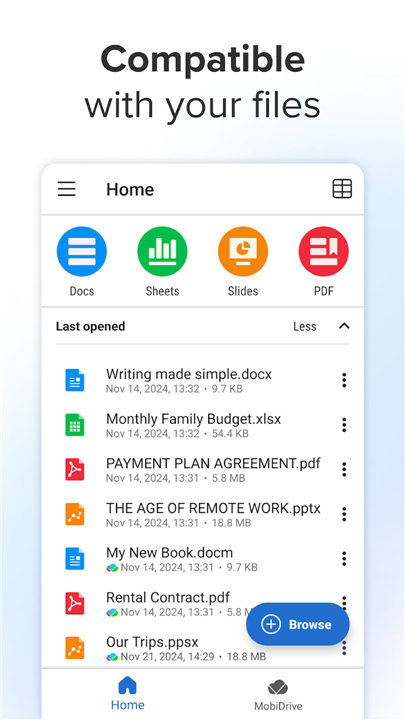
• Seamlessly open, edit, and save files across major platforms including Microsoft Office, Google Workspace, OpenOffice, LibreOffice, and Apple iWork.
• Handle any task without worrying about format restrictions.
Everyday Power and Precision
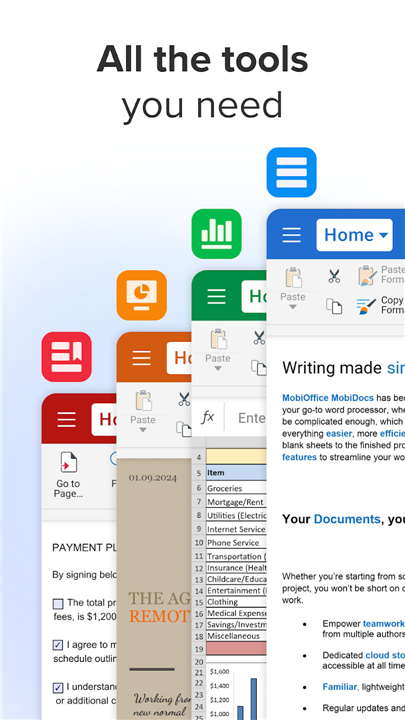
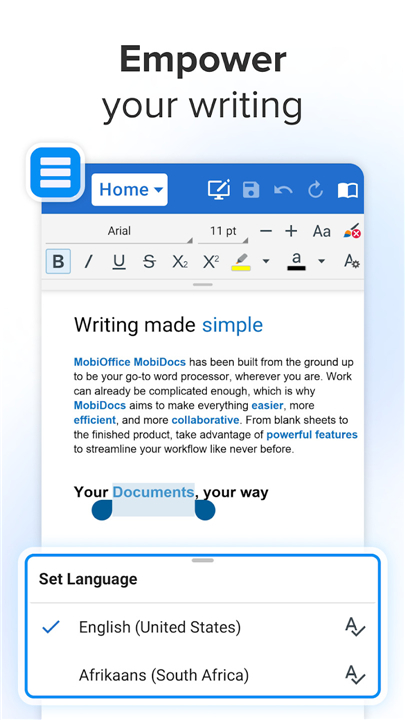
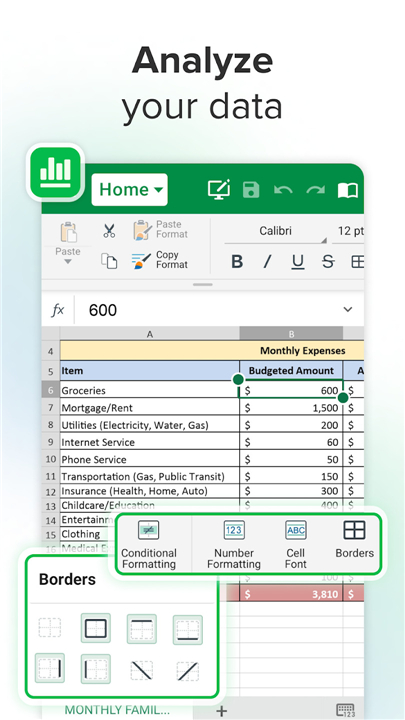
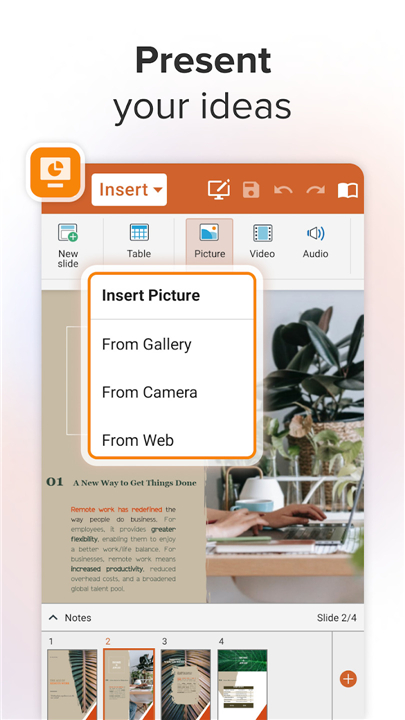
• Draft documents, analyze data, and build stunning presentations with advanced tools like the format painter, track changes, custom formulas, and presentation mode.
• Protect sensitive work with robust security and permissions management.
Advanced PDF Toolkit
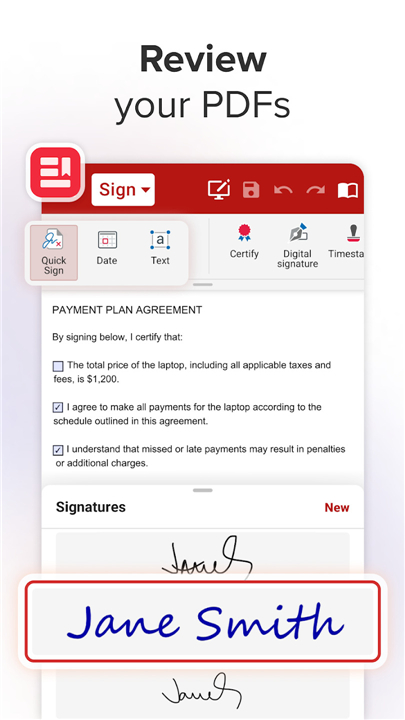
• Read, edit, fill out, and digitally sign documents with ease.
• Convert PDFs directly into Word, Excel, or ePub files—and export your creations back to PDF instantly.
Freedom on the Move
• Stay synchronized across your Windows PC and all iOS and Android devices.
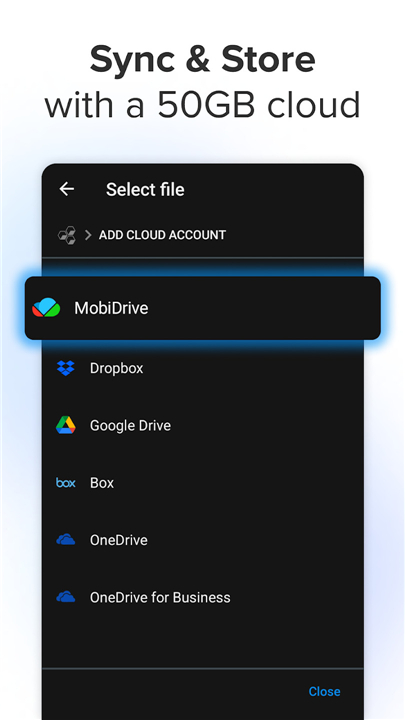
• Access your files anywhere by linking your Google Drive, OneDrive, Box, Dropbox, or 5GB of free MobiDrive cloud storage.
The Premium Advantage
• Enjoy an ad-free workspace with priority customer support.
• Unlock over 20 advanced features, unlimited PDF conversions, and multi-device access (2 mobile devices and 1 Windows PC).
• Experience the freedom of a truly portable office. Start your free 7-day trial today and discover how effortless work can be.
FAQ
Q: Which file formats am I able to open and edit using MobiOffice?
A: You can enjoy universal compatibility with all major office suites. This means you can seamlessly open, edit, and save files created in Microsoft Office, Google Workspace, OpenOffice, LibreOffice, and Apple iWork, ensuring you never have to worry about format restrictions.
Q: Does MobiOffice allow me to track changes and use advanced formatting tools?
A: Yes, it is equipped with a wide range of professional tools to ensure your work is precise. You can utilize the format painter, track document changes, build complex formulas in spreadsheets, and use presentation mode to deliver your work effectively.
Q: How can I manage and edit my PDF documents within the app?
A: The PDF toolkit is quite robust and allows you to read, edit, fill out forms, and even apply digital signatures. You can also convert your PDF files into Word, Excel, or ePub formats, and export your edited work back into a PDF instantly.
Version History
v16.6.61038——3 Sep 2026
MobiOffice is your all-in-one office suite for Word, Sheets, & PDFs. Edit, convert, and sync files across devices with MS Office support. Download the latest version of MobiOffice: Word, Sheets, PDF app to enjoy new features and updates immediately!
*16.6.61038
Thank you for using MobiOffice!
During this month, our primary focus has been on enhancing the speed and reliability of our application. Our aim has been to make it more refined, user-friendly, and seamless in its performance.
Enjoying MobiOffice? Remember to leave us a review.
*16.5.60515
View mode navigation in PDF & Docs - Switch views or share your doc quickly.
*16.4.60095
• Tools: Your edit shortcuts - Convert, scan, sign, and edit your files — all from one place.
• Table of Contents in Docs - Now you can automatically generate a Table of Contents for your documents. Get a clear overview of all your sections.
- AppSize111.61M
- System Requirements5.0 and up
- Is there a feeFree(In game purchase items)
- AppLanguage English
- Package Namecom.mobisystems.office
- MD5
- PublisherMobiSystems
- Content RatingTeenDiverse Content Discretion Advised
- Privilege19

-
MobiOffice: Word, Sheets, PDF 16.6.61038Install
111.61M2026-10-20Updated










7.8
1951 Human Evaluation
- 5 Star
- 4 Star
- 3 Star
- 2 Star
- 1 Star