

MESH client - remote forensics
Purpose and Problem Addressed
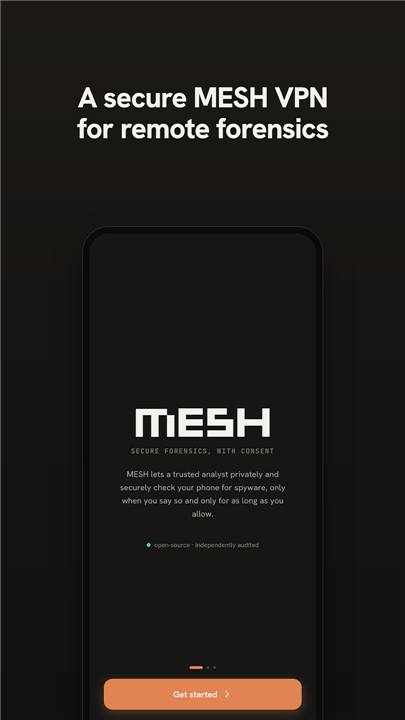
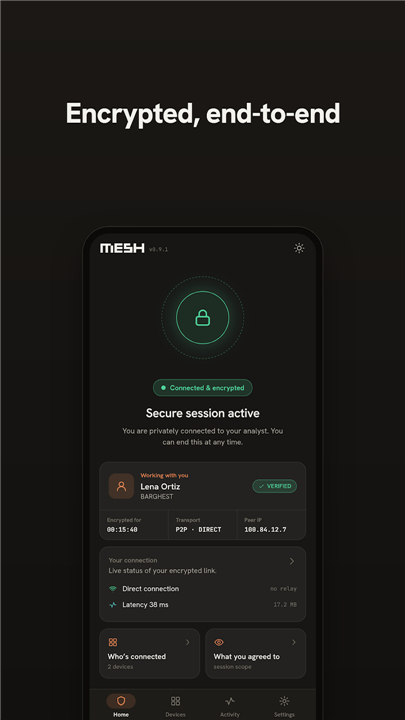
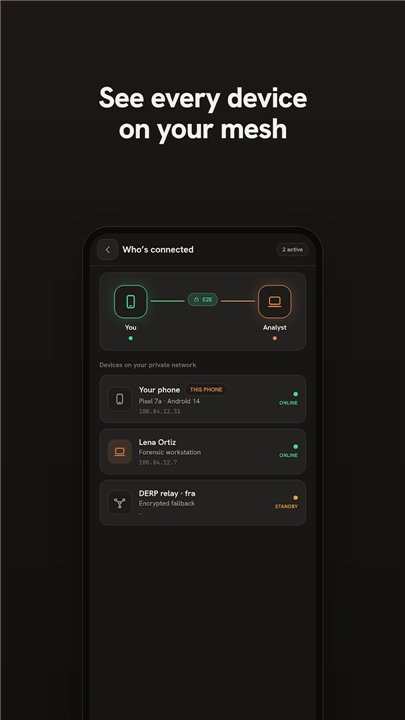
• The MESH client enables a device to establish a secure connection with a trusted analyst for advanced remote forensic examination.
• It overcomes common obstacles like NAT, firewalls, or restrictive mobile networks that typically prevent direct inbound access to target devices, eliminating the need for traditional, riskier methods like centralized VPN servers or unsafe port-forwarding.
Key Features and Technical Implementation
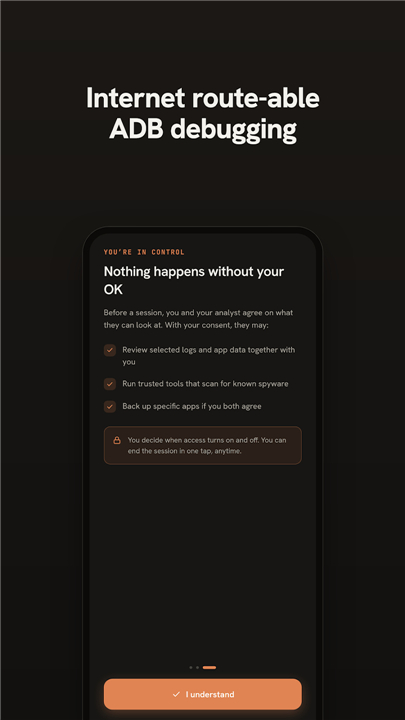
• Facilitates remote wireless debugging specifically for Android devices, providing essential capabilities for mobile forensics and controlled network access through secure tunnels.
• Establishes robust, secure connections using WireGuard-based tunneling, orchestrated by Tailscale coordination.
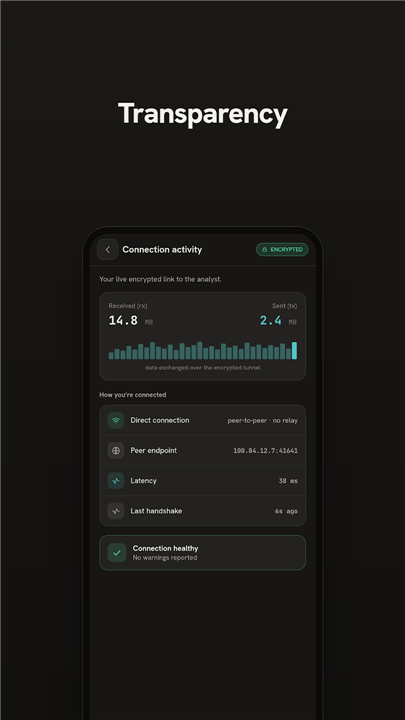
• Assigns each participating device a private network address, allowing it to communicate securely with the analyst's trusted infrastructure as if operating on the same local network.
• Leverages Android's VpnService API to create a virtual network (TUN) interface, routing only the traffic necessary for these secure forensic connections, crucial for remote ADB wireless debugging and interaction with specialized forensic tools.
Scope and Benefits
• The integrated VPN interface is strictly for these specific forensic connections and does not provide a general-purpose VPN service or anonymization.
• MESH is not a standalone networking or VPN tool; it operates exclusively when connected to analyst-operated infrastructure configured for remote forensic analysis.
• This secure setup proficiently supports remote mobile forensics using tools such as WARD, MVT, AndroidQF, and libimobiledevice, all without direct exposure of devices to the public internet.
• For additional technical details and source code, refer to the MESH project repository: https://github.com/BARGHEST-ngo/MESH
FAQ
Q: How does MESH ensure that the connection between the device and the analyst is secure?
A: The client leverages the WireGuard protocol, which is known for its high-speed encryption and robust security. This tunneling process is orchestrated by Tailscale coordination, ensuring that the connection is not only encrypted but also managed in a way that prevents unauthorized parties from intercepting the forensic data.
Q: Is MESH considered a general-purpose VPN for personal use?
A:No, MESH is not a standard VPN and should not be used for general internet browsing or location spoofing. Its functionality is strictly limited to creating a virtual network interface for forensic tasks, and it only operates when communicating with specific infrastructure set up by a forensic analyst.
Q: What role does the Android VpnService API play in this tool?
A: On Android devices, MESH utilizes the VpnService API to create what is known as a TUN interface. This virtual network interface allows the app to intercept and route only the specific traffic necessary for forensic debugging and analysis, effectively creating a private "lane" for investigators to work within.
Version History
v0.1.7-alpha——27 Jul 2026
MESH enables remote wireless debugging for Android, providing mobile forensics. Download the latest version of MESH client - remote forensics to enjoy new features and updates immediately!
*0.1.7-alpha
+ UX overhall
+ Bug fixes
*0.1.6-alpha
Minor bug fixes and improvements. Install or update to the newest version to check it out!
*0.1.5-alpha
Minor bug fixes and improvements. Install or update to the newest version to check it out!
- AppSize92.50M
- System Requirements5.0 and up
- Is there a feeFree(In game purchase items)
- AppLanguage English
- Package Namecom.barghest.mesh
- MD5
- PublisherBARGHEST
- Content RatingTeenDiverse Content Discretion Advised
- Privilege19
-
MESH client - remote forensics 0.1.7-alphaInstall
92.50M2026-10-29Updated










9.6
584 Human Evaluation
- 5 Star
- 4 Star
- 3 Star
- 2 Star
- 1 Star




