
Magnifica
A brilliant magnifier for every tiny detail
• When text is microscopic, labels are unreadable, and designers love microscopic fonts, a tool that simply magnifies is essential.
• I created Magnifica to turn those frustrating specks of print into clear, readable information.
What the name means
• A bilingual play‑on‑words: “Magnifica” sounds like magnify in English, while in Spanish magnífica means “magnificent.”
• The mission is therefore obvious – deliver a magnifier that is truly magnificent.
Core Features
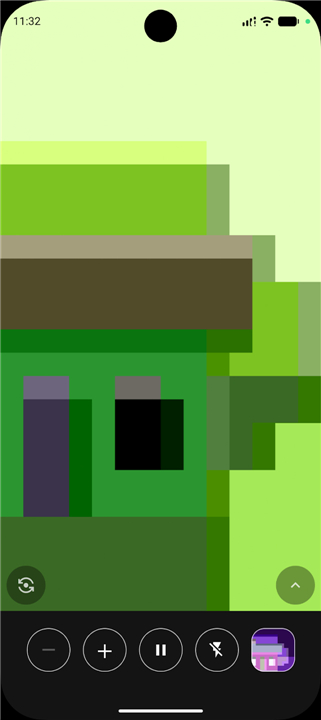
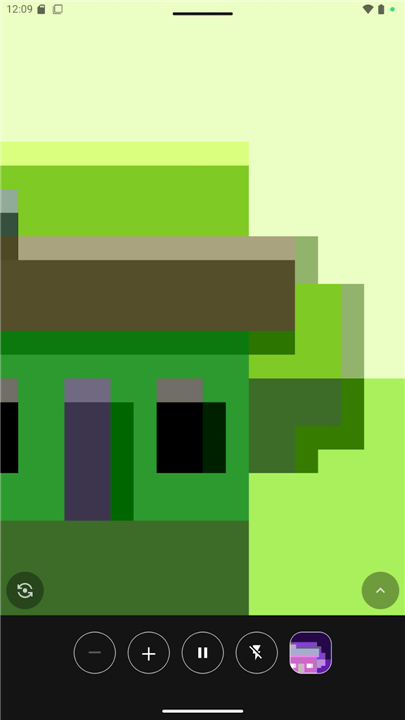
• Instant magnification – enlarge medicine‑box text, router serial numbers, ingredient lists, or that mysterious dot on a child’s skin. Point, zoom, read.
• Freeze frame – tap to lock a high‑resolution still, then zoom and pan without losing detail. Tap again to resume live view.
• Logical zoom steps – 1× → 2× → 4× → 8× … up to the camera’s native limit. No pinch‑zoom fiddling; just tap + or –.
• Tap‑to‑focus – tap a blurry area and watch it come into sharp focus instantly.
• Built‑in torch – rear camera uses the device flashlight; front camera brightens the whole screen as a makeshift flash.
• Dual‑camera switching – one button flips between front and back lenses.
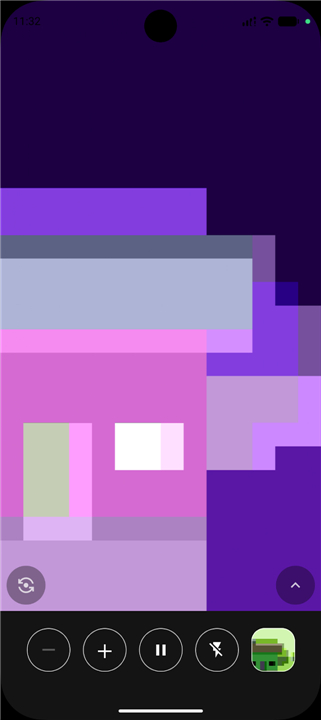
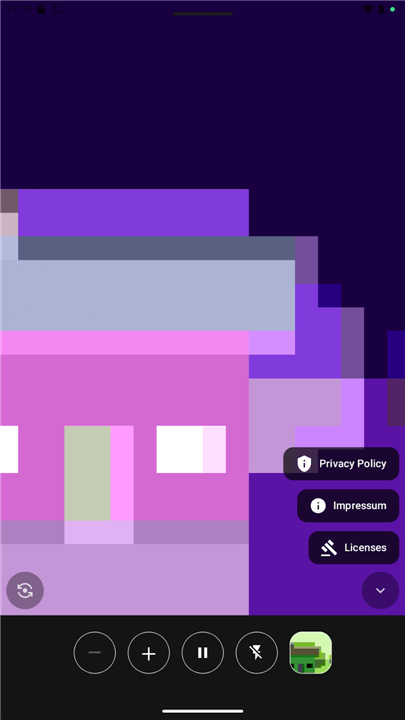
• Negative mode – invert colours with a single tap; perfect for low‑contrast or light‑on‑dark text. A preview shows the effect before you switch.
Privacy & Simplicity
• No accounts, no ads, no unnecessary permissions.
• The only permission required is camera access, because the app’s sole purpose is to magnify what the camera sees.
Open‑source & Community
• Released under the GPL‑v3 license; the source code is freely available.
• Translations are welcomed on Transifex – help make Magnifica accessible worldwide.
Get Magnifica
• Download free from F‑Droid.
Magnifica – a magnificent way to make the small, big.
FAQ
Q: What does the name "Magnifica" mean?
A: The name 'Magnifica' is a bilingual play on words. "Magnify" in English and "magnifico" or "magnífica" in Spanish both translate to "magnificent." Thus, the app's mission is to deliver a magnificent magnifying tool.
Q: What are the core features of Magnifica?
A: Instant magnification allows you to enlarge text and details, freeze frames for higher-res viewing and zooming, and logically zoom in steps up to the camera's native limit with tap controls instead of pinch-to-zoom. Additional features include tap-to-focus, built-in torch, and the ability to switch between front and rear cameras.
Q: How does the negative mode work in Magnifica?
A: Negative mode inverts the color scheme, making it suitable for low-contrast or light-on-dark text situations. A preview shows the effect before you commit to switching.
Version History
v1.2.0——25 Aug 2026
Magnify tiny text instantly with Magnifica, a free camera magnifier app. Features freeze frame, torch, instant zoom & high contrast. Download the latest version of Magnifica to enjoy new features and updates immediately!
*1.2.0
• You can now freeze/unfreeze the image using either volume button, without touching the screen.
• Added Catalan and Italian translations.
*1.1.5
• Added Russian translation. Thanks to @RogerRY!
*1.1.4
• Fixed the flashlight button sometimes showing the wrong state.
- AppSize18.80M
- System Requirements5.0 and up
- Is there a feeFree(In game purchase items)
- AppLanguage English
- Package Namecom.jarsilio.android.magnifica
- MD5
- Publisherjuanitobananas
- Content RatingTeenDiverse Content Discretion Advised
- Privilege19
-
Magnifica 1.2.0Install
18.80M2026-10-28Updated










9.3
2686 Human Evaluation
- 5 Star
- 4 Star
- 3 Star
- 2 Star
- 1 Star