
MagicMarker
Overview
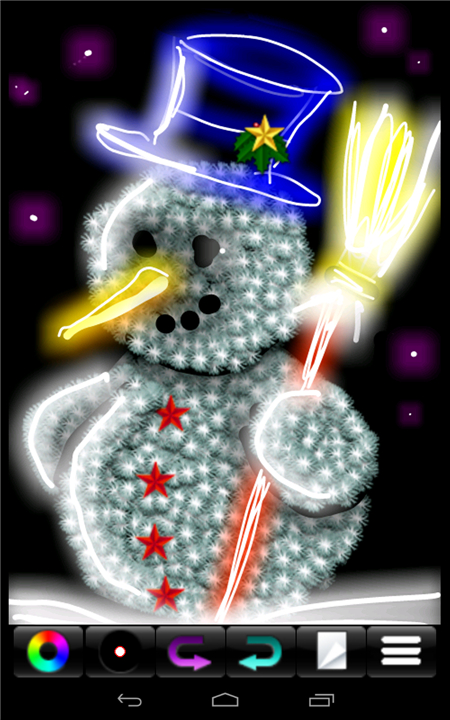
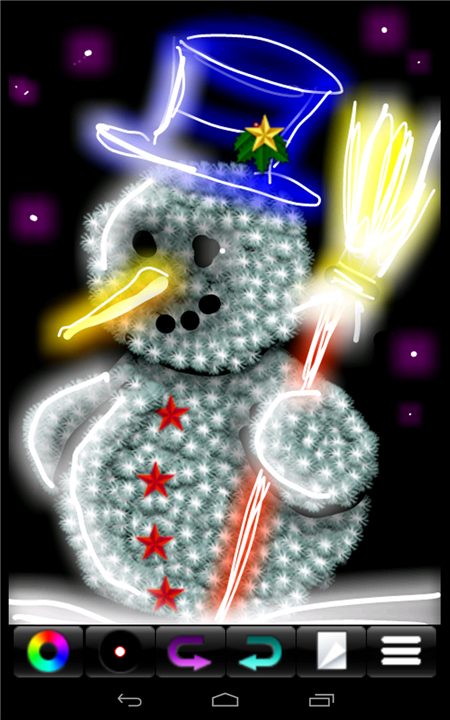
• MagicMarker is an intuitive creative tool designed to transform ordinary digital sketches into vibrant, professional-grade neon masterpieces.
• By focusing on accessibility and visual impact, this application allows users to achieve sophisticated lighting effects through a streamlined and efficient process.
Core Features
1. Luminescent Brush Engine:
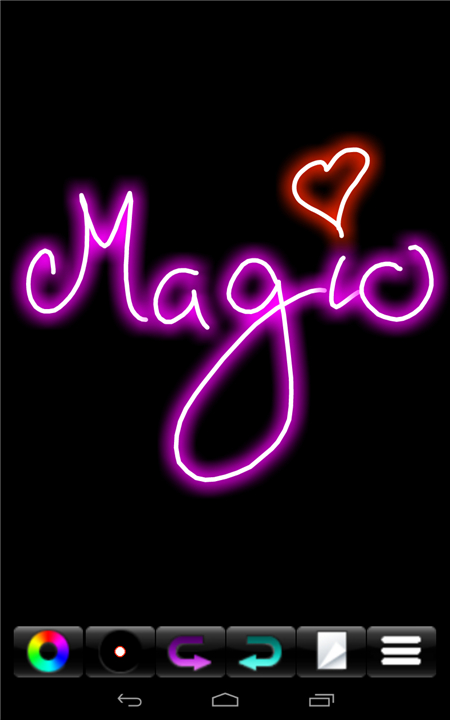
• The primary brush mimics the physics of glowing gas tubes, automatically softening edges and intensifying color saturation to replicate the classic neon aesthetic.
2. Dynamic Glow Controls:
• Users can adjust the intensity, radius, and flicker frequency of the light emission, allowing for both steady continuous beams and reactive, pulsating effects.
3. Layer-Based Blending:
• Utilize advanced additive blending modes that allow neon strokes to interact realistically with backgrounds, creating the illusion of a light source sitting atop a dark, atmospheric environment.
4. Color Palette Optimization:
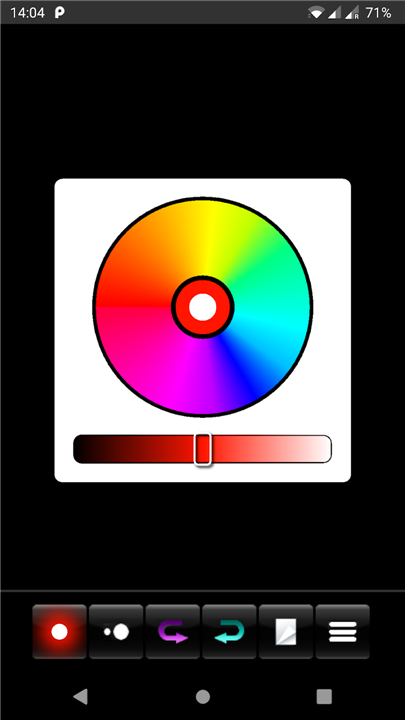
• A curated selection of high-contrast, vivid hues ensures that every stroke pops against the canvas, maintaining maximum visual clarity and brilliance.
Execution Workflow
1. Canvas Preparation:
• Begin by selecting a dark or textured background, such as brushed metal, matte black, or brick, to provide the necessary contrast for the glowing elements.
2. Sketching Phase:
• Utilize the MagicMarker tool to outline characters, signs, or abstract shapes.
• The software handles the complex rendering of soft light halos and core color centers in real-time.
3. Final Polish:
• Apply post-processing filters to introduce subtle lens flares, bloom effects, or chromatic aberration, further grounding the digital art in a cinematic, night-city aesthetic.
Draw as You Wish
• The result is a striking visual experience that requires minimal technical knowledge while delivering professional outcomes.
• Whether you are creating social media graphics, concept art, or digital signage, MagicMarker simplifies the complexity of light physics into a singular, effective creative workflow.
FAQ
Q: Do I need to be an expert in light physics to use this software?
A: Not at all, as the application is designed specifically to handle the complicated rendering of glowing gas tubes in real-time, allowing you to focus entirely on your creative vision while it takes care of the technical heavy lifting.
Q: How does the Luminescent Brush Engine differ from a standard digital paintbrush?
A: Yes, you have full access to our Dynamic Glow Controls, which let you modify parameters like light intensity, the spread of the radius, and the flicker frequency to achieve anything from a steady, static beam to a pulsating light effect.
Q: Can I change the way the neon light moves or behaves?
A: Yes, our Heroic Makeover tool is specifically engineered to analyze your facial features and body geometry to place you into a cinematic superhero setting. It provides a fun and high-quality transformation that makes it look like you belong in a big-budget action movie.
Version History
v5.9——2 Jul 2026
Drawing with neon light - simple effect, amazing result Download the latest version of MagicMarker to enjoy new features and updates immediately!
*5.9
Updated to latest Android version.
*5.8
Updated Android version
*5.7
Updated to latest Android version.
Removed album.
Switched to the new Android photo picker.
- AppSize1.88M
- System Requirements5.0 and up
- Is there a feeFree(In game purchase items)
- AppLanguage English
- Package Namecom.jaytronix.markermagic
- MD5
- PublisherJaytronix
- Content RatingTeenDiverse Content Discretion Advised
- Privilege19
-
MagicMarker 5.9Install
1.88M2026-09-08Updated










8.1
8675 Human Evaluation
- 5 Star
- 4 Star
- 3 Star
- 2 Star
- 1 Star