

Linwood Butterfly
Overview
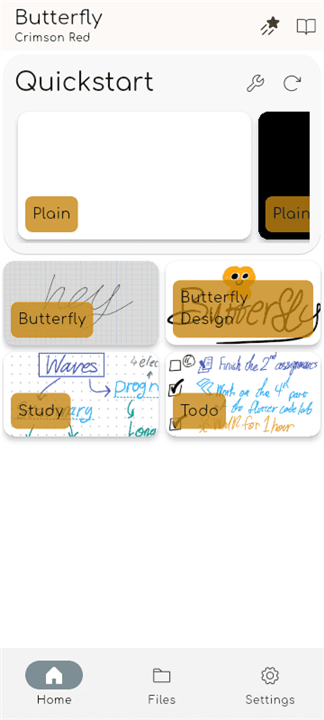
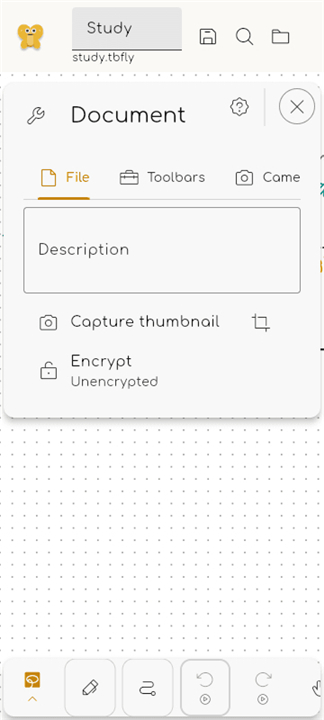
• Linwood Butterfly is more than just a note-taking app; it is a limitless digital canvas designed to bring your imagination to life.
• Whether you want to sketch, write, or structuralize your thoughts, Butterfly provides an intuitive environment that keeps your ideas at the center of everything you do.
Boundless Creativity
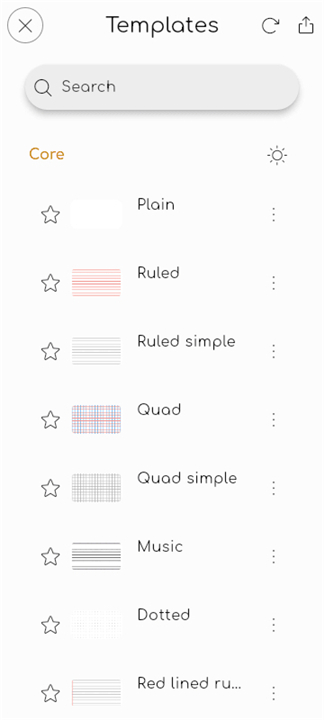
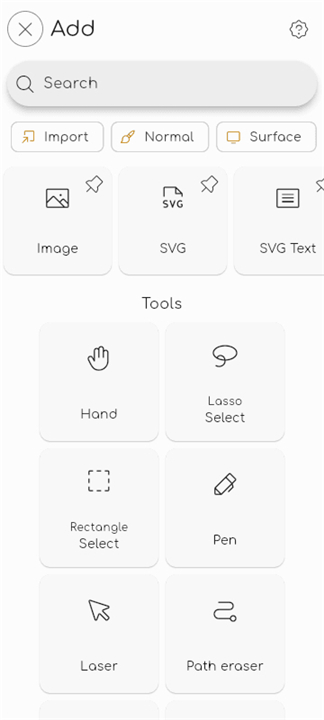
• Express yourself on an infinite canvas with custom color palettes, flexible page structures, and an interface that stays out of your way.
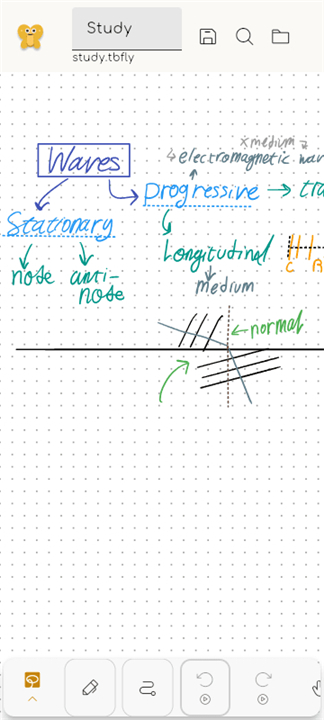
• Sketch naturally with stylus and touch support, or enrich your notes using shapes, hand-drawn elements, and imported photos.
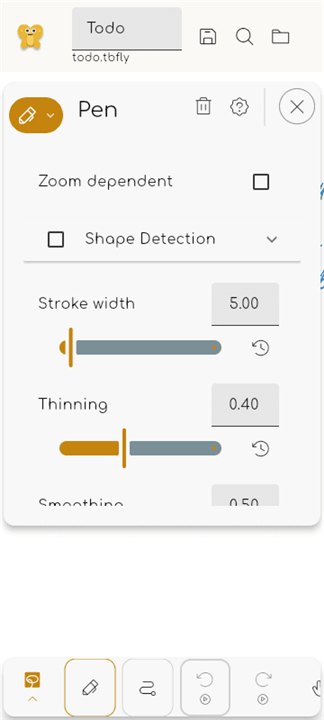
• Refine your work with complete editing freedom, allowing you to resize, recolor, and reposition any element at any time.
Smart Organization
• Structure your thoughts effortlessly by dividing your canvas into distinct areas and setting quick-navigation waypoints.
• Integrate rich text into your visual notes, with full control over fonts, sizes, and colors.
• Create without boundaries, enjoying full offline support that ensures your inspiration is never interrupted.
Complete Control and Accessibility
• Work across all your devices with seamless support for Android, Windows, Linux, and web browsers.
• Own your data by choosing to save your files locally, sync with your preferred cloud storage (WebDAV), or export to PDF, SVG, and image formats.
• Support a global, community-driven project that is completely free, open-source, and available in multiple languages.
FAQ
Q: On which operating systems can I install and use Linwood Butterfly?
A: You can experience the flexibility of Butterfly across a wide range of devices because it is designed to be truly cross-platform. It currently offers full support for Android, Windows, and Linux desktops, and it even features a web-based version that allows you to access your workspace directly through a modern browser without installing any software.
Q: Is there a cost associated with using Linwood Butterfly for my personal or professional projects?
A: One of the most appealing aspects of Linwood Butterfly is that it is completely free to use for everyone. As a community-driven, open-source project, it provides all of its powerful features without any subscription fees, hidden costs, or intrusive advertisements, ensuring that high-quality creative tools remain accessible to all.
Q: Can I use a stylus or my fingers to draw and write on the canvas?
A: Yes, the application is built with natural expression in mind and provides comprehensive support for both stylus and touch input. This makes it an ideal tool for artists, students, and professionals who prefer the tactile feel of handwriting or sketching, allowing for a much more organic experience than typing alone.
Version History
v2.5.5——10 Aug 2026
Powerful, minimalistic, cross-platform, opensource note-taking app Download the latest version of Linwood Butterfly to enjoy new features and updates immediately!
*2.5.5
Minor bug fixes and improvements. Install or update to the newest version to check it out!
*2.5.4
Minor bug fixes and improvements. Install or update to the newest version to check it out!
*2.5.3
Minor bug fixes and improvements. Install or update to the newest version to check it out!
- AppSize43.90M
- System Requirements5.0 and up
- Is there a feeFree(In game purchase items)
- AppLanguage English
- Package Namedev.linwood.butterfly
- MD5
- PublisherCodeDoctorDE
- Content RatingTeenDiverse Content Discretion Advised
- Privilege19
-
Linwood Butterfly 2.5.5Install
43.90M2026-10-28Updated










9.4
5581 Human Evaluation
- 5 Star
- 4 Star
- 3 Star
- 2 Star
- 1 Star




