
leafpad
Overview
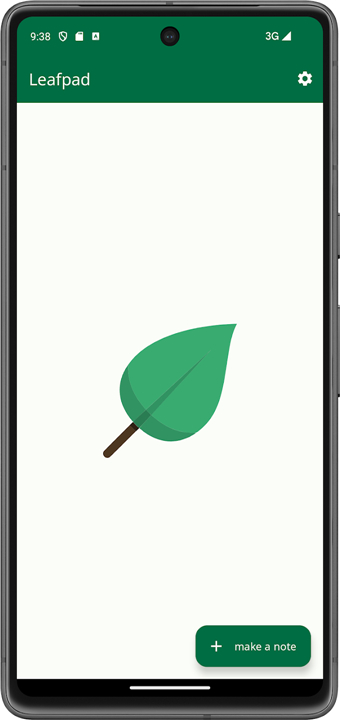
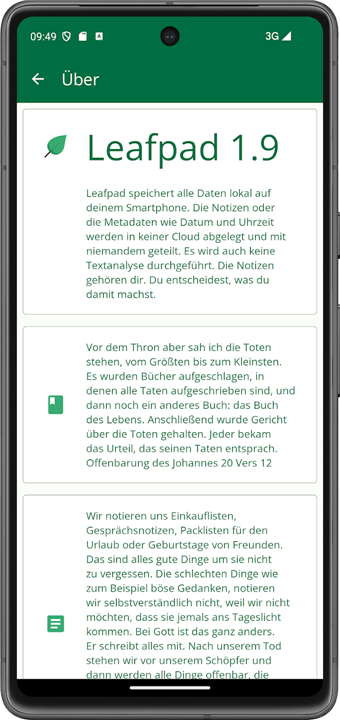
• Rediscover the joy of writing with Leafpad—a minimalist text editor designed to free your mind from digital clutter.
• Built to champion your privacy and spark your creativity, Leafpad provides a serene sanctuary where your ideas can flow effortlessly, transforming everyday note-taking into a seamless and satisfying experience.
Effortless Focus and Performance
• A distraction-free canvas: Immerse yourself in a clean, elegant environment that removes visual noise and brings your thoughts to the forefront.
• Instant start, seamless flow: Experience lightning-fast performance that respects your time, launching instantly and running smoothly without draining your system resources.
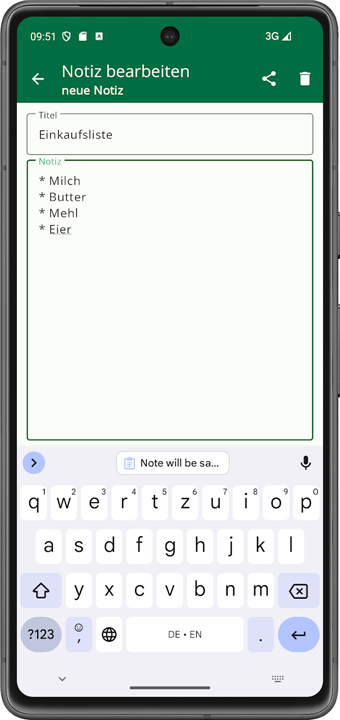
• Simple, future-proof storage: Save your work in universal, plain-text formats without the complexity of hidden databases, ensuring your writing remains yours forever.
Sanctuary for Your Thoughts
• Total offline sanctuary: Write with absolute peace of mind, knowing your personal reflections, journals, and drafts never touch the cloud or leave your device.
• Shielded reflection: Keep sensitive thoughts secure with dedicated safeguards designed to protect your private notes from unwanted attention.
• Radical trust: Benefit from an application that respects your boundaries, operating cleanly without demanding intrusive system or hardware permissions.
Empowered Ownership
• Open-source transparency: Embrace software you can actually rely on, backed by a fully open code base that invites inspection and guarantees security.
• Complete creative sovereignty: Reclaim absolute control over your work, entirely free from proprietary lock-ins, tracking, or artificial restrictions.
FAQ
Q: Does Leafpad use a proprietary file format to save my documents?
A: No, Leafpad firmly believes in keeping your work universally accessible. Every document you create is saved in universal, plain-text formats, which means your files are completely free from proprietary code or complex styling tags. This approach ensures that your writing remains yours forever, allowing you to open and edit your files on virtually any device or operating system now and in the distant future.
Q: How does Leafpad protect my privacy and secure my personal thoughts?
A: Your privacy is the core foundation of Leafpad. The application operates as a total offline sanctuary, meaning that your personal reflections, daily journals, and private drafts are stored locally on your device and never uploaded to the cloud. Because there is no internet communication happening in the background, you can write with absolute peace of mind knowing your thoughts are shielded from external servers and unwanted online attention.
Q: Can I sync my Leafpad notes to a cloud service if I want to?
A: By default, Leafpad does not contain any built-in cloud synchronization features to ensure that your data remains completely private and offline. However, because your files are saved as standard plain-text documents directly on your device, you have the freedom to manually backup or sync your files using your own preferred local storage solutions or third-party file transfer methods if you wish to do so.
Version History
v1.24——19 Aug 2026
leafpad - a simple notebook Download the latest version of leafpad to enjoy new features and updates immediately!
*1.24
Fixed: enlarged the toggle button for expanding/collapsing notes
Fixed: search results incorrectly flagged as changed
Fixed: settings now load directly (thanks @Label)
Improved: tablet view
Adjusted font sizes
Trailing whitespace in note titles/content is now removed
Added new icons
Updated translations
Added note sorting
Added new language (Arabic)
*1.23
Fixed hiding notes
Restored note creation via app shortcut
Hidden notes are now visually marked
Updated fonts (removed Roboto Sans)
Notes are collapsed by default
Hide, share and delete via long press
Backup & restore re-enabled (ZIP backup)
Improved note list readability
Create button now shrinks while scrolling
*1.22
Separated settings from the "About" menu
Bug fix: Empty notes are now actually discarded
Updated translations
Added categories; names and colors can be freely chosen
Any number of categories can be assigned to each note
Switch to storing notes in an internal database
Temporary deactivation of the backup/restore function
Licenses added
New icons added
New colors added
Fonts
- AppSize4.08M
- System Requirements5.0 and up
- Is there a feeFree(In game purchase items)
- AppLanguage English
- Package Namecom.git.amarradi.leafpad
- MD5
- PublisherMarcus Radisch
- Content RatingTeenDiverse Content Discretion Advised
- Privilege19
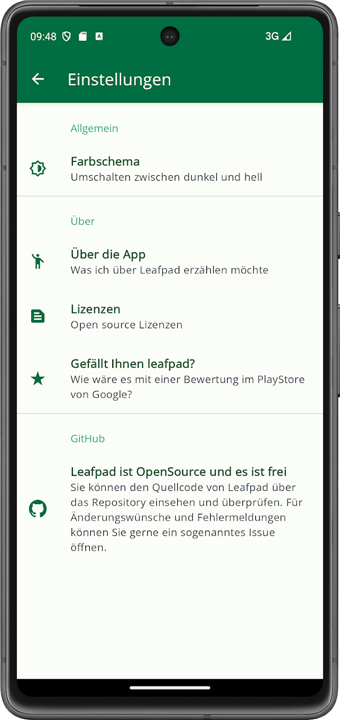
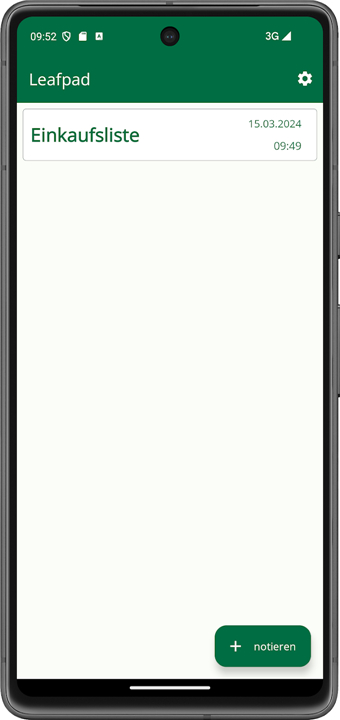
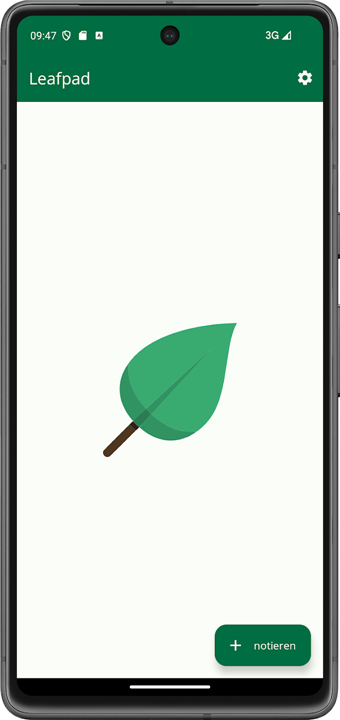
-
leafpad 1.24Install
4.08M2026-10-28Updated










7.7
4925 Human Evaluation
- 5 Star
- 4 Star
- 3 Star
- 2 Star
- 1 Star




