
Launcher OS - Themes & Widgets
Redefine Your Android Experience
• Elevate your smartphone with Launcher OS, the ultimate interface transformation tool.
• Designed to merge sophisticated aesthetics with high-performance functionality, our app breathes new life into your device, making your daily interactions smoother and more visually captivating.
Key Features for a Premium Experience
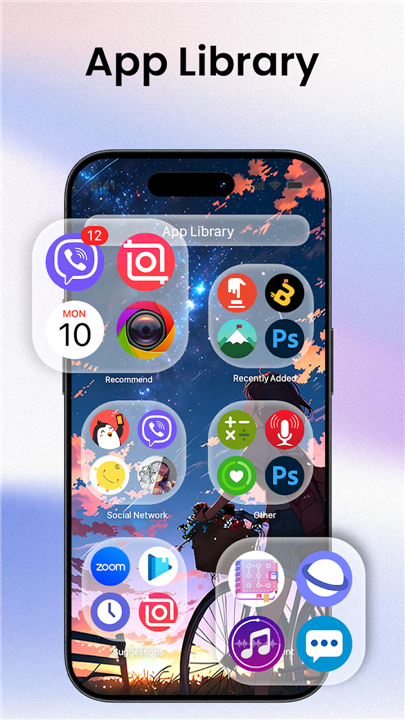
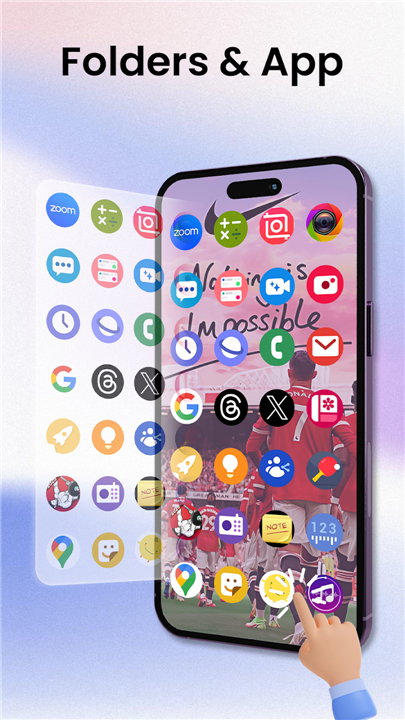
1. Intelligent App Management:
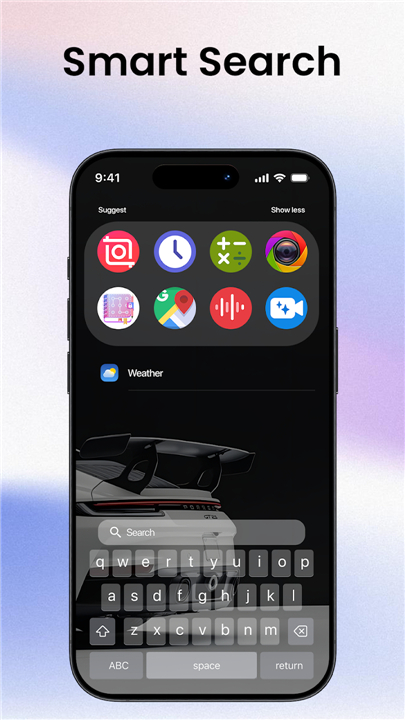
• Keep your digital workspace clutter-free. Use our intuitive drag-and-drop system to categorize apps into custom folders and utilize the lightning-fast search bar to find what you need in an instant.
2. Dynamic Custom Widgets:
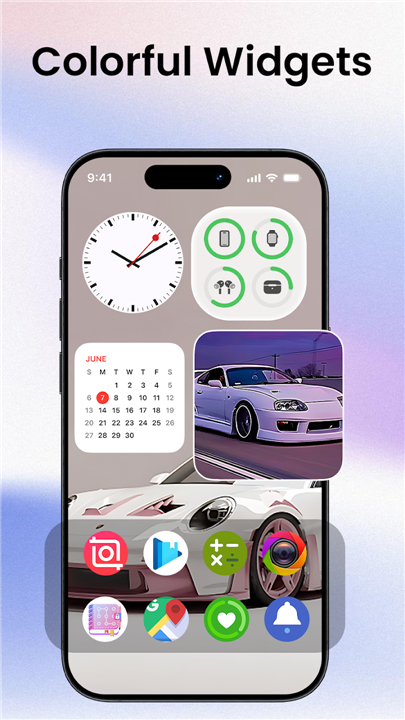
• Take control of your home screen with fully resizable widgets.
• Access vital information—including weather, calendars, and clocks—through a clean, modern, and highly functional display.
3. Curated Aesthetics:
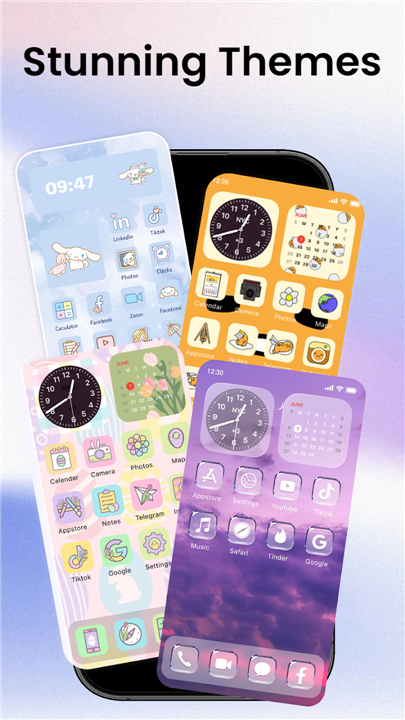
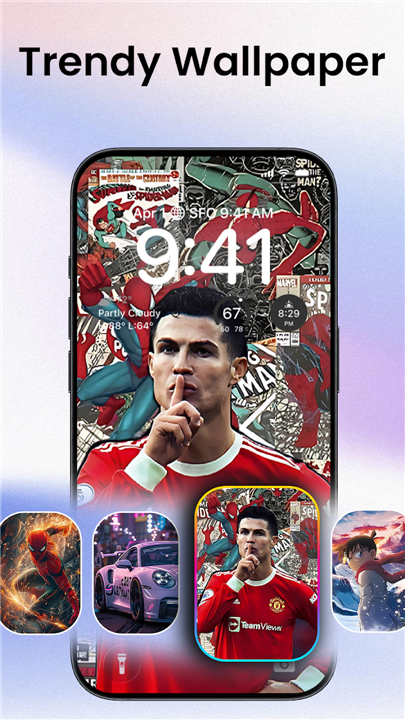
• Express your personality with our expansive collection of elegant wallpapers and themes.
• Whether you lean toward minimalist sophistication or vibrant artistic flair, our library provides the perfect backdrop for your device.
Transparency and Accessibility
• We are committed to providing a seamless experience while respecting your privacy.
• Launcher OS utilizes the Accessibility Service API purely to enhance your navigation, allowing for fluid gesture controls and easier access to system tools.
• Please note that we do not collect, store, or share any personal data, nor do we monitor your screen content.
Legal Note
• Launcher OS is an independent application. All third-party names and trademarks mentioned are used solely for identification.
• We are not officially affiliated with, endorsed by, or connected to any other companies or software brands.
Personalize Your World
• Why settle for the ordinary?
• Join thousands of users who have upgraded their Android experience with the sleek, intuitive power of Launcher OS.
• Download today and design a phone that feels uniquely yours.
FAQ
Q: Is it difficult to set up Launcher OS on my device?
A: Not at all, as we have designed the installation process to be very straightforward and user-friendly. Once you download and open the app, it will guide you through the initial setup steps to replace your default home screen, allowing you to begin customizing your workspace immediately.
Q: Does Launcher OS affect how my apps are organized?
A: Yes, it actually helps you improve your organization through our intelligent app management system. You can easily use our drag-and-drop feature to create custom folders that keep your digital workspace clutter-free and use the integrated lightning-fast search bar to locate any app on your phone in just a split second.
Q: Can I customize the widgets provided by the app?
A: Absolutely, because we believe you should have full control over your home screen. Our dynamic widgets are fully resizable, meaning you can adjust them to fit your personal layout preferences while ensuring you still have quick access to essential information like your calendar, weather updates, and clock.
Version History
v74——20 Jul 2026
Transform your Android w stylish launcher, unique home screen, themes & widgets Download the latest version of Launcher OS - Themes & Widgets to enjoy new features and updates immediately!
*74
Minor bug fixes and improvements. Install or update to the newest version to check it out!
*73
Minor bug fixes and improvements. Install or update to the newest version to check it out!
*71
Minor bug fixes and improvements. Install or update to the newest version to check it out!
- AppSize52.50M
- System Requirements5.0 and up
- Is there a feeFree(In game purchase items)
- AppLanguage English
- Package Namecom.asianmobile.launcheros
- MD5
- PublisherTextSoft.Studio
- Content RatingTeenDiverse Content Discretion Advised
- Privilege19
-
Launcher OS - Themes & Widgets 74Install
52.50M2026-10-29Updated










8.4
7180 Human Evaluation
- 5 Star
- 4 Star
- 3 Star
- 2 Star
- 1 Star




