
Image Toolbox - Edit & Convert
Overview
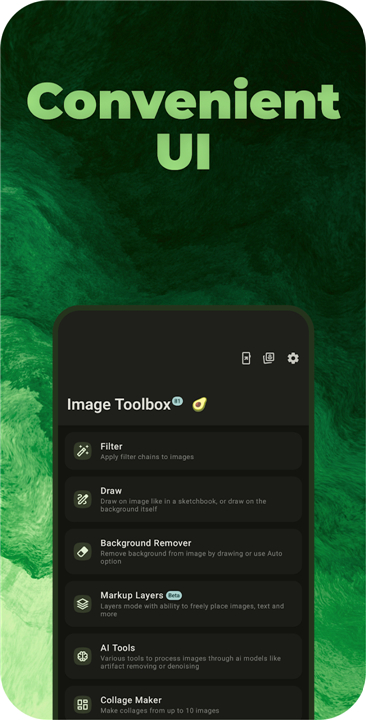
• Unleash your creative potential with Image Toolbox, the ultimate all-in-one platform designed to transform how you work with visuals.
• Whether you are a professional designer, a developer, or someone who simply loves perfecting everyday photos, this powerful suite combines advanced AI, precision editing, and effortless batch processing into a single, seamless experience.
Advanced AI & Precision Editing
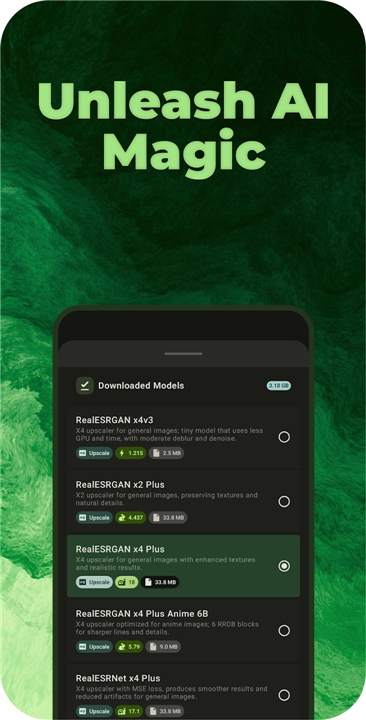
• Utilize cutting-edge AI models to instantly remove backgrounds, upscale images, reduce noise, and restore colors.
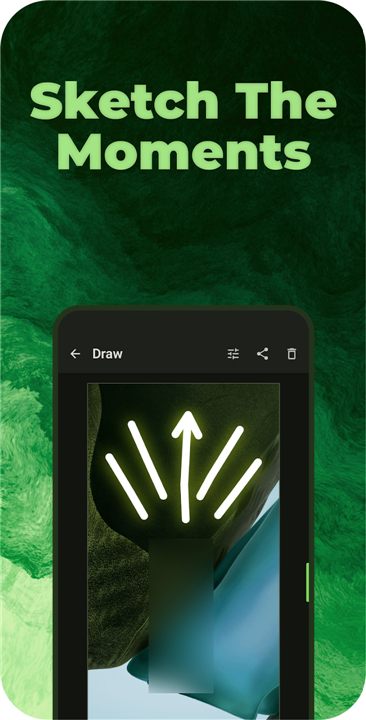
• Paint and draw with a diverse set of brushes, featuring neon, spray, warp effects, and AI-powered spot healing for seamless object removal.
• Apply and chain over 310 customizable filters to elevate your visual storytelling, then share your custom filter recipes via QR codes.
Seamless Conversions & Batch Processing
• Process hundreds of images simultaneously to save valuable time and automate your workflow.
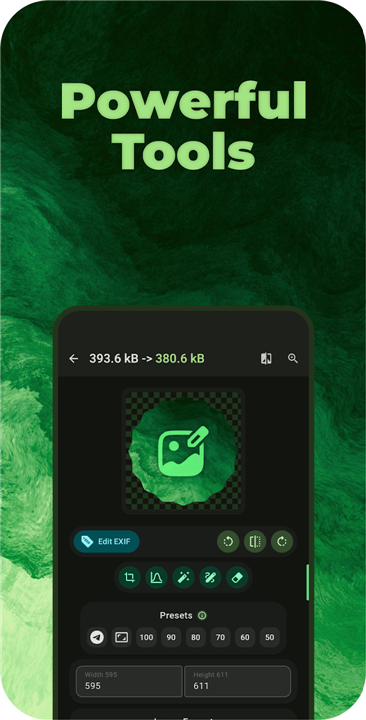
• Convert effortlessly between modern and traditional formats, including HEIC, AVIF, WEBP, JXL, and PNG.
• Transform PDFs to images, scan physical documents, and crop or resize files while preserving perfect aspect ratios across multiple color spaces.
Creative Layouts & Security
• Design beautiful collages with over 180 layout options, or stitch and stack images together.
• Protect your intellectual property with secure watermarks, custom timestamps, and digital steganography.
• Generate and scan 13 barcode and QR code formats with ease.
Intelligent Text & Color Utilities
• Extract text from images in over 120 languages using high-performance OCR and write the data directly to metadata.
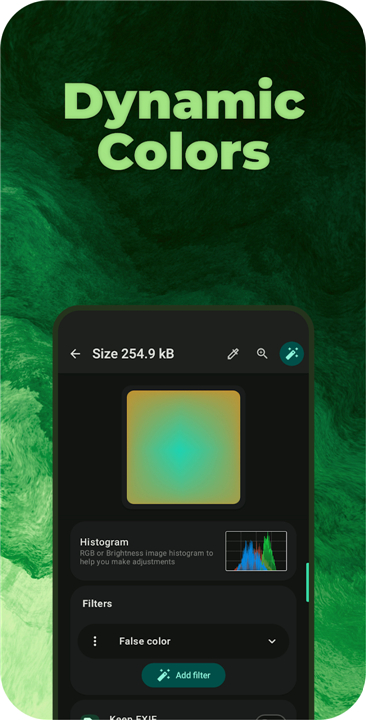
• Generate rich color palettes, design stunning mesh gradients, and analyze images with live RGB histograms.
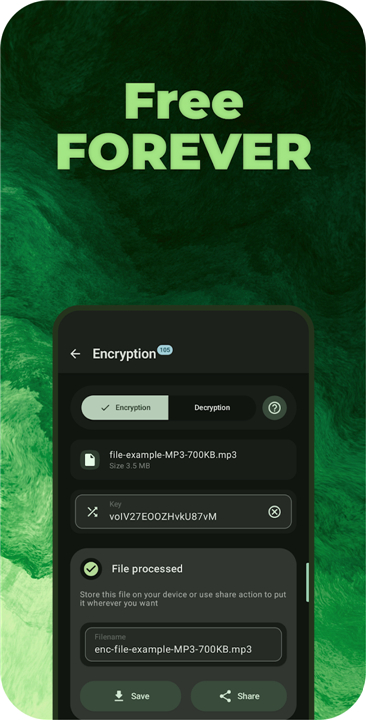
• Access essential developer tools, including Base64 encoding, ASCII art creation, and secure file encryption with over 100 algorithms.
Fully Customizable Experience
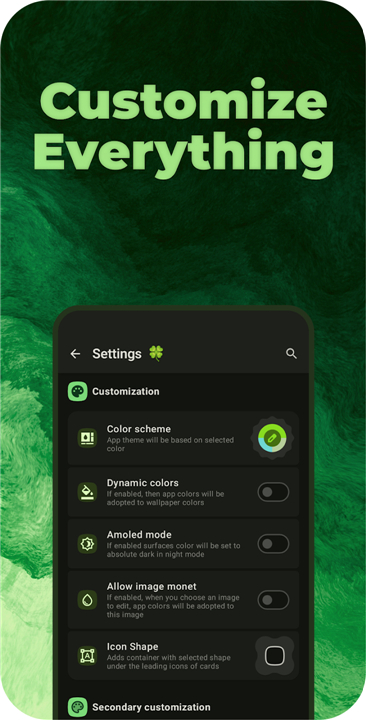
• Personalize the interface with dynamic themes, custom fonts, and multiple UI styles to match your exact aesthetic.
• Enjoy total control over the app's layout, contrast settings, and haptics for a truly bespoke digital workspace.
Download Image Toolbox today
• Elevate your visual workflow to extraordinary new heights.
• Stop switching between dozens of single-purpose apps.
• Experience the freedom of having a professional-grade design studio right at your fingertips.
FAQ
Q: What drawing and retouching features are available in the app?
A: You get access to a rich set of creative brushes, including specialty options like neon glow, spray paint, warp effects, and AI-driven spot healing. The spot healing brush allows you to paint over unwanted objects or blemishes to seamlessly blend and remove them from your images.
Q: How does batch processing help me handle large numbers of photos?
A: Batch processing lets you perform operations like format conversion, resizing, and cropping on hundreds of images simultaneously. This feature automates repetitive workflow tasks and saves you valuable time without sacrificing output quality.
Q: Which file formats does Image Toolbox support for conversion?
A: The platform supports a wide range of modern and traditional image formats. You can effortlessly convert files between HEIC, AVIF, WEBP, JXL, PNG, and many other formats, giving you total flexibility across different platforms and web standards.
Version History
v4.2.0-rc06——28 Jul 2026
Edit, create & convert images with powerful AI — your all-in-one studio Download the latest version of Image Toolbox - Edit & Convert to enjoy new features and updates immediately!
*4.2.0-rc06
• Added EXIF read/write support for HEIC, AVIF, JXL, TIFF and JP2
• Added EXIF 3.1 support
• Added new Jixel encoder for JXL format
• Fixed draw tool ui for text brush
*4.1.0
What's new:
* Ability to delete originals after saving
* Recent tools and filters
* Help & Tips search
* Usage statistics
* Export profiles
* 16 new filters
* Texture Generator with 60 procedural textures
* New shapes: Wavy, Scoop, Notch
Improved:
* GIF converter and Rust encoder
* Filter performance
* Auto Perspective
* Tools search and UI
Fixed:
* Cropper zoom
* PDF tools
* Saving to original folder
* Palette tools
*4.0.0
## What's New
• Added Shader Studio, PaddleOCR v5/v6, new AI models, MODNet/YOLO background removers, and undo/redo in 14 tools
• Added Expand Image, NTSC VHS, ImageQuant PNG compression, animated emojis, EXIF auto-clear, Help & Tips, and more
• Improved Seam Carving, Document Scanner, filter previews, performance, and UI
• Fixed cropper issues, large PDF crashes, screenshot tile, compare modes, and other bugs
- AppSize104.00M
- System Requirements5.0 and up
- Is there a feeFree(In game purchase items)
- AppLanguage English
- Package Nameru.tech.imageresizershrinker
- MD5
- PublisherProgiX
- Content RatingTeenDiverse Content Discretion Advised
- Privilege19
-
Image Toolbox - Edit & Convert 4.2.0-rc06Install
104.00M2026-10-29Updated










8.1
4439 Human Evaluation
- 5 Star
- 4 Star
- 3 Star
- 2 Star
- 1 Star




