
iFax - Send & receive fax app
The Modern Way to Send and Receive Faxes
• Leave bulky machines and frustrating searches for local fax services in the past.
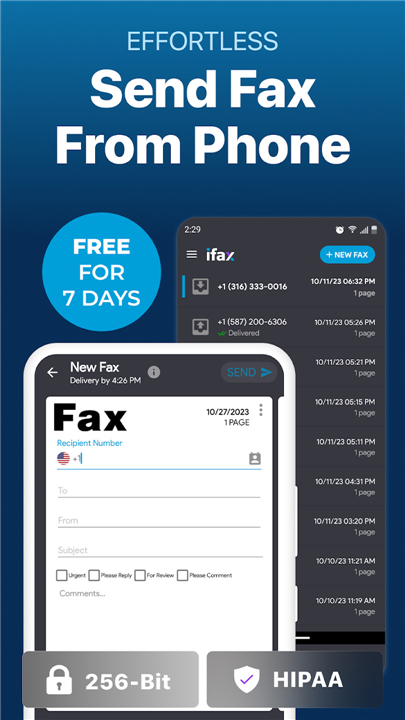
• iFax transforms your smartphone into a secure, pocket-sized communication hub, making digital faxing as simple as sending an email.
Core Capabilities
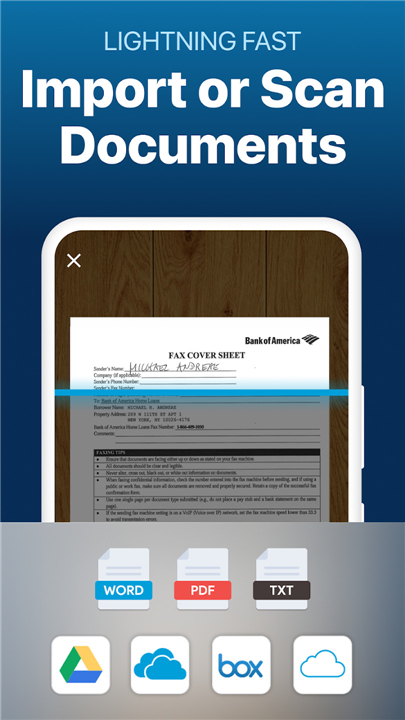
• Digitize on the fly: Scan, sign, fill out forms, and dispatch PDFs or images directly from your device.
• Cloud connectivity: Import and sync documents effortlessly from Google Drive, Dropbox, and Box.
• Universal access: Manage your workflow seamlessly across Android, iPhone, Mac, and Windows with a single account.
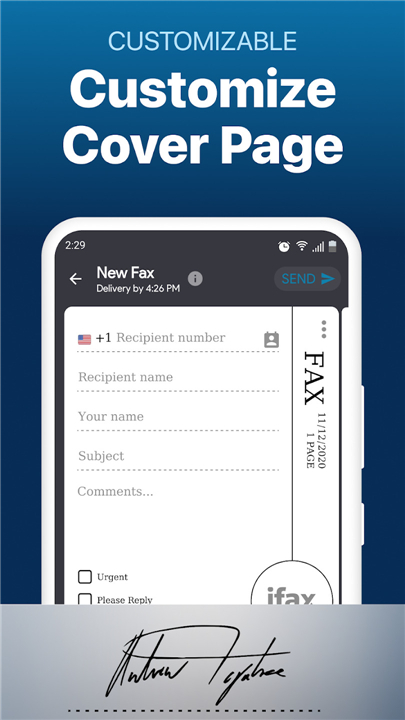
• Professional presentation: Customize sleek cover pages to elevate every document you send.
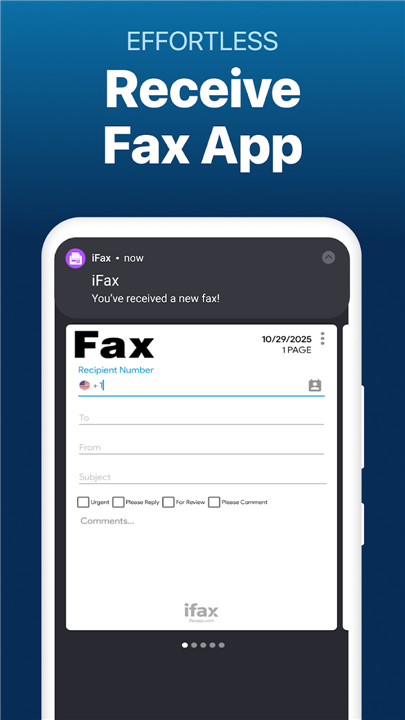
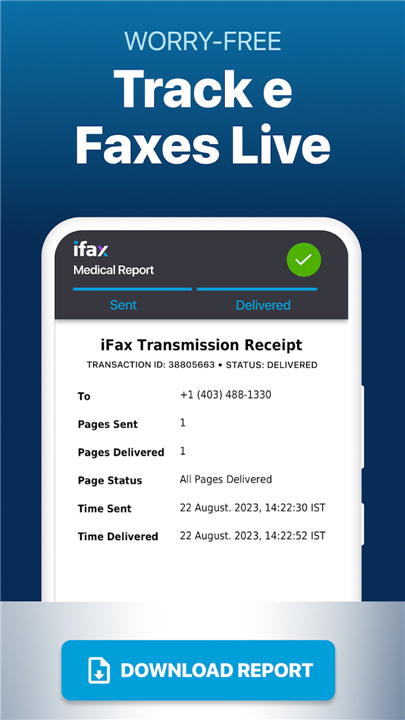
• Instant tracking: Stay informed with real-time delivery notifications and status updates.
Uncompromising Security
• Complete peace of mind: Fully HIPAA-compliant architecture safeguards your most sensitive medical and legal records.
• Total privacy: Send and receive documents without the friction of mandatory personal data creation.
Flexible Value
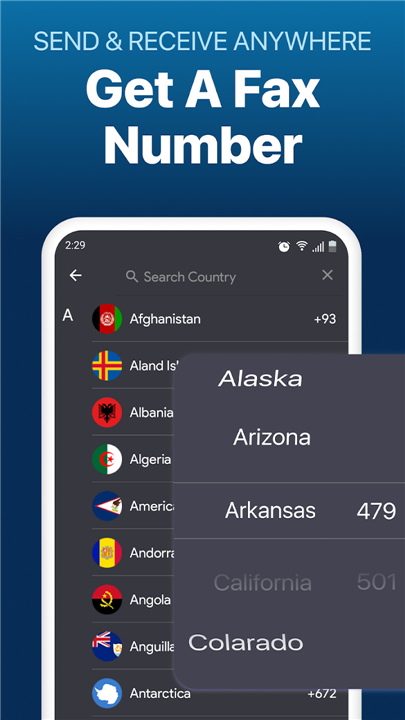
• Risk-free trial: Test out a dedicated inbound fax number for seven days in the US, Canada, UK, and select regions.
• Reward programs: Unlock free faxing privileges simply by inviting friends to the platform.
• Transparent pricing: Enjoy highly affordable page rates, or unlock deeper savings with flexible monthly and annual subscriptions.
Step into the future of communication
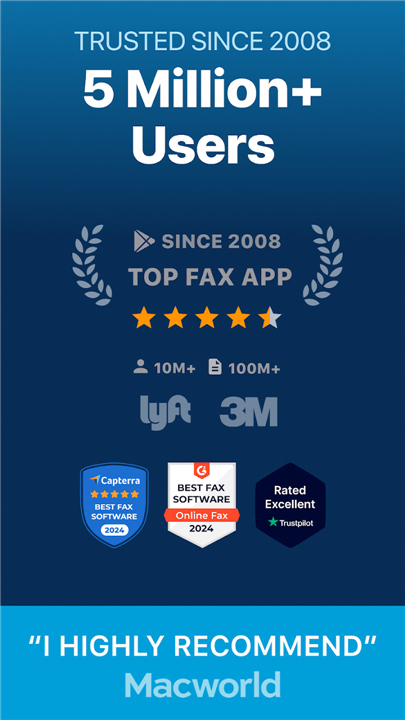
• Download iFax today and join millions who have made mobile faxing faster, greener, and entirely effortless.
FAQ
Q: What devices can I use to send and receive faxes with iFax?
A: You can enjoy seamless access across a wide range of devices to keep your workflow moving. A single iFax account allows you to manage your complete fax history and tasks on Android, iPhone, Windows, and Mac, ensuring you can send or receive documents whether you are sitting at your desk or on the move.
Q: How do I import documents from my cloud storage into the app?
A: Importing your files is incredibly simple thanks to the app's built-in cloud connectivity. You can effortlessly sync and pull your documents directly from popular platforms like Google Drive, Dropbox, and Box right into the iFax app to dispatch them in just a few taps.
Q: Can I scan physical documents using only my phone?
A: Yes, you can easily digitize paper documents on the fly using your device's camera. The app features a built-in scanning tool that allows you to capture physical papers, sign them digitally, fill out required forms, and send them as high-quality PDFs or images without ever needing a physical scanner.
Version History
v11.18.7.3——3 Sep 2026
Transform your phone into a secure, HIPAA-compliant online fax machine with iFax. Easily send and receive faxes anywhere, anytime. Download the latest version of iFax - Send & receive fax app to enjoy new features and updates immediately!
*11.18.7.3
Minor bug fixes and improvements. Install or update to the newest version to check it out!
*11.18.7.2
Minor bug fixes and improvements. Install or update to the newest version to check it out!
*11.18.6
Minor bug fixes and improvements. Install or update to the newest version to check it out!
- AppSize32.20M
- System Requirements5.0 and up
- Is there a feeFree(In game purchase items)
- AppLanguage English
- Package Namecrowdedroad.iFax
- MD5
- PublisherCrowded Road
- Content RatingTeenDiverse Content Discretion Advised
- Privilege19
-
iFax - Send & receive fax app 11.18.7.3Install
32.20M2026-10-20Updated










8.0
4952 Human Evaluation
- 5 Star
- 4 Star
- 3 Star
- 2 Star
- 1 Star




