
Grit - The Productivity App
Overview
• Stop merely planning your day and start mastering it.
• Grit strips away the overwhelming clutter of traditional planners to deliver a sleek, focused environment where your ambitions take root.
• By blending intuitive task management with daily habit building and deep visual insights, Grit is designed not just to keep you busy, but to help you grow.
Master Your Tasks
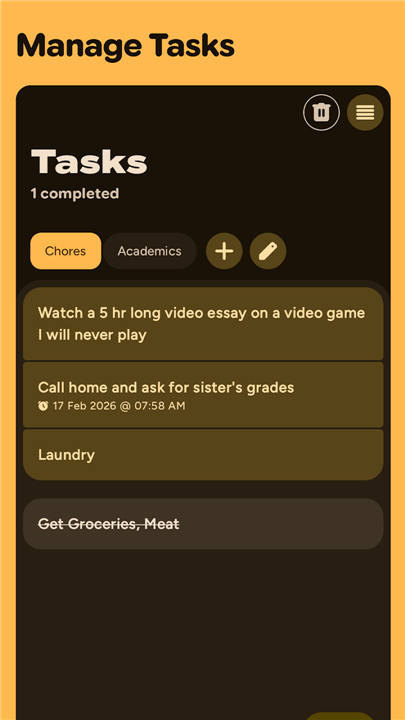
• Streamline your daily workload by creating, refining, and organizing tasks effortlessly.
• Cut through the noise by setting sharp priorities and strict deadlines, ensuring your energy goes where it matters most.
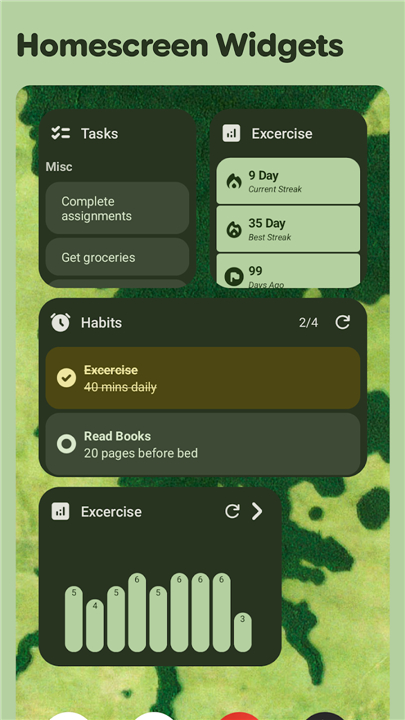
• Group your objectives into custom lists tailored for your career, personal life, or fitness milestones.
Forge Unbreakable Habits
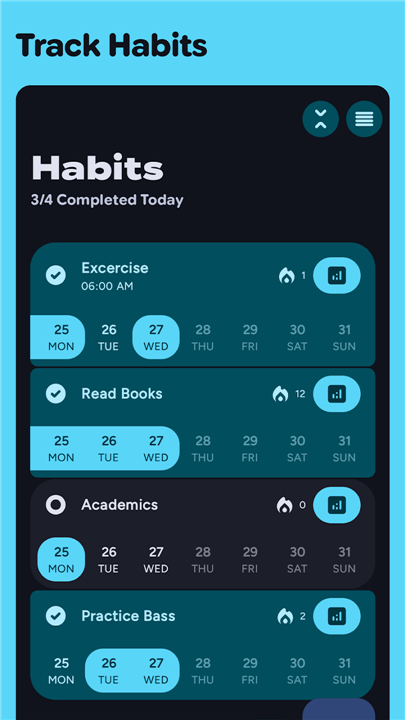
• Turn positive routines into second nature using fully customizable frequency settings.
• Fuel your drive by watching your continuous streaks grow, turning daily discipline into an addictive victory.
• Design flexible schedules that adapt to your life, whether you are building daily rituals or monthly milestones.
Witness Your Evolution
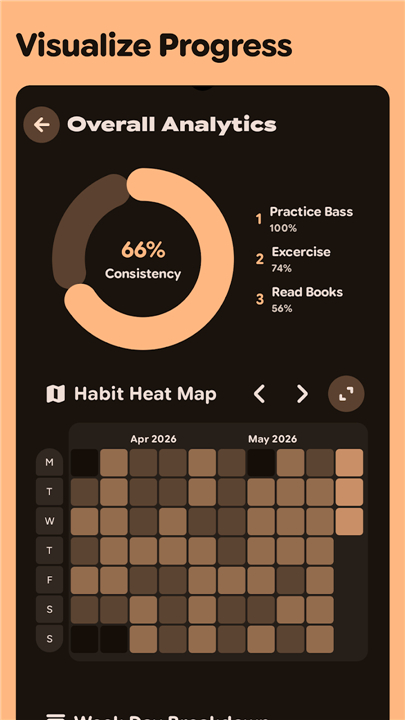
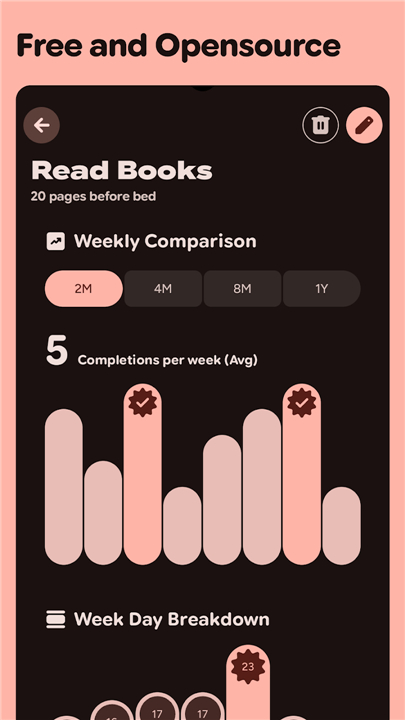
• Transform raw data into motivation with comprehensive charts that map your completion rates over time.
• Uncover your peak productivity windows by analyzing clear weekly and monthly performance trends.
• Fuel your momentum with rewarding visual indicators that celebrate every step of your consistency.
Immerse Yourself in Material 3
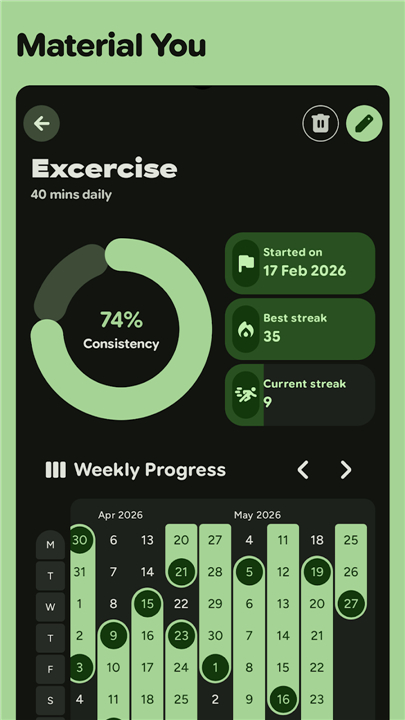
• Elevate your digital routine with a breathtaking, state-of-the-art interface built on Google's Material 3 design philosophy.
• Personalize your space with dynamic color themes that effortlessly adapt to your system preferences.
• Move with absolute fluidity through a thoughtfully minimalist layout designed to keep your mind clear and focused.
FAQ
Q: How do I create and organize tasks in Grit?
A: You can add a task by tapping the plus icon, give it a title, set a priority level, and assign a deadline. Tasks can be dragged into custom lists—such as Work, Personal, or Fitness—so you can keep related items together and switch contexts effortlessly.
Q: Can I set recurring tasks, and how flexible are the recurrence options?
A: Yes, Grit supports recurring tasks with options for daily, weekly, monthly, or custom intervals. You can also define specific days of the week or month, and the app will automatically generate the next instance when you mark the current one complete.
Q: How does habit building work in Grit?
A: Habits are created similarly to tasks but include frequency settings that let you choose how often you want to perform them—daily, every other day, specific weekdays, or monthly milestones. Completing a habit extends your streak, which is displayed visually to reinforce motivation.
Version History
v6.0.6——19 Aug 2026
A Simple To Do List and Habit Tracker Download the latest version of Grit - Productivity App to enjoy new features and updates immediately!
*6.0.6
- Updated Translations
- Fixed UI bug where add button covers reorder handle in tasks list #307
*6.0.5
- Updated Translations
- Fixed bugs with reminders
- Fixed App crashing in private spaces #305
- Fixed categories sheet disappearing after enabling dark mode #304
- Miscellaneous UI updates
*6.0.4
- Updated Translations
- Increased habit title and description length limits
- AppSize9.41M
- System Requirements5.0 and up
- Is there a feeFree(In game purchase items)
- AppLanguage English
- Package Namecom.shub39.grit
- MD5
- Publishershub39
- Content RatingTeenDiverse Content Discretion Advised
- Privilege19
-
Grit - Productivity App 6.0.6Install
9.41M2026-10-28Updated










8.3
3770 Human Evaluation
- 5 Star
- 4 Star
- 3 Star
- 2 Star
- 1 Star