
Google Flow
Your Mobile AI Creative Studio
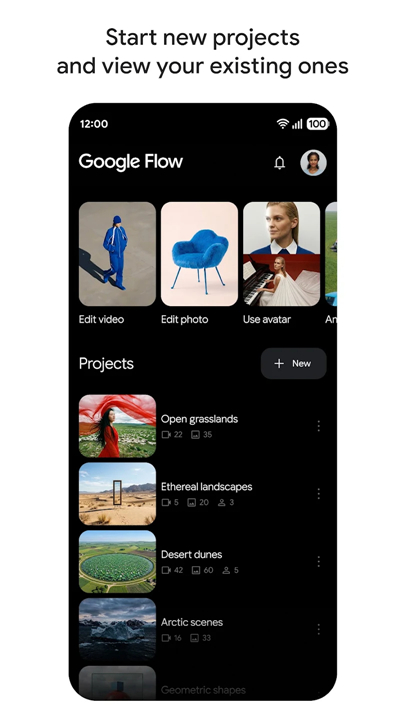
• Google Flow transforms your smartphone into an advanced AI creative studio, purpose-built for artists, designers, and content creators.
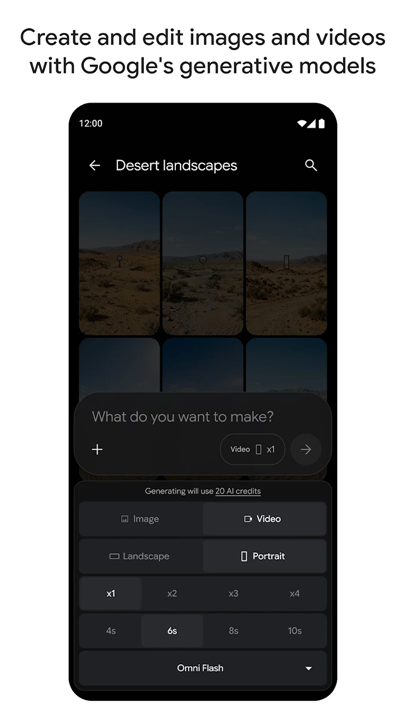
• It harnesses Google's cutting-edge generative AI models, empowering users to intuitively create, refine, and manipulate both images and videos directly from their mobile device.
Key Features for Creative Workflow
1. Personalized Generation:
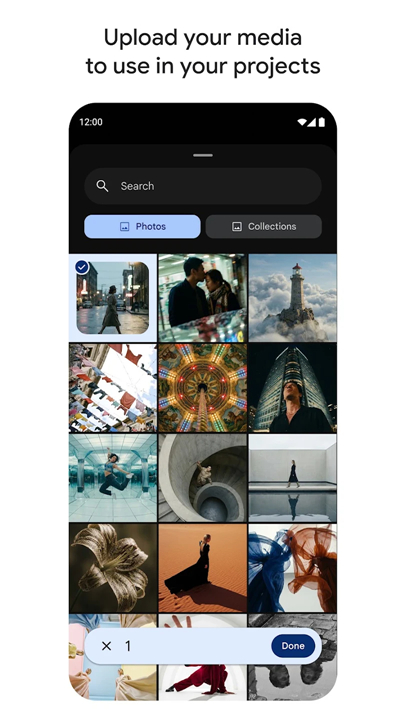
• Seamlessly integrate direct camera roll imports or live camera feeds to ground your AI-driven image and video generations.
• This allows you to blend your personal experiences and existing visuals with the imaginative capabilities of artificial intelligence.
2. Intuitive Creative Tools:
• Leverage advanced AI models to craft and refine stunning visual content, offering precise control over every aspect of your creations, from simple edits to complex transformations.
Seamless Integration & Performance
1. Cross-Device Synchronization:
• Your entire creative workspace, including projects and assets, remains fully synchronized across devices.
• This ensures a consistent and uninterrupted experience whether you're working on your phone or desktop.
2. Background Processing:
• Initiate multiple image and video generations simultaneously without interrupting your workflow.
• Google Flow intelligently processes these tasks in the background.
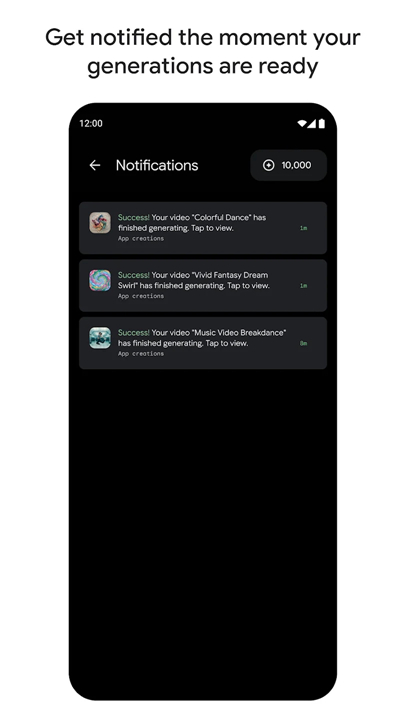
3. Real-time Notifications:
• Receive instant alerts once your media renders are complete, eliminating wait times and significantly boosting your creative productivity.
Output & Sharing
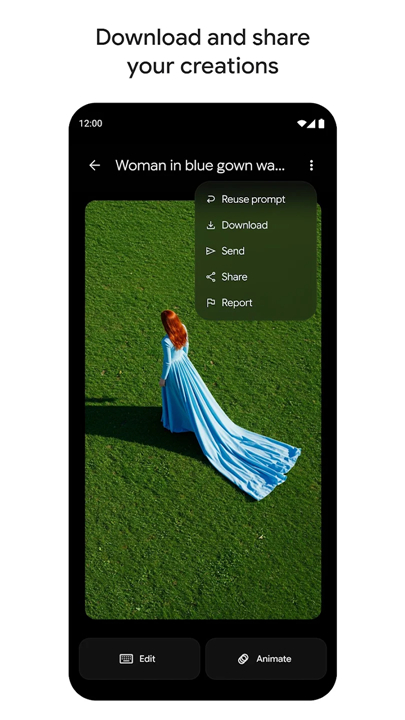
1. High-Quality Downloads:
• Easily download your finished AI-generated images and videos in high fidelity directly to your device's storage.
2. Effortless Sharing:
• Share your realized visions and creative masterpieces across various social media platforms and communication channels with simple, integrated options.
FAQ
Q: Who is Google Flow best suited for?
A: While it is designed to be accessible and intuitive, Google Flow is particularly great for intermediate and professional creators, including digital artists, designers, and social media producers. It gives you the precise control needed to elevate your creative workflow on the go without sacrificing quality or depth.
Q: How does Google Flow use my existing photos and video feeds?
A: Through its Personalized Generation feature, you can import media directly from your device's camera roll or capture live video using your camera feed. Google Flow uses these personal visuals to ground your AI generations, allowing you to blend real-life moments with the creative possibilities of artificial intelligence.
Q: Can I edit live camera footage directly in the app?
A: Yes, you can connect your live camera feed directly to ground your AI-driven image and video generation. This lets you capture the world around you in real time and immediately apply AI transformations and creative edits right on your screen.
Version History
v1.536.2——31 Aug 2026
Google Flow Beta is a creative studio app that helps users create and edit images and videos. Download the latest version of Google Flow to enjoy new features and updates immediately!
*1.536.2
Initial listing for the Flow app.
*1.529.6
Initial listing for the Flow app.
*1.522.2
Initial listing for the Flow app.
- AppSize18.59M
- System Requirements5.0 and up
- Is there a feeFree(In game purchase items)
- AppLanguage English
- Package Namecom.google.android.apps.labs.whisk
- MD5
- PublisherGoogle Labs
- Content RatingTeenDiverse Content Discretion Advised
- Privilege19
-
Google Flow 1.536.2Install
18.59M2026-10-16Updated










8.1
1775 Human Evaluation
- 5 Star
- 4 Star
- 3 Star
- 2 Star
- 1 Star




