Freenotes - Notes Taking & PDF
Ignite Your Learning, Amplify Your Work.
• Step into a paperless future where intuitive handwriting meets groundbreaking efficiency.
• Freenotes empowers students and professionals alike to capture ideas, master complex topics, and achieve peak productivity across every device.
Intelligent Assistant for Smarter Study
Unlock a new dimension of understanding with integrated AI that transforms your notes and documents:
• Instant Summaries & Answers: Capture or upload any content to swiftly generate summaries and get answers to your questions.
• Concept Clarification: Leverage AI to define terms, clarify complex ideas, and ensure accuracy in your handwritten notes.
Seamless Organization & Discovery
Say goodbye to cluttered, unsearchable notes and embrace effortless efficiency:
• Automated Organization: Utilize smart folders to categorize and manage your notes by project, course, or topic.
• Quick Search via OCR: Find anything instantly – our advanced OCR converts handwritten text into searchable content.
Dynamic Learning & Productivity
Master academic challenges and professional tasks with a suite of powerful tools:
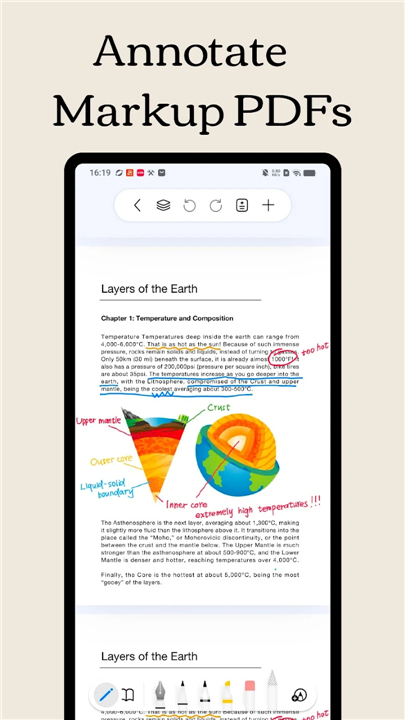
• Interactive PDF Annotation: Annotate, highlight, and translate directly within large PDF files for deeper engagement.
• Hyperlinked Resources: Create intelligent planners and study guides that link effortlessly to internal pages or external web resources.
• Master Video Learning: Take notes while watching online videos using Picture-in-Picture (PiP) and capture screenshots directly into your notes.
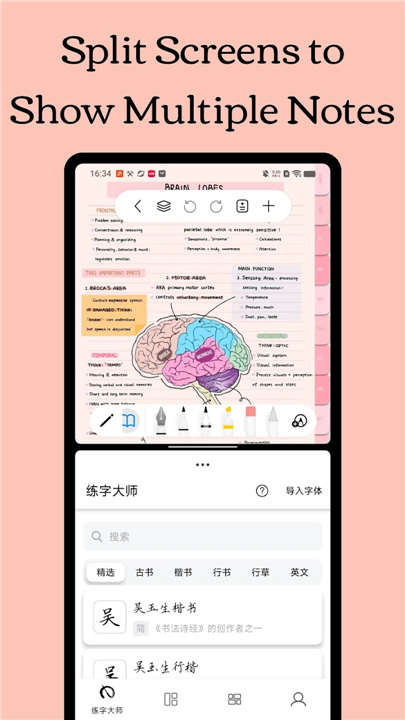
• Dedicated Course View: Optimize focus with a specialized split-screen setup, displaying notes alongside course content.
Accelerate Memory & Exam Success
Harness proven techniques to cement knowledge and confidently prepare for exams:
• Active Recall Tape Tool: Test yourself by hiding and revealing key information, a powerful technique for memorization.
• Exam Prep Center: Access built-in materials, timers, and simulated testing environments to practice and prepare effectively.
The Art of Digital Handwriting
Experience the joy of natural writing combined with complete customization:
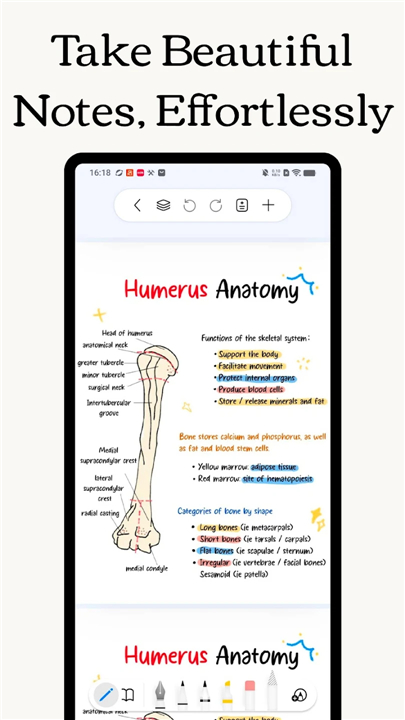
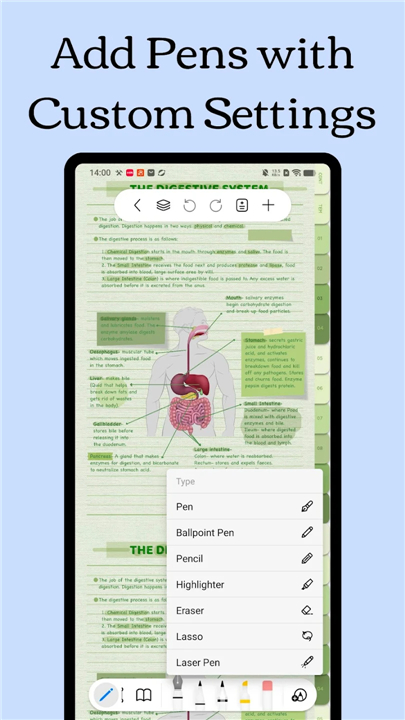
• Authentic Pen Strokes: Enjoy an unparalleled, low-latency writing experience that genuinely mimics pen on paper.
• Personalized Creativity: Craft and save custom brushes, with full support for the latest Pencil features, to match your unique style.
FAQ
Q: How does the handwriting experience feel compared with a real pen?
A: The app uses low‑latency rendering and pressure‑sensitive stroke technology, so each line you draw mimics the natural flow of ink. Whether you are using a stylus, Apple Pencil, or a touchscreen pen, the result feels like writing on paper while still enjoying unlimited undo, colour, and brush options.
Q: Can I use Freenotes on more than one device?
A: Absolutely. Freenotes syncs your notebooks, PDFs, and settings across smartphones, tablets, and desktop computers. Start a sketch on your tablet, continue editing on a laptop during a meeting, and later review it on your phone—all without missing a beat.
Q: How does the integrated AI help me study?
A: The built‑in assistant can read any handwritten note or uploaded document and instantly produce concise summaries. If you ask a specific question, it will locate the relevant passage and provide an answer, and it can also define unfamiliar terms or clarify complex concepts right inside your notes.
Version History
v3.8.0——14 May 2026
Freenotes is a note taking app that combines realistic handwriting with tools for study and work. Download the latest version of Freenotes - Notes Taking & PDF to enjoy new features and updates immediately!
*3.8.0
New Feature
- The pen case can now be repositioned via drag-and-drop.
- Added a lasso erase mode for the eraser.
- Performed some bug fixes and other detail optimizations.
Thanks for using Freenotes!
*3.7.1
New Feature
- The pen case can now be repositioned via drag-and-drop.
- Added a lasso erase mode for the eraser.
- Performed some bug fixes and other detail optimizations.
Thanks for using Freenotes!
*3.7.0
New Feature
- The pen case can now be repositioned via drag-and-drop.
- Added a lasso erase mode for the eraser.
- Performed some bug fixes and other detail optimizations.
Thanks for using Freenotes!
- AppSize117.86M
- System Requirements5.0 and up
- Is there a feeFree(In game purchase items)
- AppLanguage English
- Package Nameai.note.notepad.memo.journal.freenote
- MD5
- PublisherFreenotes Inc
- Content RatingTeenDiverse Content Discretion Advised
- Privilege19
-
Freenotes - Notes Taking & PDF 3.8.0Install
117.86M2026-09-13Updated










9.2
2732 Human Evaluation
- 5 Star
- 4 Star
- 3 Star
- 2 Star
- 1 Star