

Fcitx5 for Android
Overview and Licensing
• Fcitx5 for Android ports the highly acclaimed, modular Linux input method framework to the Android mobile operating system.
• The application is fully open-source, giving users peace of mind regarding privacy, and is distributed under the LGPL-2.1+ license.
Supported Languages and Input Engines
• English: Features standard keyboard layouts with integrated spellcheck and word prediction.
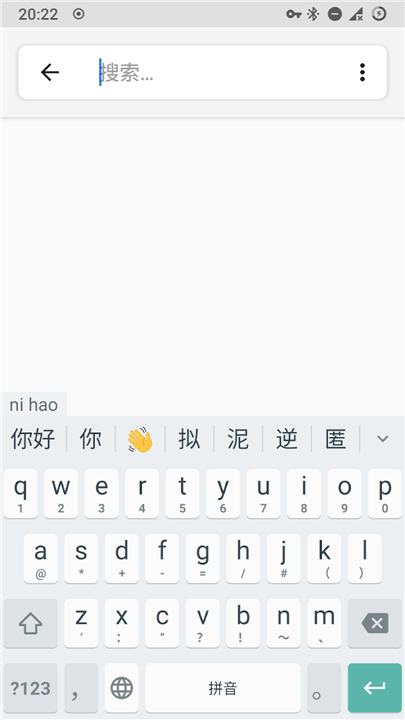
• Chinese: Supports a wide range of input schemas, including Pinyin, Shuangpin, Wubi, Cangjie, and custom user-defined tables. Currently, 3x4 T9 Pinyin layouts are not supported.
• Vietnamese: Built upon the reliable UniKey engine, providing comprehensive support for Telex, VNI, and VIQR typing methods.
Current Features
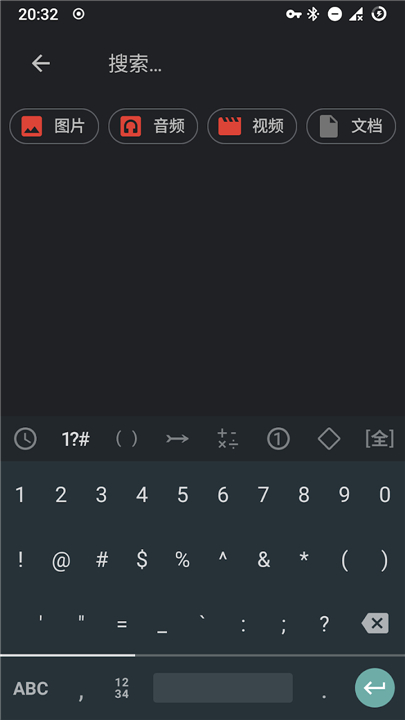
• Virtual Keyboard: Offers a functional on-screen keyboard, though layout structural modifications are currently locked.
• Expandable Candidate View: Allows users to expand the suggestion bar to browse through a larger list of candidate characters and words.
• Clipboard Management: Features a native clipboard manager that stores and recalls plain text snippets for quick pasting.
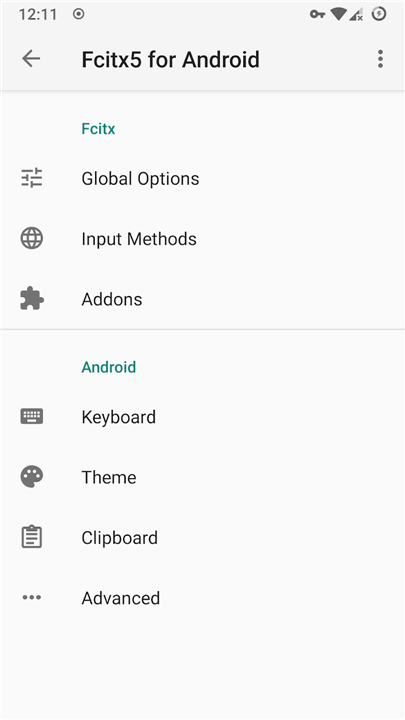
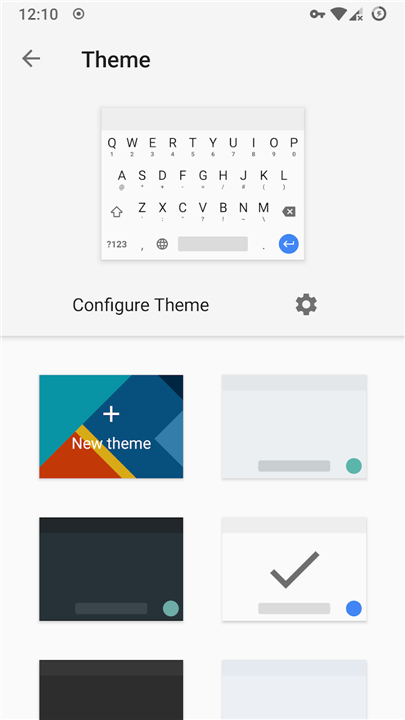
• Personalization and Theming: Allows users to customize the visual experience by altering color schemes and applying custom background images.
• Interactive Feedback: Provides keypress popups for visual typing confirmation, alongside a long-press popup menu for rapid symbol entry.
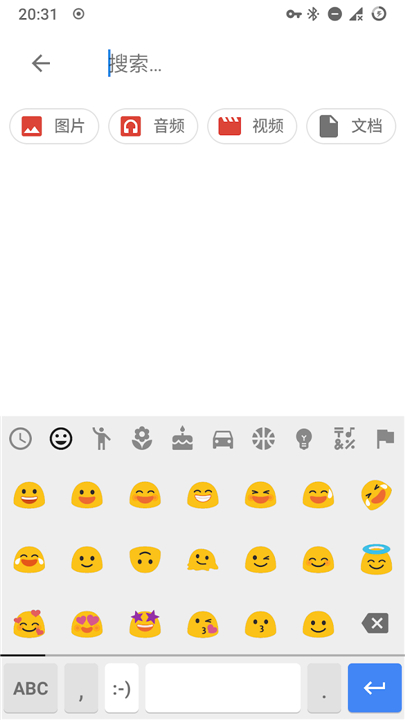
• Quick Selection: Includes a dedicated, easy-access panel for searching and inserting various symbols and emojis.
Ongoing Development
• Customizable Keyboard Layouts: Developers are actively working on allowing users to rearrange keys and resize the keyboard interface.
• Additional Input Methods: The project aims to expand its library to support more languages and specialized input engines in future releases.
FAQ
Q: Is Fcitx5 for Android safe to use, and how is it licensed?
A: You can use Fcitx5 with complete peace of mind because privacy is a top priority for this project. The application is entirely open-source and distributed under the LGPL-2.1+ license, which means the code is transparently available for anyone to audit, and your typing data stays private.
Q: Does this keyboard support English typing, and what features does it include for it?
A: Yes, English is fully supported. It features standard virtual keyboard layouts and comes integrated with smart tools like spellcheck and word prediction to help make your daily typing smoother and more accurate.
Q: What Chinese input methods are currently available in the app?
A: Chinese language support is exceptionally broad in Fcitx5. It supports Pinyin, Shuangpin, Wubi, and Cangjie input schemas, and it even allows you to import custom user-defined tables if you have a highly specialized typing setup.
Version History
v0.1.3——27 Jul 2026
Fcitx 5 input method framework and engines ported to Android. Download the latest version of Fcitx5 for Android to enjoy new features and updates immediately!
*0.1.3
Minor bug fixes and improvements. Install or update to the newest version to check it out!
*0.1.2
Minor bug fixes and improvements. Install or update to the newest version to check it out!
*0.1.1
Minor bug fixes and improvements. Install or update to the newest version to check it out!
- AppSize43.80M
- System Requirements5.0 and up
- Is there a feeFree(In game purchase items)
- AppLanguage English
- Package Nameorg.fcitx.fcitx5.android
- MD5
- PublisherFcitx5 for Android Developers
- Content RatingTeenDiverse Content Discretion Advised
- Privilege19
-
Fcitx5 for Android 0.1.3Install
43.80M2026-10-29Updated










9.9
1031 Human Evaluation
- 5 Star
- 4 Star
- 3 Star
- 2 Star
- 1 Star




