

Easy Notes: Privacy & Markdown
Modern Design, Extra Privacy
• Looking for a note‑taking app that combines a sleek, minimalist look with strong privacy protection?
• Easy Notes gives you a clean, organized space where you can capture thoughts, ideas, and tasks while keeping everything encrypted and secure.
Key Features
• Sleek, clutter‑free design for intuitive note‑taking
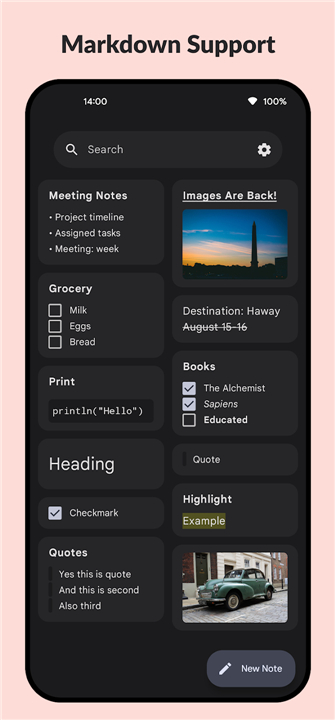
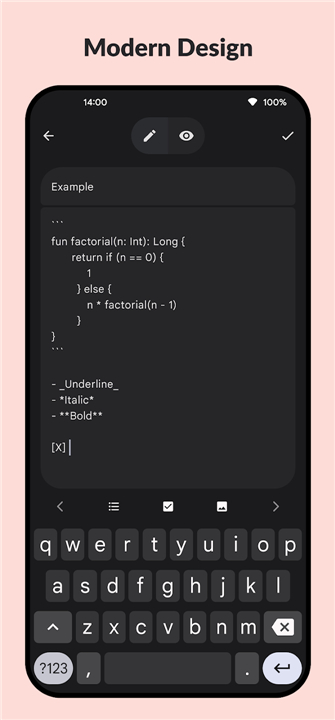
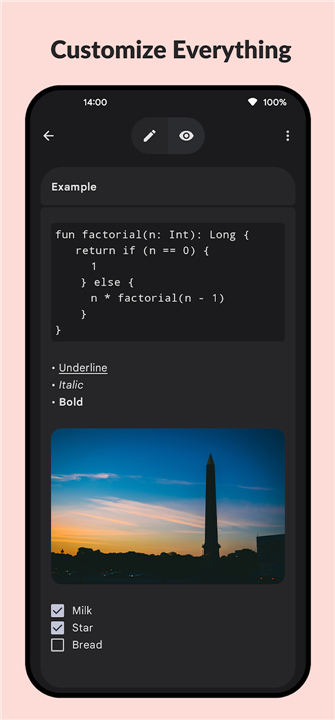
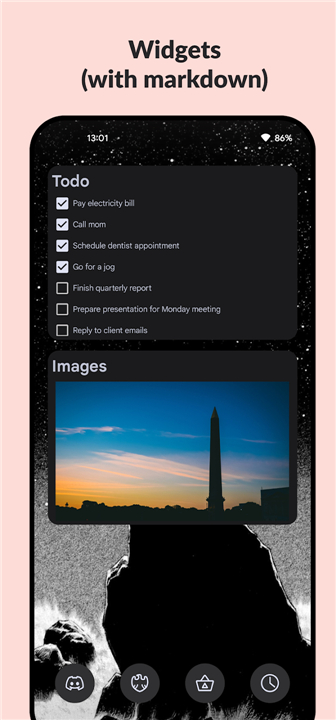
• Full Markdown support for bold, italic, headings, lists, links, and images
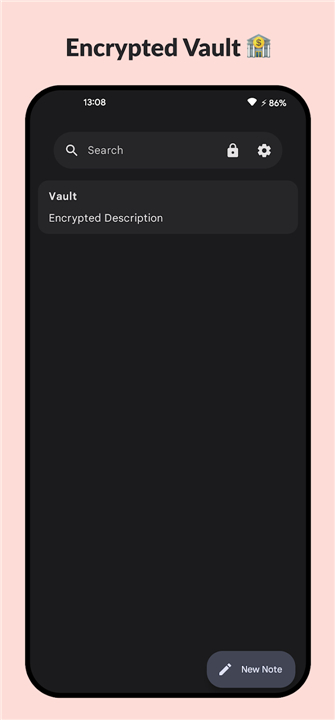
• Encrypted vault protects personal notes, passwords, and confidential data
• Regular updates bring performance improvements and new capabilities
• Dark mode reduces eye strain during late‑night sessions
• Offline access lets you write anytime, anywhere
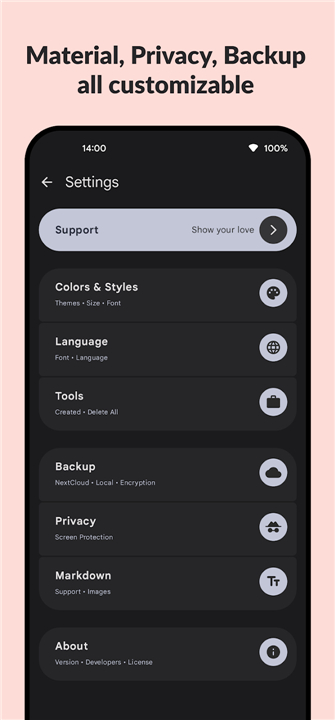
• Automatic backup and restore to Google Drive or other cloud services
• Syncs seamlessly across phone, tablet, and desktop
• Completely ad‑free for an uninterrupted experience
Who Benefits
• Students organizing lecture notes and study guides
• Professionals managing meetings, projects, and sensitive information
• Creatives brainstorming ideas and tracking inspiration
Why Choose Easy Notes?
• Advanced encryption ensures only you can read your notes
• Simple, fast editing with a few taps or clicks
• Lightweight app that consumes minimal storage
• Reliable sync and backup keep your information up‑to‑date and safe
Get Started
• Download Easy Notes now and discover a simpler, stylish, and secure way to capture everything that matters.
• Whether you’re working, studying, or just organizing your life, this app puts the power of simplicity, design, and privacy at your fingertips.
FAQ
Q: Do I need an internet connection to use Easy Notes?
A: No, the app works fully offline, allowing you to write, edit, and view notes anytime; when you go online it will sync your changes automatically.
Q: How does the encryption work in Easy Notes?
A: All notes are encrypted locally on your device using industry‑standard AES‑256 before they ever leave your phone or computer, and the encryption key never leaves your device unless you choose to back it up.
Q: Can I format my notes with Markdown?
A: Yes, Easy Notes supports full Markdown syntax, letting you add bold, italic, headings, lists, links, and images with simple markup that renders instantly as you type.
Version History
v1.7.1——26 Aug 2026
Secure your ideas with Easy Notes! A sleek, encrypted note-taking app featuring Markdown support, cloud sync, dark mode, and offline access. Download the latest version of Easy Notes: Privacy & Markdown to enjoy new features and updates immediately!
*1.7.1
Redesign
Android 16 support
Play Store Support
Bug Fixes
Fixed package id
*1.4
• Deletion Dialog
• App Lock
• Bug Fixes
• Accessibility Improvements
*1.3.5
• Vault Improvements
• More Settings
• Bug fixes
• Terms of service
- AppSize3.70M
- System Requirements5.0 and up
- Is there a feeFree(In game purchase items)
- AppLanguage English
- Package Namecom.kin.easynotes
- MD5
- PublisherEasy Apps (FOSS)
- Content RatingTeenDiverse Content Discretion Advised
- Privilege19
-
Easy Notes: Privacy & Markdown 1.7.1Install
3.70M2026-10-12Updated
-
Easy Notes - Note Taking Apps 1.2.24.0309Install
64.94M2026-10-12Updated










9.8
2491 Human Evaluation
- 5 Star
- 4 Star
- 3 Star
- 2 Star
- 1 Star




