

DayCity: Weather Clock Widget
Your World, Synchronized in Style
• Bring the pulse of the globe to your fingertips.
• DayCity reimagines your Home Screen by transforming static data into vibrant, isometric living art.
• Whether you are craving the glow of a Parisian dusk or the rhythmic rain of a Tokyo morning, DayCity bridges the distance between you and the rest of the world.
Elevate your digital space with these features:
1. Global Perspectives at a Glance
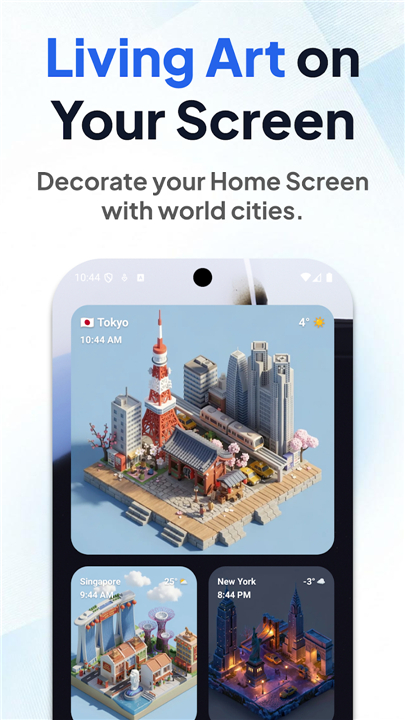
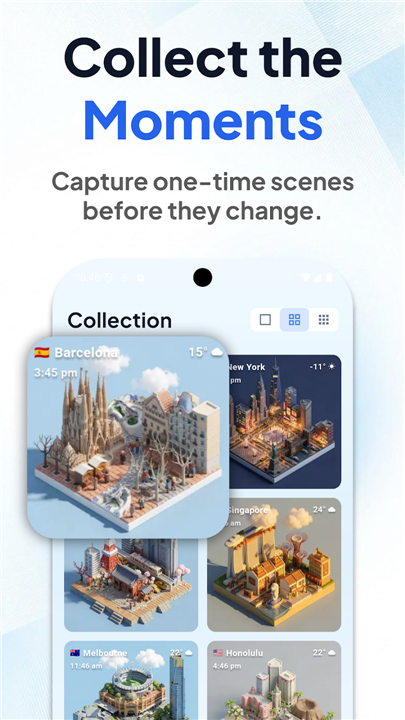
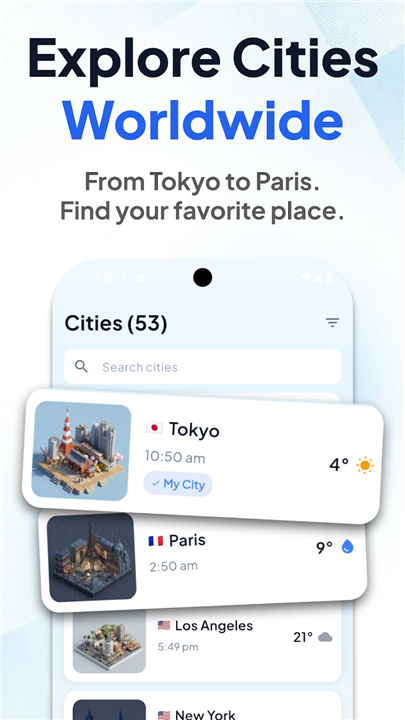
• Curate your own collection of world cities directly on your Home Screen.
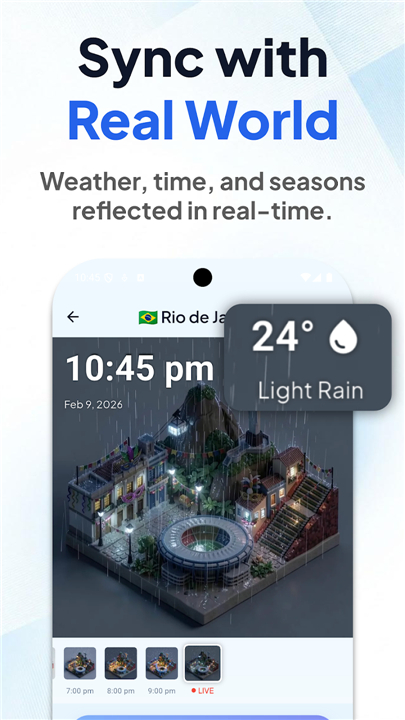
• Each beautifully crafted isometric illustration syncs with real-time weather and time, turning your phone into an ever-changing window to the world.
2. Sculpt Your Personal Universe
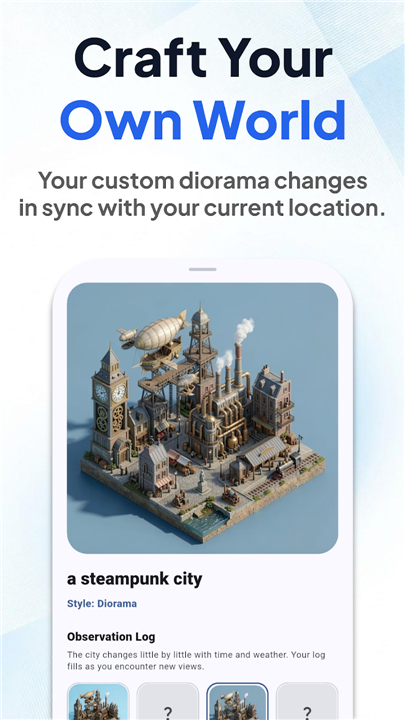
• Go beyond the map by using AI to generate your own bespoke dioramas.
• Link your custom creation to your physical location, and watch your unique cityscape mirror the atmosphere outside your window in real-time.
• Turn your daily surroundings into a masterpiece of digital craft.
3. An Evolving Masterpiece
• Experience a world that never stands still.
• With hourly updates, your widget shifts through dawn, day, dusk, and night, while responding to shifting weather conditions.
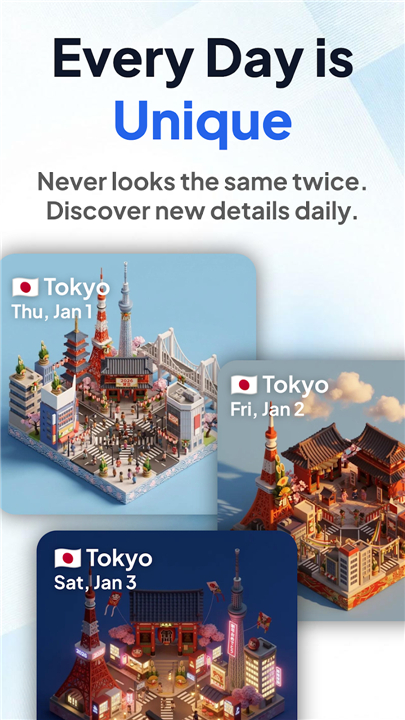
• Thanks to AI-driven generation, every day brings a fresh visual perspective—ensuring you never see the exact same scene twice.
• Watch for festive, seasonal surprises throughout the year.
4. Capture the Ephemeral
• When the light hits just right, keep the moment.
• Save your favorite views as snapshots and build a personal archives of global scenery that you can revisit whenever you need a moment of inspiration.
5. Designed for Seamless Living
• DayCity is engineered to be as practical as it is beautiful.
• Our unobtrusive design ensures your Home Screen remains functional while serving as a captivating gallery that complements your device’s aesthetic.
Bring the world closer than ever before
• Download DayCity today and start building your curated view of the planet.
+ Terms of Service: https://theday.city/terms
+ Privacy Policy: https://theday.city/privacy
FAQ
Q: How does the AI generation feature work for my custom dioramas?
A: You can use the built-in AI tools to design your own unique cityscape dioramas. Once you have created your specific scene, the app links it to your real-world location so that the lighting, weather, and time of day in your digital art automatically mirror what is happening outside your actual window.
Q: Will the widget look the same every day?
A: Not at all. Because DayCity uses AI-driven generation, your scenes are constantly evolving. You will notice subtle shifts and fresh visual perspectives every day, ensuring that your widget feels dynamic and never static or repetitive.
Q: How often does the weather and time data update?
A: The widget is designed to be an evolving masterpiece, so it performs automatic updates every hour. This keeps your clock accurate and ensures the visual representation of the weather remains perfectly synchronized with current conditions.
Version History
v1.8.9——25 May 2026
Aesthetic Home Screen Widget Download the latest version of DayCity: Weather Clock Widget to enjoy new features and updates immediately!
*1.8.9
Minor bug fixes and improvements. Install or update to the newest version to check it out!
- AppSize15.31M
- System Requirements5.0 and up
- Is there a feeFree(In game purchase items)
- AppLanguage English
- Package Namejp.co.orude.daycity.android
- MD5
- PublisherOrude Inc.
- Content RatingTeenDiverse Content Discretion Advised
- Privilege19

-
DayCity: Weather Clock Widget 1.8.9Install
15.31M2026-10-29Updated










9.6
5022 Human Evaluation
- 5 Star
- 4 Star
- 3 Star
- 2 Star
- 1 Star




