Brother Mobile Connect
Elevate Your Printing Experience
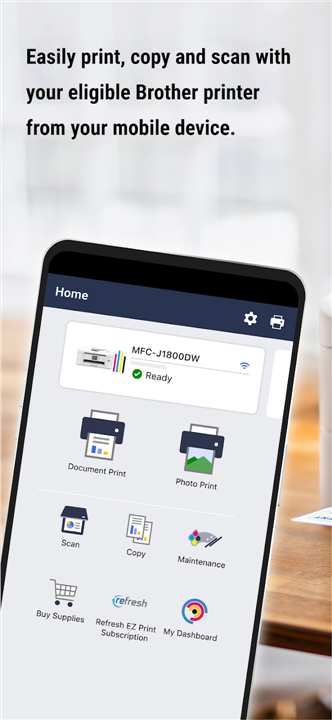
• Transform the way you work with Brother Mobile Connect, the ultimate bridge between your mobile device and your printer.
• Whether you are at home or on the move, take command of your documents with an intuitive, all-in-one interface designed for effortless productivity.
Total Control at Your Fingertips
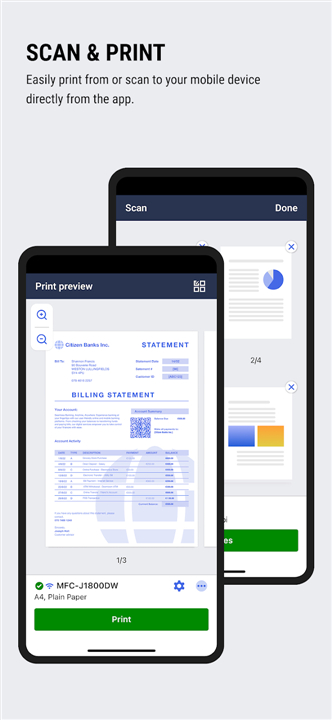
• Seamless Connectivity: Effortlessly print from your phone or scan documents directly to your device.
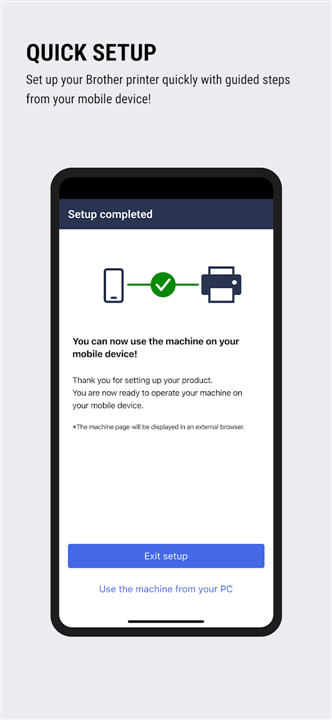
• Guided Setup: Get your printer up and running in minutes with simple, step-by-step instructions.
• Remote Management: Use Connect Advance to print, copy, and scan from virtually anywhere.
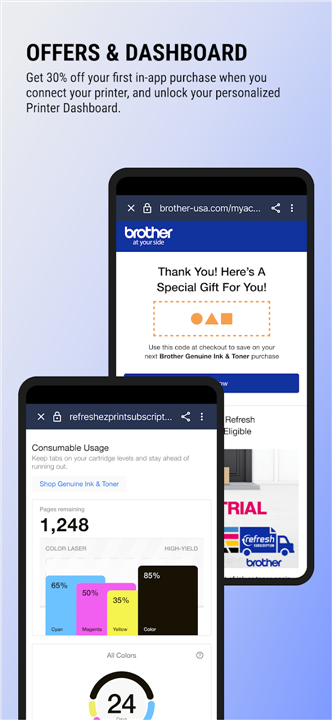
• Comprehensive Dashboard: Monitor usage, adjust settings, and track your printing volume in real time.
Smarter Supply Management
• Never Run Out: Easily track ink and toner levels for up to five devices.
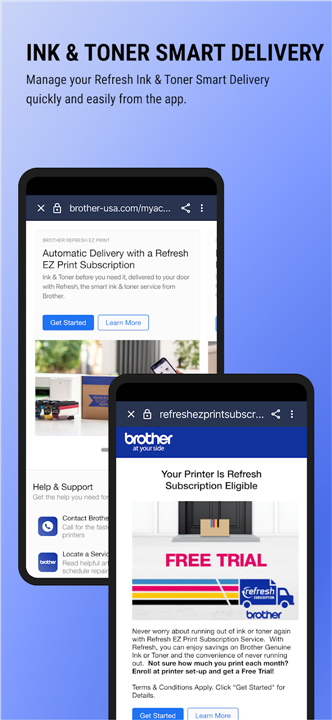
• Automated Convenience: Manage your Refresh EZ Print Subscription directly in the app to ensure your supplies arrive exactly when you need them.
Exclusive Perks and Benefits
Connecting your printer unlocks a world of value, including:
• Personalized Savings: Receive tailored offers on ink and toner to keep costs low.
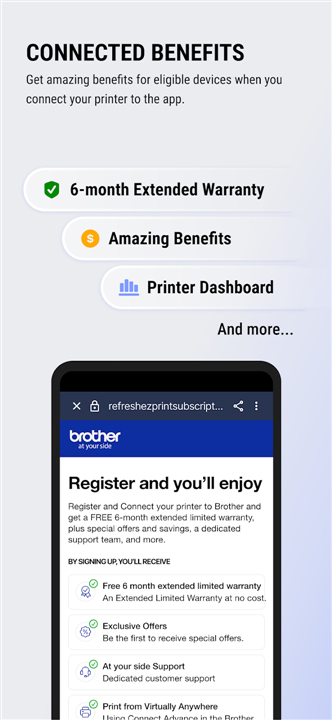
• Extended Protection: Secure a free six-month limited warranty extension on eligible models.
• Stay Informed: Enable push notifications to ensure you never miss out on special updates or promotions.
Compatibility and Support
• To see if your model is supported, visit the Brother support website.
• If your device is not compatible with Mobile Connect, please use the Brother iPrint&Scan app.
• Your feedback is vital to our growth; share your thoughts with us at Feedback-mobile-apps-ps-mc@brother.com.
Legal Disclaimers:
• Requires free app download, wireless connection, and an eligible printer.
• Compatibility varies by region, device, and operating system.
• Limited warranty extension available on select models with at least 3 months of original warranty remaining; max coverage is three years.
• Refresh EZ Print Subscription is subject to availability and regional restrictions.
• Feature availability may vary by location.
FAQ
Q: Can I use the app if I am away from home?
A: Yes, you can utilize the Connect Advance feature, which gives you the freedom to print, copy, and scan documents from virtually anywhere, ensuring you stay productive even when you are on the move.
Q: Is it possible to monitor multiple printers at once?
A: Absolutely, the app features a comprehensive dashboard that allows you to monitor usage, adjust settings, and track printing volume for up to five different devices, all from one central interface.
Q: How does the app help me manage my ink and toner supplies?
A: The app keeps you informed by allowing you to track your current ink and toner levels in real time, ensuring you never run out of supplies unexpectedly.
Version History
v1.23.2——18 May 2026
Print, scan & manage supplies Download the latest version of Brother Mobile Connect to enjoy new features and updates immediately!
*1.23.2
- Added functionality to support our new user platform
*Not available in all countries
*1.23.1
- Added functionality to support our new user platform
*Not available in all countries
*1.23.0
- Added functionality to support our new user platform
*Not available in all countries
- AppSize42.91M
- System Requirements5.0 and up
- Is there a feeFree(In game purchase items)
- AppLanguage English
- Package Namecom.brother.mfc.mobileconnect
- MD5
- PublisherBrother Industries, Ltd.
- Content RatingTeenDiverse Content Discretion Advised
- Privilege19
-
Brother Mobile Connect 1.23.2Install
42.91M2026-09-18Updated










8.5
2950 Human Evaluation
- 5 Star
- 4 Star
- 3 Star
- 2 Star
- 1 Star