
Bluetooth QR & Barcode to PC
Overview
• Bluetooth QR & Barcode to PC is a versatile utility that transforms your smartphone into a high-performance wireless scanning peripheral.
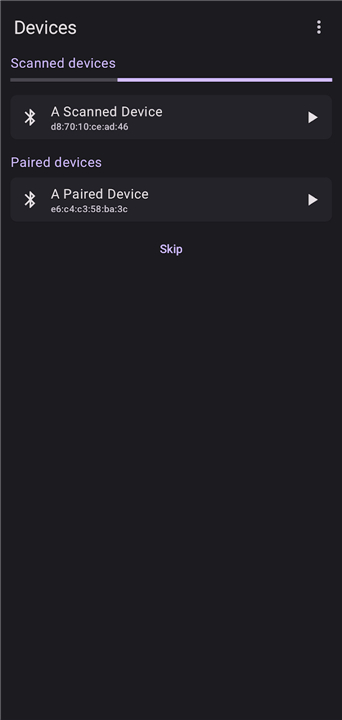
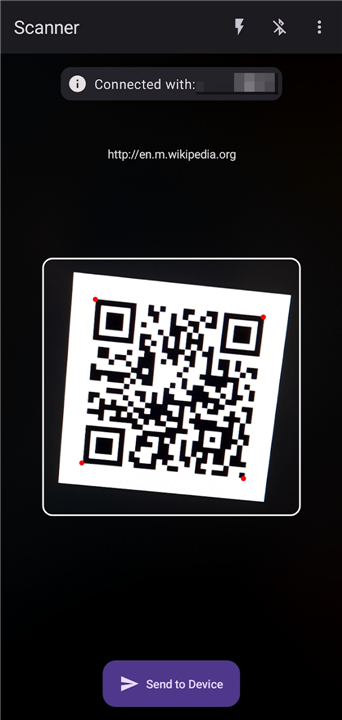
• The application allows you to capture data from various codes and transmit the results directly to a connected device as real-time text input.
Technical Implementation
• The application utilizes the Bluetooth Human Interface Device (HID) protocol, which is available on Android 9 and newer versions.
• By leveraging this technology, your smartphone emulates a standard wireless keyboard.
• When a code is scanned, the app sends the data strings to the target device, which interprets the information as if it were being typed manually on a physical keyboard.
Device Compatibility
• Supports any operating system that accepts Bluetooth keyboard input, including Windows, macOS, Linux, Android, and iOS.
• No specialized server-side software or companion applications are required on the receiving computer or laptop.
• Simple pairing process ensures a plug-and-play experience across different hardware platforms.
Key Features
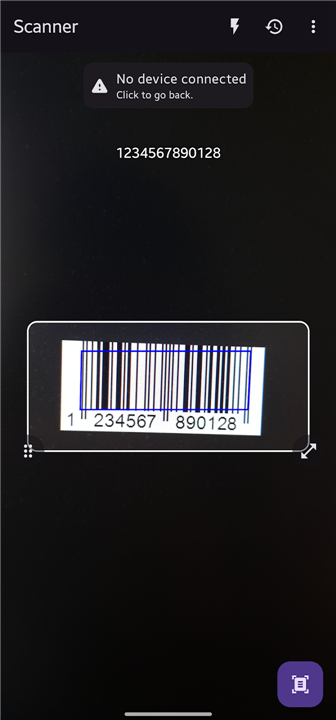
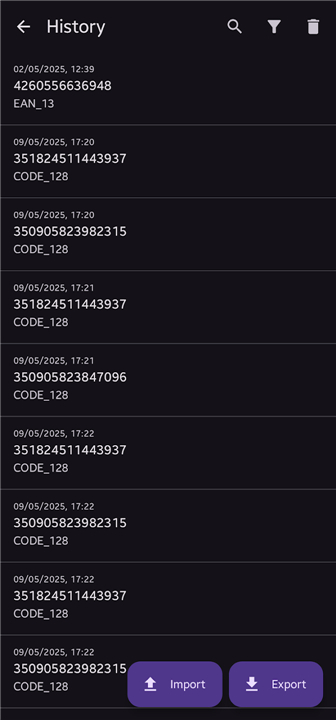
• Support for a wide variety of QR and barcode formats used in retail and logistics.
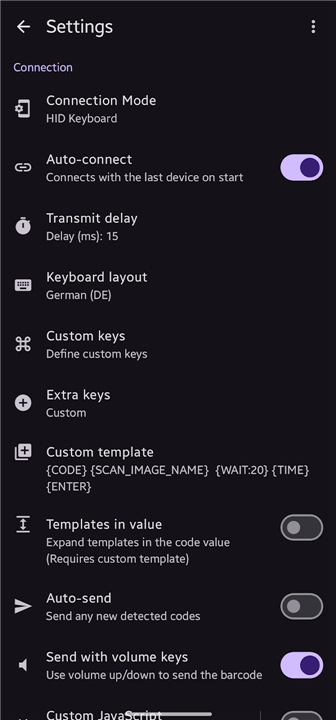
• Multiple keyboard layout options to ensure character accuracy across different regional settings.
• Fully functional offline mode, requiring no internet connection for data processing.
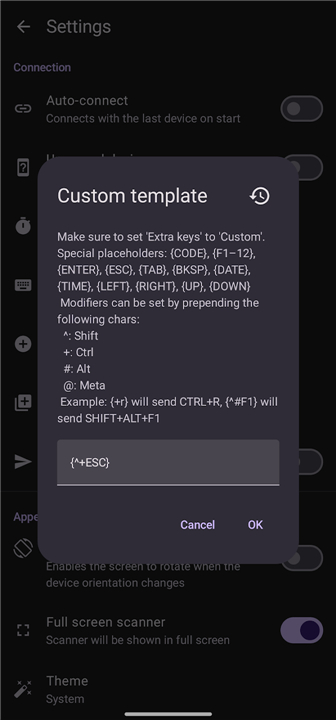
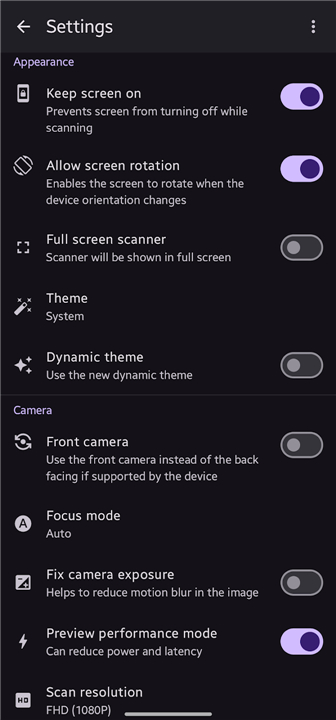
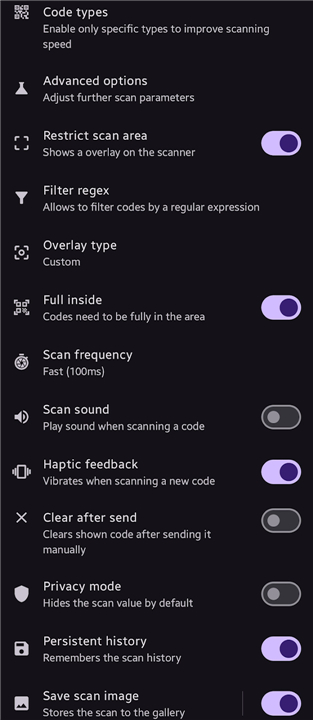
• Highly customizable settings to adapt the scanning behavior to specific professional use-cases.
• Clean user interface with no advertisements or hidden in-app purchases.
Privacy and Transparency
• This application is designed with a focus on transparency and security.
• It is an open-source project, allowing users to inspect the underlying code to ensure data integrity.
• The source code and development details are publicly available on GitHub at: https://github.com/Fabi019/hid-barcode-scanner
FAQ
Q: How does the app transmit data to my computer without extra software?
A: The app relies on the Bluetooth Human Interface Device protocol, which allows your phone to emulate a physical wireless keyboard. Because your computer naturally recognizes standard Bluetooth keyboards, it receives the scanned code as direct keystrokes without needing any special companion software installed.
Q: What are the Android system requirements to use this application?
A: To use the app successfully, your phone needs to be running Android 9 or a newer operating system version. This requirement exists because native technical support for the Bluetooth Human Interface Device profile was officially introduced in Android 9.
Q: Which operating systems are compatible with this scanning utility?
A: You can use this app with almost any modern operating system that supports standard Bluetooth keyboard input. This includes Windows, macOS, Linux, Android, and iOS devices, giving you seamless flexibility across different hardware platforms.
Version History
v2.3.0——27 Jul 2026
Enables sending QR/Barcodes to a Bluetooth Device (e.g PC) without any Software Download the latest version of Bluetooth QR & Barcode to PC to enjoy new features and updates immediately!
*2.3.0
Minor bug fixes and improvements. Install or update to the newest version to check it out!
*2.2.1
- Add import/export function for settings and custom keys
- Add menu to customize QoS parameter
- Various bug fixes
*2.2.0
- New keyboard layouts (Belgian, Brazilian, Hungarian, Portuguese)
- Add new volume key actions
- More formats for storing scan image
- Add option to clear code after fixed time
- Various smaller bug fixes/improvements
- AppSize6.14M
- System Requirements5.0 and up
- Is there a feeFree(In game purchase items)
- AppLanguage English
- Package Namedev.fabik.bluetoothhid
- MD5
- Publisherfabik
- Content RatingTeenDiverse Content Discretion Advised
- Privilege19
-
Bluetooth QR & Barcode to PC 2.3.0Install
6.14M2026-10-29Updated










8.6
1997 Human Evaluation
- 5 Star
- 4 Star
- 3 Star
- 2 Star
- 1 Star




