Artrace: AR Easy Draw & Sketch
Overview
• Unleash your inner artist and discover a revolutionary way to create.
• Artrace empowers everyone, from aspiring beginners to seasoned creators, to draw, sketch, and trace using the immersive power of Augmented Reality.
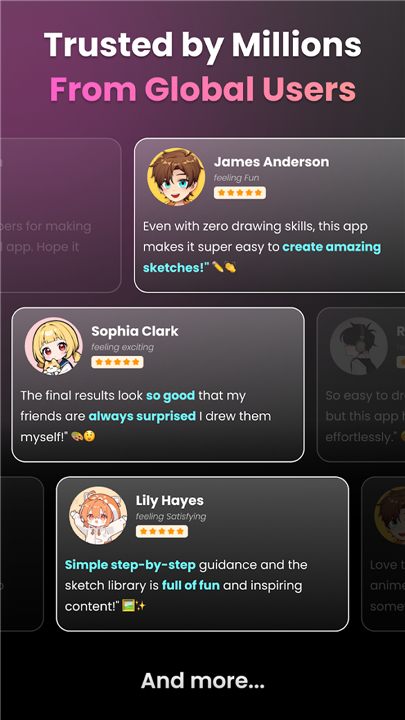
• Join a global community of millions who are redefining their artistic journey daily with this highly-rated tool.
Your Creative Journey with Artrace:
1. Immersive AR Drawing:
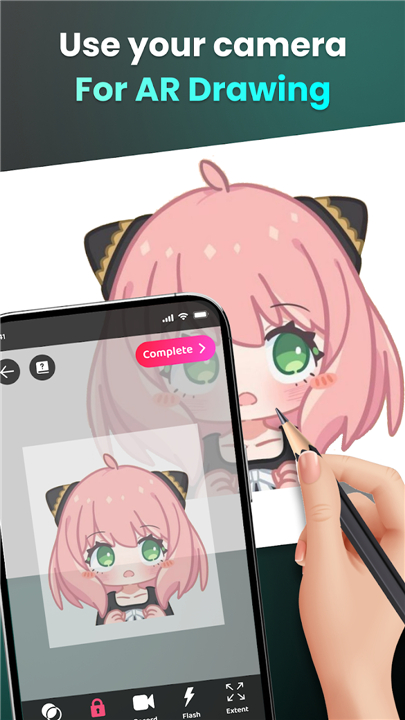
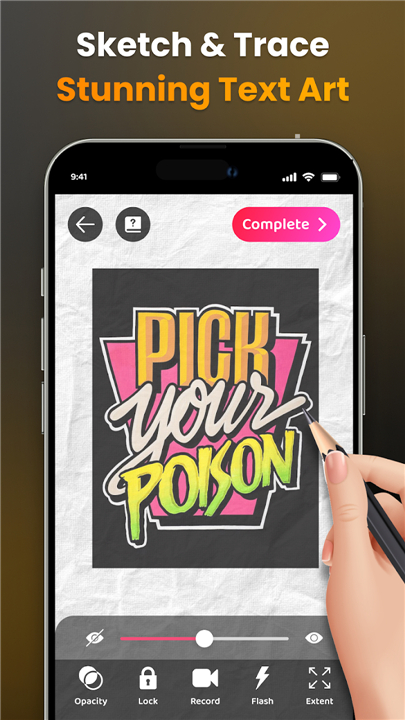
• Project virtual images directly onto your real-world view through your camera.
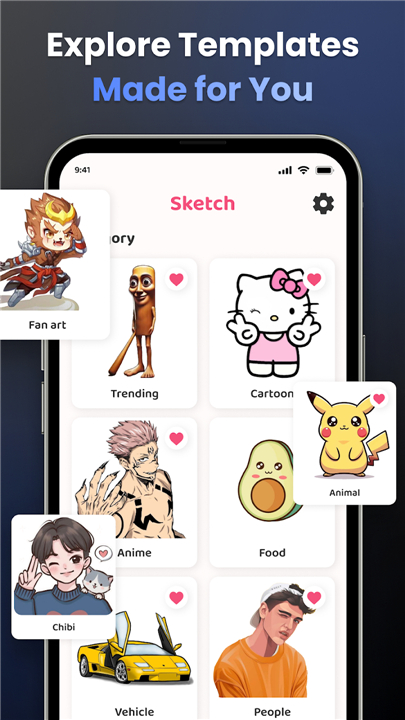
• Effortlessly sketch anything from beloved characters to intricate scenes and objects around you, exploring an extensive library of categories like Anime, Animals, Food, and Nature.
2. Guided Learning & Skill Development:
• Transform complex photos into simple, traceable outlines – a perfect way to practice and refine your technique.
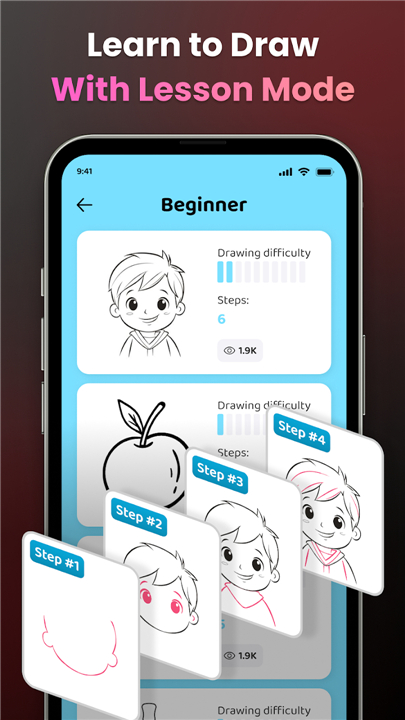
• Access a rich collection of drawing lessons, carefully structured across three difficulty levels to progressively build your skills.
3. Enhanced Creative Control:
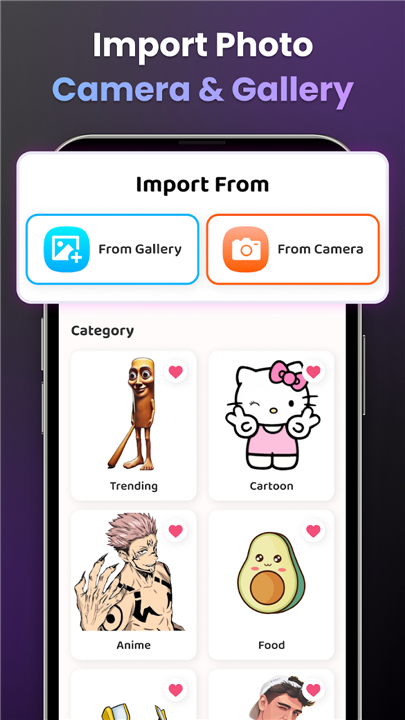
• Choose from a diverse sample library or import your own photos to trace and transform.
• Fine-tune your artwork with advanced options, including opacity adjustments, zoom capabilities, flash toggles, and the ability to record your entire creative process.
4. Share Your Art with the World:
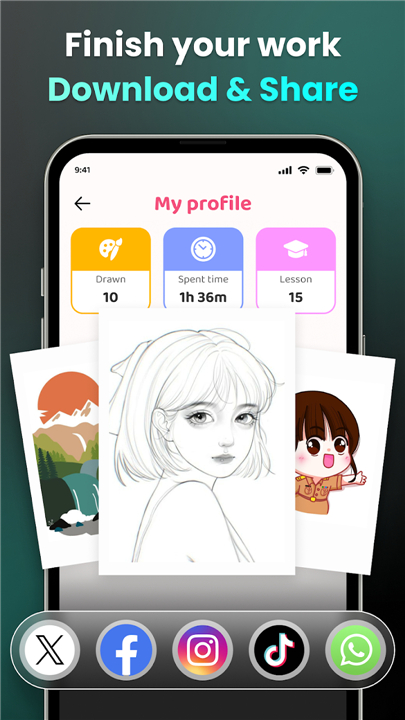
• Effortlessly share your finished drawings and unique AR creations with friends and the vibrant Artrace community.
• Download captivating videos of your drawing process to showcase your talent and inspire others.
5. Personalized Artistic Growth:
• Monitor your progress within your Artrace profile, tracking time spent and lessons completed.
• Receive tailored content and recommendations to continually enhance your AR drawing and tracing experience.
Download Artrace today
• Begin your artistic adventure, discovering a new dimension of creativity!
FAQ
Q: Is this app suitable for professional artists or is it just for beginners?
A: The app is designed to empower everyone from aspiring beginners to seasoned creators by offering a range of tools that scale with your skill level. While beginners benefit from the guided outlines, intermediate and professional artists can use the app to quickly block out proportions for complex scenes or experiment with new styles using the advanced creative controls.
Q: How does the Augmented Reality feature actually work on my phone?
A: When you open the app and select an image, Artrace uses your camera lens to overlay a semi-transparent version of that image onto whatever you are looking at, such as a piece of paper on your desk. By looking through your phone screen, you can see both the virtual guide and your physical hand, allowing you to trace the lines onto your paper with pinpoint accuracy.
Q: Can I use my own personal photos or am I limited to the app's library?
A: You have complete creative freedom because Artrace allows you to import any photo from your own device gallery to transform into a traceable sketch. Whether you want to draw a portrait of a pet or a landscape from your last vacation, the app can convert those personal images into workable outlines for you to follow.
Version History
v1.9.55——15 Apr 2026
Unleash your inner artist! Artrace: AR Easy Draw for Limitless Creativity Download the latest version of Artrace: AR Easy Draw & Sketch to enjoy new features and updates immediately!
*1.9.55
Minor bug fixes and improvements. Install or update to the newest version to check it out!
*1.9.53
Minor bug fixes and improvements. Install or update to the newest version to check it out!
*1.9.52
Minor bug fixes and improvements. Install or update to the newest version to check it out!
- AppSize62.74M
- System Requirements5.0 and up
- Is there a feeFree(In game purchase items)
- AppLanguage English
- Package Namecom.draw.sketch.ardrawing.trace.anime.paint
- MD5
- PublisherBraly JSC
- Content RatingTeenDiverse Content Discretion Advised
- Privilege19
-
Artrace: AR Easy Draw & Sketch 1.9.55Install
62.74M2026-09-13Updated










7.7
7701 Human Evaluation
- 5 Star
- 4 Star
- 3 Star
- 2 Star
- 1 Star