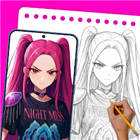
AR Art Draw: Trace & Paint
Unlock Your Inner Artist
• Ever looked at a blank page and felt like your pencil was made of lead?
• Whether you want to sketch your favorite anime hero or just stop drawing stick figures that look like they’re in distress, AR Art Draw is your new secret weapon.
• Forget expensive classes; we turn your smartphone into a virtual art tutor.
Your Pocket-Sized Art Studio
• Turn any surface—a napkin, a sketchbook, or a wall—into your canvas.
• Skip the bulky gear.
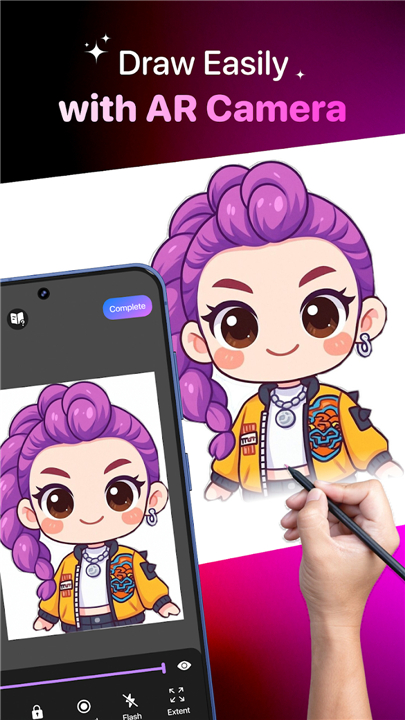
• Just prop your phone on a cup, look through the screen, and trace the projected guide onto your paper in real-time.
• It is essentially magic, but with better technical support.
Trace Like a Pro
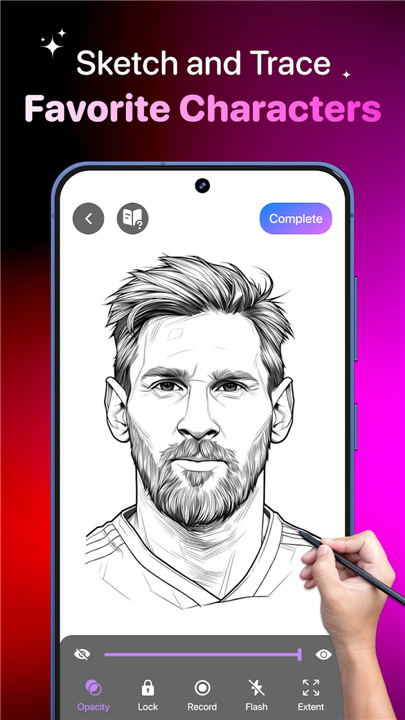
• Transform any photo into a simple, traceable line outline instantly.
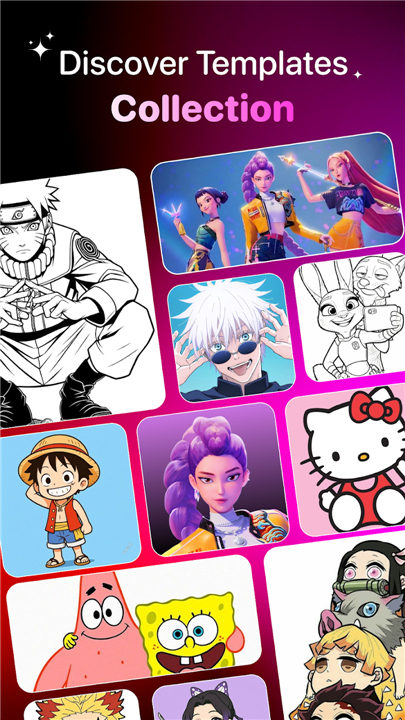
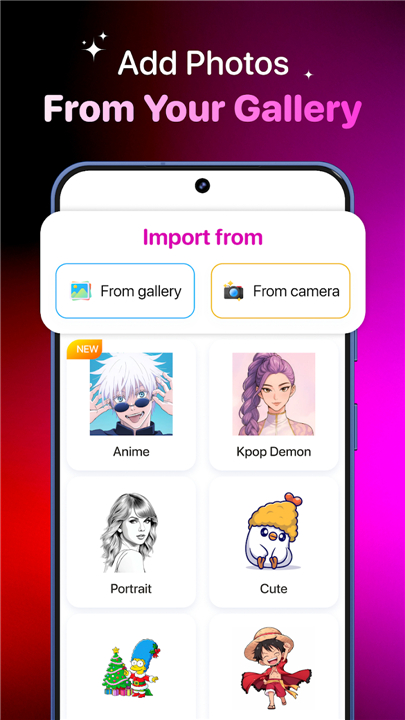
• Choose from our massive library of anime, animals, and vehicles, or import your own photos to sketch.
• If you can see it, you can draw it—no natural talent required (we won't tell if you don't).
Built-in Creative Toolkit
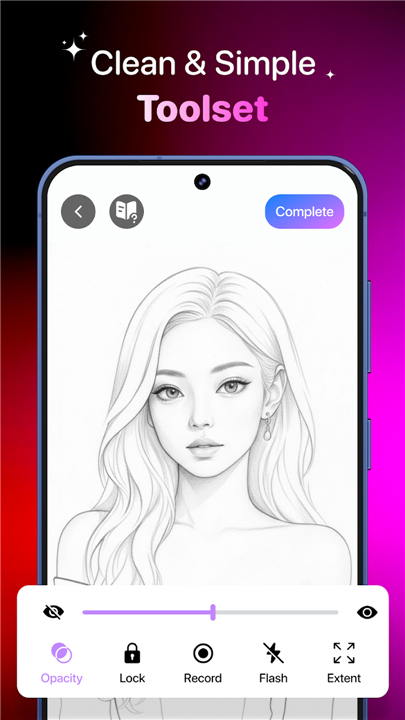
• Precision Control: Adjust opacity, zoom, rotate, or mirror images to get the perfect angle.
• Low-Light Ready: Turn on the flashlight when inspiration strikes in the middle of the night.
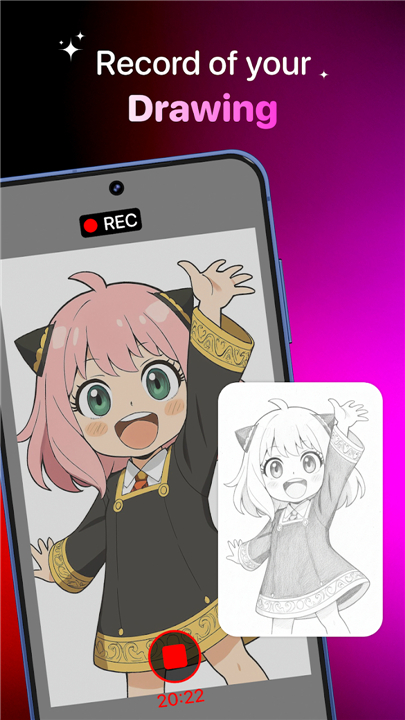
• Director’s Cut: Record your process as a time-lapse and watch yourself transform from "what is that?" to "wow, I did that!"
Track Your Evolution
• Build your own professional (or just for fun) portfolio.
• Monitor your progress, save your favorite templates, and keep a history of your masterpieces.
• Perfect for all ages, whether you are a toddler coloring inside the lines or an adult trying to design your next tattoo.
Share the Magic
• Save your sketches to your gallery or blast them out to social media to impress your friends.
• Stop dreaming about being an artist and start being one.
Download AR Art Draw today
• It is the easiest way to turn your smartphone into a fountain of creativity.
• Let’s get drawing!
FAQ
Q: Do I need any special equipment to get started with this app?
A: Not at all. While you can use a professional tripod if you have one, a simple household item like a steady cup, a stack of books, or a phone stand is all you need to prop your device over your paper so you can draw hands-free.
Q: Can I use my own photos to learn how to draw?
A: Yes, the app allows you to import any image from your personal gallery. Once imported, the software automatically converts your photo into a simplified line outline that is much easier to trace and study.
Q: Is there a library of pre-made sketches if I don’t want to use my own photos?
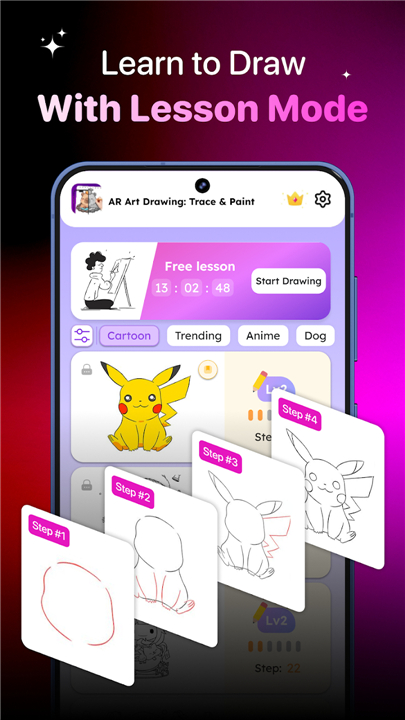
A: Absolutely. We offer a massive, diverse library filled with various categories including anime, animals, vehicles, and more, so you will always have something exciting to practice drawing regardless of your current skill level.
Version History
v1.16.0——2 Jul 2026
Learning to draw made easy with AR Art. Let’s sketch & paint in AR magic now! Download the latest version of AR Art Draw: Trace & Paint to enjoy new features and updates immediately!
*1.16.0
Minor bug fixes and improvements. Install or update to the newest version to check it out!
*1.15.0
Minor bug fixes and improvements. Install or update to the newest version to check it out!
*1.14.2
Minor bug fixes and improvements. Install or update to the newest version to check it out!
- AppSize64.33M
- System Requirements5.0 and up
- Is there a feeFree(In game purchase items)
- AppLanguage English
- Package Namecom.app002.ar.sketch.drawing.trace.photo.learning.book
- MD5
- PublisherZillion Fantasy
- Content RatingTeenDiverse Content Discretion Advised
- Privilege19
-
AR Art Draw: Trace & Paint 1.16.0Install
64.33M2026-09-08Updated










8.4
5521 Human Evaluation
- 5 Star
- 4 Star
- 3 Star
- 2 Star
- 1 Star