
Introducing this amazing app to you!
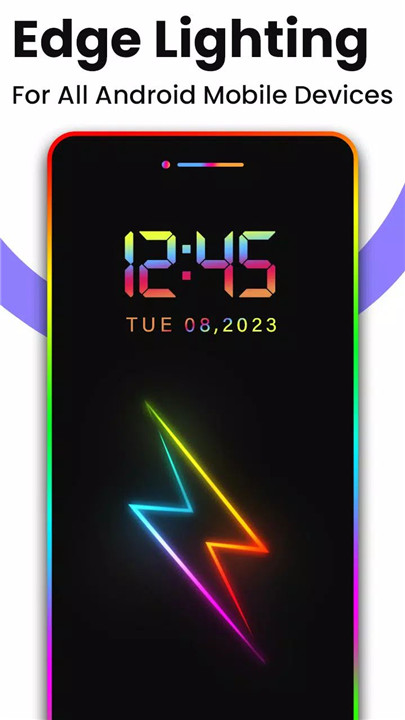
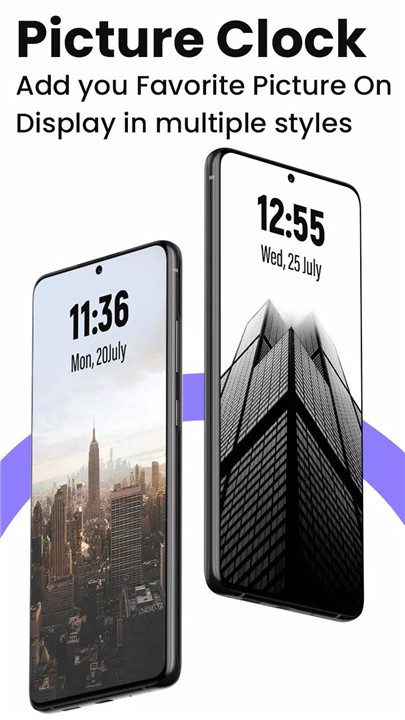
With the Always On Display: Super AMOLED app, you can keep your mobile screen illuminated at all times, featuring a digital clock, analog clock, calendar clock, emoji clock, and picture display clock, along with notifications, date, and time—all without needing to touch your device!
------------------------------------------
✦ How to Use ✦
- Open the app and start the service.
- To wake up your phone, double tap on the screen.
- To turn off the screen, press the power button.
- The user can turn the service on or off.
------------------------------------------
✦ App Features ✦
• Always On Display: Display basic information on the lock screen, such as time, date, notification, music control, and more, even when the mobile screen is "off".
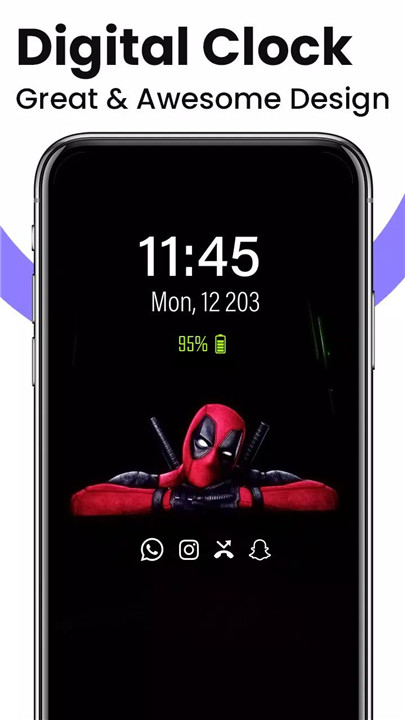
• Digital Clock Display: Show a digital clock display on the lock screen.
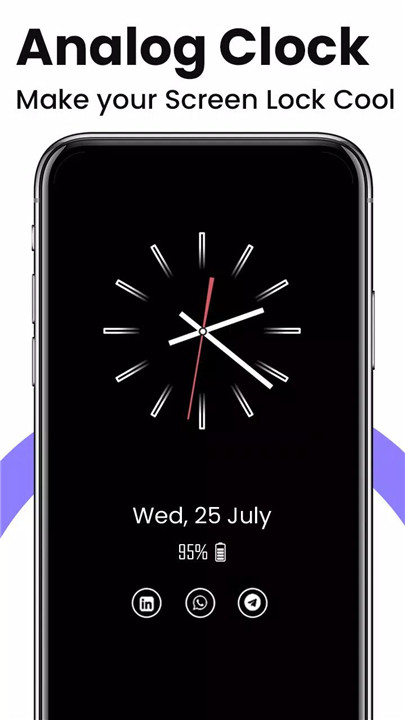
• Analog Clock Display: Show an analog clock display on the lock screen.
• Calendar Clock: Show a calendar clock display on the lock screen.
• Emoji Clock: Show an emoji clock display on the lock screen.
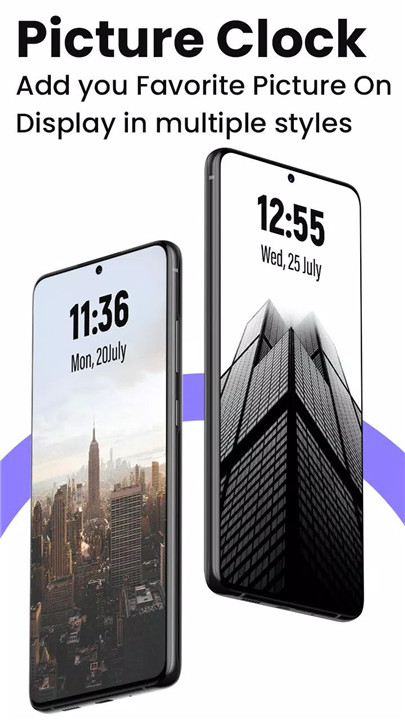
• Picture Display Clock: Show a picture display clock on the lock screen with notification, date, time, and more.
• Music Control: Control music playback (play, pause, forward, backward) directly from the lock screen.
------------------------------------------
What's New in the Latest Version 3.22
Minor bug fixes and improvements. Install or update to the newest version to check it out!
- AppSize12.39M
- System Requirements5.0 and up
- Is there a feeFree(In game purchase items)
- AppLanguage English
- Package Namecom.technolts.alwayson.display.amoled.screen.free
- MD52ab3221f8d5e69d8583d2c9a8ae1107b
- Publishertechnolts The I.T Solution, Pvt. Ltd
- Content RatingTeenDiverse Content Discretion Advised
- Privilege19
-
Always On Display : AMOLED 3.22Install
12.39M2026-10-30Updated










8.2
6120 Human Evaluation
- 5 Star
- 4 Star
- 3 Star
- 2 Star
- 1 Star




