
AiOS Launcher
Redefine Your Android Experience
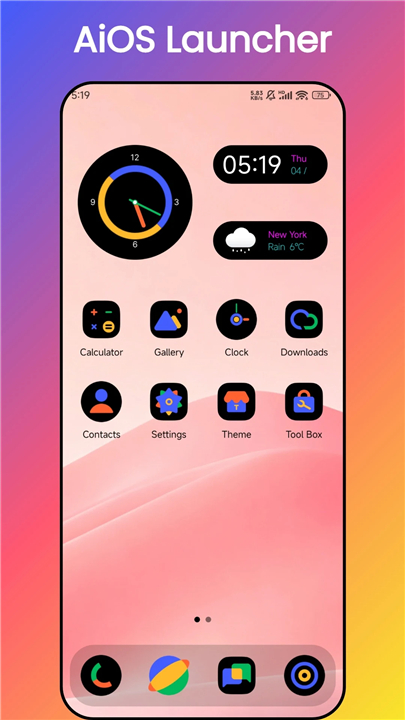
• AiOS Launcher transforms your smartphone into a sleek, intelligent extension of your vision.
• This lightweight yet powerful customization tool delivers the perfect balance between aesthetic refinement and practical performance, giving you complete control over how your device looks and functions.
• Whether you crave a complete visual transformation or simply want a more organized digitalworkspace, AiOS rises to meet every preference with elegance and speed.
Design & Personalization
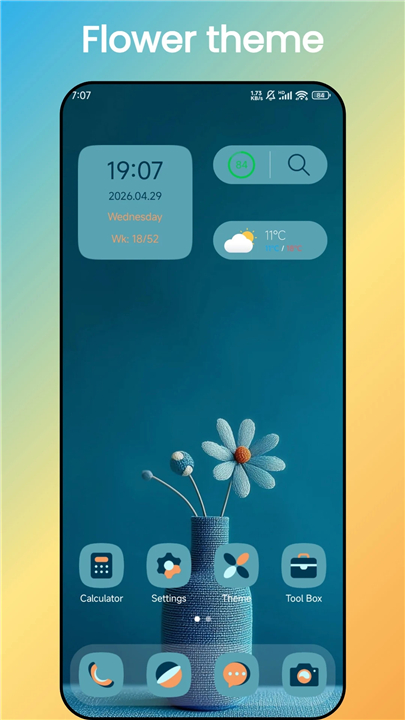
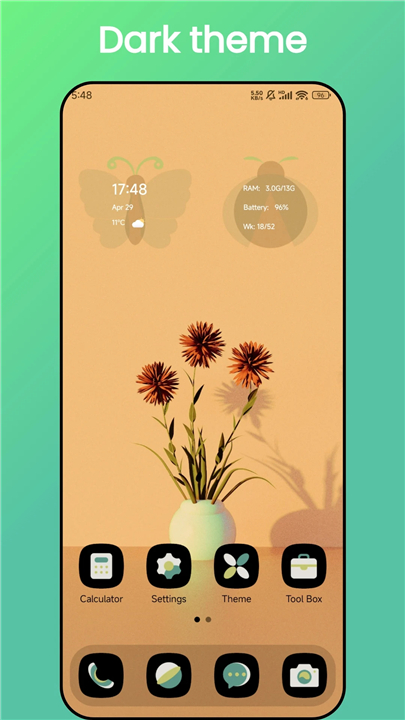
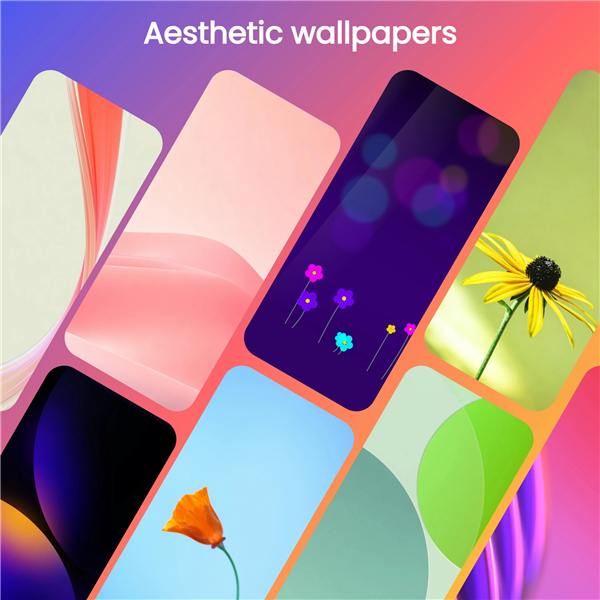
• Choose from over 500 curated themes with adaptive light and dark modes that respond to your environment
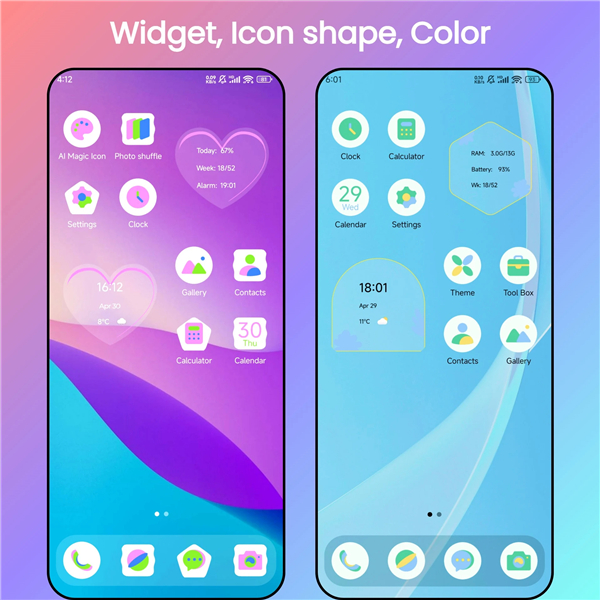
• Explore AI-generated icon packs offering endless variations in color, style, and shape for a truly unique appearance
• Enjoy a unified, OS-inspired interface with consistent icon shapes and fluid animations that work seamlessly on Android 6.0 and above
• Adjust every detail including desktop grid layout, fonts, icon sizes, and label preferences to match your exact vision
Intelligence & Efficiency
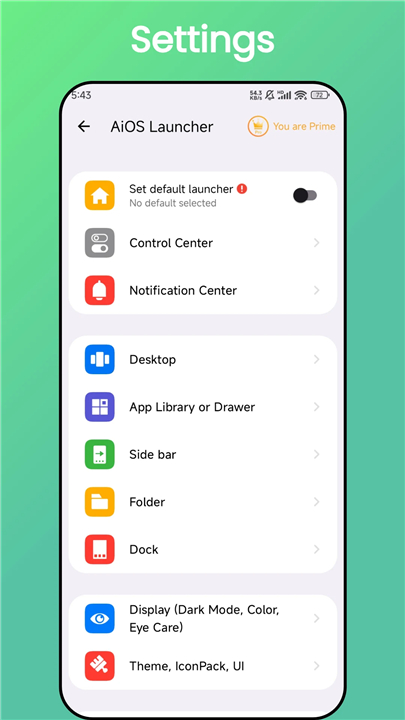
• Access your Control Center and Notifications with a single swipe for instant access to toggles and alerts
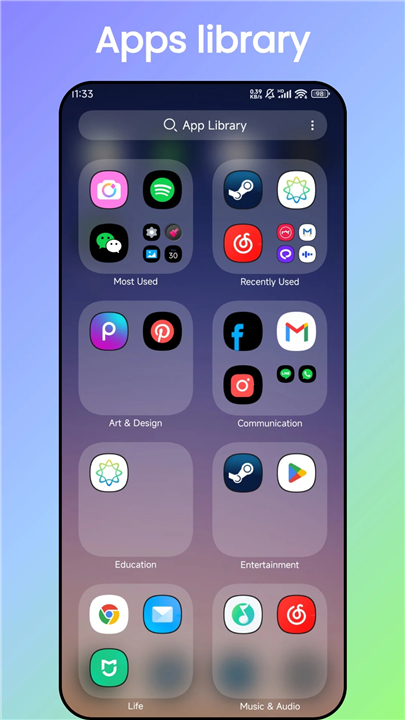
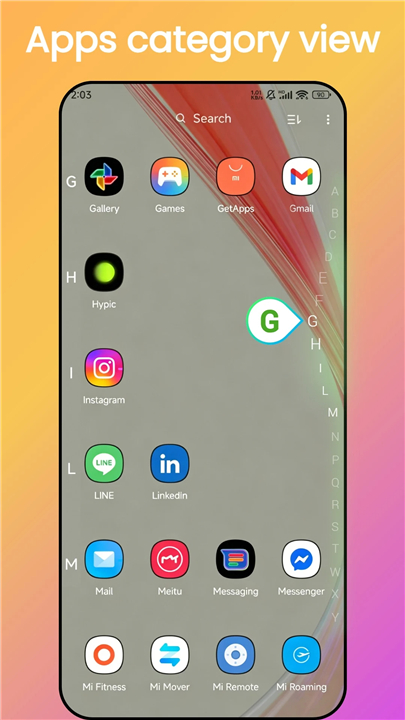
• Keep your home screen pristine through the Smart App Library, which hides clutter while displaying only your most-used applications
• Locate any app instantly using the intuitive T9 search functionality
• Organize widgets efficiently with stacked widget support on your side screen
Privacy & Security
• Protect sensitive information with robust App Lock and Hide App features that keep your data secure from unwanted access
• Lock your desktop layout to prevent accidental changes by children or accidental touches throughout the day
Gestures & Compatibility
• Navigate faster using customizable gestures and specialized icon shortcuts designed for rapid interaction
• Maintain flexibility with broad icon pack support compatible with nearly every option available in the Play Store
• Monitor your device performance with built-in storage and memory information tools
Important Details
• Android is a registered trademark of Google Inc. AiOS Launcher is independently developed and not affiliated with Google.
A Note of Gratitude
• Thank you for choosing AiOS Launcher.
• If our design and functionality resonate with you, we warmly invite you to share your experience through a rating or recommendation.
• Your feedback continuously inspires us to refine and improve the AiOS experience for our community.
FAQ
Q: Which Android versions are compatible with AiOS Launcher?
A: AiOS Launcher works smoothly on Android 6.0 (Marshmallow) and newer versions. Whether you’re running a legacy device or the latest OS build, the launcher adapts its animations and system calls to deliver a consistent experience across the board.
Q: How many themes are available and can they adapt to day and night automatically?
A: The launcher ships with over five hundred curated themes. Each theme supports both light and dark variants, and the system can switch between them automatically based on ambient light, battery‑saving mode, or the time of day you set. This means your home screen always feels appropriate, whether you are in a sun‑lit café or a dimly lit bedroom.
Q: What are AI‑generated icon packs and how can I use them?
A: AI‑generated icon packs are collections created by our intelligent design engine, giving you endless variations in color, shape, and style. After installing a pack from the in‑app store, you simply select it as your active icon set, and every app on your device will instantly adopt the new look. You can mix and match packs, or even generate a custom set that reflects your favorite palette.
Version History
v5.8——12 May 2026
AiOS Launcher give you Ai powered cool icon packs, themes, make phone aesthetic Download the latest version of AiOS launcher: Ai OS to enjoy new features and updates immediately!
*5.8
1.Fixed crash bugs
*5.7
1.Reduce package size
2.Optimized the default themes
3.Optimized the AI magic icons, rename to AiOS Launcher
4.Optimized the color themes and related color widgets
5.Optimized the new users guide
6.Optimized the stacked widget in sidebar
*5.6
1. Fixed the issue where some dynamic wallpapers failed to display after loading
2. Optimized the pop-up of the theme store
3. Optimized the home screen widgets
4. Optimized the photo shuffle page
5. Optimized the user guide page
6. Optimized the payment page.
- AppSize29.57M
- System Requirements5.0 and up
- Is there a feeFree(In game purchase items)
- AppLanguage English
- Package Namecom.launcher.os14.launcher
- MD5
- PublisherModel X Apps
- Content RatingTeenDiverse Content Discretion Advised
- Privilege19
-
AiOS launcher: Ai OS 5.8Install
29.57M2026-09-07Updated










8.0
4493 Human Evaluation
- 5 Star
- 4 Star
- 3 Star
- 2 Star
- 1 Star