AI Photo & Video Editor-Nebula
Your AI Creative Studio
• Have you ever captured the perfect moment, only to realize one small detail felt off?
• Or perhaps you have a favorite photo you wish could come to life?
• We created Nebula to handle the technical heavy lifting, allowing you to focus entirely on the creative process without the need for complex editing software.
Discover what Nebula can do for you:
1. Command Your Edits
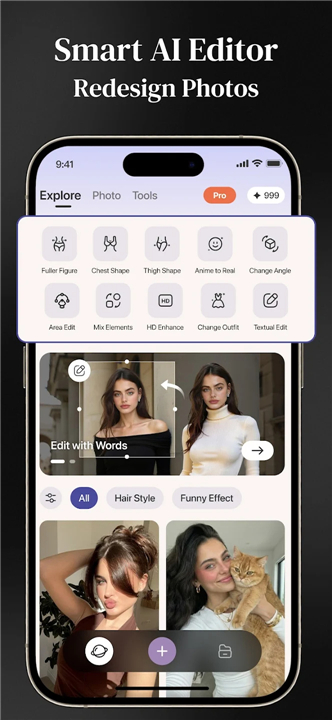
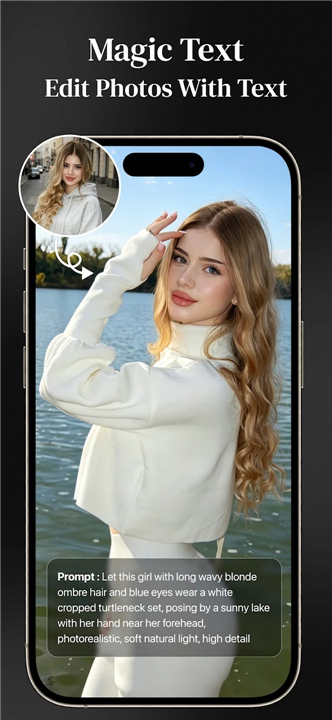
• Forget confusing tools.
• Simply describe your vision—such as "change the outfit to a summer dress and move the background to a beach"—and our AI will instantly regenerate the scene with natural lighting and seamless detail.
2. Bring Photos to Life
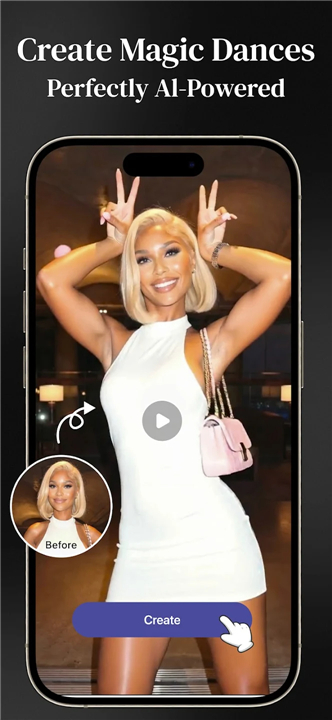
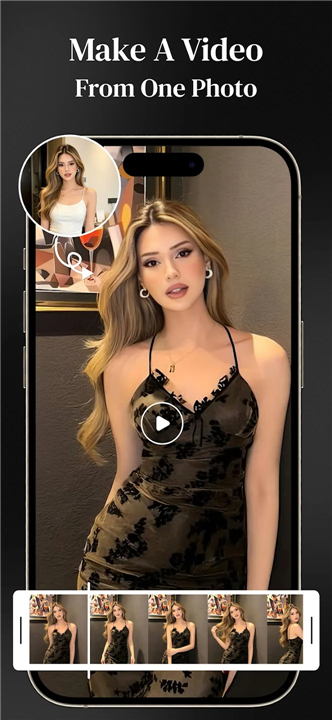
• Turn static images into dynamic movement.
• With a single tap, you can animate any portrait, transforming a still photo into a high-energy dance video.
3. Perfect Your Images
Clean up your shots with ease:
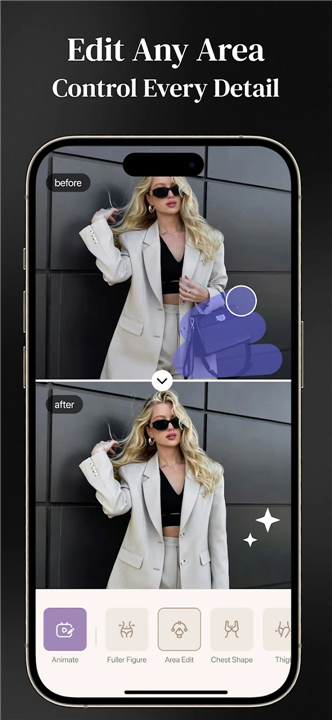
• Object Removal: Brush over distractions like photobombers or clutter, and watch them vanish as the background intelligently fills in.
• Precision Retouching: Use intuitive tools to refine your proportions and enhance your natural look.
• Advanced Enhancements: Swap outfits, sharpen blurry images, or instantly convert your photos into stylized anime art.
4. Instant Professional Looks
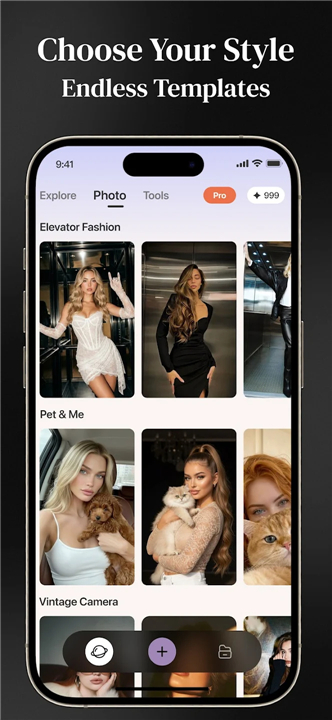
• If you are short on time, explore our extensive template library.
• From trending fashion aesthetics and pet portraits to vintage film styles, you can apply polished, professional designs in seconds.
Unleash your creativity today with Nebula.
FAQ
Q: Can I really change the entire scenery of a photo just by typing a description?
A: Absolutely. You can describe your vision in plain English, such as changing an outfit or moving your background to a beach, and the AI will regenerate the scene. It intelligently manages lighting and perspective to ensure the new elements blend seamlessly with your original subject.
Q: Is there a way to remove unwanted people or objects from my photos without leaving a smudge?
A: Yes, our Object Removal tool is designed specifically for this purpose. You simply brush over the distraction you want to eliminate, and the AI intelligently analyzes the surrounding background to fill in the space, making the object vanish as if it were never there.
Q: How does the "Bring Photos to Life" feature work for static portraits?
A: This feature uses sophisticated motion modeling to transform a still image into a dynamic video. With just a single tap, the AI interprets the facial structure and body position in your portrait to generate smooth, natural movement, such as a high-energy dance sequence.
Version History
v1.1.1——23 Jun 2026
Edit photos with words, reshape your body, & create magic dance videos! Download the latest version of AI Photo & Video Editor-Nebula to enjoy new features and updates immediately!
*1.1.1
Minor bug fixes and improvements. Install or update to the newest version to check it out!
- AppSize33.34M
- System Requirements5.0 and up
- Is there a feeFree(In game purchase items)
- AppLanguage English
- Package Namecom.ezuseapp.nebula
- MD5
- PublisherAILI TECH
- Content RatingTeenDiverse Content Discretion Advised
- Privilege19
-
AI Photo & Video Editor-Nebula 1.1.1Install
33.34M2026-09-04Updated
-
Nebula: Spiritual Guidance 4.67.01Install
34.96M2026-09-04Updated
-
Nebula 3.0.2Install
29.54M2026-09-04Updated










8.2
5189 Human Evaluation
- 5 Star
- 4 Star
- 3 Star
- 2 Star
- 1 Star