
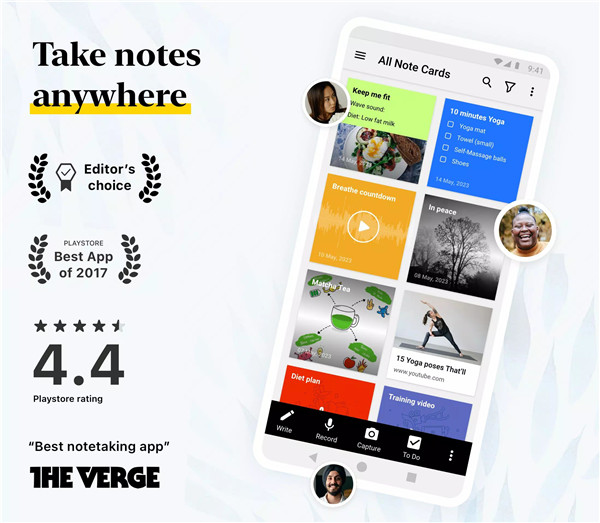
Zoho Notebook is a versatile note-taking app and digital notepad designed to simplify how ideas, tasks, and information are captured and organized. From quick notes and to-do lists to detailed meeting records and journal entries, it provides a seamless and intuitive way to manage everyday information.
Smart Note-Taking Tools
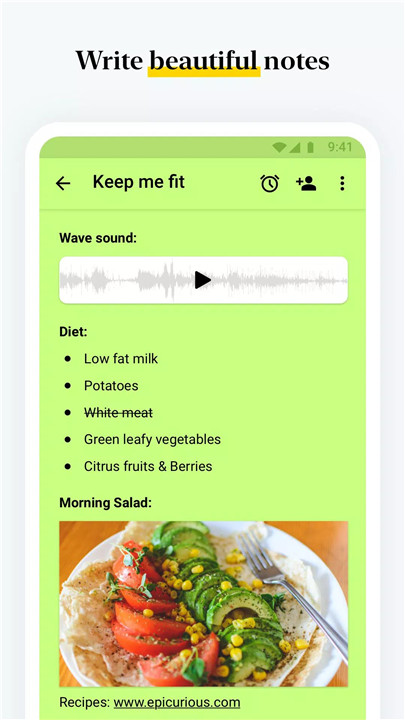
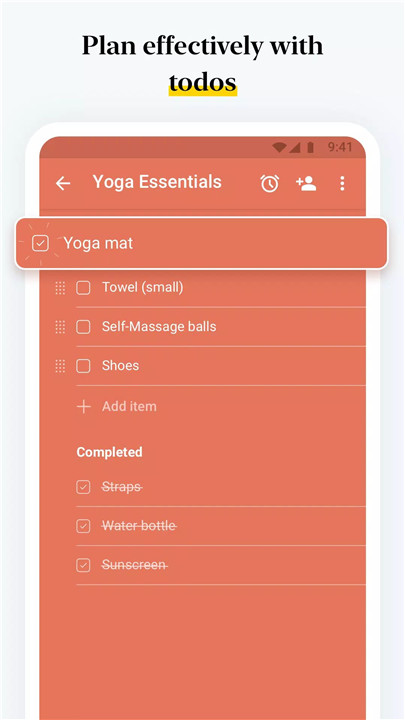
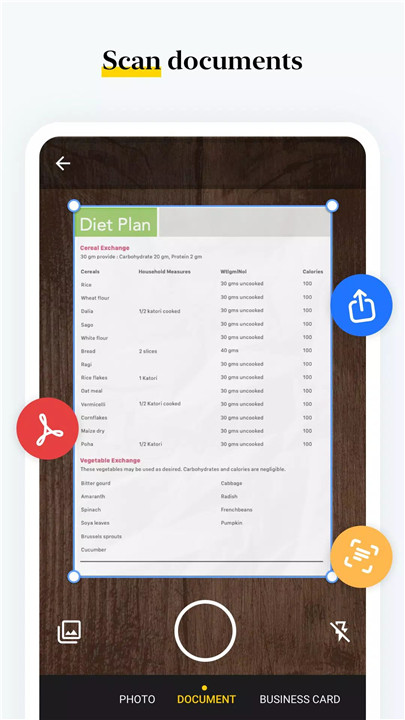
Zoho Notebook supports rich text notes with checklists, tables, images, and audio in one place. Users can create dedicated task lists, record voice notes, and automatically transcribe speech into text. Document scanning converts physical notes, textbooks, or handwritten pages into searchable PDFs, making information easier to store and retrieve.
AI-Powered Assistance with Notebook AI
Notebook AI enhances productivity by transforming rough ideas into structured content. It can generate summaries, outlines, and to-do lists, as well as provide real-time transcription of meetings or lectures. Additional features include creating mind maps, improving grammar and tone, translating notes into multiple languages, and refining hand-drawn shapes.
Organized and Secure Storage
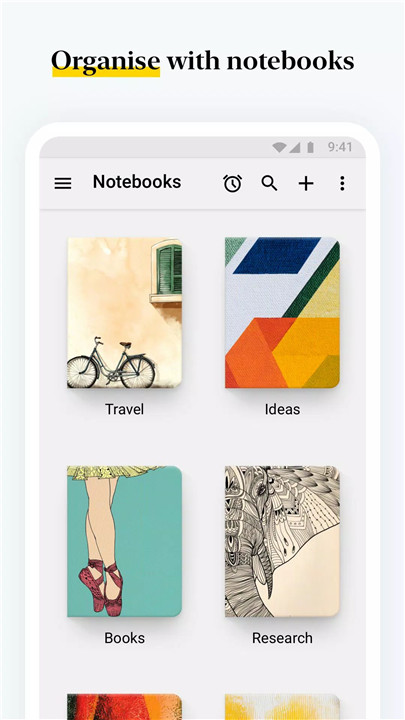
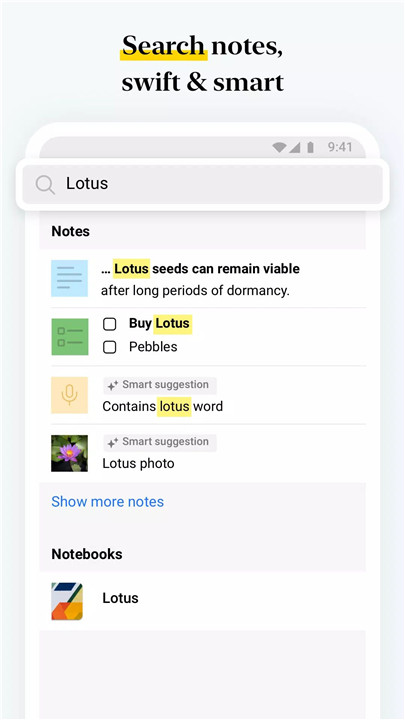
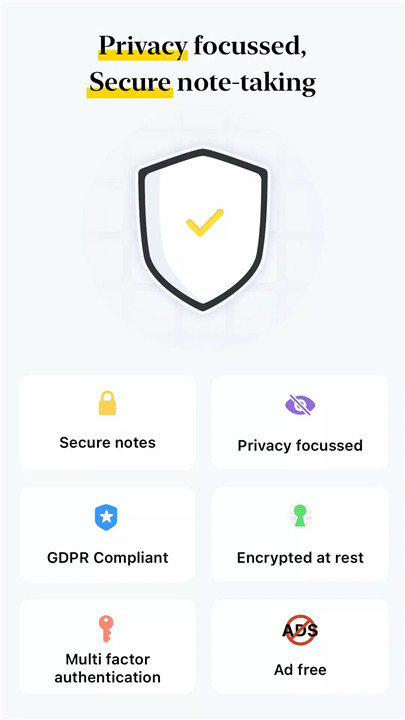
Notes can be grouped into nested notebooks and organized using tags and custom sorting options. Advanced search capabilities allow quick retrieval of information across all notes. For enhanced privacy, Zoho Notebook offers passcode protection, fingerprint unlock, and face recognition security features.
Cross-Device Sync and Offline Access
The app syncs seamlessly across Android, iOS, macOS, and web platforms, ensuring uninterrupted access to notes. Offline editing is supported, with automatic syncing once an internet connection is restored. The Web Clipper feature allows saving articles and research directly from the browser.
Personalization Options
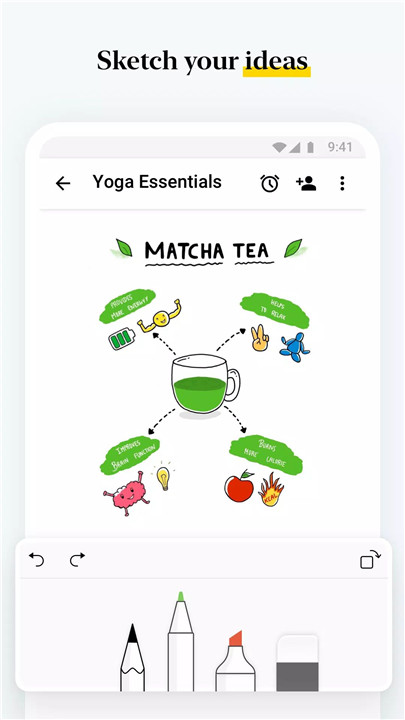
Zoho Notebook provides a range of customization features, including notebook covers, themes, and note colors. Users can sketch diagrams using the Sketch Card, upload videos with chapter markers, and organize notes visually with grid or landscape views.
Sharing and Collaboration
Notes can be shared securely with colleagues, friends, or teams. Access levels can be customized, and notes can be published via shareable links with optional expiration dates. Export options include PDF and Zoho Notebook Markup Language (ZNML) formats for easy sharing and backup.
Android-Optimized Experience
The app is built specifically for Android, offering home screen widgets, pinned shortcuts, and quick note access via Quick Settings. Features like multi-window support, picture-in-picture mode, keyboard shortcuts, and printing enhance usability.
Everyday Productivity
Zoho Notebook supports daily planning with reminders, task lists, and schedules. It can be used for grocery lists, travel planning, journaling, goal tracking, and project management, making it suitable for work, school, or personal use.
FAQs
Q1: What types of notes can be created in Zoho Notebook?
Zoho Notebook supports text notes, checklists, images, audio recordings, scanned documents, and more in a single platform.
Q2: How does Notebook AI improve productivity?
Notebook AI can generate summaries, outlines, and to-do lists, transcribe speech, and enhance writing with grammar and tone suggestions.
Q3: Is Zoho Notebook secure for storing personal information?
Yes, it offers passcode protection, fingerprint and face unlock options, and ensures a private, ad-free experience.
Q4: Can notes be accessed across multiple devices?
Yes, notes sync across Android, iOS, macOS, and web, with offline access supported.
Q5: Is collaboration possible within Zoho Notebook?
Yes, notes can be shared with others, with customizable access levels and options to publish via secure links.
- AppSize82.30M
- System Requirements5.0 and up
- Is there a feeFree(In game purchase items)
- AppLanguage English
- Package Namecom.zoho.notebook
- MD5
- PublisherZoho Corporation
- Content RatingTeenDiverse Content Discretion Advised
- Privilege19
-
Zoho Notebook – Notes & Tasks 6.7.5Install
82.30M2026-03-19Updated










7.6
7693 Human Evaluation
- 5 Star
- 4 Star
- 3 Star
- 2 Star
- 1 Star