
KeepCalling is the ultimate solution for anyone looking to make affordable international phone calls. With competitive rates and features like offline calling, this app offers everything you need for secure and low-cost communication, no matter where you are.
Cheap International Calls & SMS
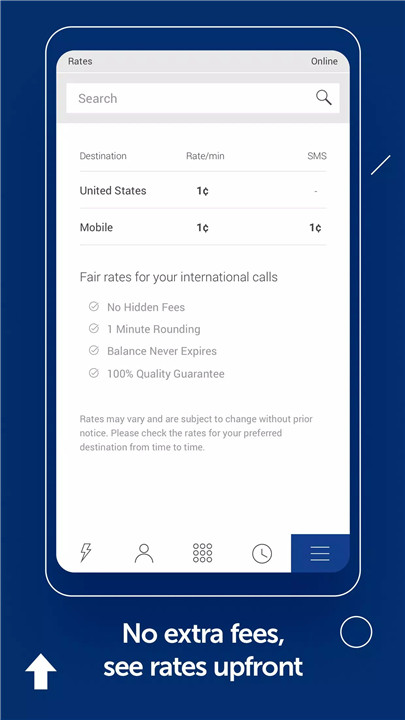
KeepCalling offers some of the lowest rates for international phone calls and SMS, ensuring that you can stay connected without breaking the bank. You only pay per minute for calls—there are no hidden charges, no extra fees, and no contracts. Simply buy credit through the app, and you're all set.
Offline Calling Feature
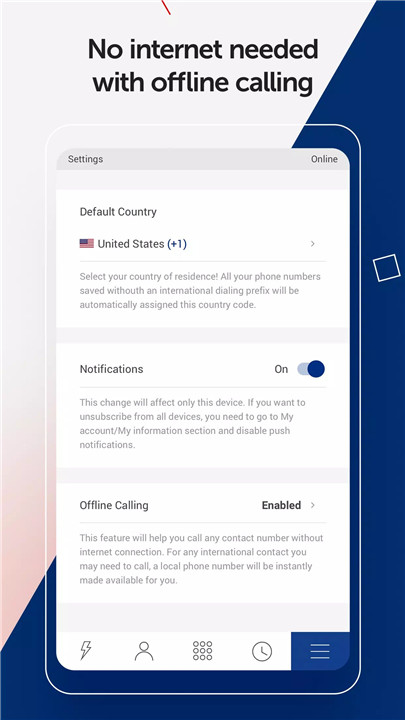
One of the standout features of KeepCalling is the new offline calling option. With this feature, you can make international calls even if you don’t have access to Wi-Fi or cellular data. The app provides local access numbers, which allow you to place calls without needing an internet connection.
Easy to Use
KeepCalling is designed for simplicity. To get started:
1. Create an account or log in if you already have one.
2. Buy Voice Credit if you don’t have a PIN yet.
3. Start making calls or sending texts to international numbers.
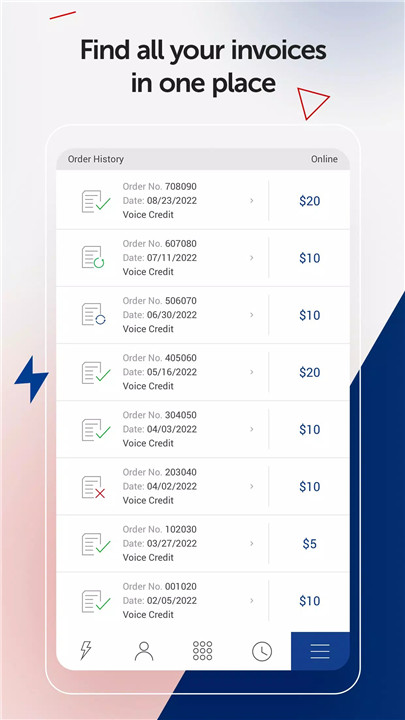
4. Add more credit directly from the app whenever your balance runs low.
Convenient Features
· Speed Dial: Save time and call your favorite numbers faster with the Speed Dial feature.
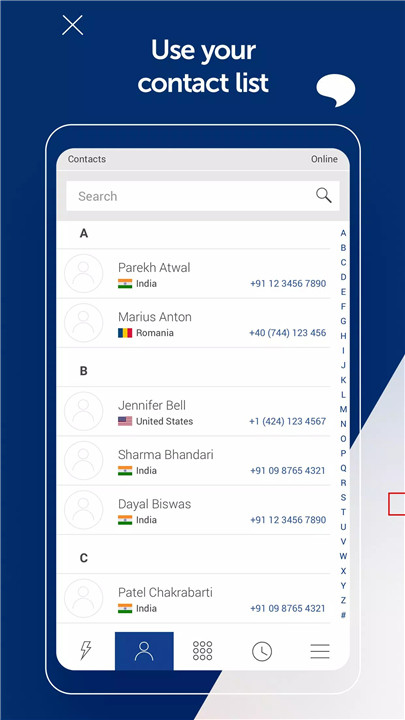
· Contact List Integration: Access your phone’s contact list directly from the app and make international calls with ease.
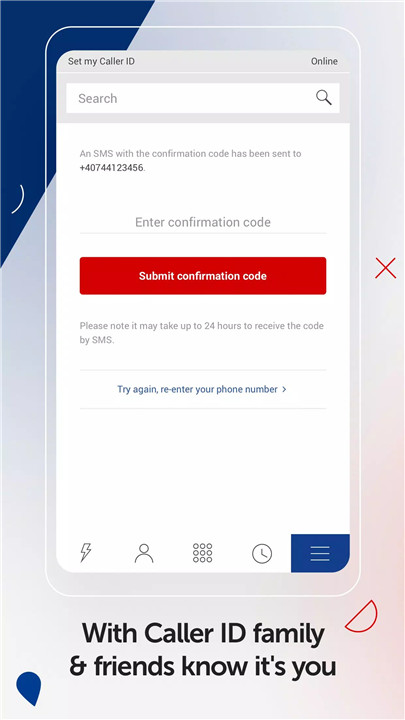
· Caller ID: Customize your caller ID to let your contacts know who’s calling them.
· Auto Recharge: Enable the auto-recharge feature to ensure you never run out of credit unexpectedly.
· 100% Call Quality: Enjoy excellent call clarity with every international call you make.
24/7 Customer Service
Have a question or encounter an issue? KeepCalling provides round-the-clock customer service. Their team is available to assist you with any inquiries or technical support needs, ensuring a smooth experience at all times.
FAQs
1. How do I get started with KeepCalling?
Simply download the KeepCalling app, create an account, and purchase Voice Credit. Then you can start calling or texting international numbers.
2. Can I use my phone’s contact list for international calls?
Yes, KeepCalling integrates with your phone’s contact list. Just make sure the phone numbers are saved in international format (with the country code).
3. What is the offline calling feature?
Offline calling allows you to place international calls without an internet connection by using local access numbers. You can dial a local number, and it connects you to your international contact.
4. What are the rates for international calls?
Rates for calls and SMS vary depending on the destination. You can easily check the rates in the "Rates" section of the app before making any calls.
5. How can I ensure I never run out of credit?
KeepCalling offers an auto-recharge option. You can set this feature up through the app, so your credit is automatically replenished when it runs low.
Version History
v3.8.13—11 Nov, 2023
We update the app regularly so we can make it better for you. This version includes several bug fixes and performance improvements. Thanks for using KeepCalling.
- AppSize12.50M
- System Requirements5.0 and up
- Is there a feeFree(In game purchase items)
- AppLanguage English
- Package Namecom.keepcalling.ui
- MD5
- PublisherMiron Enterprises, LLC
- Content RatingTeenDiverse Content Discretion Advised
- Privilege19

-
KeepCalling International 3.8.13Install
12.50M2026-03-14Updated










9.5
7779 Human Evaluation
- 5 Star
- 4 Star
- 3 Star
- 2 Star
- 1 Star