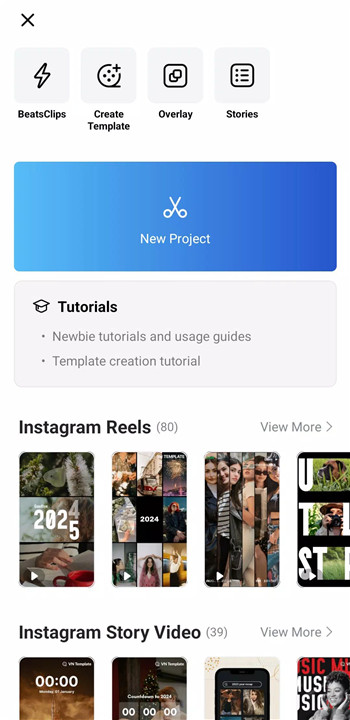
VN is a free, no-watermark video editor with pro tools, multi-track editing, and cinematic effects—edit easily and export in 4K now! Designed for simplicity without sacrificing power, VN delivers a professional-grade editing experience suitable for both beginners and experienced creators.
Intuitive Multi-Track Video Editor
VN features a powerful multi-track timeline inspired by professional PC editors. Precise rough cuts are made possible with zoomable timelines and keyframes accurate down to 0.05 seconds. Clips can be deleted with a simple swipe and reordered through drag-and-drop actions. Picture-in-picture videos, photos, stickers, and text can be layered seamlessly, while non-destructive editing ensures original files remain untouched.
Easy-to-Use Music Beats and Audio Tools
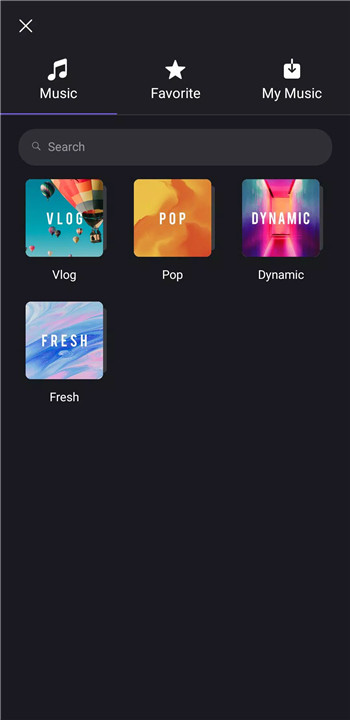
Music-driven editing is simplified with the Music Beats feature, allowing beat markers to be placed for perfectly synced cuts. High-quality voice-overs can be recorded directly within the app, making narration, vlogs, and tutorials fast and convenient to produce without external tools.
Trending Effects and Color Grading Filters
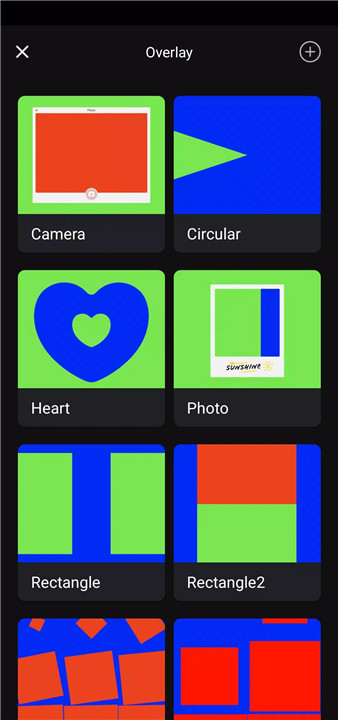
VN offers advanced visual tools to enhance storytelling. Speed Curve enables smooth slow-motion and fast-motion effects, similar to time remapping in professional software, with six preset curves available. A variety of transitions and effects such as blur and overlays add motion and depth. For cinematic color grading, VN supports LUT (.cube) file imports alongside a rich collection of built-in filters.
Advanced Editing Tools
Creative flexibility is expanded through 19 built-in keyframe animation effects, allowing detailed motion control and custom visual results. Reverse playback and zoom effects add dynamic energy, while Freeze Frame captures dramatic moments by turning a selected frame into a timed still image.
Flexible Use of Materials
VN allows flexible importing of custom assets including music, sound effects, fonts, and stickers through Wi-Fi, messaging apps, or ZIP files. Bulk imports streamline workflows, while the built-in material library provides additional stickers and fonts to enrich video content.
Rich Text Templates and Customization
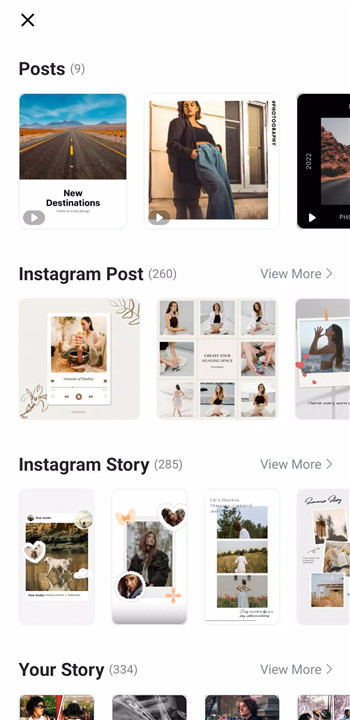
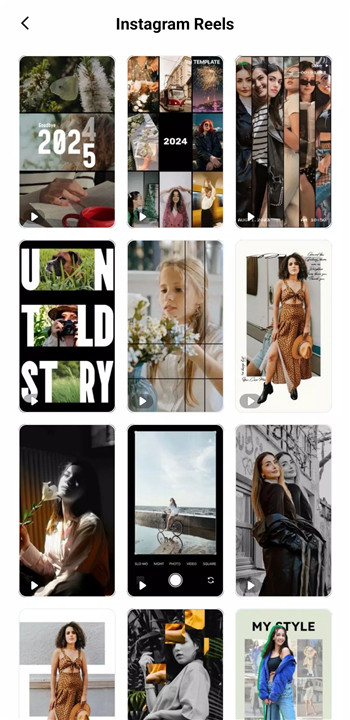
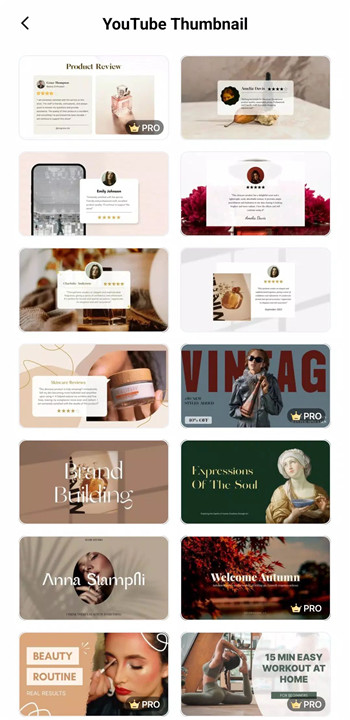
Text design is made easy with a wide selection of templates and fonts. Detailed adjustments to color, size, spacing, and style allow text to match any video aesthetic, from minimal captions to bold titles.
Create, Collaborate, and Share Securely
VN supports seamless collaboration by enabling project transfers between mobile and desktop via cloud services like Google Drive and OneDrive. Protection Mode adds security by allowing passwords and expiration dates for drafts and templates. Custom export options include adjustable resolution, frame rate, and bit rate, with support for 4K video at up to 60 FPS.
FAQs
1. Is VN completely free to use?
Yes, VN is free to use and does not add watermarks to exported videos.
2. Does VN support professional editing features?
Yes, VN includes multi-track timelines, keyframe animation, LUT color grading, and speed curve tools.
3. Can VN export high-resolution videos?
VN supports custom exports up to 4K resolution at 60 FPS.
4. Is VN suitable for beginners?
Yes, the intuitive interface and simple controls make VN accessible without prior editing experience.
5. Can projects be shared across devices?
Yes, VN allows project transfers between mobile and desktop devices through cloud storage services.
Version History
v2.9.7—11 Dec, 2025
- Support AI Template
- Bugfixes and performance improvements.
If you encounter problems during using VN app, please feedback in the Settings on the VN app and contact us at vn.support+android@ui.com for emergency. We will help you out as soon as possible.
v2.9.6—24 Nov, 2025
- Support TTS
- Bugfixes and performance improvements.
If you encounter problems during using VN app, please feedback in the Settings on the VN app and contact us at vn.support+android@ui.com for emergency. We will help you out as soon as possible.
v2.9.5—21 Oct, 2025
- Bugfixes and performance improvements.
If you encounter problems during using VN app, please feedback in the Settings on the VN app and contact us at vn.support+android@ui.com for emergency. We will help you out as soon as possible.
- AppSize153.00M
- System Requirements5.0 and up
- Is there a feeFree(In game purchase items)
- AppLanguage English
- Package Namecom.frontrow.vlog
- MD5
- PublisherUbiquiti Labs, LLC
- Content RatingTeenDiverse Content Discretion Advised
- Privilege19
-
VN - AI Video Editor 2.9.7Install
153.00M2026-03-18Updated










7.1
384 Human Evaluation
- 5 Star
- 4 Star
- 3 Star
- 2 Star
- 1 Star