
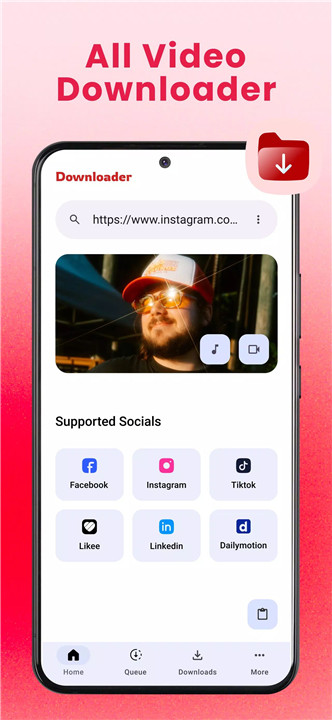
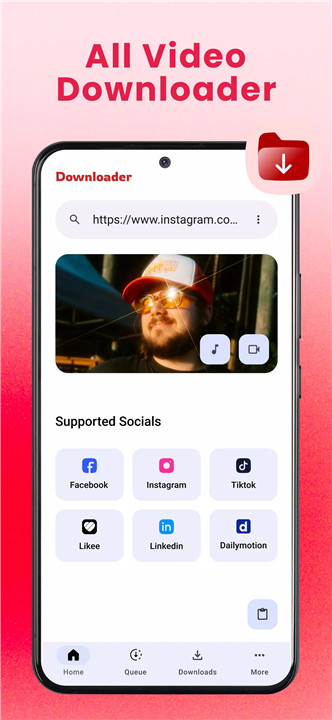
VidGet: All Video Downloader is designed to simplify the process of saving and organizing online videos. With fast download speeds, broad format compatibility, and an intuitive interface, the app provides a seamless solution for offline video access.
Fast Video Downloads
VidGet enables high-speed video downloads from supported websites. Optimized performance ensures quick processing, reducing waiting time while maintaining stable download quality.
All Format Support
Compatibility is a core strength of VidGet. The app supports a wide range of popular video formats, including MP4, AVI, MKV, MOV, and more. This flexibility ensures videos can be played across various devices and media players without conversion issues.
Preview Before Download
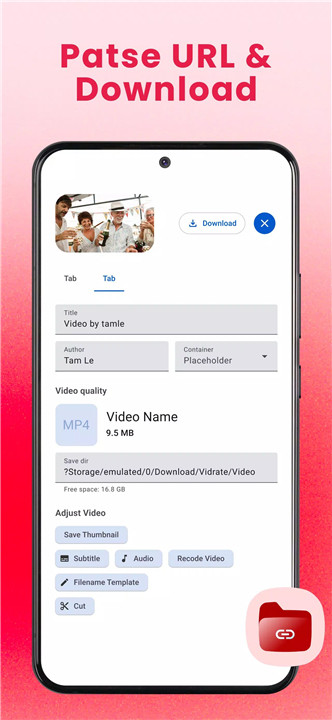
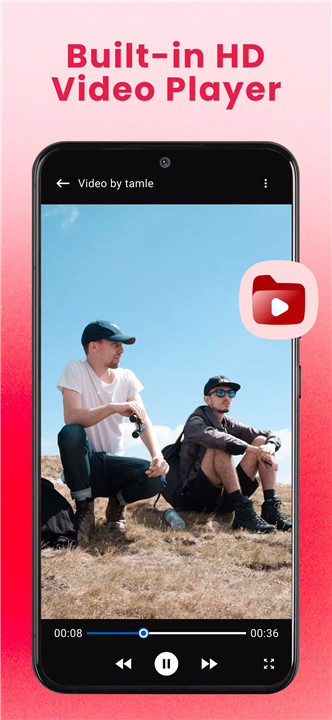
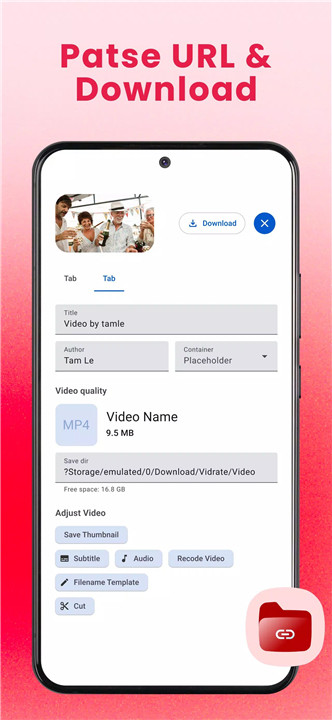
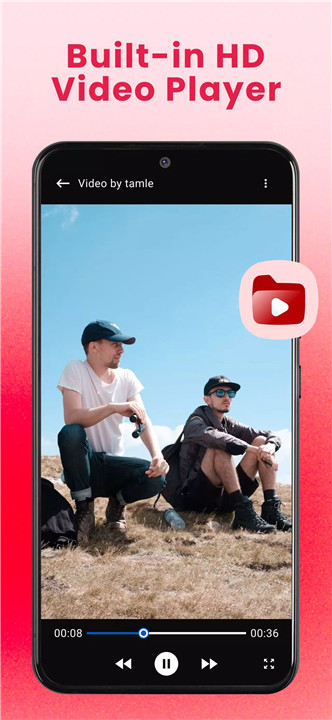
Before saving a file, videos can be previewed directly within the app. This feature helps confirm content quality and accuracy, ensuring only desired media is downloaded.
Smart File Manager
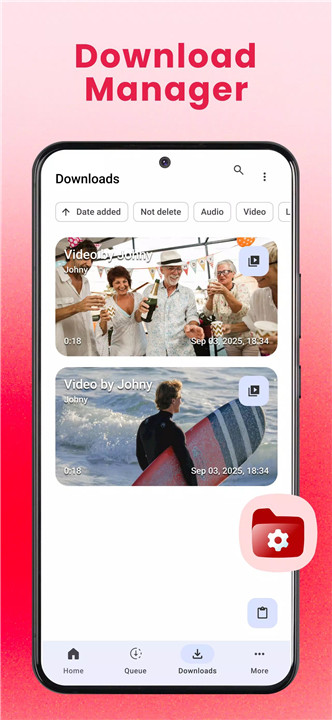
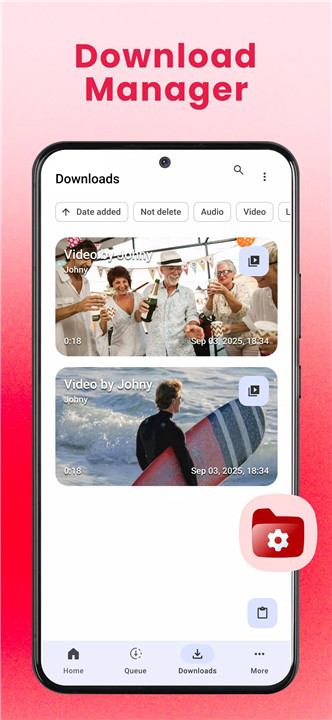
An integrated file management system allows efficient organization of downloaded content. Videos can be renamed, sorted, managed, and shared with ease. This built-in tool eliminates the need for third-party file manager apps.
Pause & Resume Control
VidGet provides full control over downloads. Pause and resume functionality allows flexible management of large files or interrupted connections, ensuring downloads continue smoothly without starting over.
Simple Download Process
Using VidGet is straightforward:
- Open the app.
- Paste or share the video link into VidGet.
- Tap download and select the preferred quality.
- Enjoy offline viewing anytime.
The streamlined process makes saving videos quick and accessible, even for first-time users.
Important Disclaimer
VidGet promotes responsible usage. Permission from the original content owner should always be obtained before reposting or reusing downloaded videos. Unauthorized downloading or redistribution of copyrighted material is the sole responsibility of the user.
FAQs
Q1: What formats does VidGet support?
VidGet supports multiple video formats, including MP4, AVI, MKV, MOV, and other widely used file types.
Q2: Can downloads be paused and resumed?
Yes. Downloads can be paused and resumed at any time, providing full control over the process.
Q3: Is it possible to preview videos before downloading?
Yes. VidGet includes a built-in preview feature to review videos before saving them.
Q4: Does VidGet include a file management tool?
Yes. The app features a smart file manager that allows organizing, renaming, and sharing downloaded videos easily.
Q5: Is VidGet affiliated with social media platforms?
No. VidGet is not associated with or endorsed by Instagram, Facebook, TikTok, Twitter, or any other social media platform.
Version History
v1.0.9—24 Nov, 2025
We’re constantly working to make VidGet better for you.
In this version:
• Fixed some bugs and improved overall quality.
v1.0.6—12 Oct, 2025
We’re constantly working to make VidGet better for you.
In this version:
• Fixed some bugs and improved overall quality.
v1.0.3—9 Oct, 2025
We’re constantly working to make VidGet better for you.
In this version:
• Fixed some bugs and improved overall quality.
- AppSize50.20M
- System Requirements5.0 and up
- Is there a feeFree(In game purchase items)
- AppLanguage English
- Package Namecom.vidget.videodownloader.videoplayer
- MD5
- PublisherTLAppsHub
- Content RatingTeenDiverse Content Discretion Advised
- Privilege19
-
VidGet: All Video Downloader 1.0.9Install
50.20M2026-04-12Updated










9.4
8396 Human Evaluation
- 5 Star
- 4 Star
- 3 Star
- 2 Star
- 1 Star